Whether you want to stream your gaming sessions live or save highlights to edit later, having the right capture card makes a huge difference. With the Switch 2, PS5, and Xbox Series X and S pushing games to look better than ever, the gear you use to record that footage needs to keep up. The good news is that the capture card market has grown a lot, and there are now solid options for every kind of creator, from beginners setting up their first stream to experienced content makers who need reliable 4K passthrough and low-latency performance. In this guide, we cover some of the most practical, capable, and genuinely useful capture cards available right now. Some picks are straightforward workhorses that just get the job done. Others bring surprisingly handy features that make the whole process smoother and more enjoyable. No matter your setup or budget, you will find something here worth considering. Let’s get into it.
Disclosure: As an Amazon Associate we earn from qualifying purchases. Prices and availability shown are accurate as of the date of publication and may change.
Quick comparison
How to choose
Maximum Capture Resolution and Frame Rate
The gap between cards in this group is significant. Some top out at 1080p60 capture while others reach 4K60 or even 4K144, which matters when recording Switch 2 or PS5 footage you want to archive at native quality. Match the card’s capture ceiling to the actual output your console produces, since paying for 4K capture adds no benefit if your console or game only outputs 1080p.
Passthrough Quality
Passthrough lets you play on your TV or monitor without the latency of the capture pipeline, so its resolution and refresh rate matter as much as the capture spec. Some cards pass through only up to 4K60, while at least one listing documents HDMI 2.1 with VRR support, which is relevant for high-frame-rate or variable-rate titles on PS5 and Xbox Series X. Confirm passthrough specs match your display before buying, because a mismatch forces you to choose between smooth play and clean capture.
USB Standard and Host Port
Cards in this group use USB 3.0, but some also offer a USB-C connector while others provide only USB-A. Check which ports your streaming PC or laptop has available, and note that at least one listing warns that USB 2.0 ports limit output to 1080p regardless of the card’s rated capability. If your laptop only has USB-C ports, a card without a USB-C option will need an adapter that may introduce instability.
Audio Integration
Several cards include a 3.5mm microphone input so you can fold commentary into the capture stream without a separate audio interface. This is useful for solo setups, but the mic-in ports on budget cards typically accept a standard TRS plug rather than an XLR connection, so professional condenser microphones will still need an interface. If clean voice audio is central to your stream, weigh whether the onboard mic port handles your microphone type or whether you need a dedicated audio solution.
Software Compatibility and Ease of Setup
All listed cards claim compatibility with OBS Studio and similar broadcast apps, and most advertise plug-and-play operation without drivers. However, plug-and-play behavior can vary across Windows versions, macOS, and Linux, so check the listed OS compatibility against your system, especially for newer operating systems. Cards that enumerate as a standard UVC webcam device tend to integrate most reliably with third-party software, while proprietary software dependencies can limit flexibility.
The picks
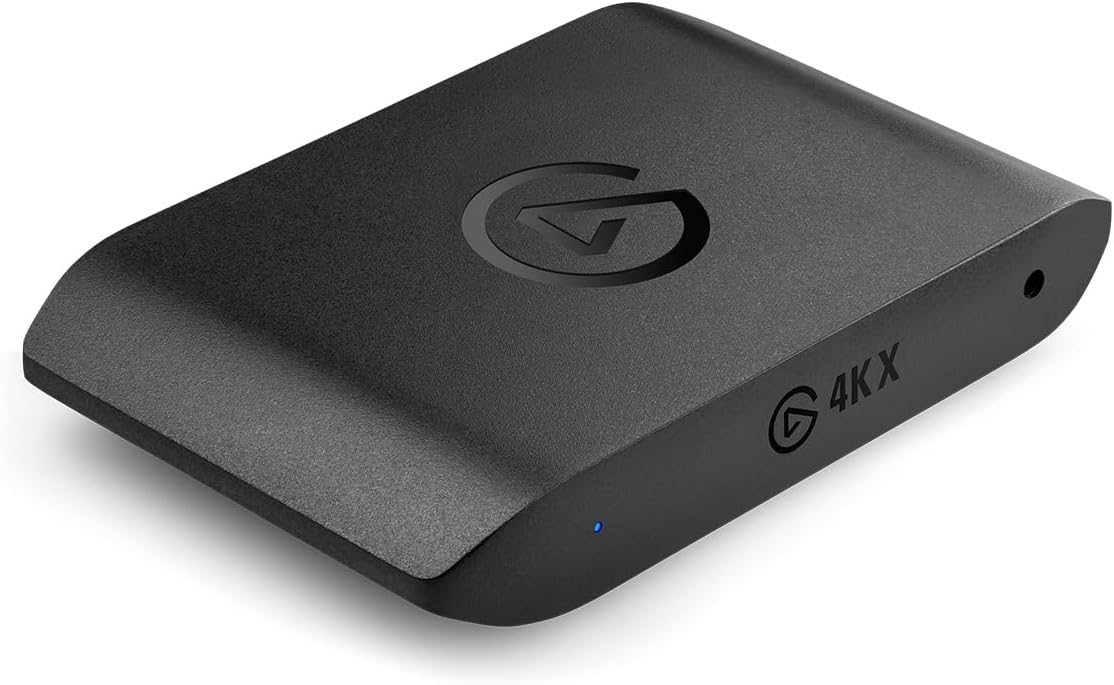
Elgato 4K X Capture Card, HDMI 2.1, 4K144 Ultra-Low Latency
Serious streamers and content creators who need the absolute best capture quality for PS5, Xbox Series X, or Switch 2 at high refresh rates.
HDMI 2.1 support enables capture up to 4K at 144 frames per second and 1080p at 240 frames per second, the highest capture spec in this set, with VRR passthrough to eliminate screen tearing.
The priciest pick on this list by a wide margin.
Premium
- 4K144 and 1080p240 capture via HDMI 2.1
- VRR passthrough eliminates screen tearing
- Compatible with PS5, Xbox, Switch, and iPhone 15
- Priciest pick on this list
The top-tier choice for creators who demand maximum frame rate and resolution with no compromises.
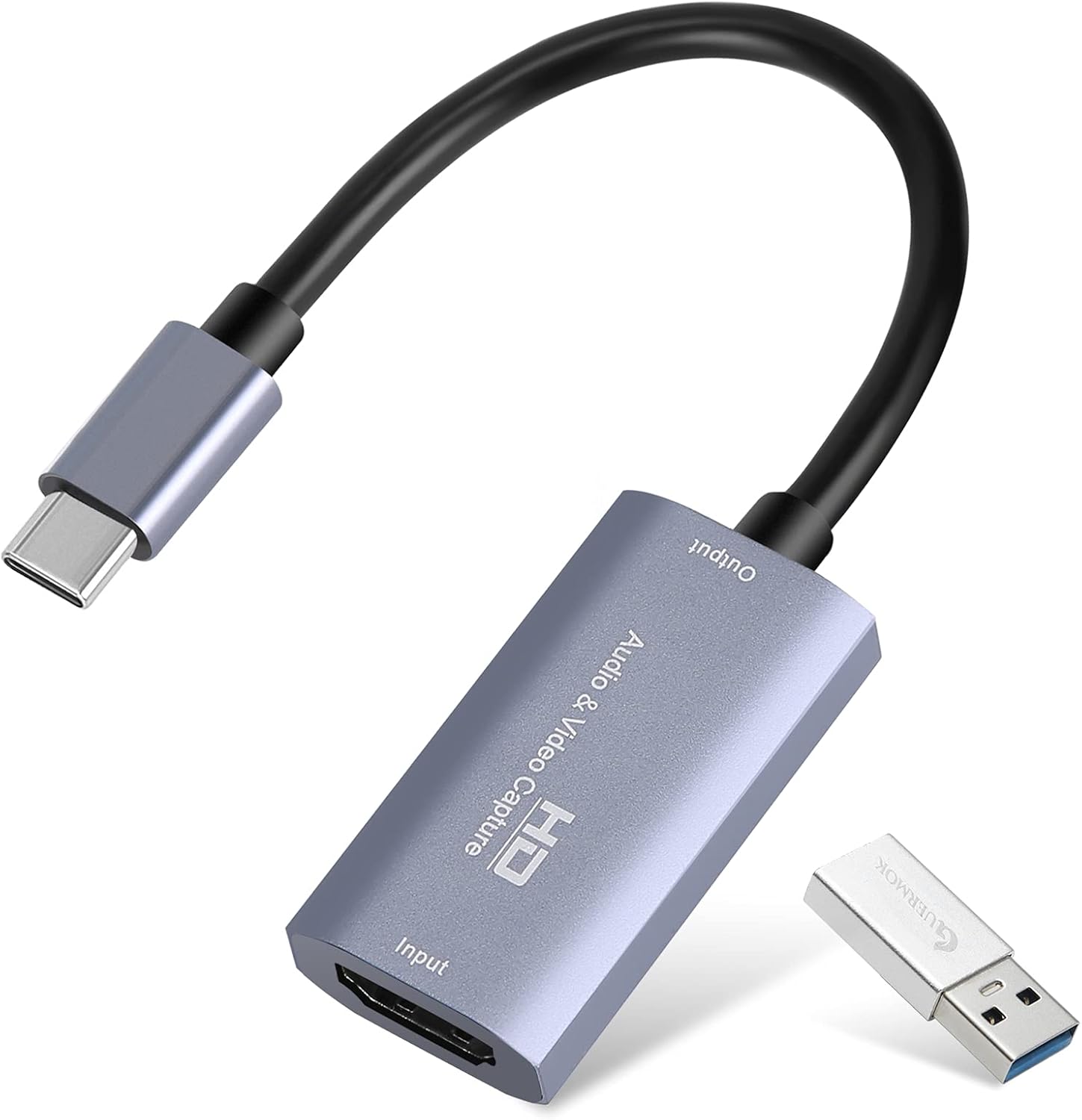
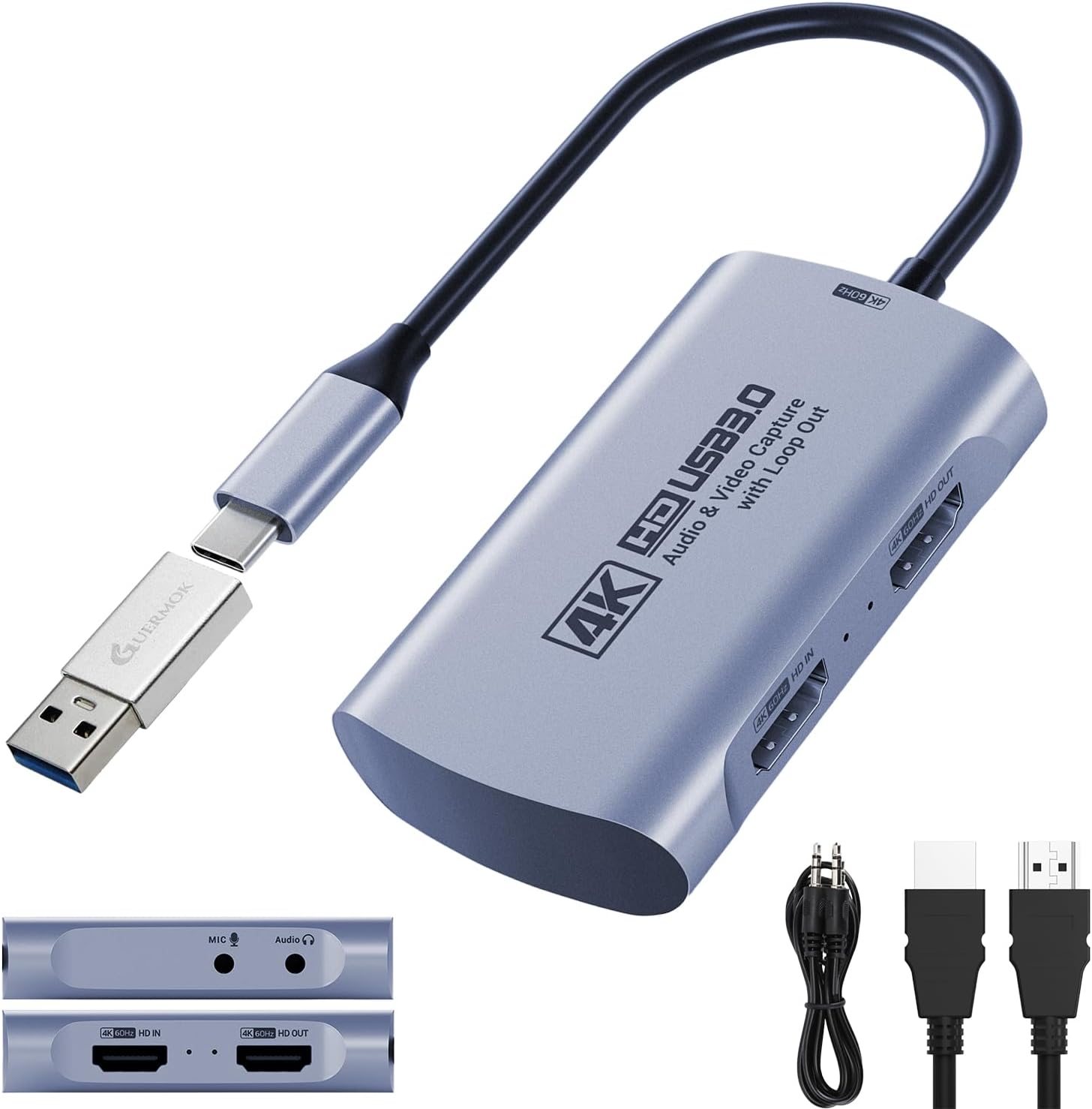
Buy on AmazonGuermok Video Capture Card, 4K USB3.0 HDMI to USB C, 1080P 60FPS & 2K 30FPS
Casual streamers or first-time capture card buyers who need a no-fuss, low-cost entry point for basic 1080p60 gameplay recording.
Plug-and-play aluminum alloy build with no drivers or external power required, accepting input up to 4K30Hz and outputting 1080p60, covering the essentials at the lowest price on this list.
Output is capped at 1080p60 or 2K30Hz with no passthrough to a monitor, so it cannot serve as a display output device.
Budget
- Truly plug-and-play with no drivers
- Dual USB-C and USB-A connections
- Compact aluminum alloy body for portability
- No monitor passthrough support
- Output capped at 1080p60 or 2K30
The most affordable way to get started with 1080p60 capture, though you sacrifice passthrough and high-refresh features.
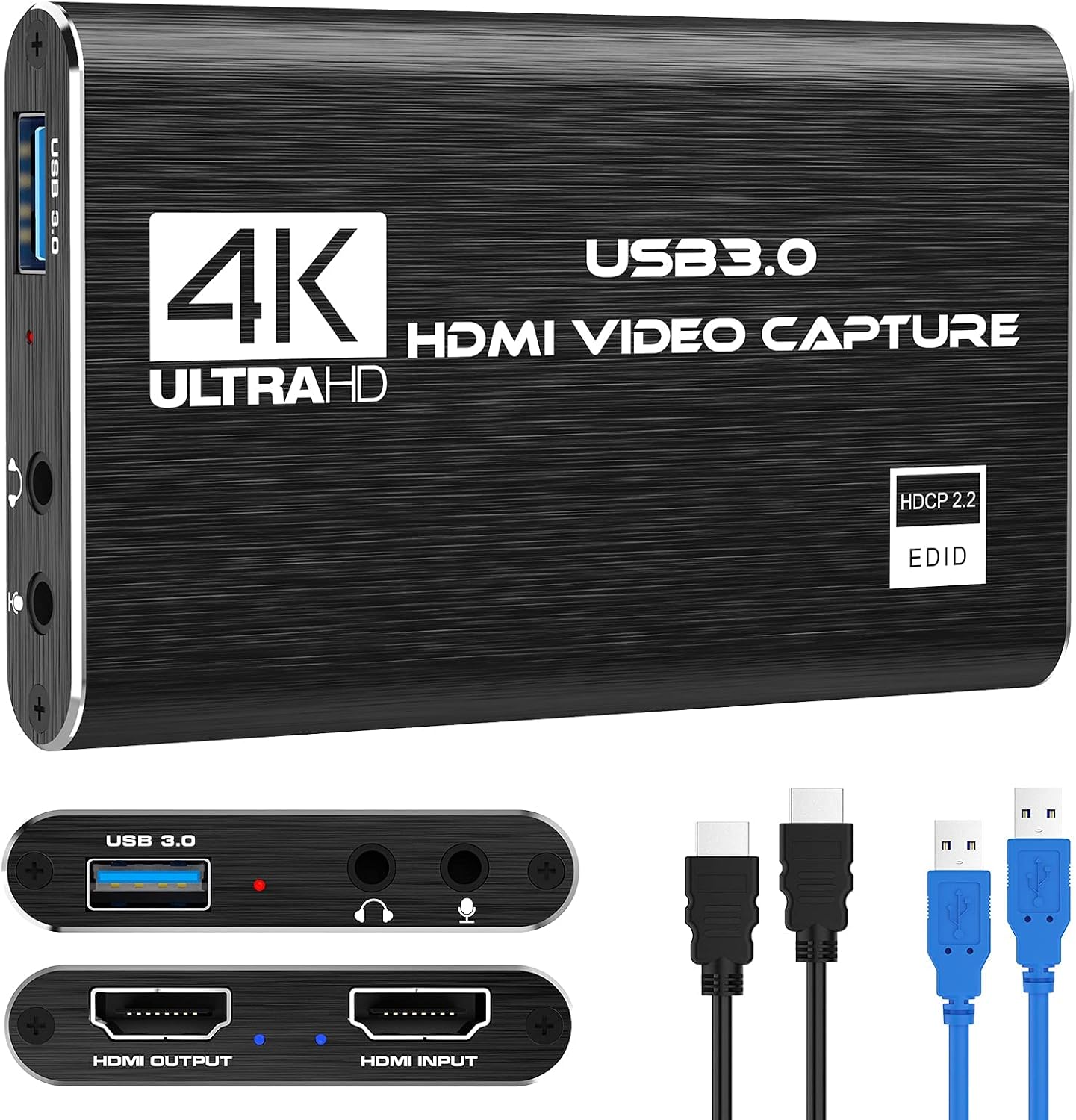
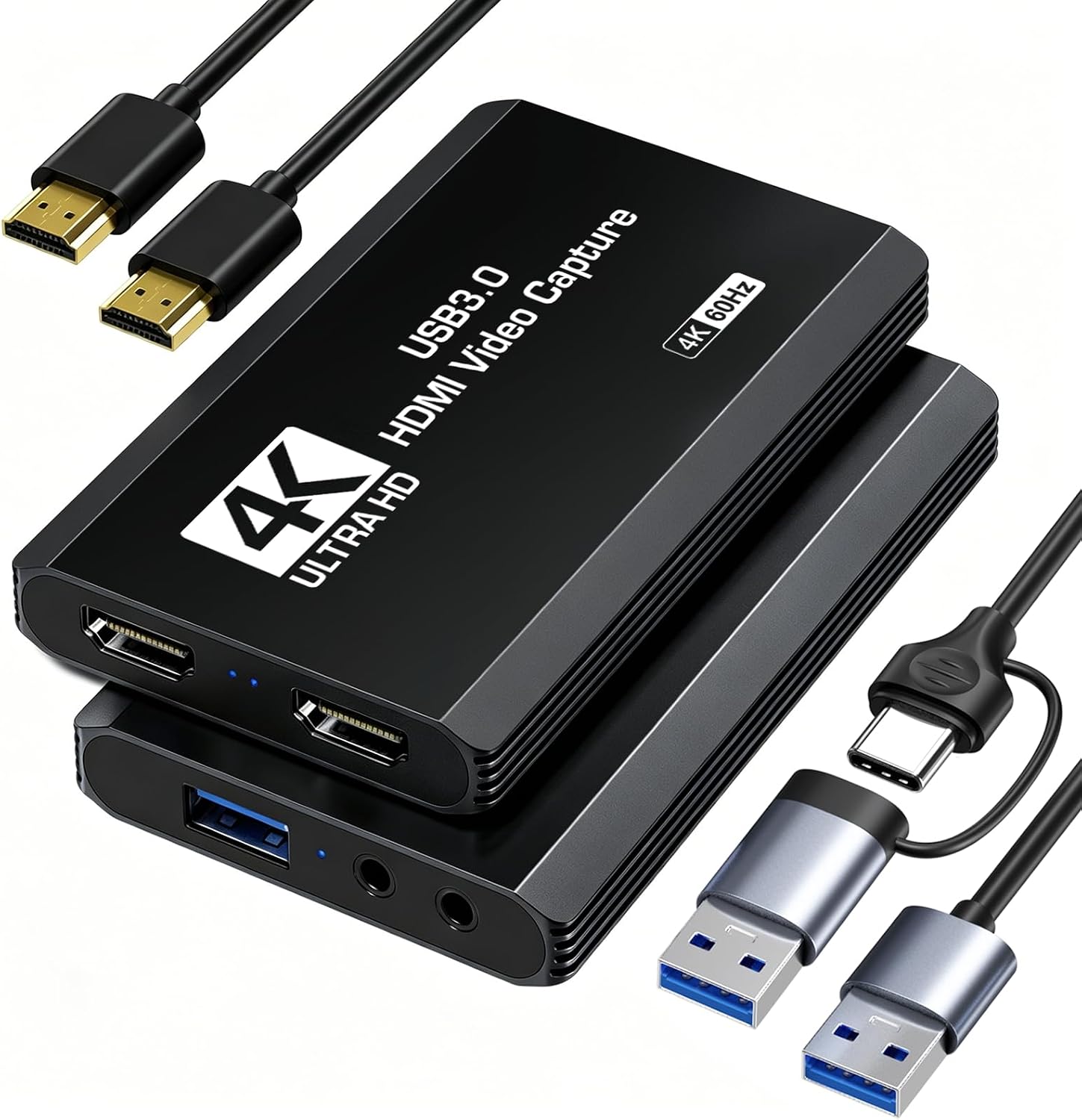
Buy on AmazonCapture Card, 4K HDMI Video Capture Card, Game Capture Card, 1080P 60FPS Video Capture Device, HDMI to USB 3.0 Capture Card for Streaming, Work with Camera/Xbox/PS4/PS5/PC/OBS
Streamers who want to add live commentary via microphone without buying a separate audio interface.
Includes a dedicated 3.5mm microphone input for external commentary, a feature absent from several other cards in this price range, alongside HDMI loop-out for zero-delay gameplay on a TV.
Output is capped at 2K30Hz and capture tops out at 1080p, so high-frame-rate or high-resolution recordings are not possible.
Budget
- 3.5mm microphone input for live commentary
- HDMI loop-out for lag-free gameplay
- Automatic input detection, no manual setup
- Output capped at 2K30Hz
- No 4K or high-refresh capture
A capable basic card that stands out for its mic input, best suited to voice-over commentary streamers on a tight budget.
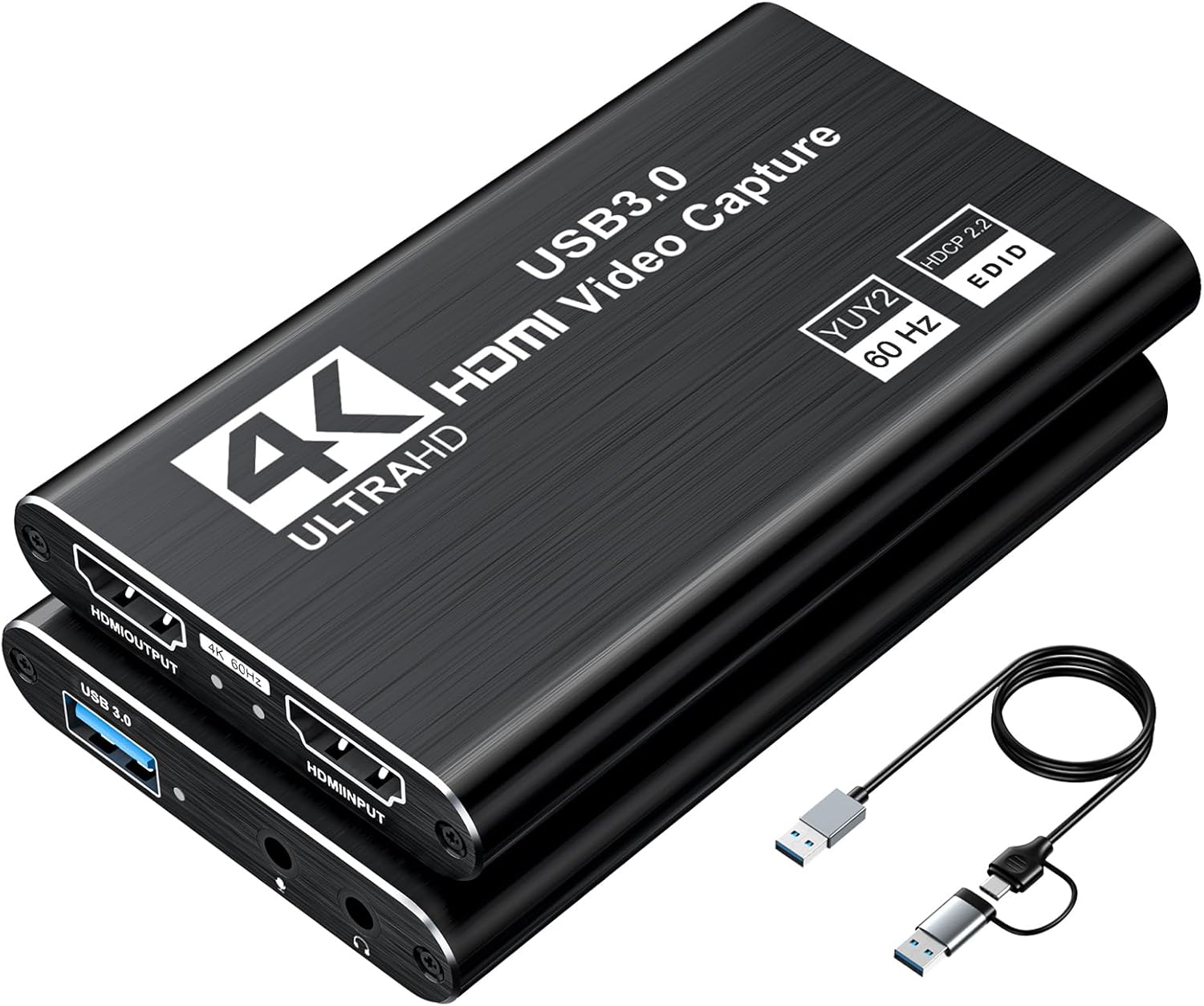
Buy on AmazonXIIXMASK USB 3.0 HDMI Capture Card, 1080P 60FPS Capture, 4K Pass-Through
Streamers who want a five-port, flexible setup that accommodates both USB-A and USB-C host connections along with 4K60 passthrough.
Ships with five ports including both USB-A and USB-C connectivity and 4K60Hz HDMI loop-out passthrough, giving it the most connection flexibility among the budget-to-mid cards here.
Capture output is still limited to 1080p60 or 2K30Hz, so the 4K input signal is downscaled rather than recorded natively.
Budget
- 5-port design with USB-A and USB-C host options
- 4K60Hz HDMI loop-out passthrough
- 3.5mm mic input for commentary
- Capture capped at 1080p60 or 2K30Hz
- Party chat audio not supported
A well-connected mid-tier option for streamers who need dual USB host ports and 4K passthrough without spending much.
Buy on AmazonCapture Card 4K HDMI Video Streaming to USB 3.0 1080P 60FPS Capture Device
Beginners who want a straightforward plug-and-play card for streaming PS5, Xbox, or Switch to Twitch or YouTube at 1080p60 with minimal setup.
Explicitly designed for seamless passthrough so players can watch their game on a TV with no lag while the stream runs simultaneously, and it works out of the box with OBS, Streamlabs, and XSplit.
Specifications beyond 1080p60 output and USB 3.0 connectivity are not detailed in the listing, leaving high-refresh or 4K capture capability unconfirmed.
Budget
- Seamless passthrough for lag-free gameplay
- Works instantly with OBS, Streamlabs, and XSplit
- Broad device compatibility including PS5, Xbox, and Switch
- High-refresh and 4K capture specs not confirmed in listing
A clean, beginner-friendly 1080p60 capture card that prioritizes ease of setup and broad software compatibility.
Buy on AmazonGuermok 4K@60FPS Capture Card for Streaming, 2K@120FPS USB3.0 HDMI Capture
Content creators who want genuine 4K60 capture and support for high-refresh 2K120 or 1080p120 recordings without paying a flagship price.
Captures natively at 4K60FPS via USB 3.0 and also handles 2560x1440 at 120FPS and 1080p at 120FPS, offering the widest range of high-frame-rate capture formats among the mid-range options here.
4K capture uses MJPEG compression, and YUY2 4K is limited to 25Hz, so true uncompressed 4K quality requires careful format selection.
Mid-range
- True 4K60FPS capture via USB 3.0
- 2K120FPS and 1080p120FPS support
- 3.5mm audio in and mic out included
- 4K60 capture relies on MJPEG compression
- YUY2 4K capped at 25Hz
The best mid-range pick for creators who need real 4K60 capture and high-refresh 2K recordings without the flagship price tag.
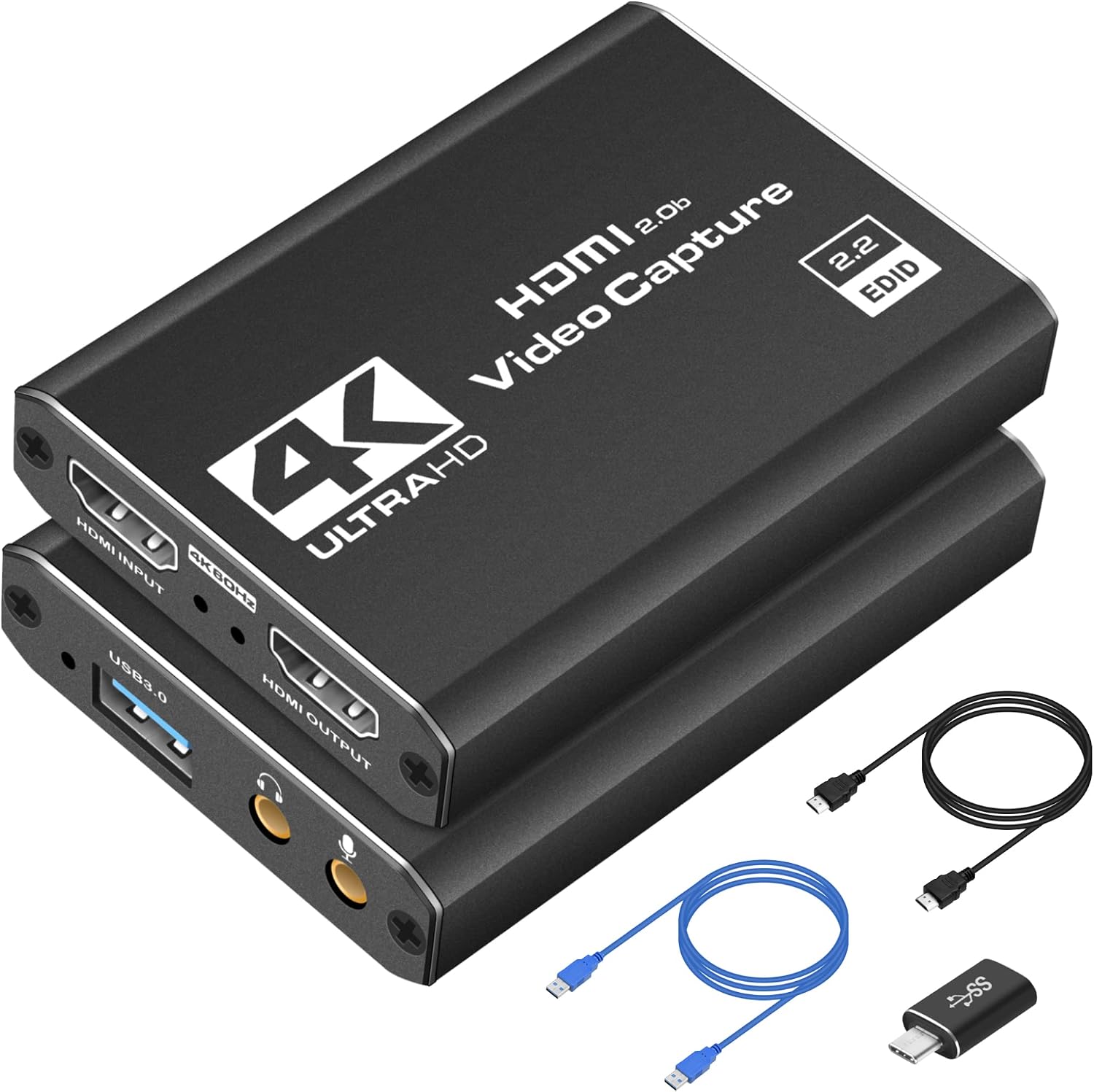
Buy on AmazonXIIXMASK USB 3.0 HDMI Capture Card, 4K60FPS Capture with Pass-Through
Switch 2 and PS5 owners who want 4K60 capture with broad OS compatibility including Android and iPadOS, plus the convenience of both USB-A and USB-C host ports.
Explicitly lists Switch 2 and Quest 3 compatibility alongside PS5 and Xbox Series X, and supports Windows, macOS, Linux, Android 5.0 and iPadOS 17 plus, making it the most broadly OS-compatible card in this set.
High-frame-rate capture tops out at 1080p120 rather than the 2K120 offered by the Guermok 4K card at a similar price, limiting options for 2K high-refresh recordings.
Mid-range
- Explicit Switch 2 and Quest 3 compatibility
- Supports Android 5.0 and iPadOS 17 plus
- USB-A and USB-C host connections plus 3.5mm audio ports
- High-refresh capture maxes at 1080p120, not 2K120
The smartest pick for Switch 2 owners and multi-platform creators who need wide OS support and confirmed next-gen console compatibility.
Buy on AmazonFinding the right capture card can genuinely transform your streaming or recording setup, whether you’re playing on Switch 2, PS5, or Xbox Series. Each option on this list brings something a little different to the table, so it really comes down to your budget, your goals, and how serious you want to get with your content. Take a look at the links above, compare a few that caught your eye, and go with whatever feels like the best fit for where you are right now. There’s no single perfect choice, just the one that works best for you. Thanks for reading!
Frequently asked questions
Which of these capture cards can handle the PS5 and Xbox Series X at their full 4K output?
Only the Elgato 4K X uses HDMI 2.1, which is the interface that allows true 4K at high frame rates from a PS5 or Xbox Series X. The seller listing states it can capture up to 4K at 144 frames per second and passes VRR through to your display. The other cards in this lineup use HDMI 2.0 or unspecified HDMI versions, with most capturing at a maximum of 4K at 60fps or downscaling capture output to 1080p or 2K. If native 4K capture at high refresh rates is your priority, confirm HDMI version compatibility with the console output you plan to use before buying.
Does the Nintendo Switch 2 work with USB capture cards that are not made specifically for it?
Several cards in this group explicitly list Switch 2 compatibility in their seller descriptions, including the XIIXMASK 4K60FPS model and the Guermok 4K at 60fps card. The Switch 2, like the original Switch, outputs video over HDMI when docked, so any card that accepts a standard HDMI signal should work in principle. That said, compatibility with new consoles can depend on firmware and handshake behavior, so checking for an explicit Switch 2 mention in the listing or confirming with the manufacturer is the safest step before purchasing.
How hard is it to get one of these capture cards set up for streaming on OBS?
All of the cards in this group are described by their sellers as plug and play, meaning no additional drivers need to be installed before the device is recognized. Most listings specifically call out compatibility with OBS Studio, and several also mention Streamlabs and XSplit. Once plugged in, you typically add the card as a video capture source inside OBS and select your audio input. Beginners should note that the budget cards in this group require capture software to function and cannot cast directly to a monitor or TV on their own, as one listing explicitly states.
What is the practical difference between a card that captures at 1080p 60fps versus one that captures at 4K 60fps for a Twitch or YouTube stream?
For live streaming to Twitch or YouTube, 1080p at 60fps is currently the standard upload tier for most creators and matches what those platforms deliver to most viewers, so a budget 1080p card can produce professional looking footage without extra bandwidth or encoding overhead. A 4K at 60fps card, such as the Guermok 4K at 60fps or the XIIXMASK 4K60FPS, gives you headroom to record locally in higher resolution and then downscale for streaming, which can improve sharpness. The tradeoff is that 4K capture places a heavier load on your CPU or GPU during encoding, and your upload speed needs to support it for local recording to be worthwhile. If you only stream and never archive high resolution footage, a 1080p 60fps card may be the more practical and cost effective choice.
Do any of these cards let you play on your TV without lag while also recording to a PC?
Yes, most of the cards here include an HDMI passthrough port for exactly this purpose. The Elgato 4K X passes the signal through at up to 4K 144Hz with VRR support according to its listing. The XIIXMASK and Guermok 4K models also advertise passthrough, with the XIIXMASK listing specifying a max loop out resolution of 4096x2160 at 60Hz. The budget 1080p cards from Rybozen and the generic 4K USB card also mention loop out or passthrough. Passthrough sends the unprocessed signal to your TV so gameplay feels responsive while a separate encoded feed goes to your PC for capture, which is the standard workflow for console streamers.