If you’ve ever stared down a “storage full” notification right before downloading a massive new game, you’re definitely not alone. Modern titles on the PS5 and Xbox Series X and S are enormous, and the built-in storage on both consoles fills up faster than you’d expect. The good news is that expanding your storage is easier, more affordable, and more flexible than ever before. Whether you’re looking for a blazing-fast internal SSD that slots right into your console or a reliable external drive that works across multiple devices, there are some genuinely great options out there right now. In this guide, we’ll break down the difference between internal and external storage solutions, explain what actually matters when you’re shopping, and highlight some of the most practical and surprisingly capable products available today. By the end, you’ll have a clear picture of which upgrade makes the most sense for your setup, your budget, and your gaming habits. Let’s get into it.
Disclosure: As an Amazon Associate we earn from qualifying purchases. Prices and availability shown are accurate as of the date of publication and may change.
Quick comparison
How to choose
Internal vs External Use
Internal NVMe M.2 drives slot directly into the PS5 expansion bay and let you play PS5 titles natively from the added storage, while external USB drives can only store and transfer PS5 games (you must move them back to internal storage to play). External drives are the only option for Xbox Series consoles without a proprietary expansion card slot, so confirm which console you own and what you actually need the storage to do before choosing a form factor.
Read Speed and Gen Support
PS5 internal expansion requires a PCIe Gen 4 NVMe drive and Sony recommends sequential read speeds of around 5,500MB/s or higher to keep pace with the console. Drives rated at 7,000MB/s or above offer headroom above that threshold, while slower Gen 3 drives may not be accepted by the console at all. For external USB drives, speed matters far less since they serve as a library or backup rather than an active game runner.
Capacity vs Budget Fit
Modern PS5 and Xbox games commonly exceed 50GB each, so a 1TB expansion fills up faster than it might seem, especially if you rotate between large titles. Weighing whether you want one high capacity drive or a smaller internal drive paired with a large external archive can stretch your budget further depending on your library size. Consider roughly how many games you keep installed at once before settling on a size.
Heatsink Inclusion
The PS5 internal expansion bay requires a heatsink to manage thermal output from a fast NVMe drive during extended play sessions. Some drives include a heatsink in the box, which saves a separate purchase and guarantees a fit within the PS5 bay clearance limits. If a drive you are considering does not include one, budget for a compatible low profile heatsink before buying.
Official Licensing and Compatibility
Officially licensed drives have been tested against console firmware requirements and carry a lower risk of compatibility surprises after system updates. Third party drives can work well but should at minimum meet the console maker’s published specifications for interface type, form factor (M.2 2280 for PS5 internal), and speed thresholds. For external drives, confirm the USB standard matches your console’s ports so you get the advertised transfer speed rather than a slower fallback mode.
The picks
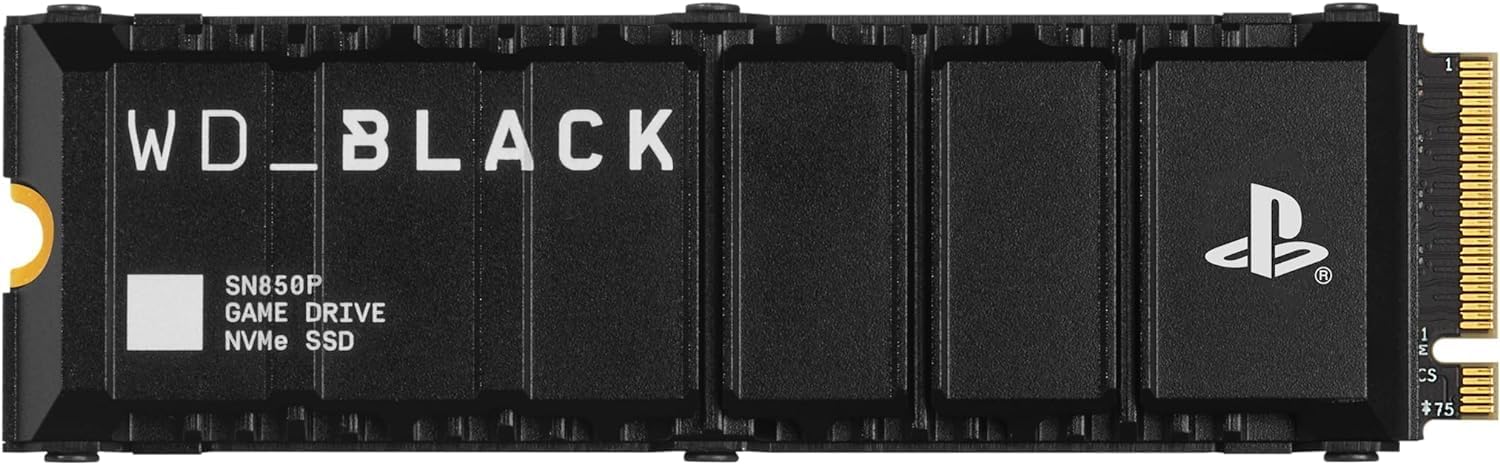
WD_BLACK 1TB SN850P NVMe M.2 SSD Officially Licensed Storage Expansion for PS5 Consoles, up to 7,300MB/s, with heatsink - WDBBYV0010BNC-WRSN
PS5 owners who want a plug-and-play internal upgrade with zero compatibility guesswork.
Officially licensed for PS5 with a purpose-built heatsink designed specifically for the PS5 M.2 slot, delivering up to 7,300 MB/s sequential read.
Only 1TB of capacity at this price, making it the smallest internal drive in the set per dollar.
Mid-range
- Officially PS5 licensed
- Purpose-built heatsink included
- Up to 7,300 MB/s read speed
- Only 1TB capacity
- Higher cost per terabyte than unlicensed alternatives
The safest, most compatible internal PS5 upgrade for buyers who want official certification and a ready-to-go heatsink.
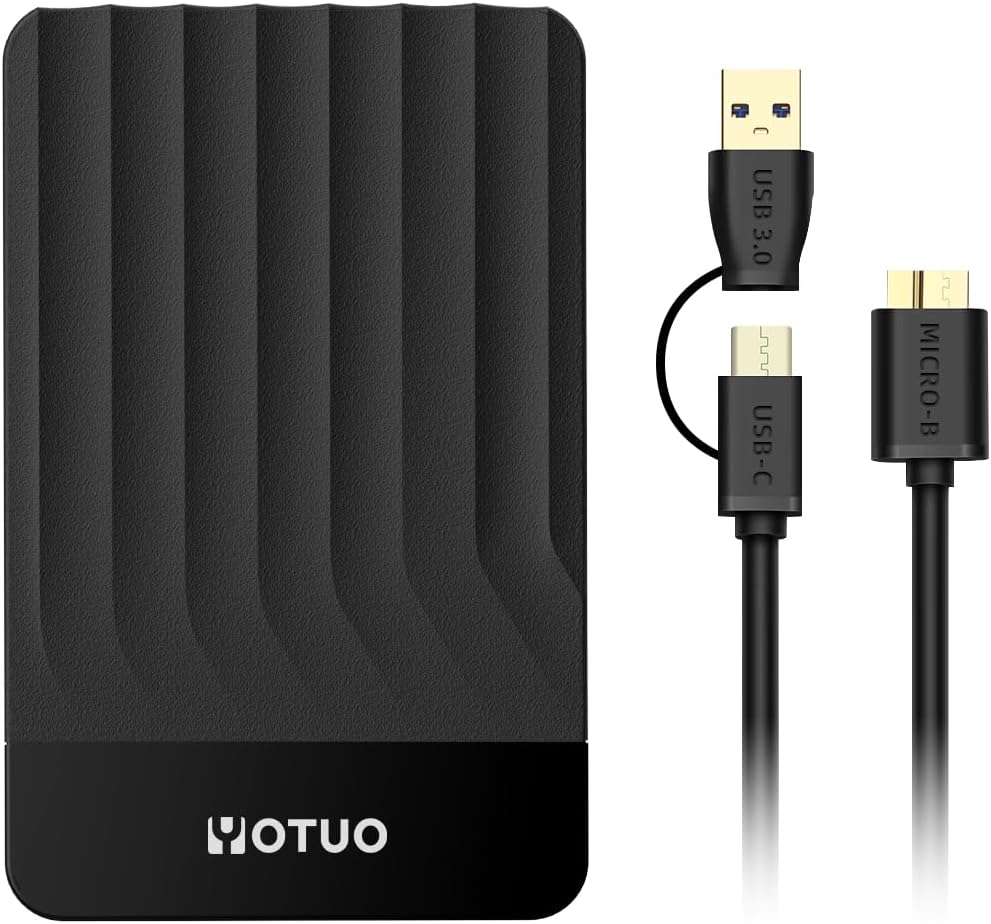
Buy on AmazonYOTUO Portable External Hard Drive Storage Expansion Mobile HDD USB 3.0 for PC, Mac, Desktop, Laptop, PS4, PS5, Xbox One X/S, Xbox 360, Xbox Series X/S, Office & Game (Black, 750GB)
Budget-conscious console owners who simply want to offload PS4 or Xbox One games to free up internal storage for next-gen titles.
Works with both PS5 and Xbox Series X/S for offloading last-gen games, plus doubles as a PC and Mac backup drive, providing genuine multi-device utility.
PS5 and Xbox Series X/S native games cannot be run or stored directly from this drive, limiting its use to legacy game archiving only.
Budget
- Works across PS5, Xbox Series, and PC
- Frees up internal storage for next-gen games
- Simple plug-and-play USB 3.0 connection
- Cannot store or run PS5/Xbox Series games directly
- Limited 750GB capacity
The most affordable option on this list and a practical choice for freeing up next-gen storage space, as long as buyers understand it cannot run current-gen games.
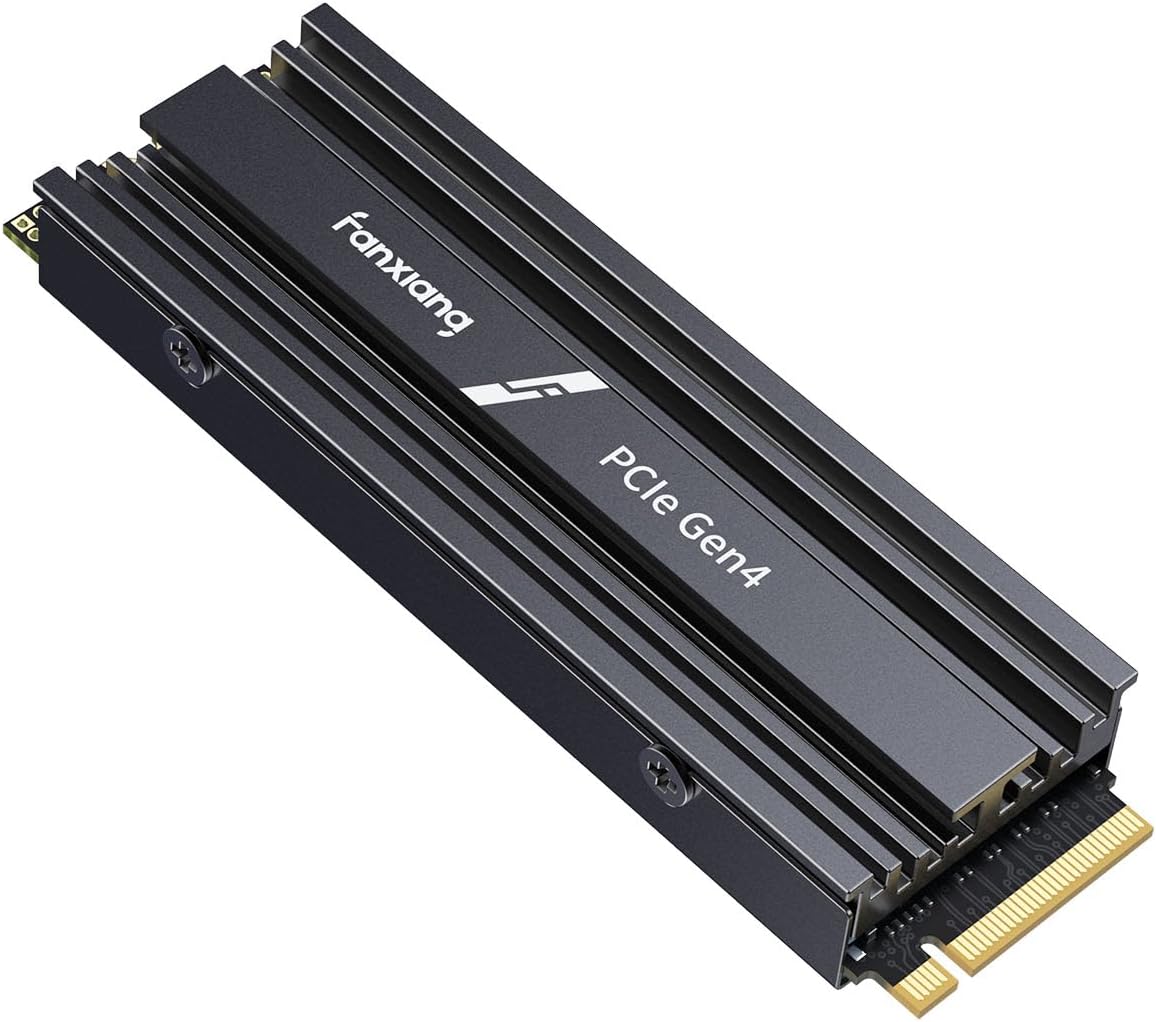
Buy on Amazonfanxiang 2TB NVMe Internal Gaming SSD for PS5 with Heatsink, Up to 7100MB/s M.2 SSD PCIe Gen 4 SSD Storage Expansion Compatible with PS5, Internal Solid State Drive for Gamers, Professionals, Creators
Gamers and content creators who want a high-capacity internal NVMe upgrade for PS5 or a PC build without paying for official licensing.
2TB of PCIe Gen 4 NVMe storage with 7,100 MB/s read and 5,300 MB/s write speeds, plus a bundled heatsink, at a mid-pack price.
Not officially licensed for PlayStation, so long-term firmware compatibility with future PS5 updates is not guaranteed by the manufacturer.
Mid-range
- 2TB spacious internal storage
- PCIe Gen 4 speeds up to 7,100 MB/s
- Heatsink included for thermal management
- No official PlayStation licensing
- Compatibility guarantee relies on third-party claims
A high-capacity, high-speed internal option that undercuts the official drives on cost per terabyte but lacks official licensing assurance.
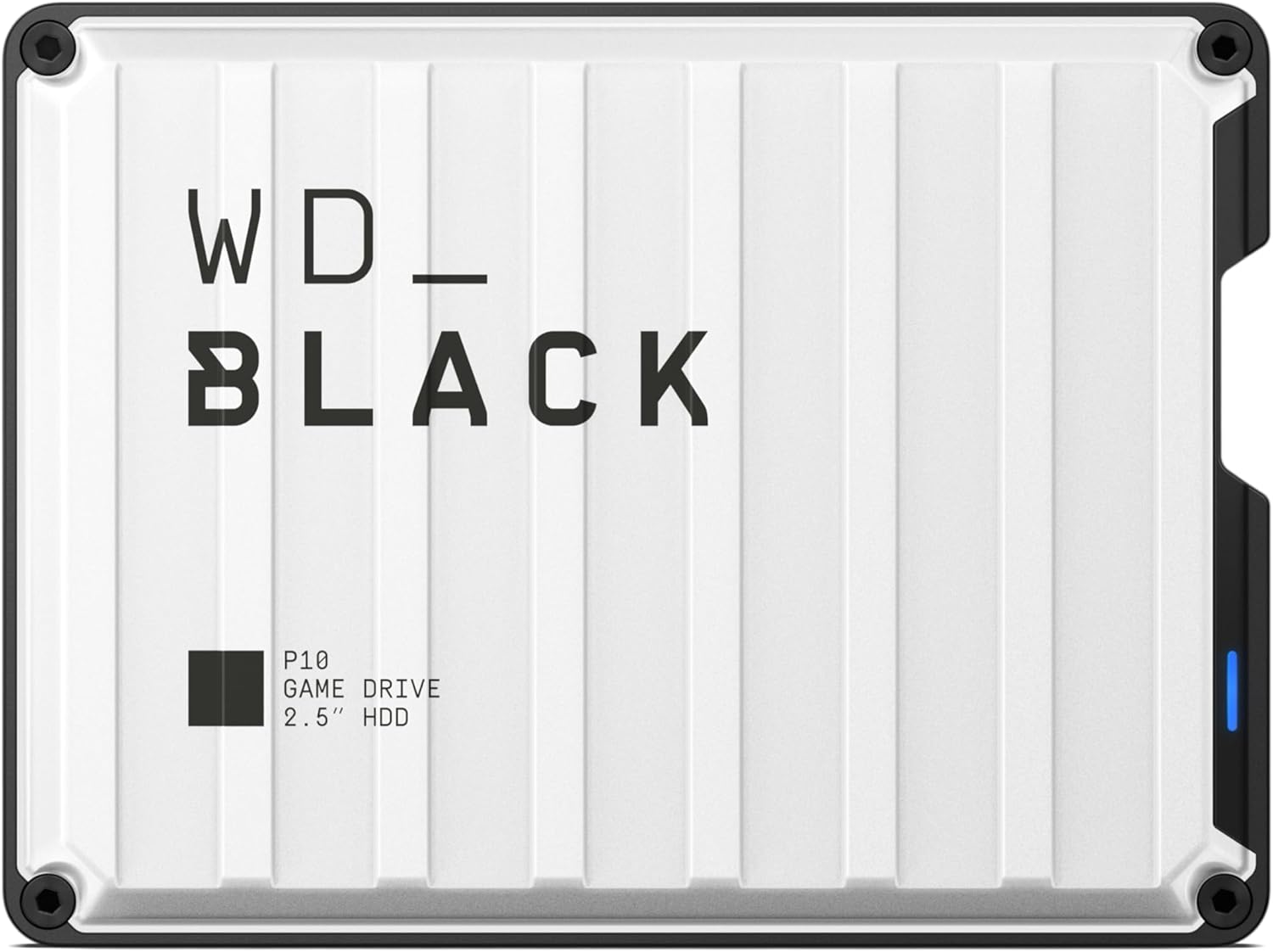
Buy on Amazon6TB WD_Black P10 Game Drive, Works with PlayStation for On-the-Go Access to Your PlayStation Game Library - WDBPSZ0060BWT
PlayStation gamers who travel frequently and want a rugged portable HDD to carry a large game library between locations.
6TB portable form factor purpose-built for PlayStation, capable of holding up to 150 games for on-the-go access.
As a spinning hard disk drive, transfer speeds are a fraction of any NVMe or even external SSD option in this set, making game loading slower.
Mid-range
- Massive 6TB portable capacity
- Designed for PlayStation game libraries
- Portable form factor for gaming on the go
- Mechanical HDD means slower speeds than SSDs
- Bulkier than portable SSD options
The go-to portable pick for sheer capacity on the road, but the mechanical drive means slower transfers compared to SSD alternatives.
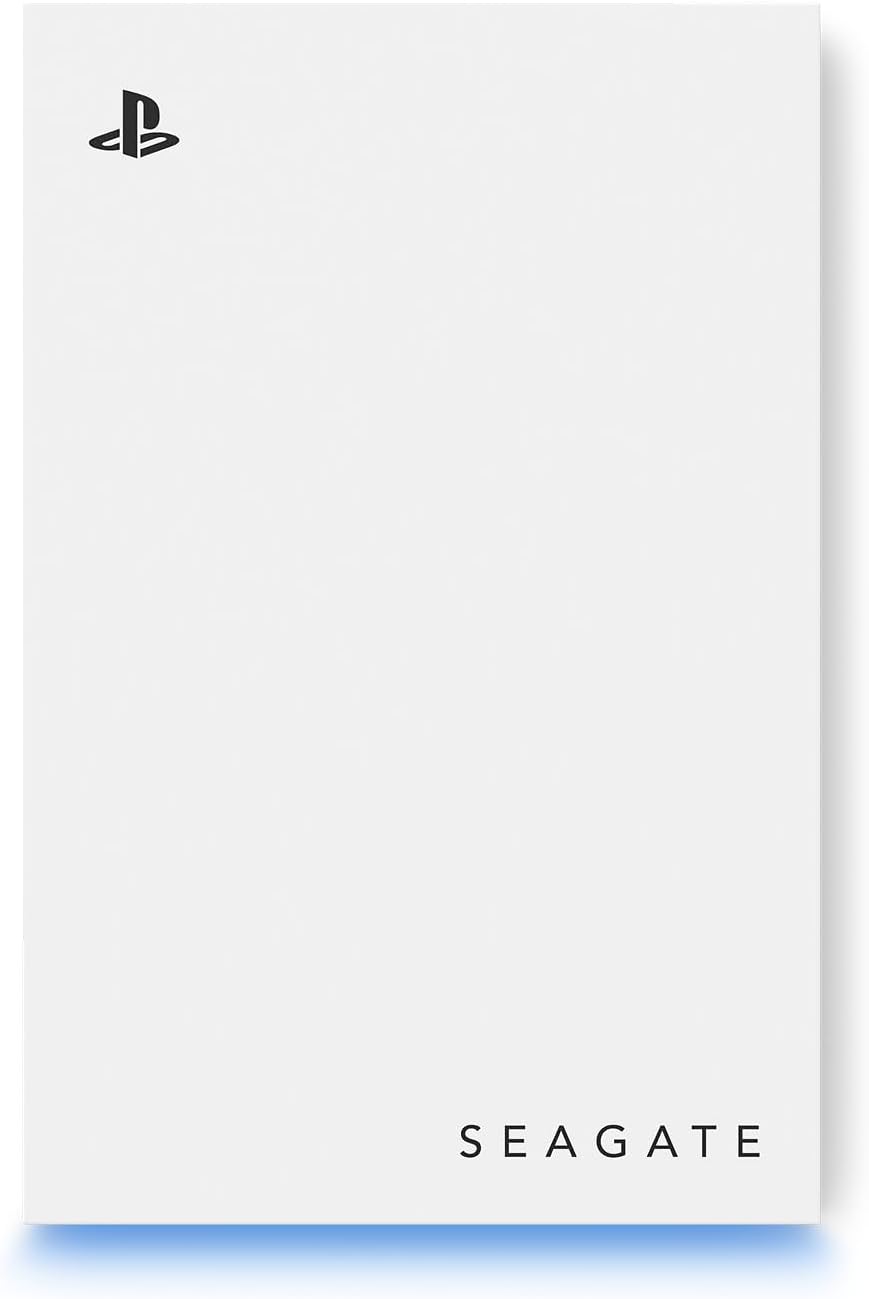
Buy on AmazonSeagate Game Drive for PlayStation® Consoles 5 TB External Hard Drive - USB 3.2 Gen 1, Officially-License (STLV5000100)
PS5 and PS4 owners who want an officially licensed external drive to archive a large library without opening their console.
Officially licensed for PlayStation, supports both PS5 and PS4 consoles, and delivers 5TB of archival storage via USB 3.2 Gen 1.
USB 3.2 Gen 1 tops out at 5 Gb/s, which is noticeably slower than Gen 2 or NVMe options, meaning longer transfer times for large game files.
Mid-range
- Officially licensed for PlayStation
- Dual PS5 and PS4 compatibility
- 5TB of expandable archive space
- USB 3.2 Gen 1 speed ceiling
- HDD technology slower than SSD alternatives
A trustworthy officially licensed external HDD for archiving a big PS4 and PS5 library without any internal installation.
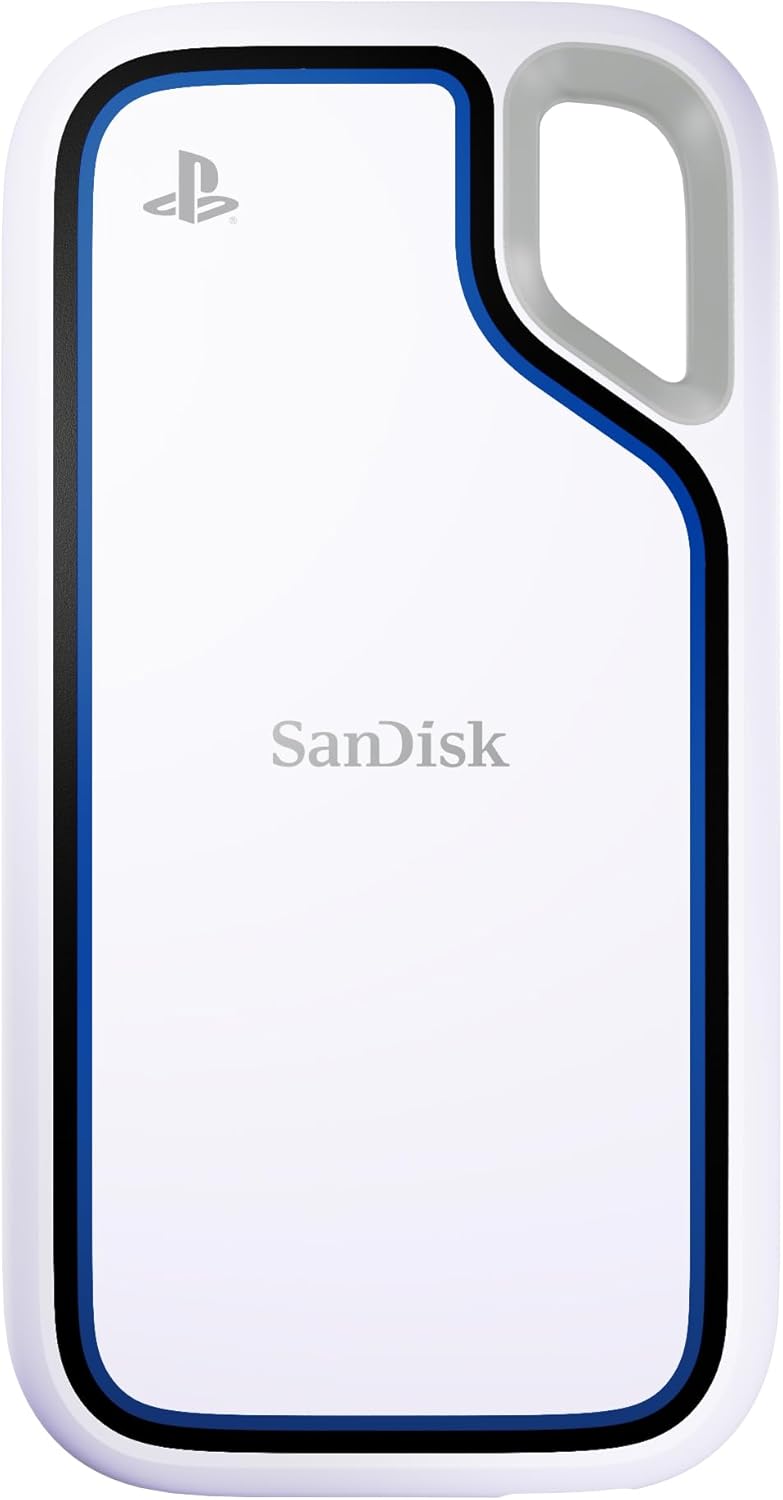
Buy on AmazonSANDISK 1TB Extreme Portable SSD, Officially Licensed for PlayStation 5 Console and PC - up to 1000MB/s, USB-C, USB 3.2 Gen 2, Drop Protection - External Solid State Drive - SDSSDE62P-1T00-G25
Active gamers who want a portable external SSD that can survive outdoor environments and double as a PC backup drive.
IP65 water and dust resistance combined with up to 3-meter drop protection and 1,000 MB/s read speeds make it the most durable external drive in this set.
External SSD speeds top out at 1,000 MB/s, far below the internal NVMe drives here, so PS5 games must still be moved to internal storage before play.
Mid-range
- IP65 water and dust resistant
- Up to 3-meter drop protection
- Officially licensed for PS5
- Cannot run PS5 games natively from the drive
- Slower than internal NVMe options
The best pick for durability and portability, ideal for gamers who move between locations in demanding conditions.
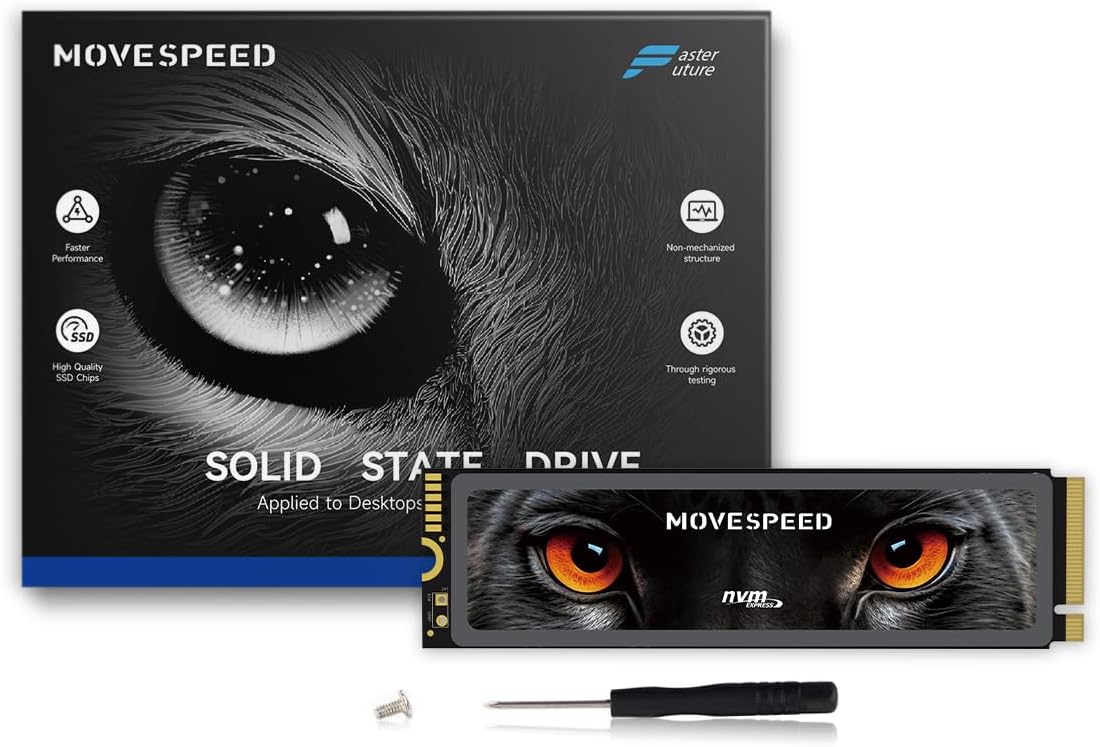
Buy on AmazonMOVE SPEED HB7450 4TB Internal Solid State Drive for PS5 with Heatsink TLC NAND, PCIe 4.0 NVMe M.2 SSD- Up to 7450MB/s, 3D NAND Storage Expansion Compatible with PS5, Laptops and Desktops
Power users who need maximum internal PS5 storage and want the fastest possible speeds without worrying about cost.
Top sequential read and write speeds of 7,450 MB/s and 6,500 MB/s respectively, paired with a massive 4TB capacity and TLC NAND for longevity.
This is the most expensive product in this set by a significant margin, making it hard to justify unless 4TB of internal NVMe storage is truly necessary.
Premium
- 7,450 MB/s peak read speed
- 4TB massive internal capacity
- TLC NAND for reliable endurance
- Most expensive product in this set
- Overkill capacity for casual gamers
The fastest and largest internal option here, but its position as the priciest pick means it suits only buyers with serious storage needs and deep pockets.
Buy on AmazonChoosing the right storage expansion for your PS5 or Xbox Series console really comes down to how you play, how much space you need, and what fits your budget. Whether you lean toward a fast internal NVMe drive for a seamless built-in feel or prefer the flexibility of an external option, there is something on this list for every type of gamer. Take a closer look at any of the picks that caught your eye, and don’t hesitate to compare a few before deciding. We hope this breakdown made the decision a little easier. Thanks for reading!
Frequently asked questions
What is the difference between an internal M.2 SSD and an external hard drive for PS5 storage expansion?
The core difference is where and how your games run. An internal M.2 SSD installed in the PS5 expansion slot, such as the WD_BLACK SN850P or the fanxiang 2TB NVMe, lets you launch and play PS5 titles directly from that drive at speeds up to 7,300MB/s, matching the console’s own storage performance. An external USB drive like the Seagate Game Drive or WD_BLACK P10 can store PS5 games but requires you to copy them back to internal storage before playing them. External drives are better suited for storing PS4 games, which can run directly from USB, or for archiving titles you rotate in and out.
How hard is it to install an M.2 SSD inside a PS5, and do you need a heatsink?
Installing an M.2 SSD in a PS5 requires removing the side panel, a single screw to seat the drive, and replacing the panel, which typically takes under 15 minutes with a small Phillips screwdriver. Sony requires a heatsink to keep the drive within safe operating temperatures, which is why options like the WD_BLACK SN850P and fanxiang 2TB NVMe ship with one already attached. If you buy a bare drive you will need to add a heatsink separately before installing it. Overall the process is straightforward and well documented in Sony’s official instructions.
Can external storage drives like the WD_BLACK P10 or Seagate Game Drive be used with both PS5 and Xbox Series consoles?
Most external USB hard drives are formatted for one platform out of the box but can be reformatted to switch ecosystems, though doing so erases all data on the drive. The WD_BLACK P10 6TB is marketed for PlayStation use while the YOTUO portable HDD lists compatibility with PS4, PS5, Xbox One, and Xbox Series X/S, making it a more cross-platform option for gamers who own multiple consoles. Xbox Series X and S also support a proprietary internal expansion card slot that external USB drives cannot replace for running Xbox Series optimized titles natively. For cross-platform archiving, a USB 3.0 or 3.2 external drive tends to be the most flexible and affordable path.
Is a portable external SSD like the SanDisk Extreme worth the extra cost over a standard external hard drive for PS5 storage?
For PS5 use specifically, a portable external SSD such as the SanDisk 1TB Extreme Portable SSD offers faster transfer speeds, around 1,000MB/s over USB 3.2 Gen 2, which makes copying games between drives noticeably quicker compared to a traditional spinning hard drive at roughly 100 to 150MB/s. Neither type can run PS5 native titles directly from the external connection regardless of speed, so the primary benefit shows up during game transfers and accessing PS4 titles. The SanDisk also adds drop protection, which matters if you travel with it. If you mostly leave the drive on a shelf at home and only need bulk storage for archiving, a higher capacity HDD at a lower price per terabyte may make more practical sense.
How much internal M.2 SSD capacity do you actually need for a PS5 expansion, 1TB, 2TB, or 4TB?
The right capacity depends on how many large modern titles you keep installed at once, since many PS5 games now range from 50GB to over 100GB each. A 1TB drive like the WD_BLACK SN850P adds room for roughly 10 to 15 average sized games on top of the console’s built-in storage. A 2TB option such as the fanxiang NVMe roughly doubles that headroom and suits players who prefer not to delete and reinstall frequently. The MOVE SPEED 4TB drive is aimed at heavy collectors or those who want to avoid managing storage for years, though the cost per terabyte is worth comparing across sizes before committing.