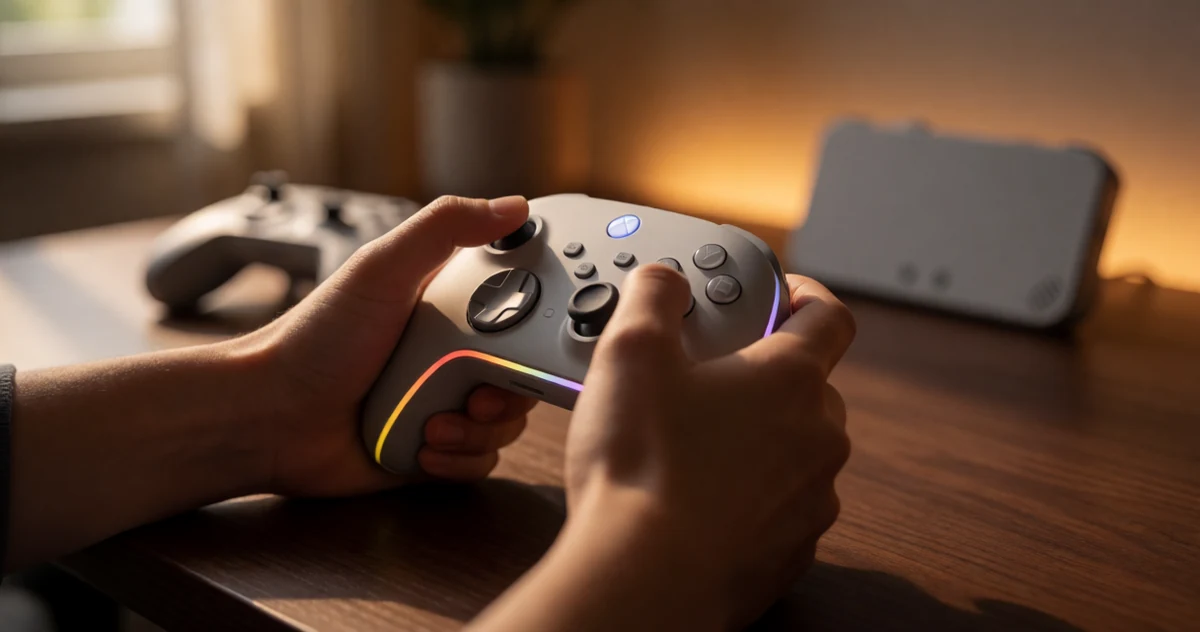
The Nintendo Switch 2 has officially arrived, and with it comes a whole new wave of controller options worth exploring. Whether you play docked on a big screen, handheld on the couch, or somewhere in between, the right controller can completely change how comfortable and enjoyable your sessions feel. The good news is that the market has responded with some genuinely exciting options, from upgraded pro-style grips to compact designs that work beautifully for travel. This guide breaks down some of the best Nintendo Switch 2 controllers available right now, covering a range of play styles, hand sizes, and budgets. You will find picks that prioritize ergonomic comfort for long gaming sessions, options built for strong compatibility across game types, and a few surprising choices that bring something a little different to the table. No matter how you like to play, there is likely a controller here that fits your setup better than whatever came in the box. Let’s get into it.
Disclosure: As an Amazon Associate we earn from qualifying purchases. Prices and availability shown are accurate as of the date of publication and may change.
Quick comparison
How to choose
Switch 2 Compatibility
Not every controller labeled for Switch will work fully with Switch 2 firmware and features, so confirm the product explicitly lists Switch 2 support before buying. Some third-party options may lack access to certain system-level functions, so check the feature list for wake-up support and button mapping to avoid surprises.
Hall Effect vs Standard Joysticks
Hall effect joysticks use magnetic sensors instead of physical contact points, which can help resist the stick drift that develops over time with traditional potentiometer-based sticks. If longevity and input precision matter to you, look for controllers that call out Hall effect technology in their specs rather than assuming all controllers share the same internals.
Ergonomics and Grip Shape
Controllers vary noticeably in handle depth, trigger curve, and overall weight, and what feels comfortable during a short session can become fatiguing over longer play. Consider whether you prefer a grip closer to the official Pro Controller profile or a more compact shape, especially if you have smaller hands or share the controller with younger players.
Extra Features vs Simplicity
Third-party options often bundle programmable back paddles, turbo functions, RGB lighting, and gyroscope motion controls into a single package, which adds value if you will actually use those tools. If you want a straightforward gamepad without setup steps or firmware menus, a simpler feature set may suit you better than one loaded with options you will rarely configure.
Single vs Multi-Pack Value
Two-pack bundles with a charging dock can lower the per-controller cost significantly and are worth considering if you play multiplayer games locally or want a spare on hand. Weigh the feature set of each controller in a bundle against what a single premium controller offers, since packs sometimes trade advanced internals for a lower combined price.
The picks
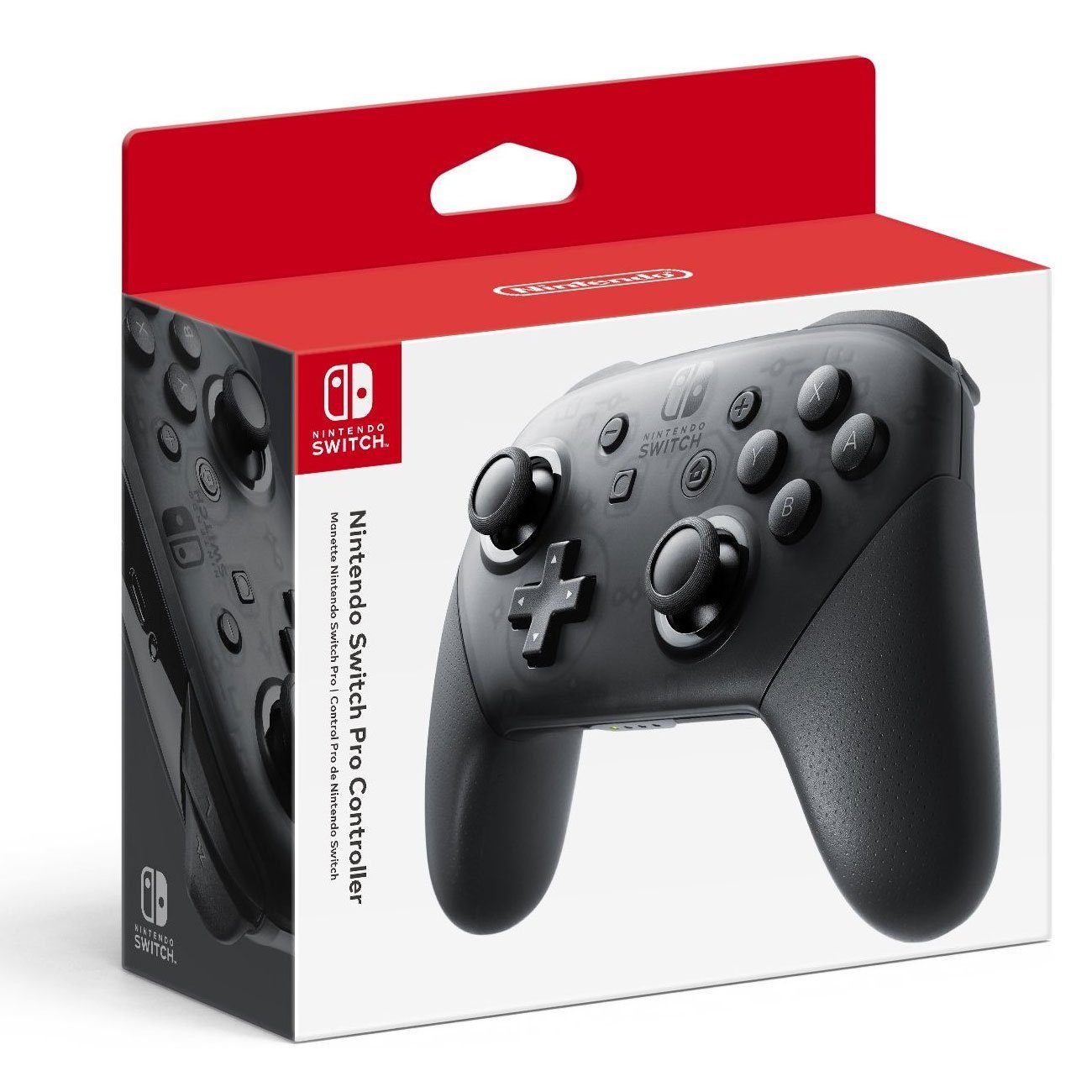
Nintendo Switch Pro Controller
Players who want the official Nintendo experience with full first-party feature support including amiibo scanning.
Built-in amiibo NFC functionality and HD rumble are native Nintendo features not found in any third-party option on this list.
The priciest pick on this list by a significant margin.
Premium
- Native amiibo NFC support
- HD rumble and motion controls
- Full first-party compatibility guarantee
- Most expensive on this list
- No back buttons or programmable extras
The only first-party option here and the gold standard for compatibility, but you pay a clear premium for it.
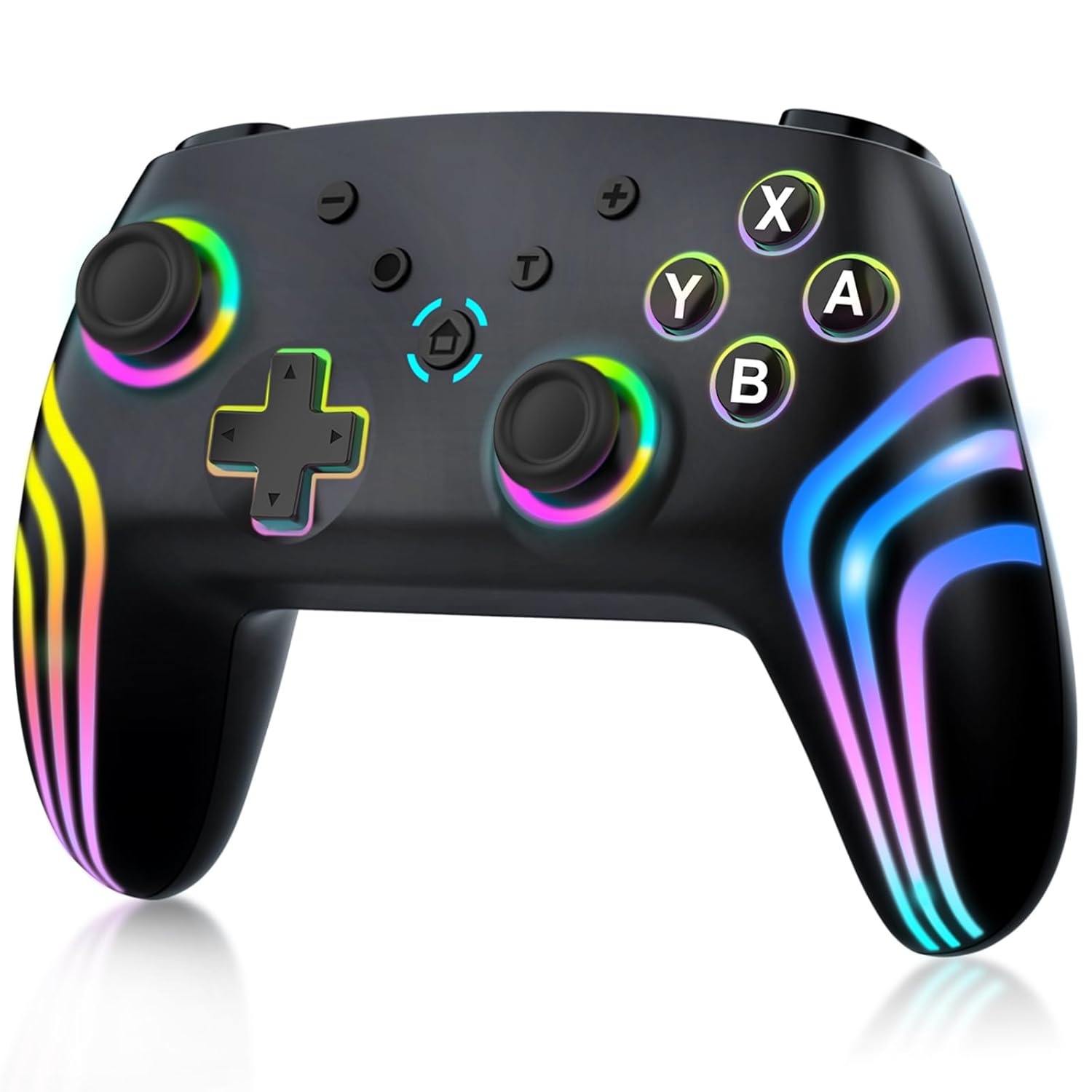
Buy on AmazonMYSTILUCK Wireless Pro Controller for Switch/Switch 2/Lite/OLED/PC, Gamepad with 7 Color-Changing RGB Lighting/Dual Vibration/6-Axis Gyroscope/Turbo, Ergonomically Designed Precise Joystick
Budget-focused buyers who need a functional Switch family controller without spending more than necessary.
Hall effect buttons, 6-axis gyroscope, dual vibration, and 7-color RGB lighting are all included at the most affordable price on this list.
The HOME button cannot wake up the Switch 2 console and there is no C button for voice chat, which limits functionality on the newest hardware.
Budget
- Hall effect buttons at a low price
- 6-axis gyroscope included
- 7-color RGB lighting
- Cannot wake up Switch 2 via HOME button
- No C button for Switch 2 voice chat
The most affordable option here and surprisingly well-equipped, though Switch 2 wake-up and voice chat are absent.
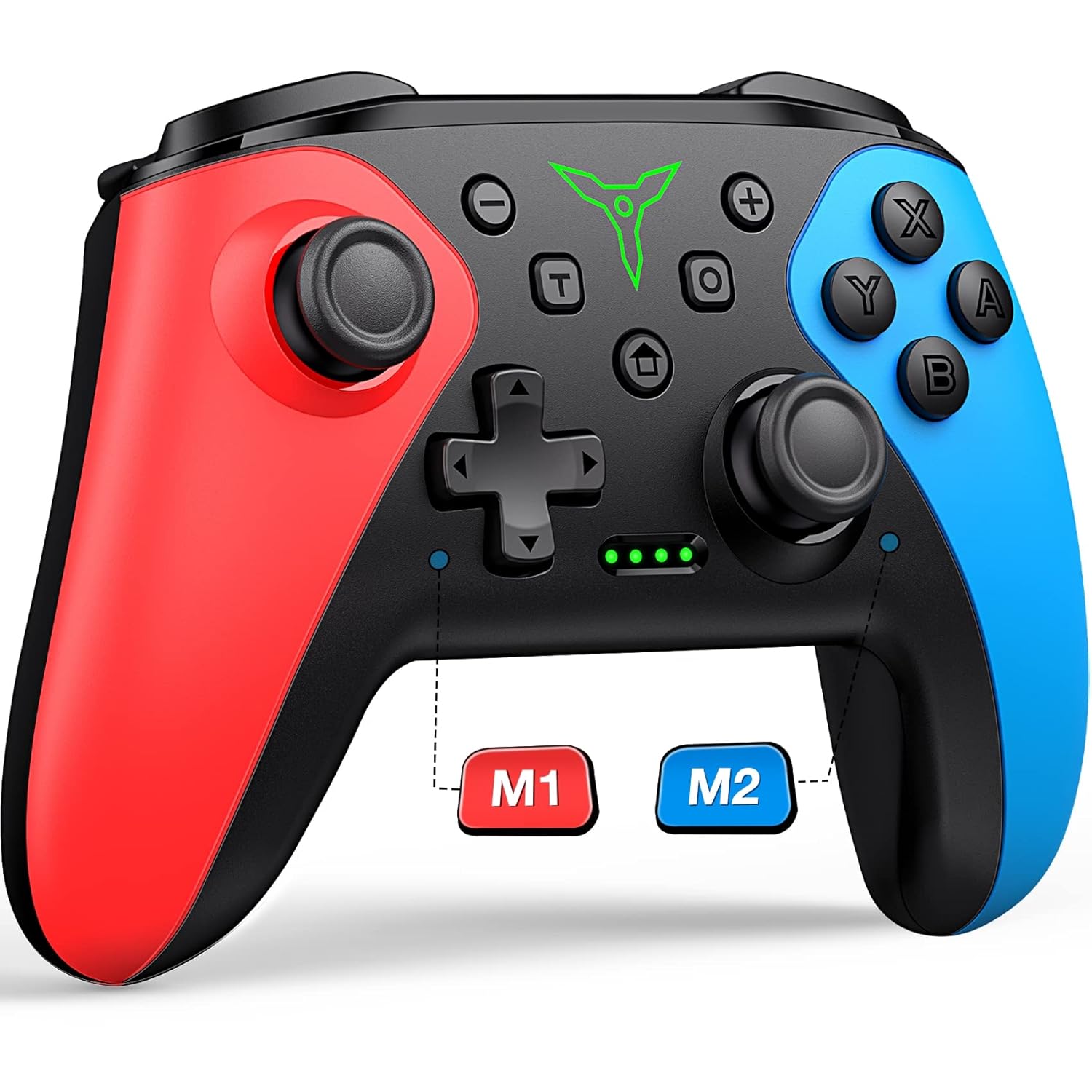
Buy on AmazonWireless Switch Controller for Nintendo Switch/Switch 2/Lite/OLED Controller, Switch Controller with a Mouse Touch Feeling on Back Buttons, Extra Switch Pro Controller with Wake-up,Programmable, Turbo Function
Competitive or comfort-focused players who want programmable back buttons and one-button wake-up without spending much.
Two programmable back buttons with single and multi-programming modes allow complex button combos to be mapped to rear paddles, reducing finger strain.
Wake-up requires a specific button combination (Y plus HOME) on first use, which is less seamless than dedicated wake-up solutions.
Mid-range
- Dual programmable back buttons
- Multi-button macro mapping support
- One-button wake-up after initial setup
- First-time connection requires specific button combo
- No hall effect joysticks mentioned
A practical mid-range pick for anyone who values back button customization and programmable macros.
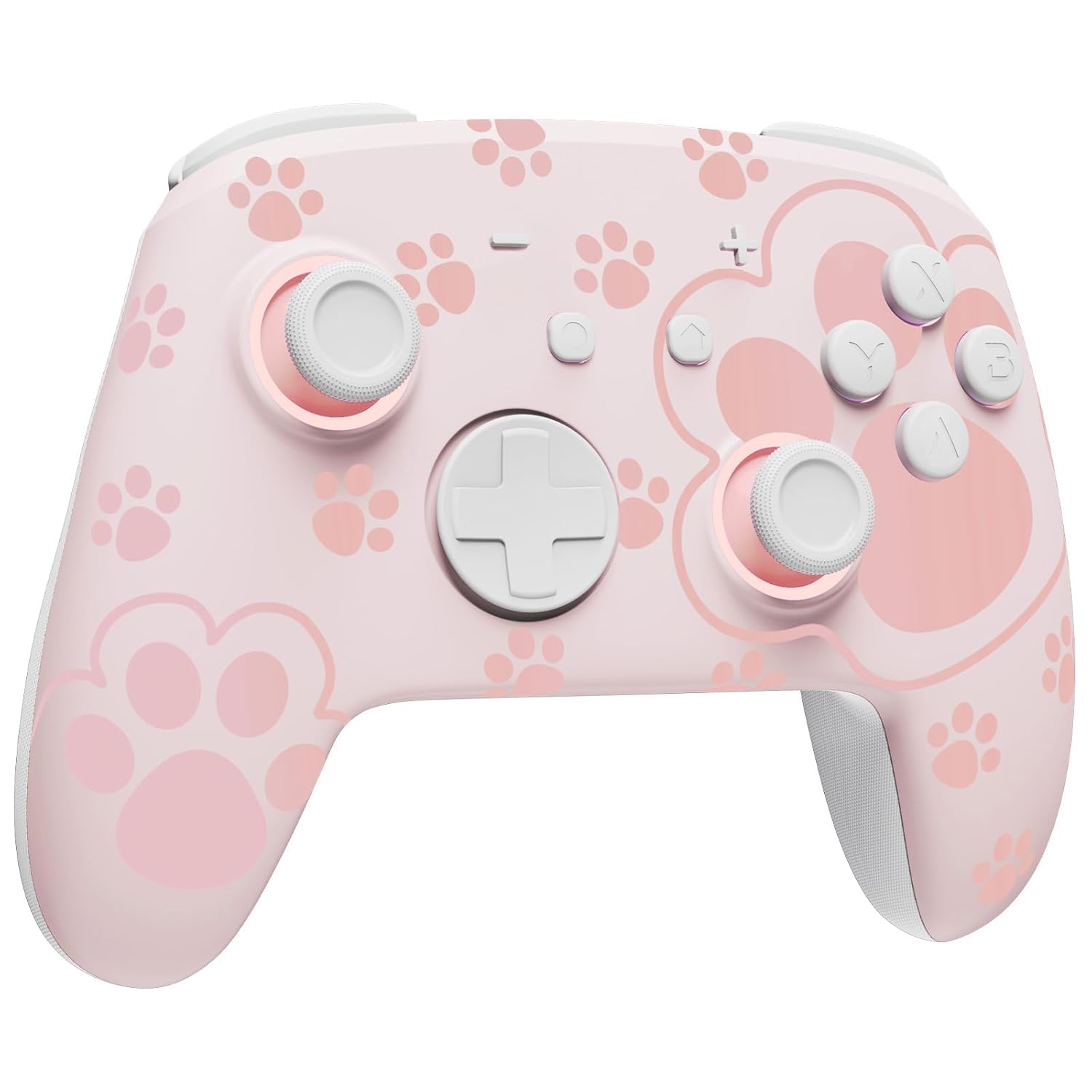
Buy on AmazonSwitch Pro Controller Wireless Compatible with Nintendo Switch 2/OLED/Lite, Grily Hall Effect Controller, Firefly Bluetooth Remote Gamepad Controles Pink with 7 LED Colors/Paddle/Turbo- Cat Paw Pattern
Style-conscious players who want hall effect joysticks and eye-catching LED visuals in a unique aesthetic.
Hall effect joysticks combined with a hidden-til-lit cat paw pattern and seven LED colors with four lighting modes make it the most visually distinctive and drift-resistant option here.
The detailed LED and aesthetic features add cost without including a charging dock or a second controller in the package.
Mid-range
- Hall effect joysticks resist drift
- Hidden-til-lit cat paw LED design
- 7 colors with 4 lighting modes
- No bundled dock or second controller
- Higher price than most third-party options here
The standout choice for players who want hall effect durability wrapped in the most expressive design on this list.
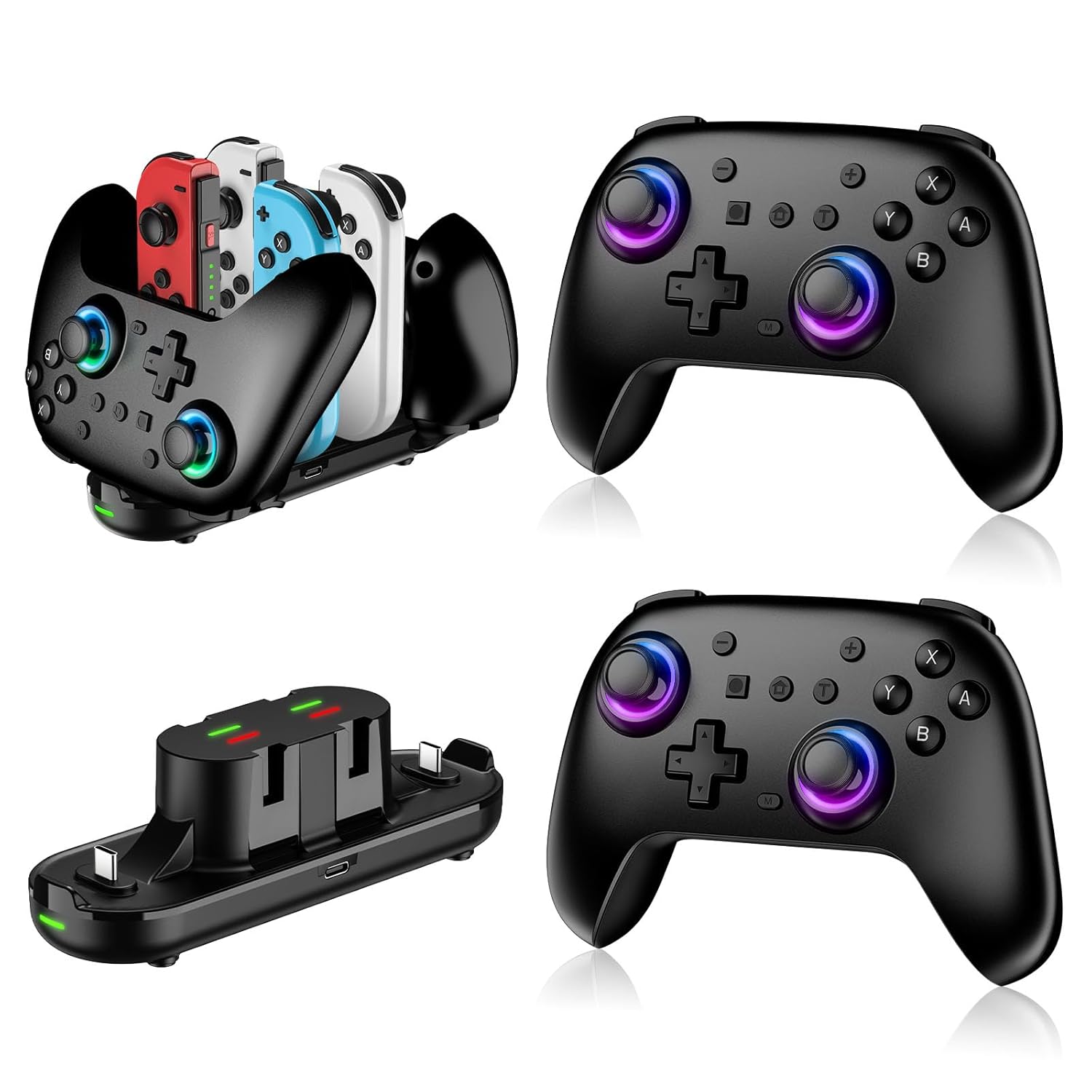
Buy on AmazonSwitch Controllers 2 Pack with Charging Dock, Switch 2 Controller for Nintendo Switch/Switch 2/Lite/OLED, Wireless Switch 2 Pro Controller with RGB/Wake up/6-Axis Gyro/Dual Vibration/Turbo/Screenshot
Households or co-op players who need two controllers and a shared charging dock in a single purchase.
The bundled charging dock supports two pro controllers and four Joy-Con simultaneously, making it the most practical all-in-one multiplayer solution in this set.
Priced as a two-pack with a dock, so the per-controller value depends on actually needing both items. Solo players get less value.
Mid-range
- Two controllers included
- Charging dock for up to 2 pro controllers and 4 Joy-Con
- Full Switch 2 wake-up and hall effect support
- Less value for solo players who need only one controller
The best value for multiplayer households thanks to the dual-controller plus charging dock bundle.
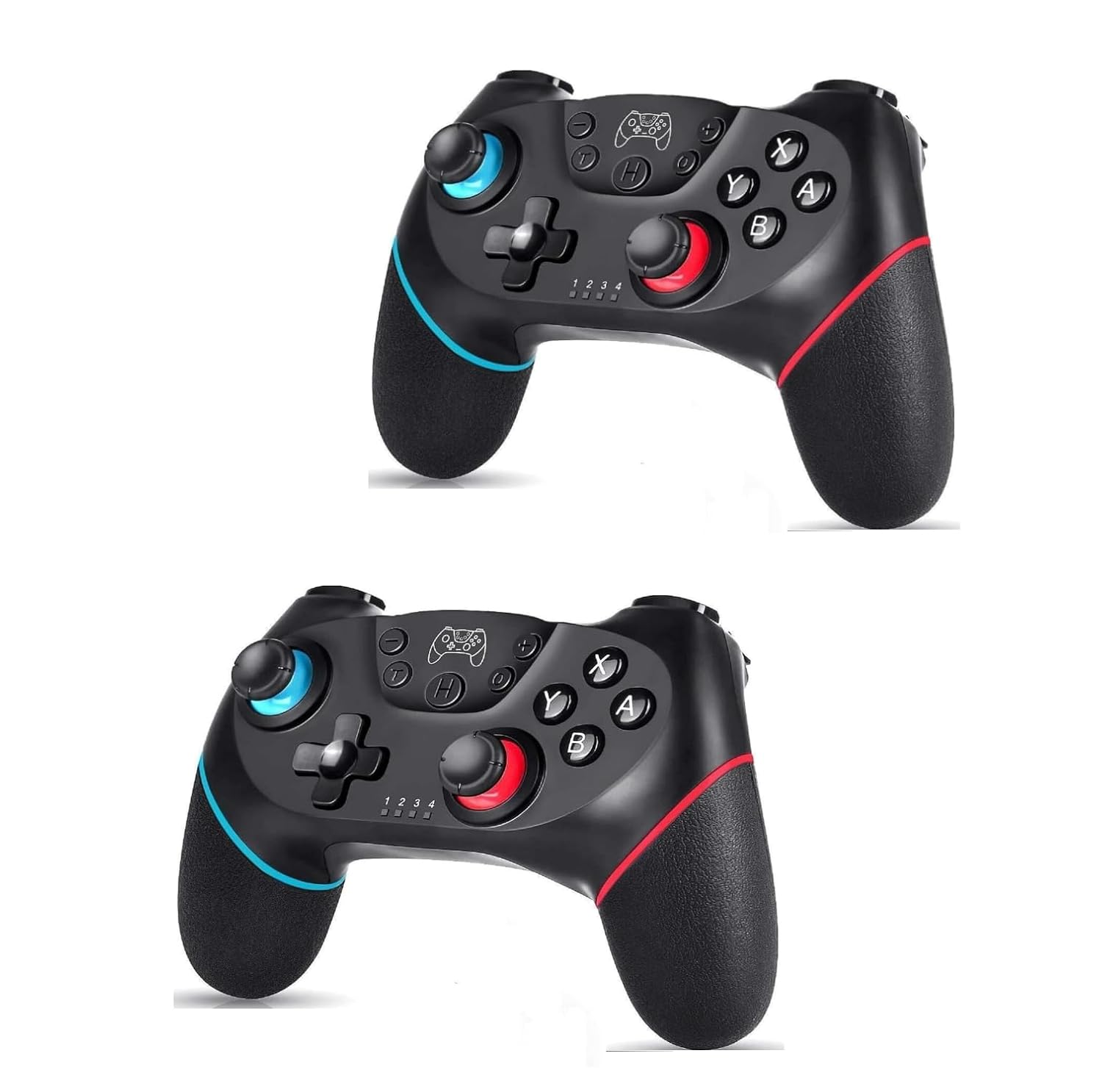
Buy on AmazonLyyes Switch Controller, Wireless Pro Controller Joystick Compatible with Switch/Lite/Switch 2, 2 Pack
Casual co-op players on a tight budget who want two controllers with a straightforward ergonomic design.
Two controllers are included at a competitive price, each with ergonomic shaping, gyro sensor, and adjustable three-speed turbo for flexible play styles.
The 500mAh battery is small compared to most controllers in this set, yielding only 8 to 10 hours of play per charge.
Budget
- Two-controller pack at a low price
- Ergonomic grip design
- Three-speed adjustable turbo
- Small 500mAh battery limits session length
- No hall effect joysticks noted
A sensible two-pack for casual co-op on a budget, though the small battery may require more frequent charging.
Buy on AmazonFinding the right controller can genuinely change how much you enjoy your Nintendo Switch 2 sessions, whether you’re grinding through long RPGs, playing couch co-op with friends, or just looking for something more comfortable than the default option. Each pick on this list brings something a little different to the table, so it really comes down to your own play style and preferences. Take a look at the options that caught your eye and see what feels like the right fit for you. Thanks for reading, and happy gaming!
Frequently asked questions
Which of these controllers actually work with the Nintendo Switch 2, and will they also work with my original Switch?
All of the controllers listed in this article are advertised as compatible with both the Nintendo Switch 2 and the original Switch family, including the Lite and OLED models. The official Nintendo Switch Pro Controller connects over a verified Nintendo protocol, while the third-party options use Bluetooth pairing designed to match the Switch 2 connection standard. If you own both console generations, a third-party dual-compatible controller can save you from buying separate gamepads. Always confirm in the product listing that your specific console model is listed before purchasing.
What is a Hall Effect joystick and does it make a real difference in longevity?
A Hall Effect joystick uses magnetic sensors instead of physical contact points to read stick position, which means the parts that detect movement do not rub together and wear down over time. Traditional potentiometer sticks can develop drift after extended use because the resistive surfaces erode, a common complaint with first-party Joy-Con hardware. The Grily Hall Effect controller in this lineup specifically uses this technology, making it a strong pick for players who log heavy hours and want to reduce the chance of stick drift developing. For casual or occasional play the difference is less urgent, but competitive or daily players may find it worthwhile.
How difficult is it to set up a third-party wireless Switch 2 controller compared to the official Pro Controller?
Most third-party controllers in this lineup pair via Bluetooth using a sync button, the same basic process as the official Nintendo Switch Pro Controller. You hold the pairing button until the controller enters discovery mode, then select it from the Switch or Switch 2 controller menu, which typically takes under a minute. The official Pro Controller has the advantage of a guaranteed plug-and-play experience with no firmware surprises, while third-party options occasionally require a firmware update or a specific button sequence to switch between Switch and PC modes. Reading the quick-start guide included with whichever controller you choose will get you connected without frustration.
Are the two-pack controller bundles worth it compared to buying a single premium controller?
Two-pack options like the Switch Controllers 2 Pack with Charging Dock and the Lyyes 2 Pack make the most sense for households with multiple players who need controllers ready at the same time. Per-controller cost in a bundle is generally lower than buying two individual units separately, and a bundled charging dock eliminates the need to hunt for cables. The tradeoff is that bundle controllers often omit premium features such as Hall Effect sticks or back paddles that a single focused purchase like the Grily Hall Effect controller would include. If your priority is local multiplayer over advanced features, a two-pack delivers solid value; if you play solo and want every performance option available, a single premium controller is the better fit.
Which controller in this lineup suits someone who plays motion control games or uses gyro aiming frequently?
For gyro-heavy play, you want a controller with a 6-axis gyroscope, and several options here including the MYSTILUCK and the Switch Controllers 2 Pack both list 6-axis gyro support. A 6-axis gyroscope tracks rotation and tilt across all three physical axes, which allows accurate motion aiming in games like Splatoon or Zelda titles. The official Nintendo Switch Pro Controller also includes gyro and is calibrated specifically to Nintendo first-party standards, so it can be the most consistent option for motion-sensitive titles. Third-party gyro controllers can perform comparably in practice, but sensitivity calibration options in the controller software or on-console settings may need a small adjustment when you first set them up.