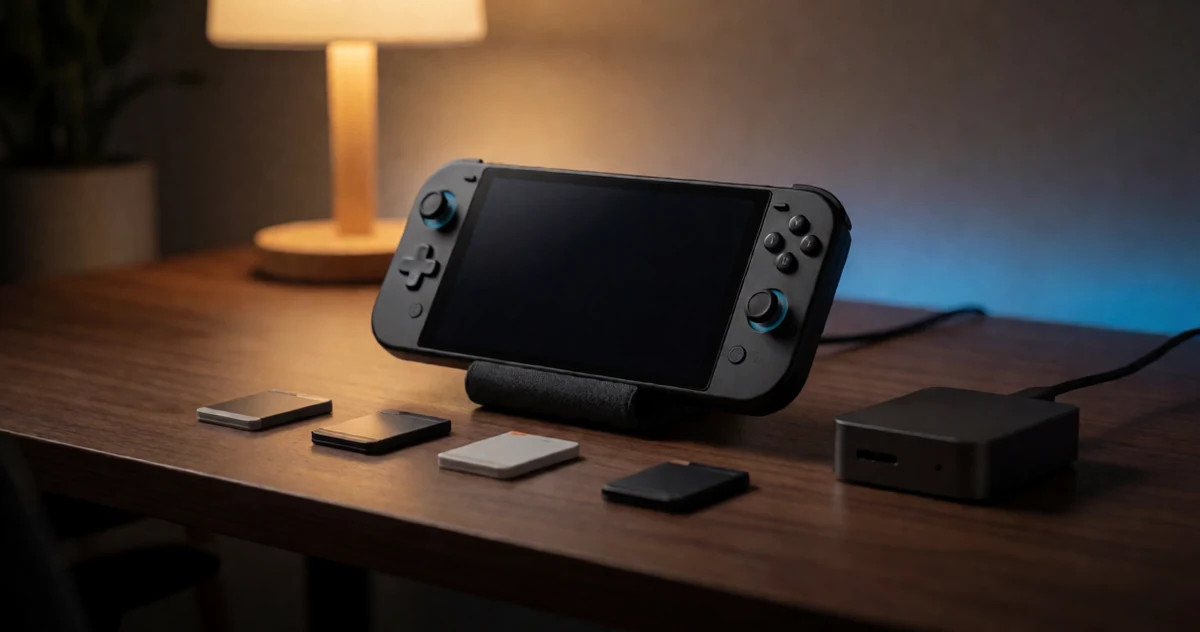
If you just picked up a Nintendo Switch 2 and you’re ready to dive into sprawling JRPGs, open-world adventures, or massive game libraries, you’ve probably already noticed one thing: storage fills up fast. Modern titles can easily chew through dozens of gigabytes, and if you’re the type who likes to keep multiple big games ready to play at any moment, the built-in storage simply won’t cut it for long. The good news is that expanding your setup has never been easier or more affordable. Whether you’re looking for a speedy SSD for faster load times or a high-capacity microSD card to keep your entire collection on hand, there are some genuinely impressive options out there worth knowing about. In this guide, we’re breaking down the best storage solutions for Nintendo Switch 2 owners who take their game libraries seriously. From compact cards that hold hundreds of games to external drives that handle the biggest file dumps without breaking a sweat, this list covers practical, well-tested picks that make a real difference in your everyday gaming experience.
Disclosure: As an Amazon Associate we earn from qualifying purchases. Prices and availability shown are accurate as of the date of publication and may change.
Quick comparison
How to choose
Speed Tier and Interface
microSD Express cards use the PCIe NVMe interface and deliver read speeds that can reach 880 to 900 MB/s, which meaningfully reduces load times in open-world JRPGs with large streaming environments. Standard UHS-I cards work in the Switch 2 but fall back to much slower speeds, so confirm the card explicitly supports the microSD Express standard if fast loading is a priority for you.
Capacity for Game Library Size
Modern JRPGs can occupy 20 to 60 GB each, so a 256 GB card may fill up quickly if you prefer keeping several large titles installed at once. A 512 GB or 1 TB card gives more headroom for downloadable updates, DLC, and future releases without constant juggling of what stays installed.
Sustained Write Speed
Sustained write speed matters when downloading or transferring large game files, since some cards advertise high peak speeds but slow down significantly under a continuous workload. Look for a card that publishes its sustained write figure alongside the peak, as that number better reflects real transfer performance during a big JRPG download.
Backwards Compatibility
Some microSD Express cards are designed to fall back to UHS-I speeds when used in older devices, which makes the card usable across a Switch, a camera, or a laptop card reader you may already own. If you plan to use the card only in the Switch 2, backwards compatibility matters less, but if you want flexibility across devices it is worth confirming the card lists UHS-I fallback support.
Warranty and Data Recovery
A five-year warranty or an included data recovery service can provide meaningful peace of mind when a single card holds an entire game library worth of save data and installed titles. Check what the manufacturer actually covers, since some warranties replace the card but do not recover lost data, while others bundle a recovery service as a distinct feature.
The picks
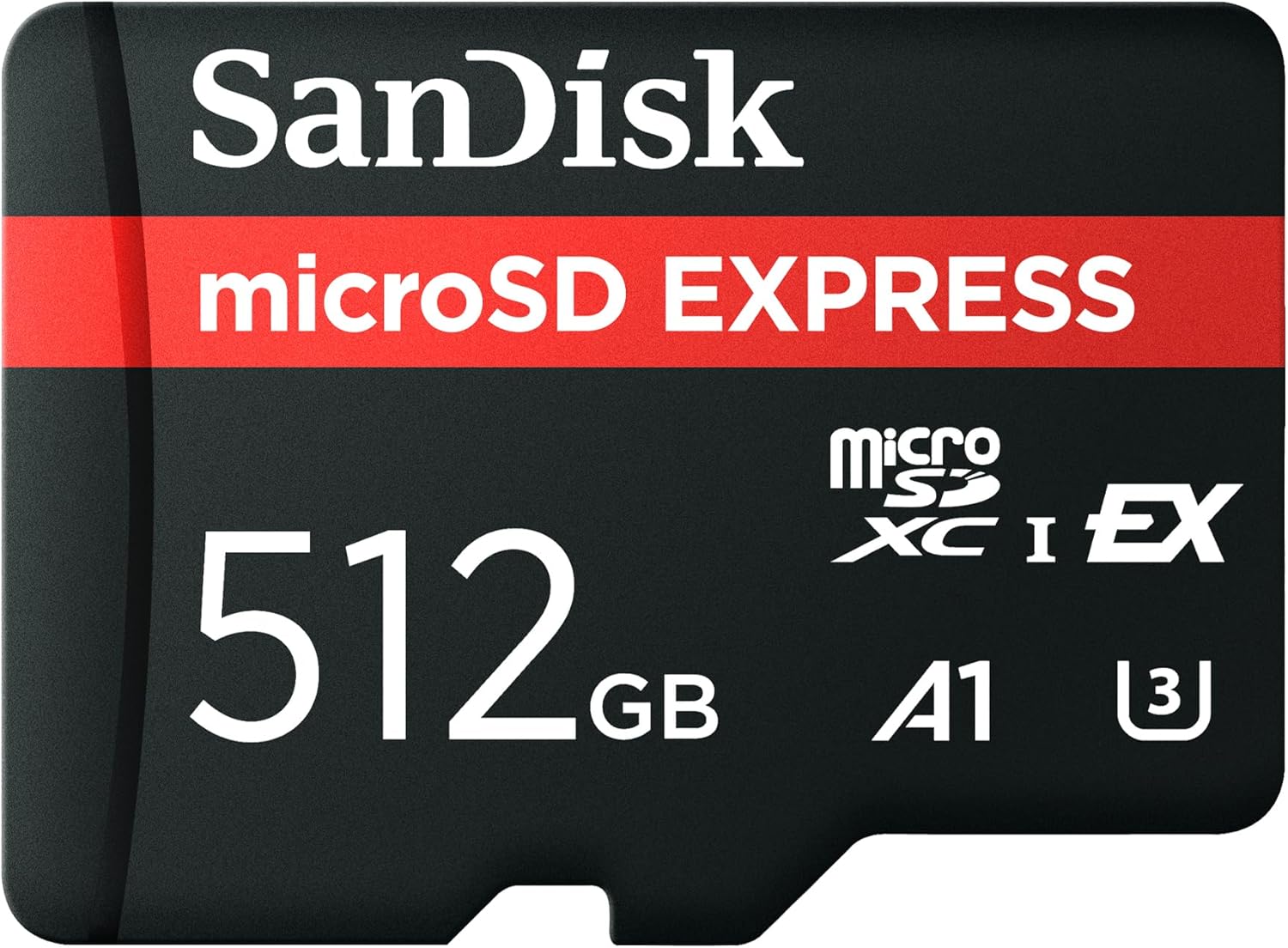
SANDISK 512GB microSD Express Card - Works with Nintendo-Switch 2, Up to 880MB/s Read, Up to 650MB/s Write, 220MB/s Sustained Write, U3, C10 - SDSQXFN-512G-GN4N
JRPG players who want a meaningful capacity bump to 512GB with verified, high published speeds for faster load times.
Publishes specific speeds of up to 880MB/s read, 650MB/s write, and 220MB/s sustained write, giving real performance assurance for large file installs and transfers.
Priced notably higher than the 256GB options in this set, and 512GB may still feel limiting for gamers building a large JRPG collection over time.
Mid-range
- 880MB/s read and 650MB/s write speeds published
- 512GB suits growing JRPG libraries
- U3 and C10 rated for sustained workloads
- Noticeably pricier than 256GB options
- 512GB may still run short for large collections
The best-specified mid-capacity pick with transparent speed ratings, ideal for players who want fast load times without jumping straight to 1TB.
Buy on AmazonNintendo Samsung MicroSD Express Card 256 GB (UK Version)
UK-based Switch 2 buyers or anyone looking for the most affordable entry point on this list.
Delivers Samsung microSD Express compatibility with Switch 2 at the lowest price in this set, keeping costs down for budget-conscious shoppers.
The UK-region designation may cause uncertainty for buyers outside the UK regarding warranty and support coverage.
Budget
- Most affordable on this list
- Official Samsung microSD Express interface
- Switch 2 compatible
- UK version may limit support outside UK
- 256GB runs out quickly with big JRPGs
The most affordable pick on this list and a sensible starting card for UK Switch 2 owners, though regional limitations deserve a check before purchasing.
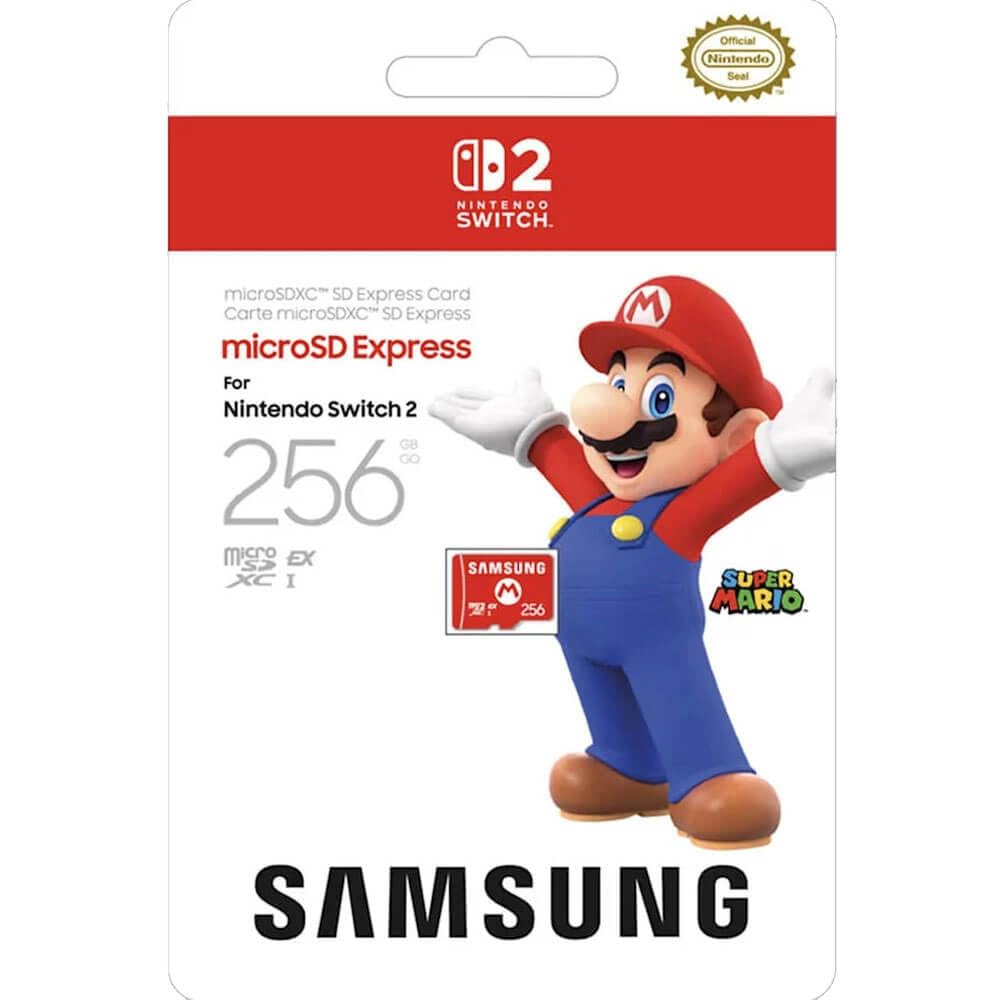
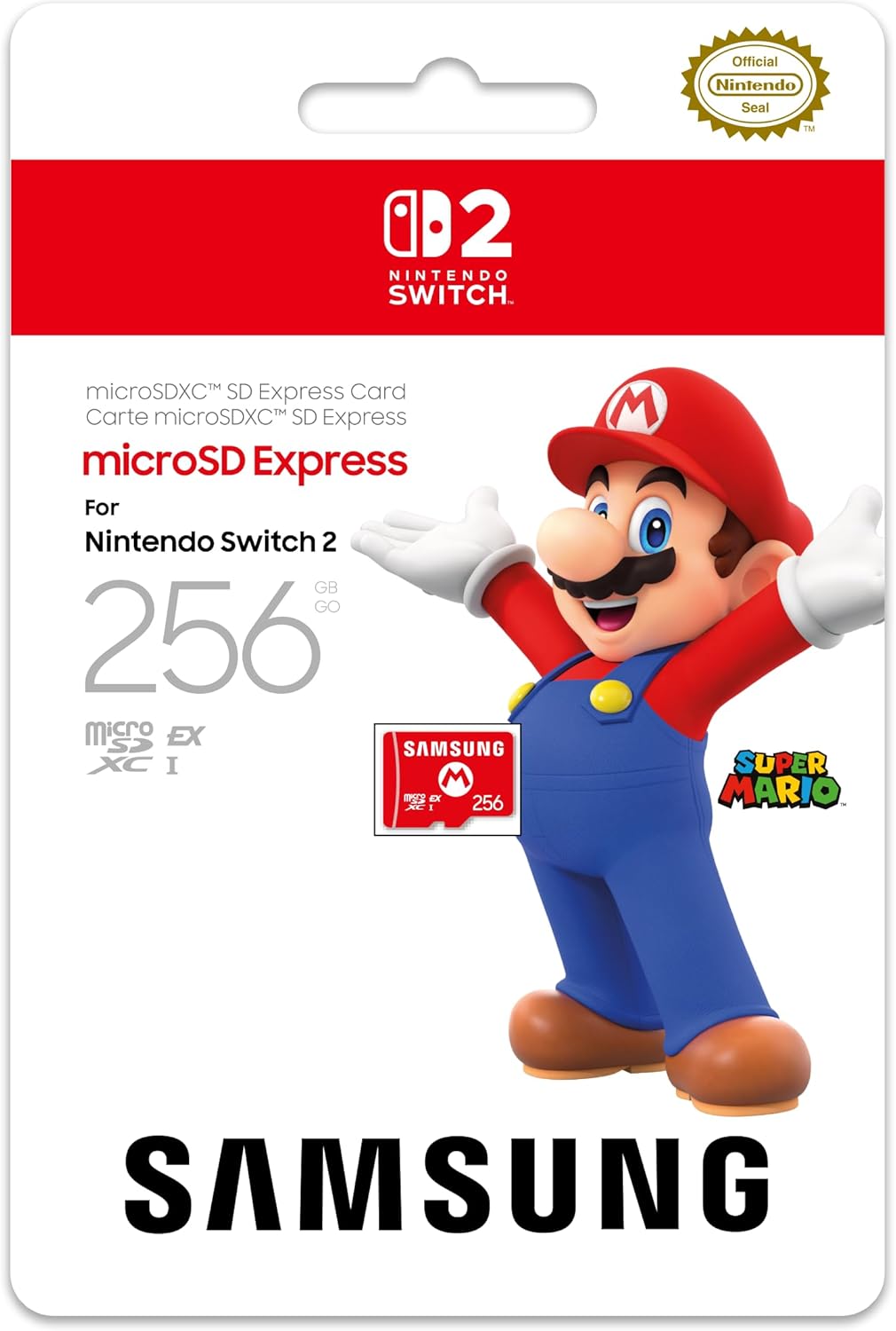
Buy on AmazonSamsung microSD Express Card – 256GB for Nintendo Switch™ 2
Switch 2 owners who want an official Samsung card at an accessible entry price without committing to high capacity.
Carries the official Samsung branding for Switch 2 compatibility and delivers microSD Express interface speeds well above legacy UHS-I cards.
At 256GB, storage fills up quickly with multiple large JRPGs that can each exceed 20GB or more.
Budget
- Official Samsung Switch 2 compatibility
- microSD Express interface speeds
- Compact and plug-and-play ready
- 256GB fills up fast with JRPGs
- No published speed specification in listing
A safe, officially branded 256GB starting point for Switch 2 that works out of the box but runs out of room fast with big game libraries.
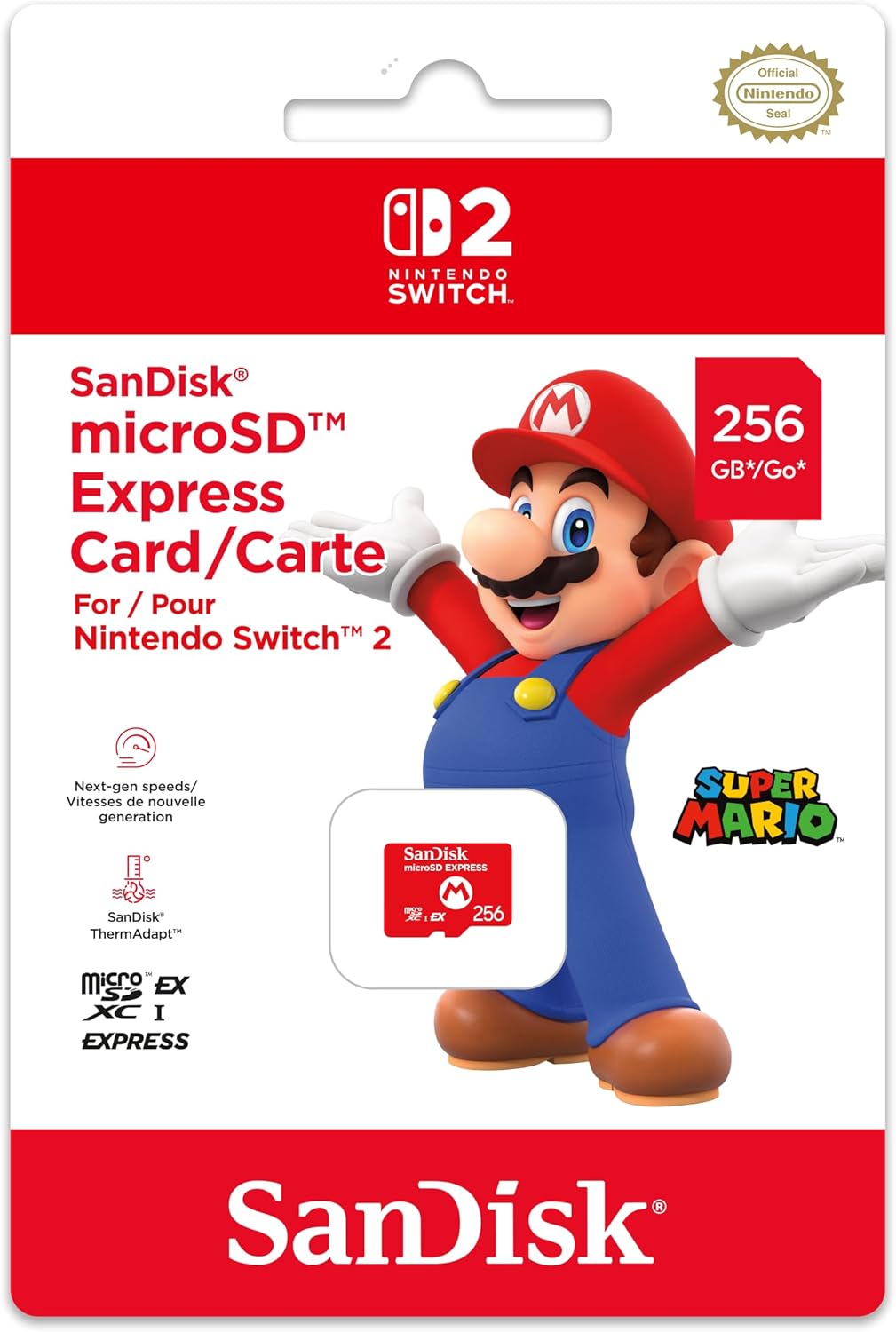
Buy on AmazonNintendo Switch 2 Micro SD Card, SanDisk
Buyers who specifically trust the SanDisk name and want a licensed Switch 2 card at an entry-level capacity.
Co-branded directly with Nintendo Switch 2, signalling first-party validation of compatibility straight out of the packaging.
The listing provides no published read or write speed figures, making it impossible to compare performance against the rest of the set.
Budget
- Nintendo Switch 2 co-branded
- SanDisk reliability pedigree
- Ready to use immediately
- No speed specs published
- 256GB capacity limits large libraries
A co-branded Nintendo and SanDisk card that trades on brand recognition but lacks the spec transparency of other picks.
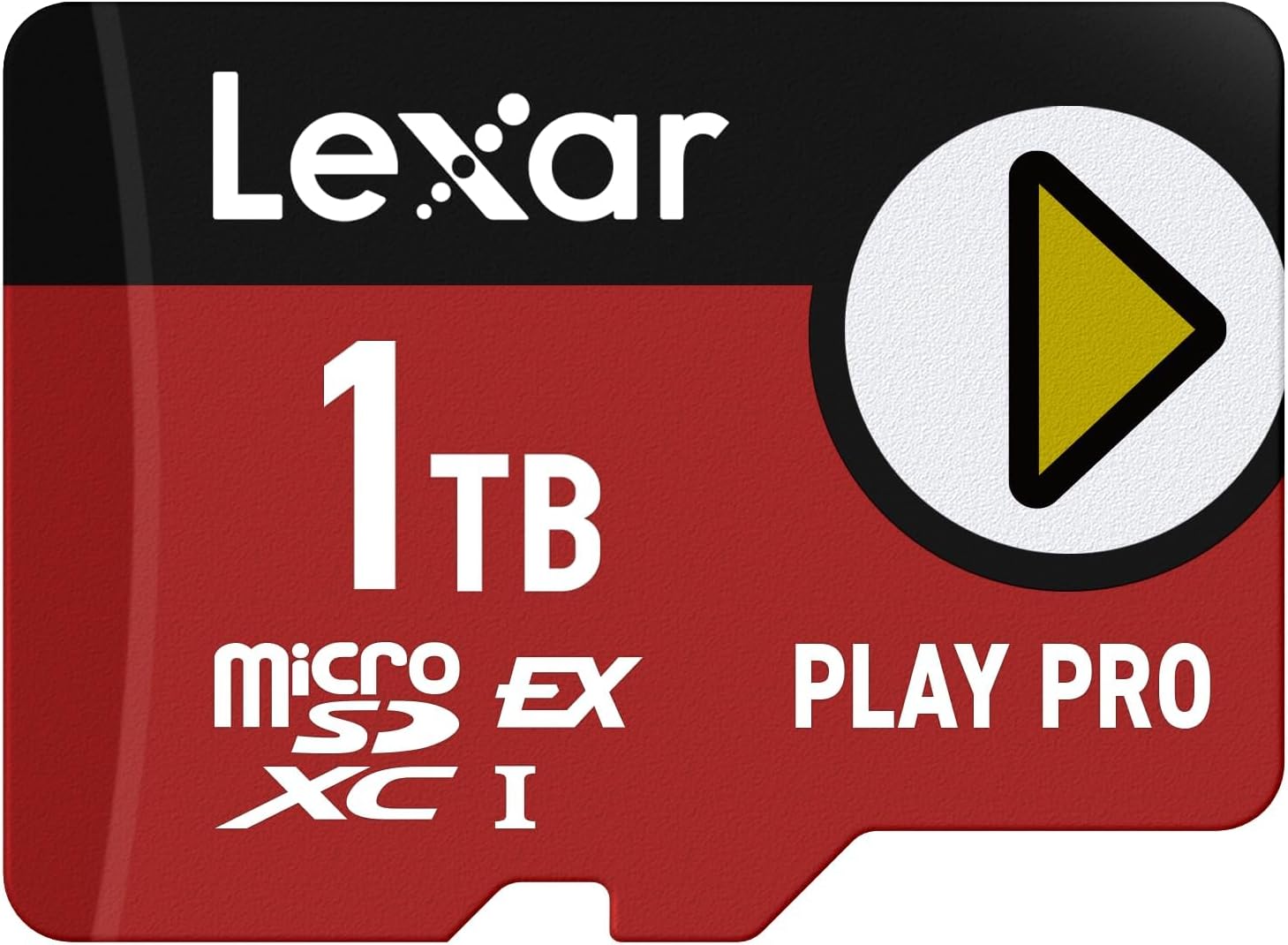
Buy on AmazonLexar 1TB Play PRO Micro SD Express Card, 900MB/s Read, 4K, V30, UHS-I | Compatible w/ Nintendo-Switch 2, Backwards-compatible with UHS-I/UHS-II Devices (at UHS-I speeds), LMSXPS0001T-BNNNU
Dedicated JRPG collectors who want maximum 1TB storage combined with top-tier read speeds and a lifetime warranty for long-term peace of mind.
Offers 900MB/s read and 600MB/s write speeds alongside a full 1TB capacity and a limited lifetime warranty, the strongest combination of speed, space, and coverage in this set.
This is the most expensive product in this set, representing a significant investment over the mid-range and budget options.
Premium
- 900MB/s read and 600MB/s write
- Full 1TB capacity for massive libraries
- Limited lifetime warranty included
- Most expensive on this list
- Overkill for casual or light Switch 2 users
The most expensive pick here but delivers 1TB, class-leading 900MB/s read speeds, and a lifetime warranty for serious JRPG library builders.
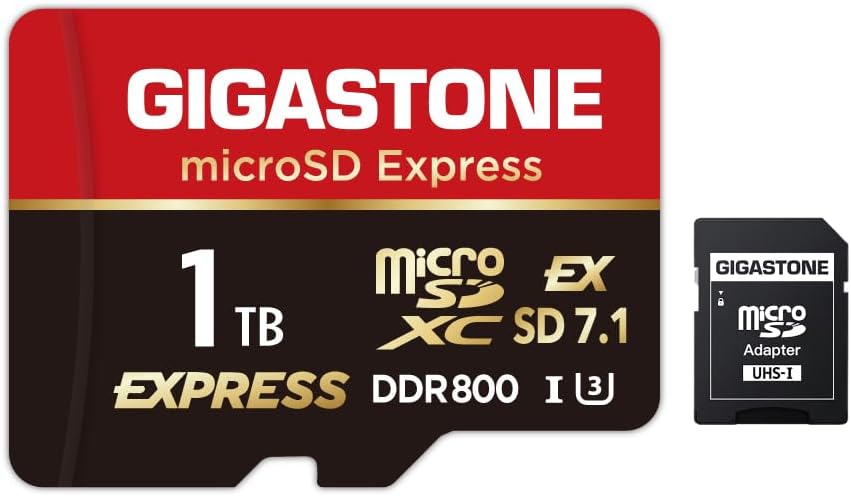
Buy on Amazon【Designed for Switch 2】 GIGASTONE 1TB microSD Express R/W 800/650MB/s SDXC Memory Card SD 2.0 3.0 5.0 7.1 UHS-I UHS-II, Action Camera Drone, V30 U3, SD Adapter 【5-Years Data Recovery】
Switch 2 owners who want 1TB storage with broad device compatibility across cameras, drones, and action cameras alongside their console gaming.
Supports a wide range of SD standards including SD 2.0, 3.0, 5.0, and 7.1 alongside UHS-I and UHS-II backwards compatibility, making it versatile across many devices beyond Switch 2.
At 800MB/s read, it falls slightly short of the 900MB/s peak offered by competing 1TB cards in this set, and the price sits at the same premium tier without the lifetime warranty differentiation.
Premium
- Broad SD standard compatibility across devices
- 800MB/s read and 650MB/s write speeds
- 5-year data recovery warranty
- Read speed trails the fastest 1TB cards here
- Premium price without lifetime warranty
A versatile 1TB card built for multi-device households, with strong write speeds and a 5-year warranty, though its read speed just trails the fastest 1TB options here.
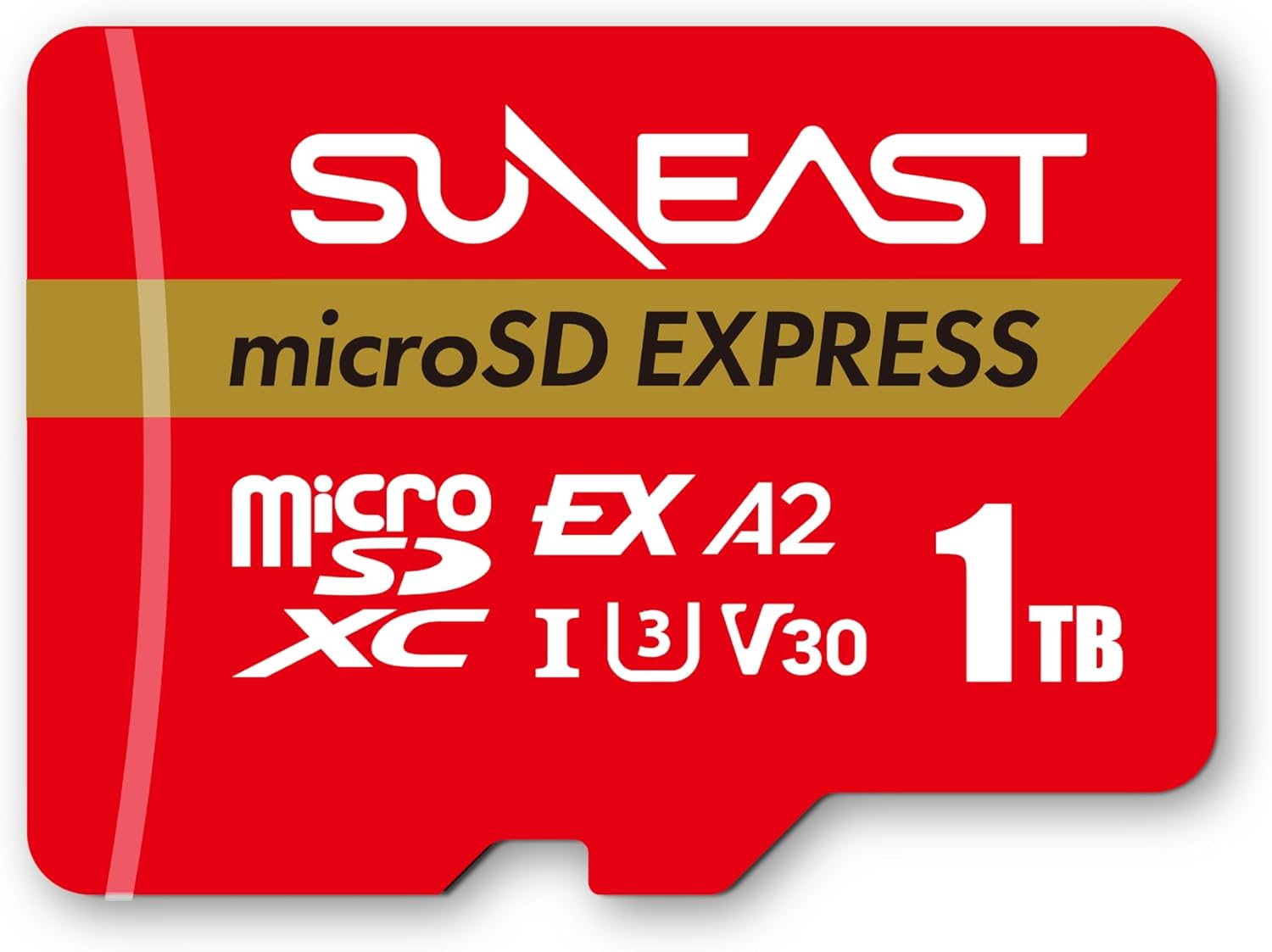
Buy on AmazonSUNEAST microSD Express Memory Card 1TB, Up to 900MB/s Read 620MB/s Write | Compatible with Nintendo-Switch 2, U3 V30 UHS-I A1, High-Speed Storage for Gaming, 4K Video
Switch 2 gamers who want near-maximum 1TB capacity and 900MB/s read speeds at a slightly lower price than the priciest 1TB options in this set.
Matches 900MB/s read speed and adds an A2 application performance rating alongside U3 and V30, making it one of the most comprehensively rated cards in this set for sustained gaming workloads.
The brand has less marketplace visibility than Samsung, SanDisk, or Lexar, which may give some buyers pause when evaluating long-term support.
Premium
- 900MB/s read and 620MB/s write speeds
- A2 and V30 rated for sustained gaming
- 1TB suits the largest JRPG libraries
- Less established brand recognition
- No lifetime warranty mentioned
A comprehensively spec-rated 1TB card with 900MB/s read and A2 performance that suits serious JRPG players at a comparatively lower premium than the priciest 1TB option.
Buy on AmazonFinding the right storage for your Nintendo Switch 2 can make a real difference, especially when your library is packed with sprawling JRPGs and massive open-world titles. Whether you go with a fast SSD for smoother load times or a high-capacity microSD card for flexible, affordable expansion, there is a solid option on this list for just about every kind of player. Take a look at whichever picks caught your eye and see what works best for your setup and budget. Happy gaming, and thanks for reading!
Frequently asked questions
What microSD Express speeds do you actually need for big JRPGs on Nintendo Switch 2?
For large JRPGs with open worlds and frequent fast travel loads, a card with at least 800MB/s sequential read speed will make a noticeable difference compared to older UHS-I cards. The Switch 2 uses the microSD Express interface, which can take full advantage of cards like the SanDisk 512GB at up to 880MB/s read or the Lexar 1TB Play PRO at up to 900MB/s read. Write speed also matters when installing massive game files, so look for sustained write figures (not just burst peaks) since JRPGs with save-heavy sessions will stress that spec repeatedly. Cards listing a sustained write rating, such as the SanDisk 512GB at 220MB/s sustained write, give you a more honest picture of real-world performance.
Will these microSD Express cards work in older Switch models or other devices I already own?
MicroSD Express cards are physically the same size as standard microSD cards, so they fit in older Switch and Switch Lite slots. However, older devices cannot use the Express speed protocol, so you will only get UHS-I speeds (roughly 100MB/s or less) on those older systems. The Lexar 1TB Play PRO explicitly advertises backwards compatibility with UHS-I and UHS-II devices at UHS-I speeds, which is a useful safety net if you share a card between a Switch 2 and an older camera or tablet. If your collection spans multiple devices, confirming backwards compatibility in the product specs before purchasing will save you a headache.
Is 256GB enough storage for a JRPG library, or is 1TB worth the extra cost?
Modern JRPGs can range from around 15GB for a mid-size title up to 50GB or more for a large open-world entry, so a 256GB card like the Samsung microSD Express fills up faster than many buyers expect once you add a handful of big releases. If you plan to keep six to ten major titles installed at once without constantly managing storage, a 512GB or 1TB option gives you meaningful headroom. The 1TB cards from Lexar, Gigastone, and SUNEAST are priced at a premium but eliminate the routine juggle of deleting and re-downloading games. Think of storage size as a one-time decision tied to how many games you want available offline, especially on travel days when re-downloading is not an option.
How difficult is it to set up a new microSD Express card in the Nintendo Switch 2?
Setup is straightforward: power down the Switch 2, insert the card into the microSD slot on the back of the console, then power it back on and the system will prompt you to format the card for use. Formatting takes under a minute for most cards regardless of capacity. After formatting, you can set the card as the default install location in system settings so new game downloads go there automatically. One practical note: format the card on the Switch 2 itself rather than on a PC first, since the console uses its own file system that a PC format will not set up correctly.
How does the Gigastone 1TB stand out compared to the other 1TB options, and what does its 5-year data recovery offer actually mean for buyers?
The Gigastone 1TB matches competitive read and write speeds (800MB/s read, 650MB/s write) and is explicitly designed for the Switch 2, which covers the basics that the Lexar and SUNEAST 1TB cards also cover. Its standout feature is the bundled 5-year data recovery service, which can be valuable if the card suffers data corruption and you have save files or downloaded content you want to recover. Data recovery services typically involve sending the card to the provider for professional extraction, though coverage terms and what qualifies as recoverable data vary, so reading the service terms before relying on it is worth your time. For buyers who store large irreplaceable game libraries and want an extra safety net beyond cloud saves, that included service adds practical value beyond raw speed specs.