If you own a ROG Ally, Steam Deck, or a compact console setup, you already know the frustration of being stuck with a tiny screen when you want a bigger gaming experience on the go. The good news is that portable monitors have gotten seriously impressive, and there are some genuinely exciting options out there right now that make travel gaming feel a lot less like a compromise. Whether you are heading to a hotel, a friend’s place, or just want a second screen for your laptop without the bulk, a great portable monitor can completely change how you play. In this guide, we are breaking down some of the most practical, well-built, and surprisingly capable portable monitors available today. You will find options that cover a range of budgets, screen sizes, and feature sets, including picks with fast refresh rates, crisp resolution, and plug-and-play simplicity. No complicated setup required, just better visuals wherever you decide to game. Let’s get into it.
Disclosure: As an Amazon Associate we earn from qualifying purchases. Prices and availability shown are accurate as of the date of publication and may change.
Quick comparison
How to choose
Refresh Rate and Response
For handheld gaming devices like the ROG Ally and Steam Deck, a 60Hz panel works but a 144Hz panel with a low response time will noticeably reduce motion blur in fast games. Check whether the monitor’s advertised refresh rate is available over all its ports, since some listings note that HDMI connections are capped below the maximum (for example at 120Hz instead of 144Hz), which can matter when connecting consoles.
Resolution and Aspect Ratio
Standard 1080p at 16:9 is the most compatible choice since most handhelds and consoles output that signal natively, minimizing scaling artifacts. Some monitors in this category offer 1200p at a 16:10 ratio, which gives extra vertical space for desktop use but may introduce black bars or scaling when a console outputs a strict 16:9 signal, so weigh that tradeoff against your primary use case.
Port Selection and Cable Power
A USB-C port that carries video, data, and power over a single cable is the most convenient option for handhelds, but only if that port supports full-function DisplayPort Alternate Mode and enough power delivery for your device. A Mini-HDMI or full-size HDMI port is essential for consoles like PS5 and Xbox that do not output over USB-C, so check that the monitor has whichever combination your devices actually need.
Size and Weight for Travel
Monitors in this category range from roughly 15.6 inches to 18 inches and from about 1.7 lbs to 2.3 lbs. A smaller, lighter panel slips more easily into a backpack alongside a handheld and its accessories, while a larger panel gives a more cinematic feel at the cost of bulk. Consider whether you will carry this daily or only for occasional trips, since even a half-pound difference becomes meaningful over a long travel day.
Color Gamut and Panel Type
Standard IPS panels cover the sRGB color space adequately for gaming and video, while QLED panels in this category are listed as covering 100% DCI-P3, which can make colors appear more vivid and saturated. If you plan to use the monitor for color-sensitive creative work alongside gaming, a wider gamut panel may be worth the premium, but for pure gaming the practical difference is often subtle and depends on the content you play.
The picks
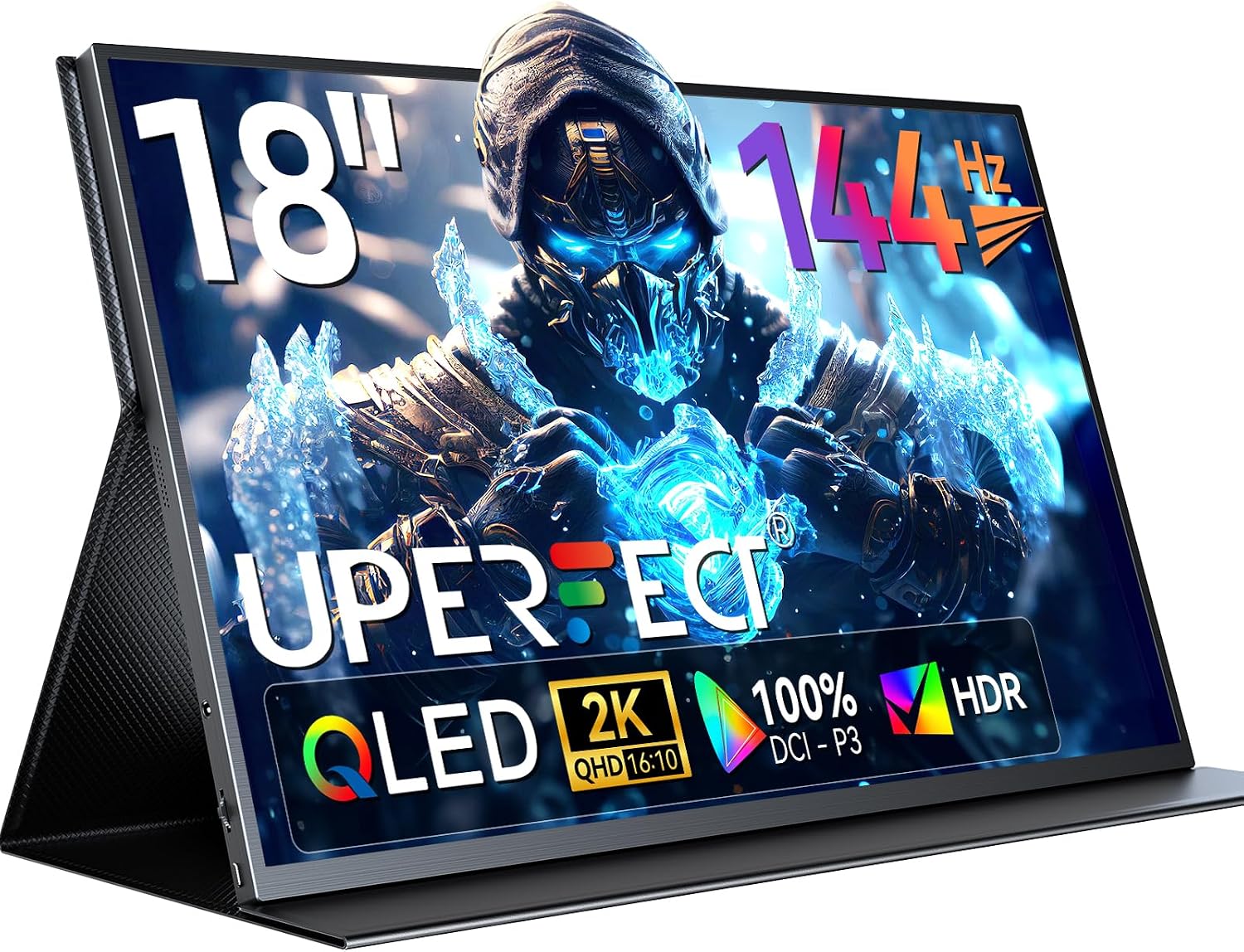
UPERFECT 18" 2K 144Hz Portable Monitor, 100% DCI-P3 400 Nits Gaming Display
Dedicated portable gaming enthusiasts and creators who want the largest, sharpest, and most color-accurate screen available in this set without compromise.
The 18-inch QLED panel with 2560x1600 QHD resolution, 100% DCI-P3, 400 nits brightness, and FreeSync at 144Hz is the most capable display configuration in this entire set.
This is the most expensive option in this set, and at 2.3lb with a 0.4-inch depth it is also the heaviest and thickest, which reduces its everyday portability advantage over slimmer rivals.
Premium
- 18-inch QLED 2560x1600 at 144Hz
- 100% DCI-P3 with 400 nits brightness
- FreeSync plus VESA 75x75 mount support
- Most expensive option in this set
- Heaviest and thickest in the lineup
The definitive portable monitor for ROG Ally and Steam Deck setups when image quality and screen size matter most, but its size, weight, and price demand real commitment.
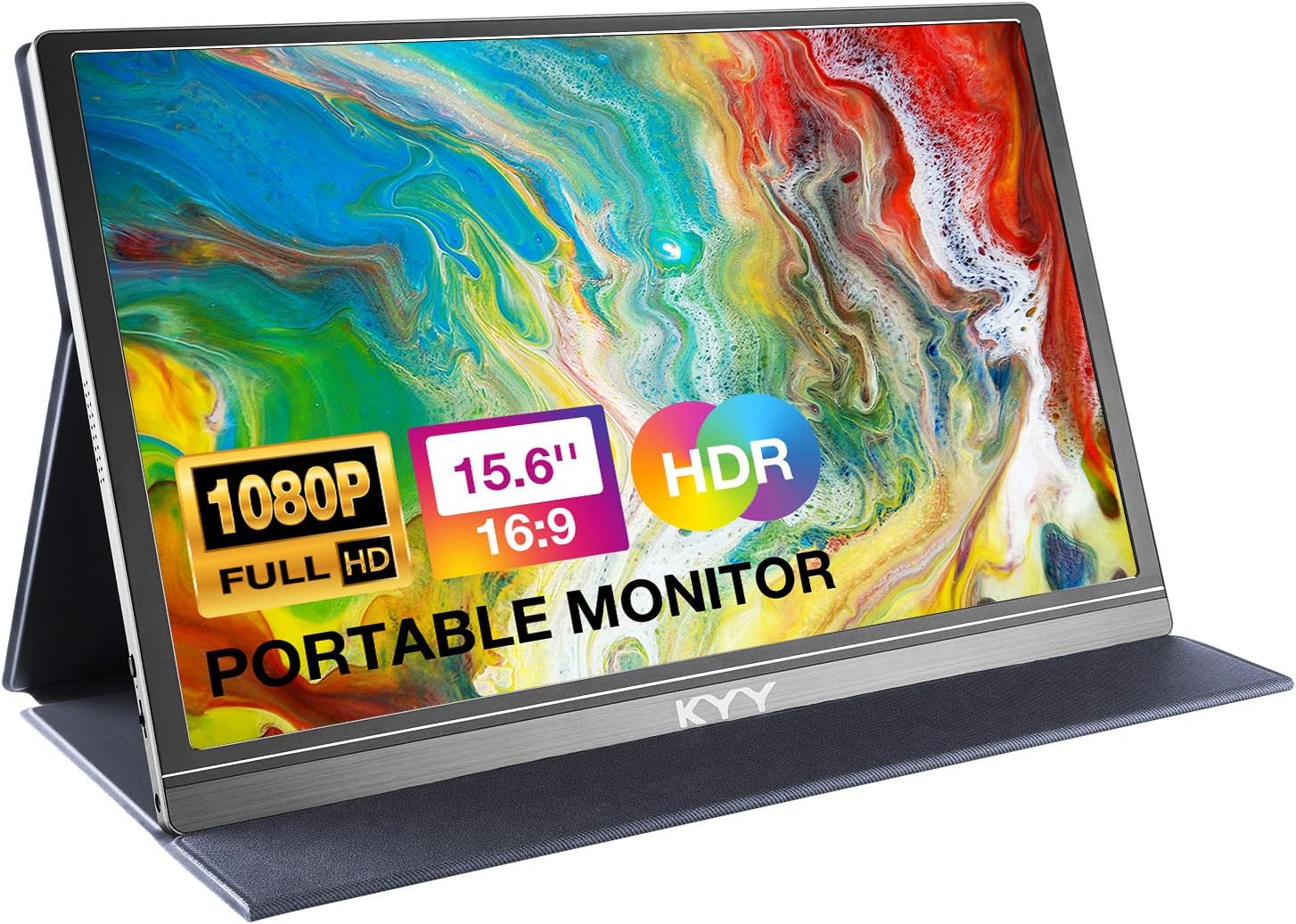
Buy on AmazonKYY Portable Monitor 15.6" 1080P Computer Monitor Screen Extender w/Cover
Budget-conscious travelers who need a basic second screen for casual gaming or productivity on the go.
Ultra-slim 0.3-inch profile at just 1.7lb with dual full-function USB-C ports and Mini-HDMI makes it genuinely one-cable portable with no drivers needed.
Capped at 60Hz with a 1000:1 contrast ratio, so fast-paced gaming on the ROG Ally or Steam Deck will show more motion blur than higher-refresh alternatives in this set.
Budget
- Dual USB-C plus Mini-HDMI connectivity
- Ultra-slim and lightweight at 1.7lb
- Built-in speakers with 3.5mm audio out
- 60Hz only, no high-refresh support
- Low contrast ratio limits gaming immersion
The most affordable entry point for a portable IPS screen, but the 60Hz cap limits its appeal for dedicated handheld gaming.
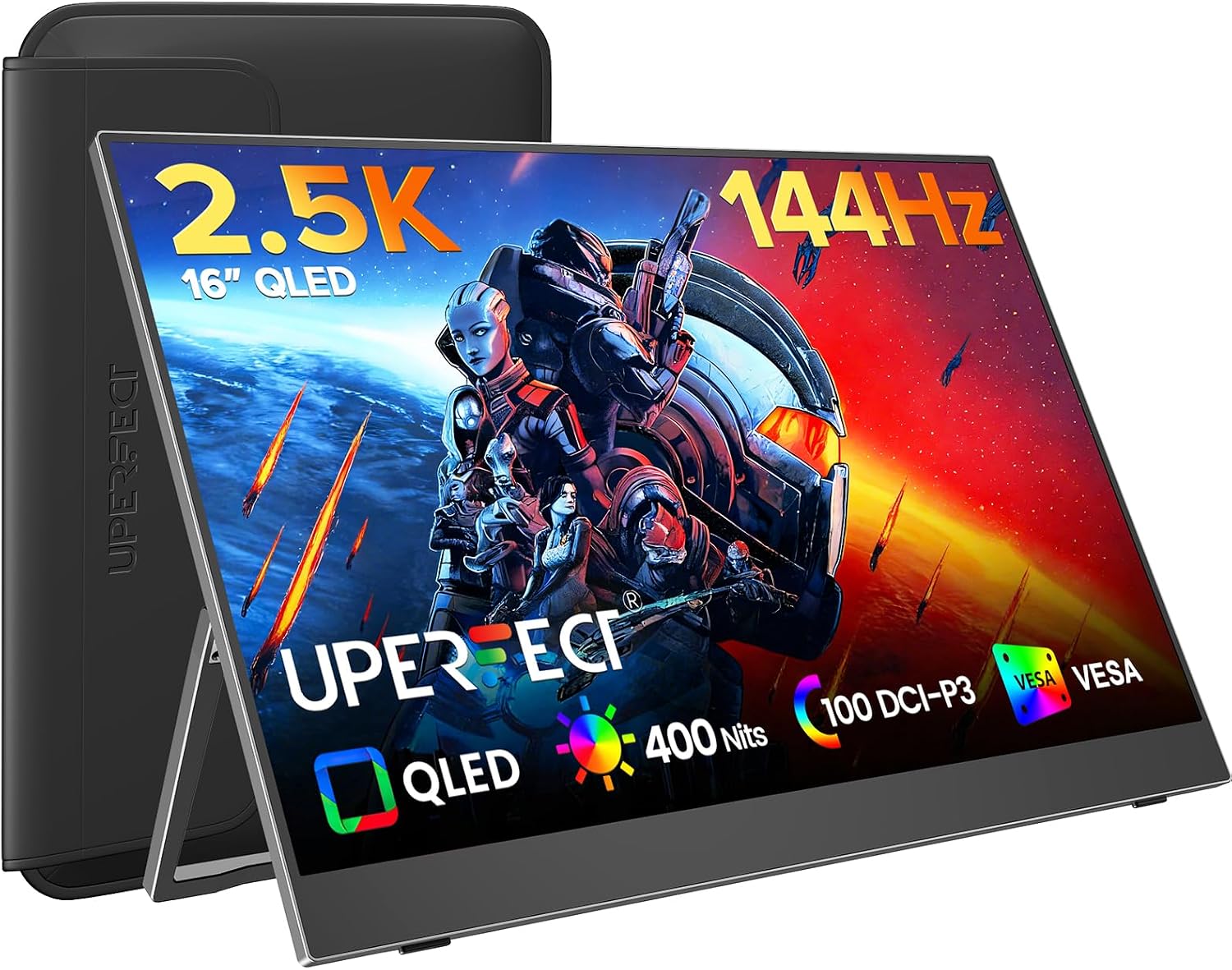
Buy on AmazonUPERFECT Portable Gaming Monitor 144Hz 2.5K, 16” 0.1ms 100% DCI-P3 QLED
Handheld gamers who want QLED color accuracy and smooth 144Hz gameplay without paying for the largest screen in the set.
QLED panel with 100% DCI-P3 coverage, 0.1ms response time, 2000:1 contrast ratio, and 2.5K resolution combine to deliver the most visually capable 16-inch experience in this set.
At a mid-to-upper price point, it costs notably more than the similarly sized 1080P options here while offering a smaller panel than the flagship 18-inch pick.
Mid-range
- QLED 100% DCI-P3 wide color gamut
- 0.1ms response time with 144Hz
- 2000:1 contrast for deep blacks
- Smaller than the flagship 18-inch option
- Priced above standard 1080P competitors
A compelling blend of QLED color, 2.5K sharpness, and 144Hz speed in a portable 16-inch form factor.
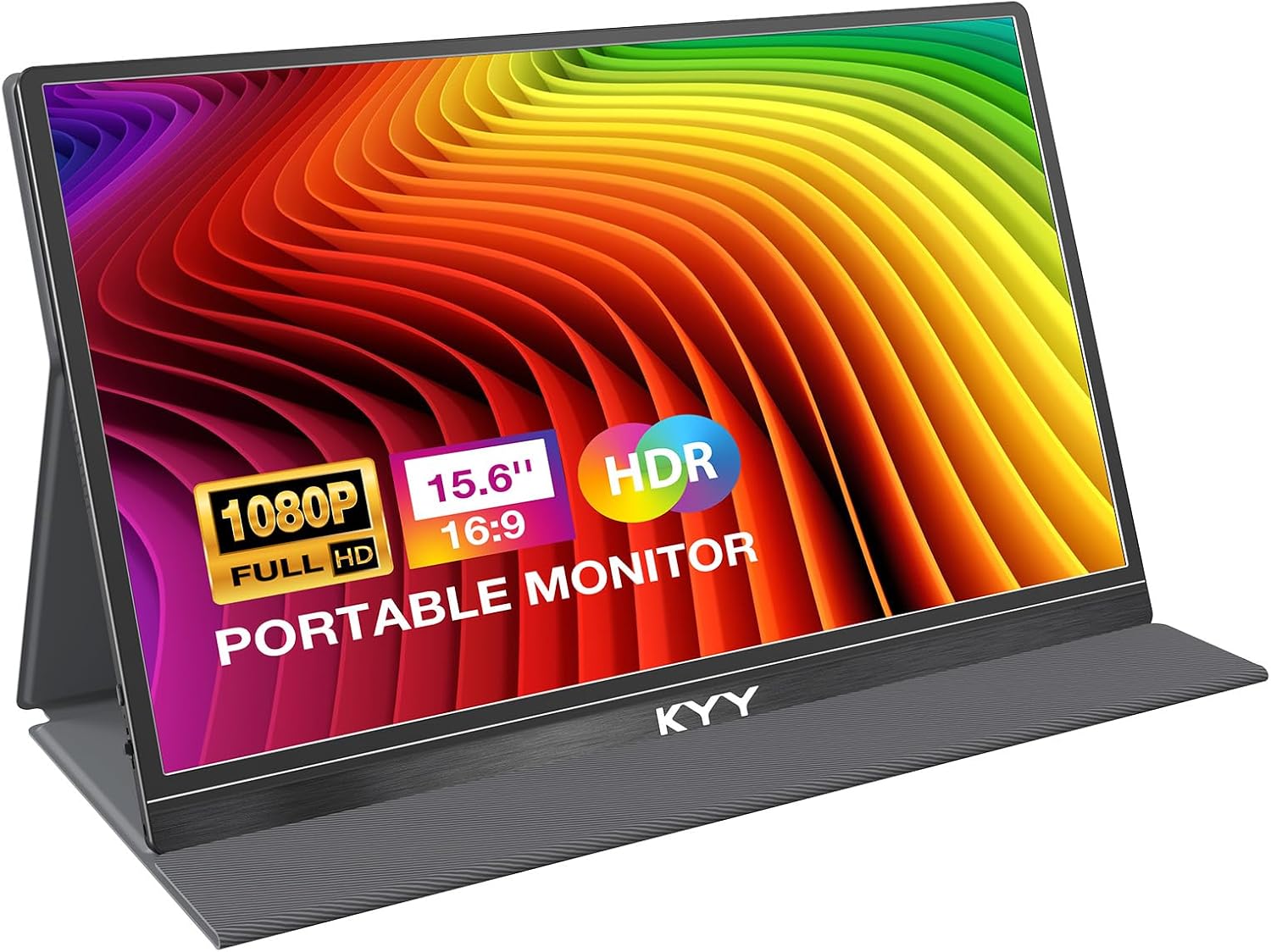
Buy on AmazonKYY Portable Monitor 15.6'' FHD 1080P USB C HDMI Gaming Monitor
Travelers who want a lightweight everyday companion for consoles or laptops and do not need high refresh rates.
Dual USB-C ports alongside Mini-HDMI on a single side solve cable-management headaches, and the stabilized ports are noted as an improvement over earlier designs.
Like its sibling, this monitor is limited to 60Hz at 1080P, which holds back the Steam Deck and ROG Ally from displaying their smoother frame rates.
Budget
- Reinforced port stability for travel
- Dual USB-C plus Mini-HDMI inputs
- Thin and light at 0.3 inches and 1.7lb
- 60Hz refresh rate only
- Not suited for competitive or fast-paced gaming
A tidy, well-connected 60Hz travel display at the lowest price tier, best suited for non-competitive or multimedia use.
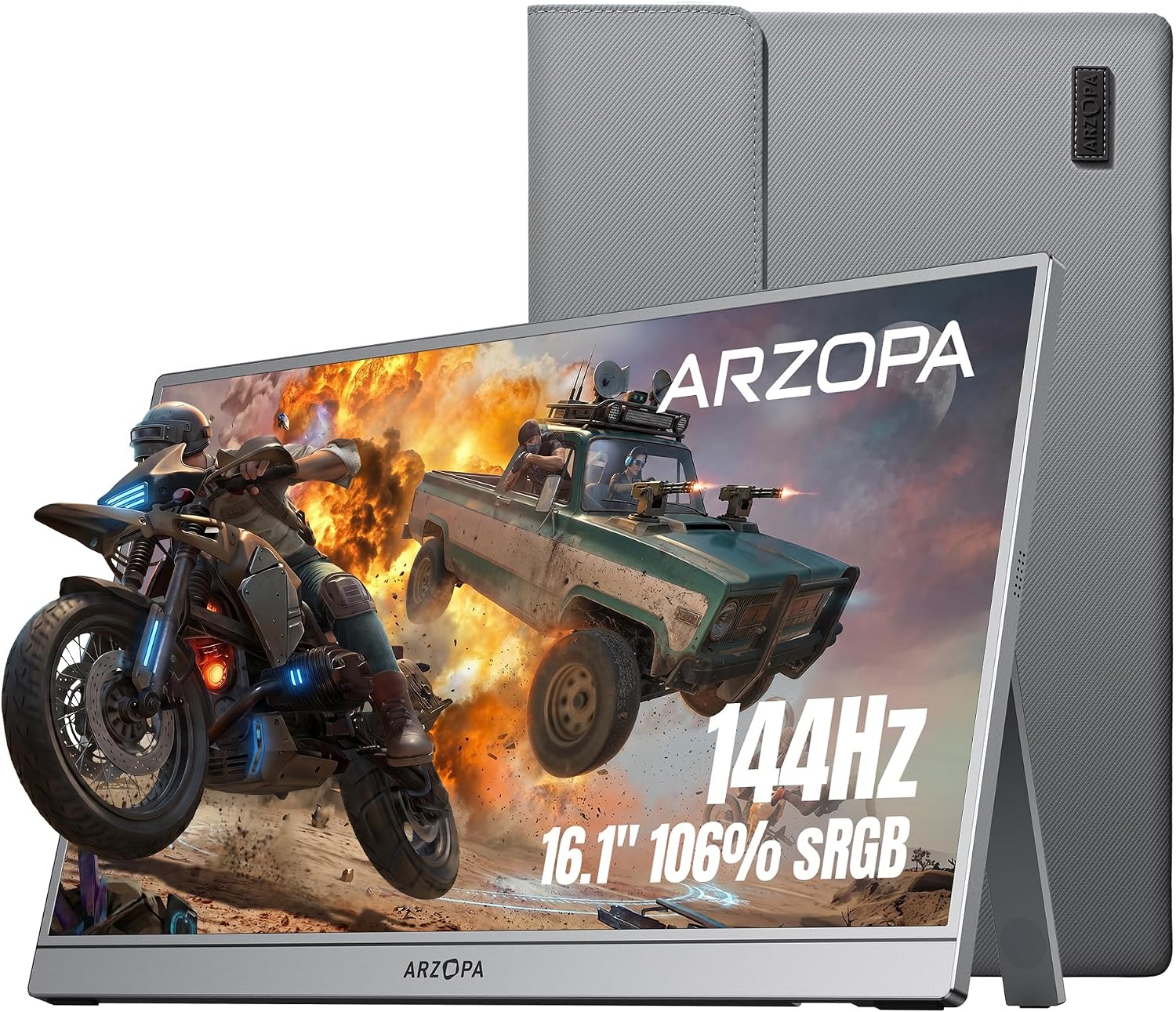
Buy on AmazonARZOPA 16.1'' 144Hz Portable Gaming Monitor 106% sRGB-Z1FC Gray
Gamers who prioritize lag-free 144Hz gameplay in a slim chassis and want a protective sleeve included out of the box.
144Hz IPS panel with anti-glare coating and 178-degree viewing angles targets exactly the kind of travel gaming the ROG Ally and Steam Deck demand, and the included premium protective sleeve adds real-world value.
Color coverage is listed as 106% sRGB rather than DCI-P3, so it delivers less cinematic color depth than the QLED options in this set.
Mid-range
- 144Hz anti-glare IPS for fast gaming
- Protective sleeve included in the box
- Plug-and-play with consoles and handhelds
- sRGB coverage rather than wider DCI-P3
- No mention of FreeSync or adaptive sync
A well-rounded 144Hz travel gaming monitor with a protective sleeve included, though it falls short of QLED rivals on color gamut.
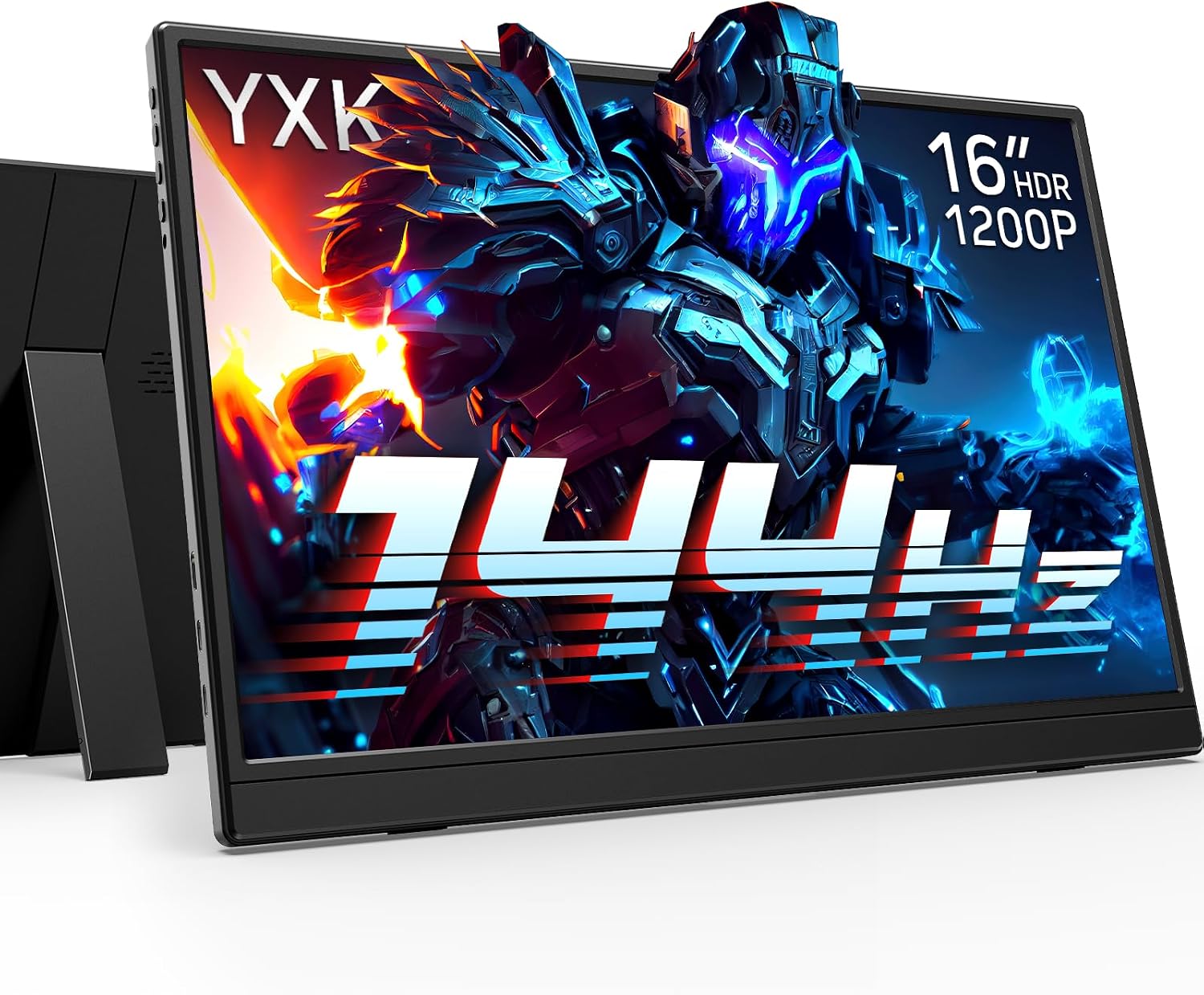
Buy on AmazonYxk Portable Monitor 16 inch 1200P 144Hz IPS HDR Ultra-Slim Gaming Monitor
Productivity-focused users and gamers who benefit from the taller 16:10 aspect ratio for both work documents and gaming sessions.
The 1920x1200 resolution on a 16:10 panel provides 11% more vertical screen space than standard 16:9 displays, benefiting both coding and gaming layouts.
Specifications such as color gamut coverage and contrast ratio are not detailed in the listing, making it harder to assess image quality relative to more fully specified competitors.
Mid-range
- 16:10 aspect ratio adds vertical workspace
- 1920x1200 at 144Hz for smooth gaming
- Built-in adjustable kickstand included
- Color gamut and contrast specs not disclosed
- Fewer listed gaming features than rivals
A practical 16:10 144Hz pick for users who split time between productivity and gaming, though key display specs are underspecified.
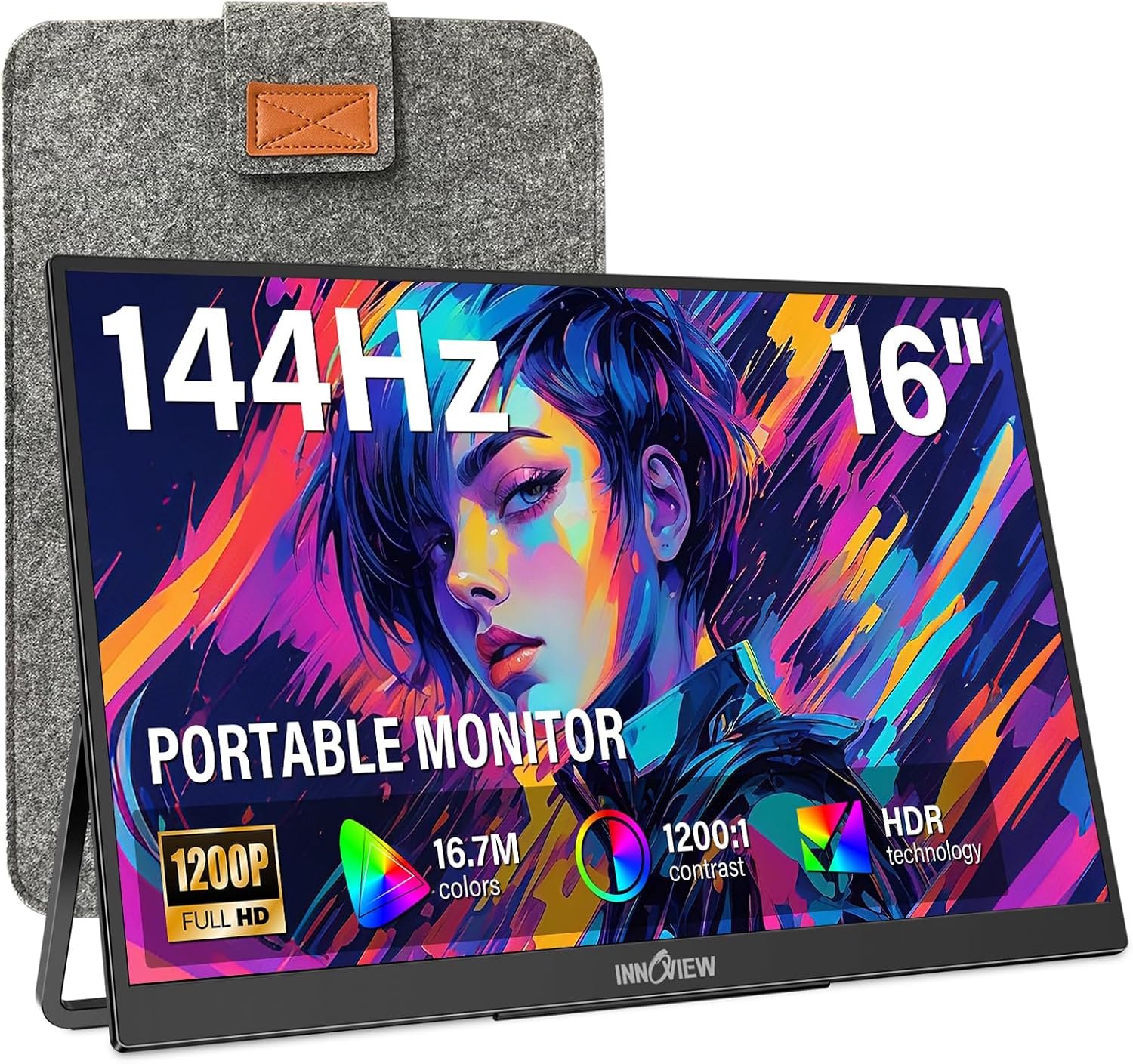
Buy on AmazonInnoView 16" Portable Monitor 144Hz Portable Gaming Monitor HDMI Supports Only 120Hz,with Protective Sleeve, Lightweight, Travel Monitor for Laptop, PS5, Mac, Xbox (Not Includes Adapter)
FPS gamers on Steam Deck or console who want a dedicated crosshair overlay and FreeSync for tear-free competitive play.
Built-in on-screen crosshair assist combined with FreeSync and a true 144Hz 1920x1200 IPS panel makes it the most feature-complete competitive gaming option at its price.
HDMI input is capped at 120Hz rather than 144Hz, so console players plugging in via HDMI will not reach the monitor's full refresh rate potential.
Mid-range
- Built-in crosshair overlay for FPS games
- FreeSync for tear-free gameplay
- 16:10 1920x1200 IPS panel at 144Hz
- HDMI limited to 120Hz maximum
- No adapter included in the box
The best portable option for competitive FPS sessions thanks to its crosshair overlay and FreeSync, though the HDMI refresh cap is a real limitation for console users.
Buy on AmazonWhether you’re gaming on a ROG Ally, Steam Deck, or a console tucked into a travel bag, a good portable monitor can genuinely change how you play on the go. The options featured here cover a solid range of needs, from budget-friendly picks to higher-end displays with smoother refresh rates. If one of them caught your eye, it’s worth clicking through to get a closer look at the specs and see if it fits your setup. There’s no single perfect choice for everyone, but hopefully this list gives you a helpful starting point. Thanks for reading, and happy gaming!
Frequently asked questions
Will these portable monitors work directly with a Steam Deck or ROG Ally without extra adapters?
Most of the monitors listed here connect over USB-C, and both the Steam Deck and ROG Ally output video through their USB-C ports, so a single cable connection is often possible. However, the key requirement is that your handheld’s USB-C port supports full-function video output (sometimes called DisplayPort Alt Mode), not just charging. The InnoView listing specifically names the Steam Deck as a compatible device and notes that its standard HDMI port does not include an adapter in the box, so check what cables you already own. When connecting any of these monitors to a console or handheld, it is worth checking the product manual for the exact steps, as the ARZOPA listing points buyers to its manual for console-specific connection instructions.
What refresh rate can I actually get over HDMI versus USB-C on these monitors?
This is an important distinction to confirm before buying. The InnoView monitor explicitly states in its listing that HDMI supports a maximum of 120Hz even though the panel itself is rated for 144Hz, meaning you need a full-function USB-C connection to reach the top refresh rate. The other 144Hz monitors in this group, including the ARZOPA and UPERFECT models, do not spell out the same HDMI cap in their listing excerpts, so buyers should confirm directly with each manufacturer whether their HDMI port is also limited below 144Hz. If you plan to use a console that outputs only over HDMI, treat 120Hz as a more realistic ceiling and verify the spec.
Which of these monitors is best suited for color-accurate work like photo editing or video on the road?
The UPERFECT 16-inch QLED model and the UPERFECT 18-inch QLED model both claim 100% DCI-P3 color coverage, which is the standard professionals look for when color accuracy matters. The 18-inch model pairs that with 2560x1600 resolution and 400 nits brightness, making it the most capable option on paper for creative work. The KYY and ARZOPA models cover sRGB and use IPS panels, which are solid for general use but the listings do not claim full DCI-P3 coverage. Keep in mind that these color gamut figures come from seller listings and have not been independently verified, so they should be treated as a starting point for comparison rather than a guaranteed specification.
How portable are these screens in practice, and will they fit in a standard backpack alongside a handheld console?
Several of these monitors share a similar physical profile: 15.6 to 16.1 inches, roughly 0.3 inches thin, and around 1.7 pounds. That size sits close to a standard laptop footprint and fits in most full-size laptop compartments. The larger UPERFECT 18-inch model is heavier at 2.3 pounds and 0.4 inches thick, which is still portable but noticeably bulkier for daily carry. The KYY models include a cover that doubles as a stand, the ARZOPA comes with a protective sleeve, and the InnoView also includes a protective sleeve, so not every option ships with the same level of protection for transit.
Do any of these monitors have a built-in stand, or do they rely entirely on a cover folded into a kickstand?
The approach varies across the lineup. The Yxk and InnoView monitors both feature a built-in integrated kickstand, which means the stand mechanism is part of the monitor body rather than a separate folding cover. The KYY models use a smart cover that folds into a stand, and the ARZOPA listing mentions a kickstand without fully specifying whether it is built into the chassis or a cover accessory. For travel setups where you are placing the screen on a desk or tray table, a true integrated kickstand tends to be more stable because it does not depend on the cover being attached, but confirming the exact stand design on the product page before purchasing is worthwhile.