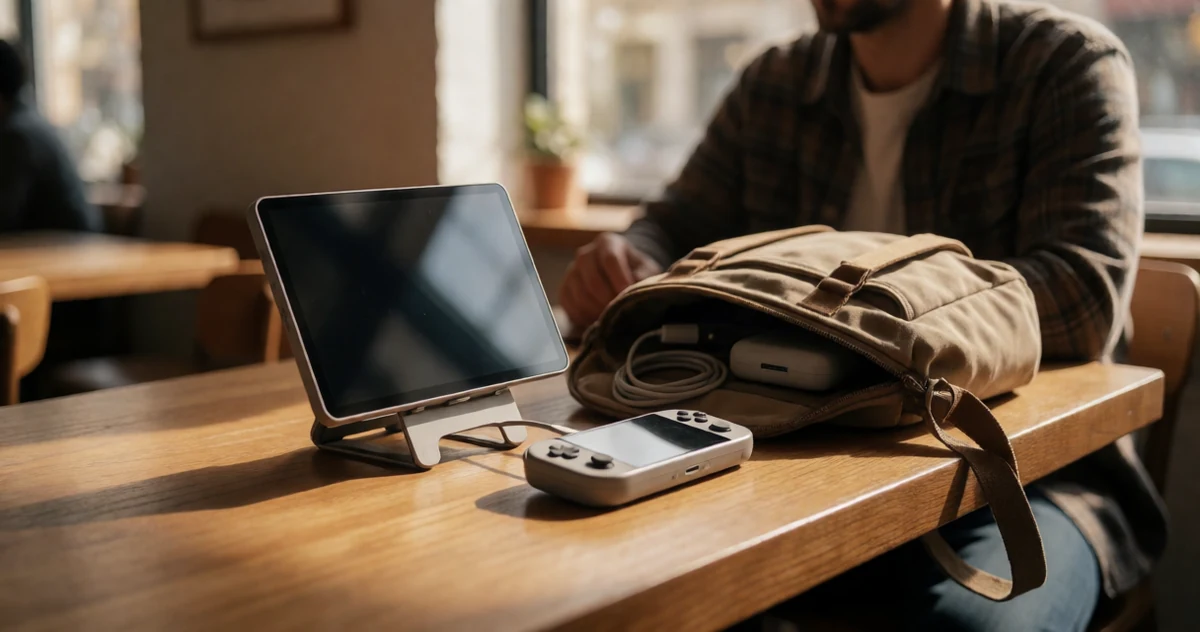
If you own a Switch 2 or any handheld console, you already know the struggle of wanting a bigger screen without hauling a full television setup everywhere you go. Whether you are gaming at a friend’s place, traveling for work, or just setting up a cozy corner in a hotel room, a portable monitor can completely change how you play. The good news is that the market for compact, travel-friendly displays has grown in some genuinely exciting directions lately, with options that offer sharp visuals, built-in speakers, easy connectivity, and surprisingly slim profiles that slip right into a backpack. In this guide, we are breaking down some of the best portable monitors worth considering for Switch 2 and handheld console travel. You will find a mix of practical picks, a few that might surprise you, and some that simply get the job done beautifully without a lot of fuss. No matter your budget or setup style, there is something here worth knowing about.
Disclosure: As an Amazon Associate we earn from qualifying purchases. Prices and availability shown are accurate as of the date of publication and may change.
Quick comparison
How to choose
Resolution and Panel Quality
For handheld console travel, the jump from 1080p IPS to 2K or 2.5K QLED makes a real difference on a 15 to 16 inch screen because pixels are large enough to see individually at close sitting distances. Also consider color gamut: 100% DCI-P3 or sRGB panels reproduce game art more faithfully than panels that only claim general IPS coverage. If you plan to use the monitor for creative work between gaming sessions, a wider color gamut matters even more.
Refresh Rate Compatibility
A 60Hz panel is fine for the Switch 2 in docked or handheld output modes, but if you also connect a PC or PS5 for fast-paced titles, a 120Hz or 144Hz panel removes motion blur noticeably. Check the fine print on each connection: some monitors deliver 144Hz only over USB-C with Thunderbolt or DP Alt Mode, while HDMI may be capped at 60Hz or 120Hz, which matters if your console uses HDMI.
Connection Type and Alt Mode Support
The Switch 2 outputs video over USB-C using DP Alt Mode, so confirm the monitor accepts that signal rather than requiring a separate dock and HDMI cable. Monitors with both a full-size HDMI port and dual USB-C ports give you the most flexibility across consoles and laptops without carrying adapters. Mini-HDMI ports, found on some models, require an extra cable that is easier to lose during travel.
Portability and Screen Size
Roughly 15.6 inches suits a backpack sleeve alongside a laptop, while 16 inch screens with a 16:10 aspect ratio add usable vertical space but take slightly more room. Weight matters on long trips: units around 1.5 to 1.7 pounds are manageable, but check whether the listed weight includes the protective cover, since the cover and stand are what you will actually carry. A built-in kickstand or a cover that doubles as a stand saves you from packing a separate prop.
Built-in Stand and Protection
A sturdy integrated kickstand or a rigid folio cover that props the screen is essential for travel because you rarely have a flat surface with something to lean the monitor against. Soft fabric pouches protect during transport but do not function as stands, so look for covers described as rigid PU leather or designs with a built-in mechanism. If you intend to mount the monitor on a VESA arm at a desk between trips, check whether the listing confirms VESA compatibility, as not all portable monitors include those mounting holes.
The picks
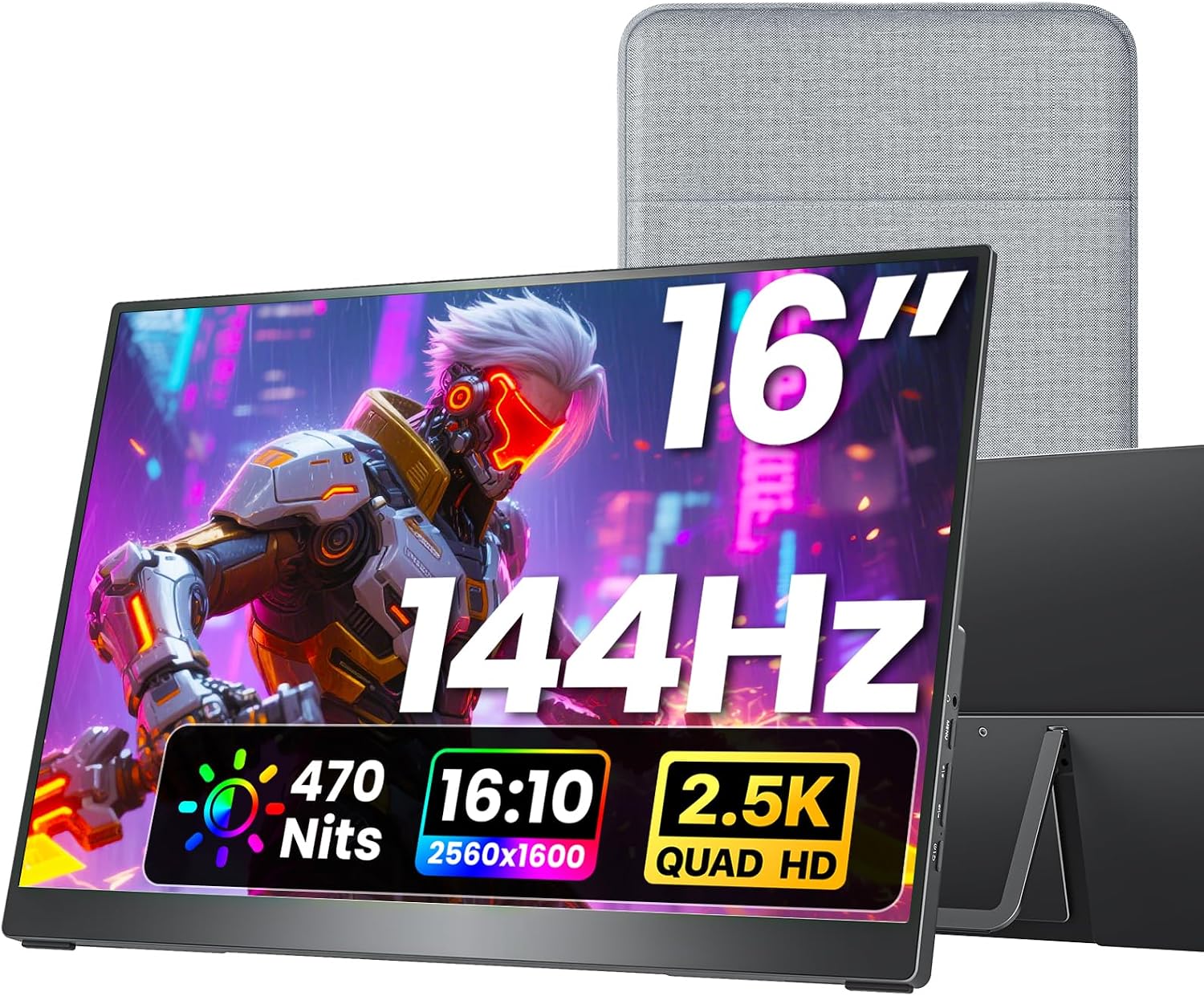
VisionOwl Portable Monitor 16 Inch 2.5K QHD 144Hz 16:10 Second Screen, USB-C HDMI HDR Travel Monitor for Laptop PC MacBook PS5 Xbox, VESA Mountable, with Speakers, Built-in Kickstand
MacBook users and Switch gamers who want the most complete feature set for travel, including VESA mounting and a full-size HDMI port.
Full-size Standard HDMI port (not fragile Mini-HDMI), built-in kickstand, VESA mount support, and 470 nits brightness combine to make it the most versatile travel setup in the set.
This is the most expensive product on this list, which may be hard to justify for users who only need occasional portable use.
Premium
- Full-size HDMI plus dual USB-C
- Built-in kickstand and VESA mount support
- 470 nits brightness with 1.07 billion color 8-bit plus 2FRC panel
- Priciest pick on this list
The most fully equipped portable monitor in this set, worth the premium for travelers who want VESA mounting, a kickstand, and full-size ports all in one package.
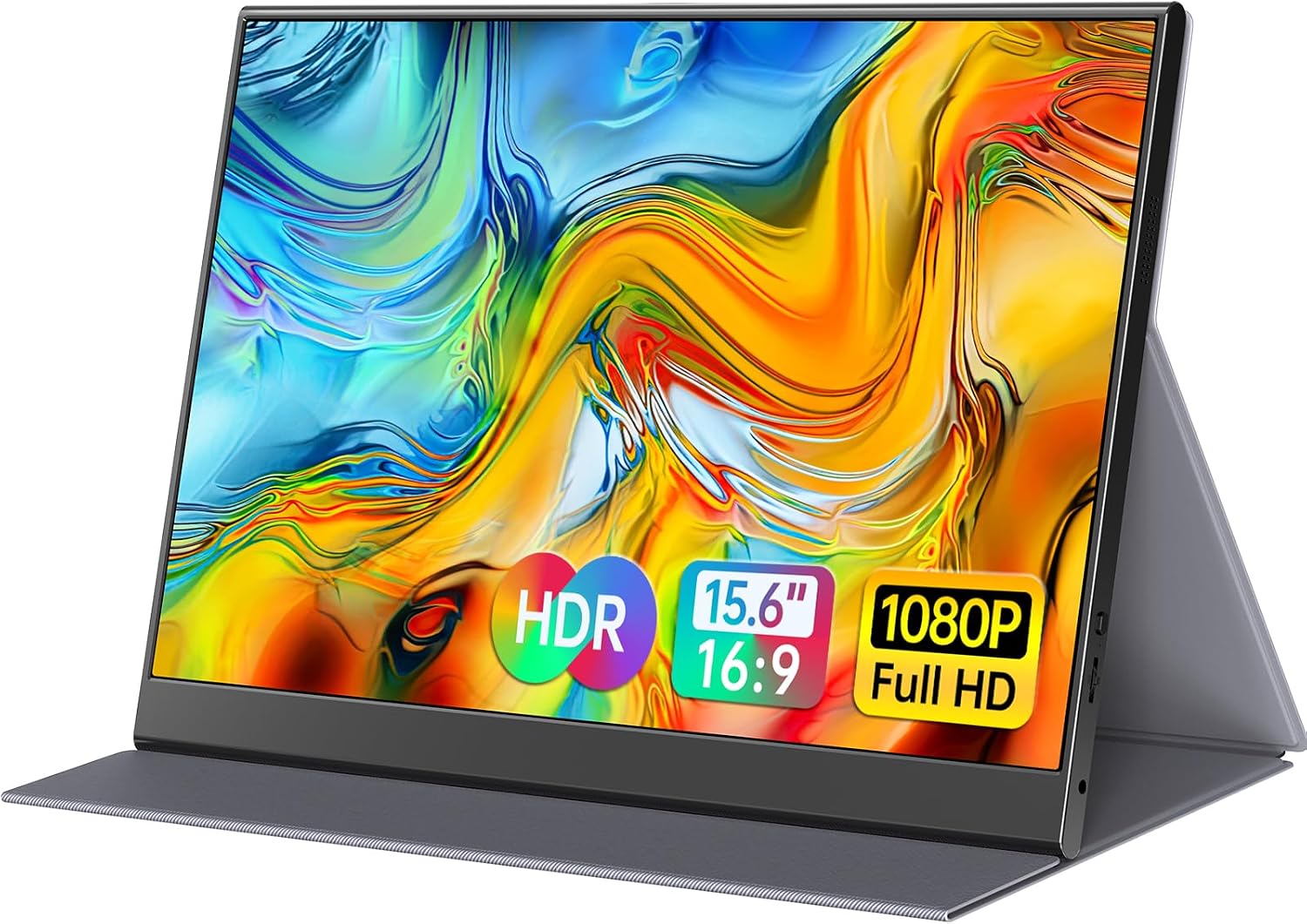
Buy on AmazonForHelp 15.6inch Portable Monitor,1080P USB-C HDMI Second External Monitor for Laptop,PC,Mac Phone,PS,Xbox,Swich,IPS Ultra-Thin Zero Frame Gaming Display/Premium Smart Cover
Price-sensitive buyers who want a dependable portable display for Switch travel without spending much.
Aluminum alloy body keeps weight to just 1.52lb with a 0.3-inch ultra-thin profile, making it one of the lightest and most packable options in the set.
This is the most affordable pick on this list, and its 1080P panel with no stated high refresh rate reflects that entry-level positioning.
Budget
- Aluminum alloy construction
- Matte IPS screen reduces glare
- Zero-frame design with smart magnetic cover
- 1080P resolution only
- No high refresh rate specified
The most affordable way to add a portable screen to your Switch travel kit, with a premium-feeling aluminum build despite the low price.
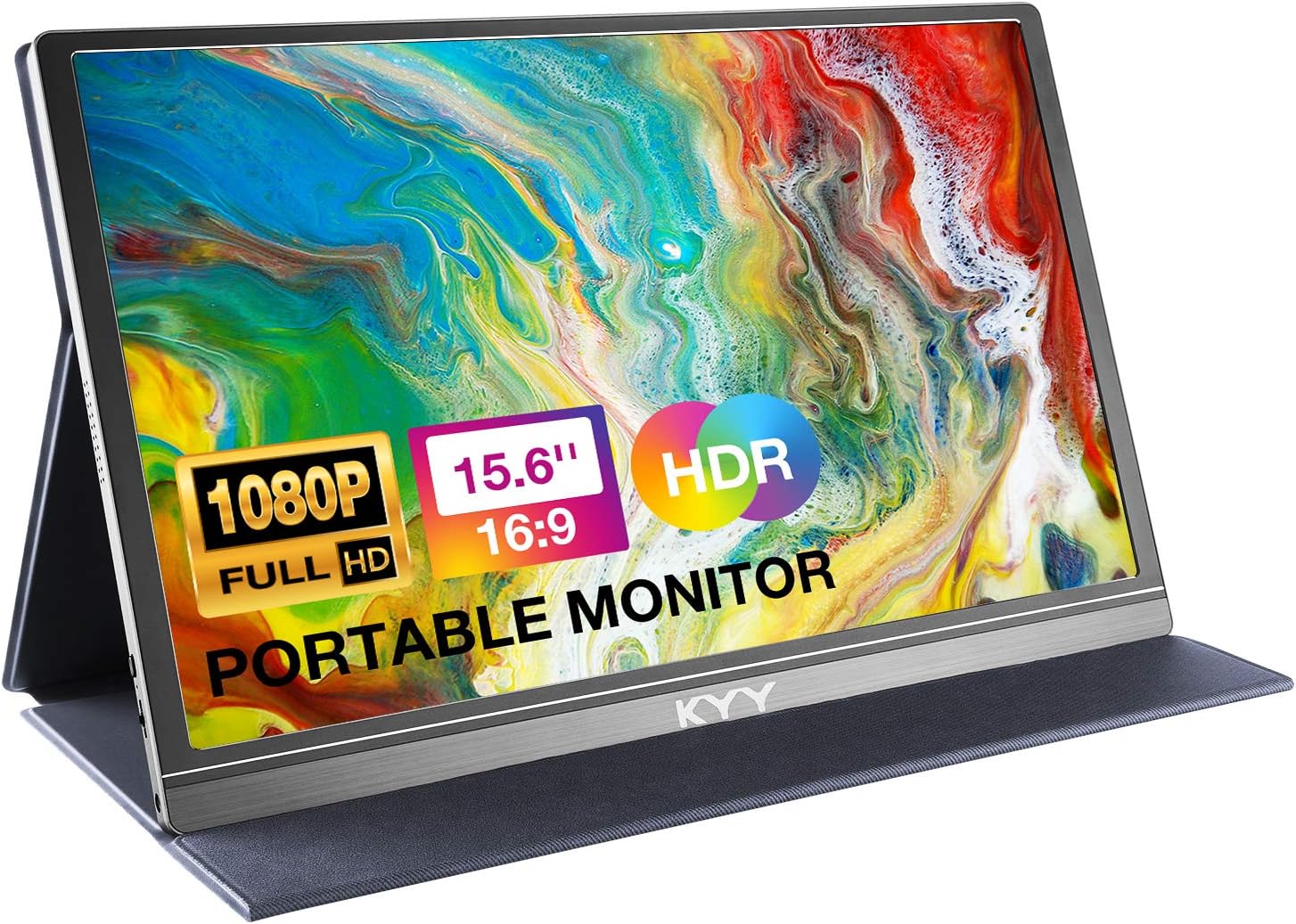
Buy on AmazonKYY Portable Monitor 15.6" 1080P Computer Monitor Screen Extender w/Cover
Budget-conscious travelers who need a simple second screen for Switch or casual gaming on the go.
Ultra-slim 0.3-inch profile at 1.7lb with dual full-function USB-C ports and a Mini-HDMI port makes it genuinely pocketable for travel.
1080P IPS panel with no high refresh rate spec listed means fast-paced Switch gaming will not benefit from smoother motion compared to 144Hz rivals in this set.
Mid-range
- Ultra-slim 0.3-inch body
- Dual USB-C plus Mini-HDMI connectivity
- Built-in speakers with 3.5mm audio jack
- No high refresh rate spec listed
- 1080P resolution only
A solid no-frills portable display for travelers who prioritize portability over gaming performance.
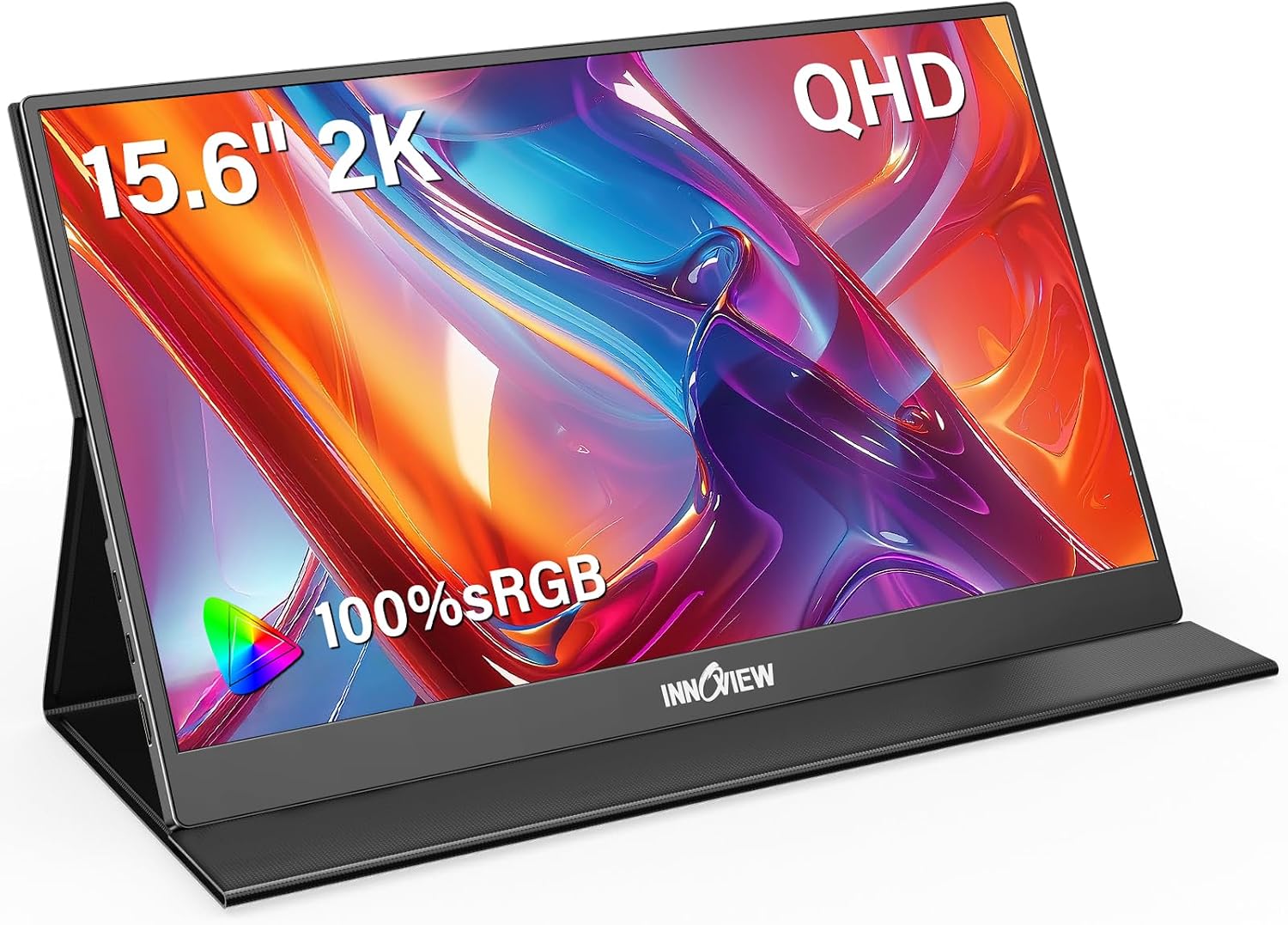
Buy on AmazonInnoView 2K Portable Monitor for Laptop 15.6" 2560×1440 QHD 100% sRGB Built-in Speaker USB C Standard HDMI External Second Screen for Mac Laptop Phone PS4/5 Xbox Switch
Students and remote workers who want sharper text and color accuracy for productivity alongside handheld gaming sessions.
2560x1440 QHD resolution paired with 100% sRGB color coverage delivers noticeably sharper detail than the 1080P options in this set.
No high refresh rate is listed in the specs, so fast-paced gaming motion will not be as fluid as the 144Hz monitors in this set.
Mid-range
- 2K QHD 2560x1440 resolution
- 100% sRGB color accuracy
- Durable PU leather smart cover included
- No high refresh rate listed
- Standard HDMI rather than full-size port on some rivals
The sharpest screen for mixed work and play at a competitive price, though gamers chasing smooth motion should look elsewhere.
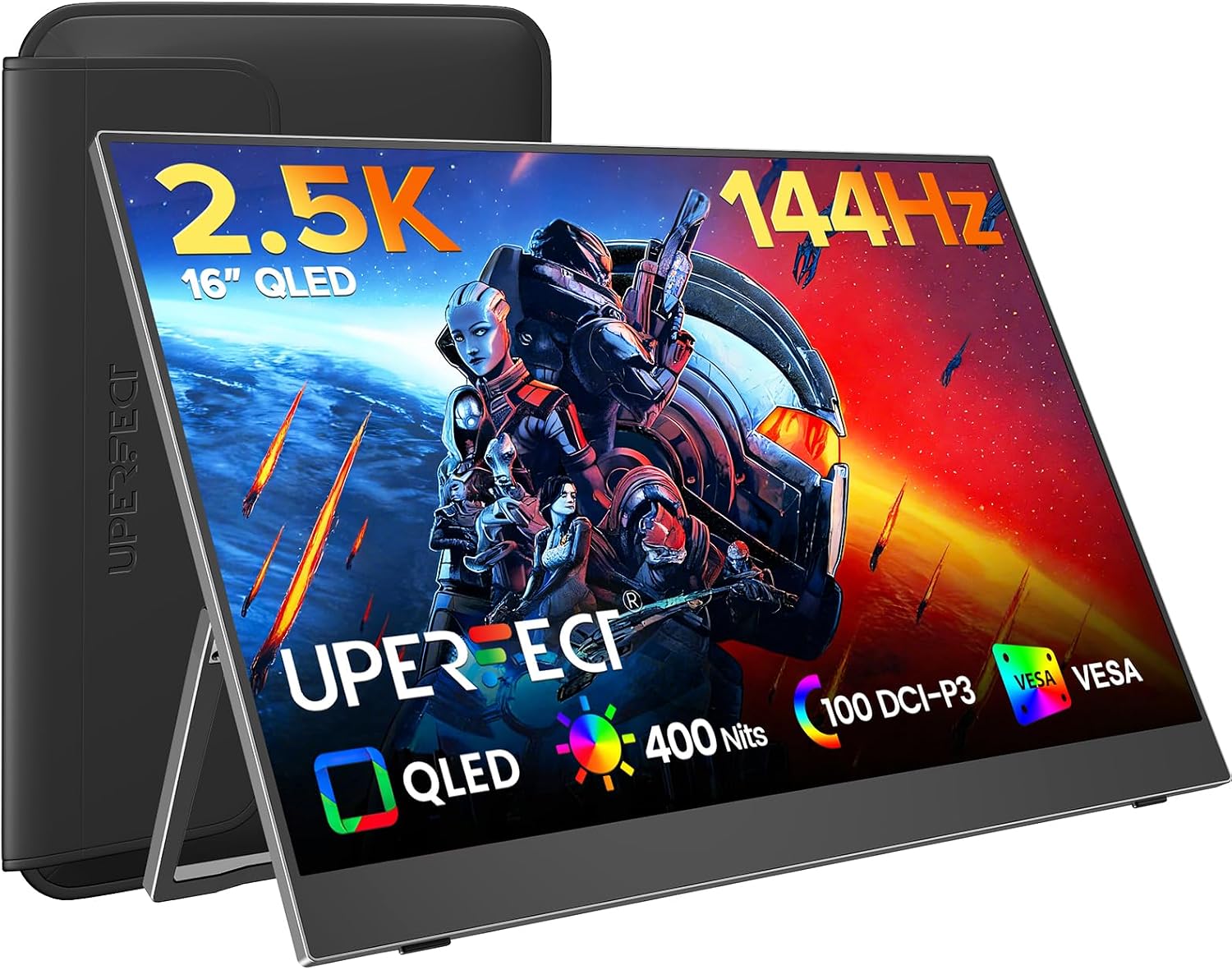
Buy on AmazonUPERFECT Portable Gaming Monitor 144Hz 2.5K, 16” 0.1ms 100% DCI-P3 QLED
Handheld and console gamers who want the best color volume and fastest response for competitive or visually rich titles.
QLED panel with 100% DCI-P3 color gamut and a 0.1ms response time combined with 144Hz refresh rate gives it the most gaming-focused spec sheet in this set.
No built-in kickstand or protective cover is mentioned in the description, which matters for travelers setting up on varied surfaces.
Mid-range
- QLED 100% DCI-P3 color volume
- 0.1ms response time
- 144Hz refresh rate for fluid motion
- No kickstand or cover mentioned
- Larger 16-inch size may be less packable
The top choice for pure gaming performance, with class-leading color volume and response time in a 16-inch form factor.
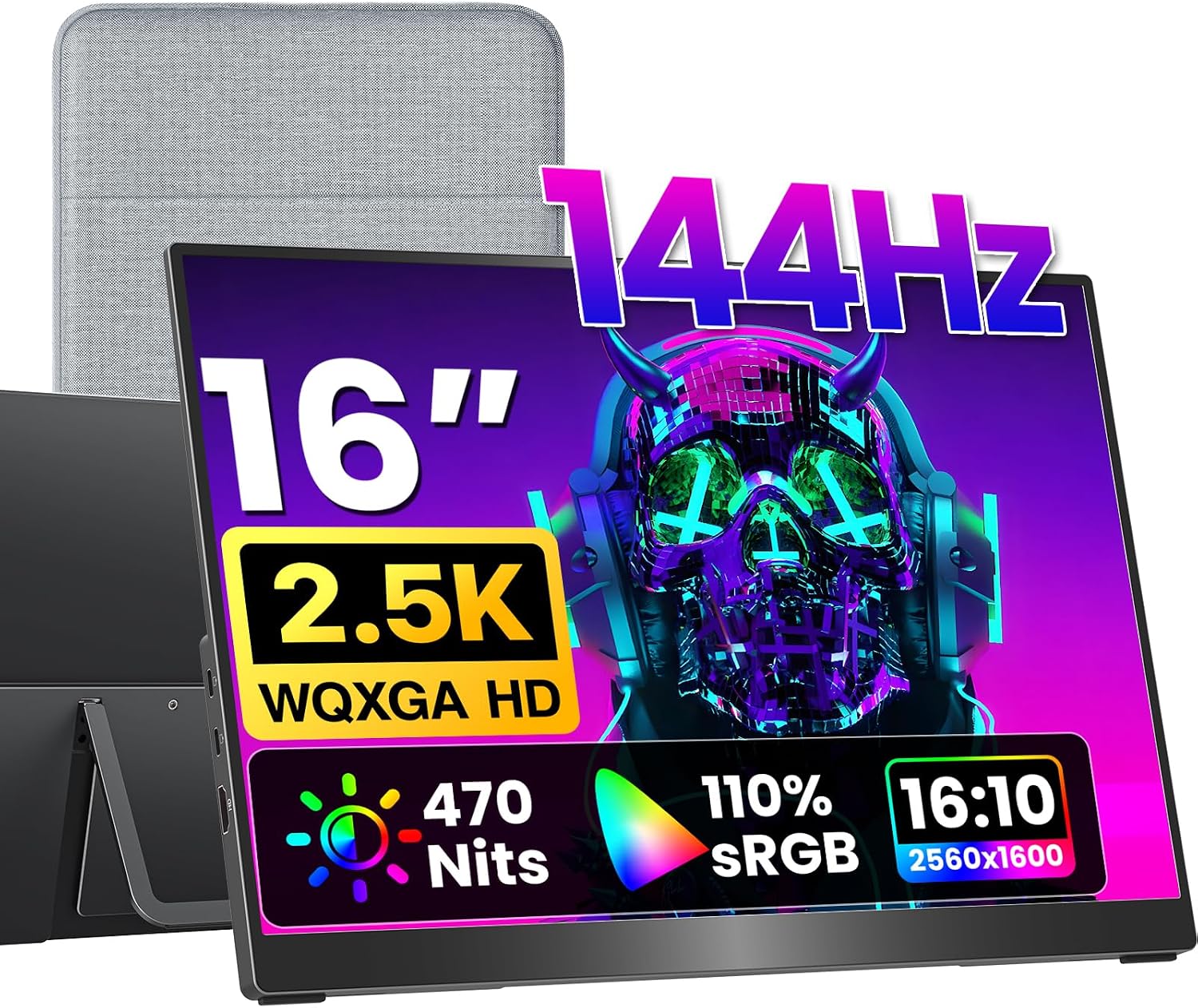
Buy on Amazonkksmart Portable Monitor for Laptop MacBook Surface PC Xbox PS5, Travel Monitor Second Screen for Laptop, HDMI USB-C VESA Compatible Built-in Speaker, 16
MacBook and PS5 or Xbox gamers who want a large 16-inch screen with 144Hz gaming and a 16:10 aspect ratio that matches MacBook displays natively.
2560x1600 resolution at 16:10 aspect ratio with 470 nits brightness and 144Hz via USB-C delivers sharp, fluid visuals that pair seamlessly with MacBooks without black bars.
HDMI connectivity is capped at 120Hz rather than the full 144Hz, so Switch users connecting via HDMI will not reach the panel's maximum refresh rate.
Premium
- 16:10 aspect ratio matches MacBook screens
- 144Hz via USB-C for smooth gaming
- 470 nits brightness for bright environments
- HDMI limited to 120Hz maximum
- Near the top of the price range in this set
An excellent MacBook companion and gaming monitor, though Switch users should note the HDMI refresh rate cap.
Buy on AmazonFinding the right portable monitor can genuinely transform how you enjoy your Switch 2 or favorite handheld console on the go. Whether you prioritize screen size, color accuracy, or a slim profile that fits easily into a bag, there is something on this list worth considering for your setup. Take your time browsing the options, and if one catches your eye, the links above make it easy to learn more. Travel gaming should be fun and hassle-free, and a good portable monitor goes a long way toward making that happen. Thanks for reading, and happy gaming wherever the road takes you!
Frequently asked questions
How do I connect a portable monitor to a Switch 2 or handheld console while traveling?
Most portable monitors in this category connect via USB-C or HDMI, and the method that works depends on what your handheld console outputs. Several options here, including the KYY, ForHelp, InnoView, VisionOwl, and kksmart, list Switch compatibility and offer both USB-C and HDMI ports. However, USB-C single-cable connection requires your device to support Thunderbolt 3 or 4, or DP Alt Mode, so confirm whether your specific console model meets that requirement before assuming one cable is enough. If it does not, a Mini-HDMI or standard HDMI cable to the monitor is the reliable fallback. Check the listing for whether the HDMI port is full-size or Mini-HDMI, since the VisionOwl and kksmart use a standard full-size HDMI while the KYY and ForHelp use Mini-HDMI, which requires a different cable.
What resolution and refresh rate should I look for in a portable monitor for gaming on the go?
For handheld console gaming, 1080p at 60Hz covers the output of most current Switch-generation hardware, so the KYY and ForHelp 1080p IPS panels are practically sufficient if your console does not push beyond that. If you also want to use the monitor with a PC or future-proof it for higher-output devices, the InnoView at 2560x1440, the UPERFECT at 2.5K with 144Hz, and the VisionOwl and kksmart at 2560x1600 with 144Hz give you more headroom. One practical note from the kksmart listing: USB-C supports up to 144Hz on that model but HDMI tops out at 120Hz, so the cable and port you choose can affect the ceiling refresh rate you actually get.
Are these portable monitors durable enough for frequent travel in a bag?
All five options are marketed as travel monitors, and several include a protective cover or case. The InnoView and VisionOwl listings mention a PU leather smart cover that doubles as a stand, while the KYY and ForHelp also include a cover described as scratch-resistant. The ForHelp body is described as aluminum alloy at 1.52 lbs, and the KYY is listed at 1.7 lbs, both in a 0.3-inch thin profile designed to fit in a bag. That said, seller descriptions are not independent drop or stress tests, so how well a cover protects against a hard impact is something to set realistic expectations about before relying on it in a packed bag.
Is a 15.6-inch or 16-inch portable monitor the right size for hotel room or airplane tray table use?
Both sizes are genuinely portable, but there is a meaningful difference in where they fit comfortably. The 15.6-inch options (KYY, InnoView, ForHelp) come in lighter and slightly more compact, which suits airplane tray tables or tight desk spaces better. The 16-inch options (UPERFECT, VisionOwl, kksmart) add a 16:10 aspect ratio that gives more vertical screen real estate, which is useful for productivity tasks alongside gaming. For pure travel convenience, the lighter 15.6-inch panels are easier to carry, while the 16-inch screens make more sense if you regularly set up at a hotel desk or larger workspace.
Do any of these portable monitors work without an external power brick or wall outlet?
Several models in this group are designed to draw power through the same USB-C cable that carries the video signal, which means a laptop or USB-C power bank can power them without a wall outlet. The KYY, InnoView, ForHelp, VisionOwl, and kksmart listings all mention single-cable USB-C connections that handle both power and display. The important caveat, repeated in multiple listings, is that this only works if the source device supports Thunderbolt 3 or 4, or DP Alt Mode. If your console or laptop does not meet that spec, you will need a separate power source for the monitor, so confirm your device’s USB-C capability with the manufacturer before counting on a fully cable-free setup.