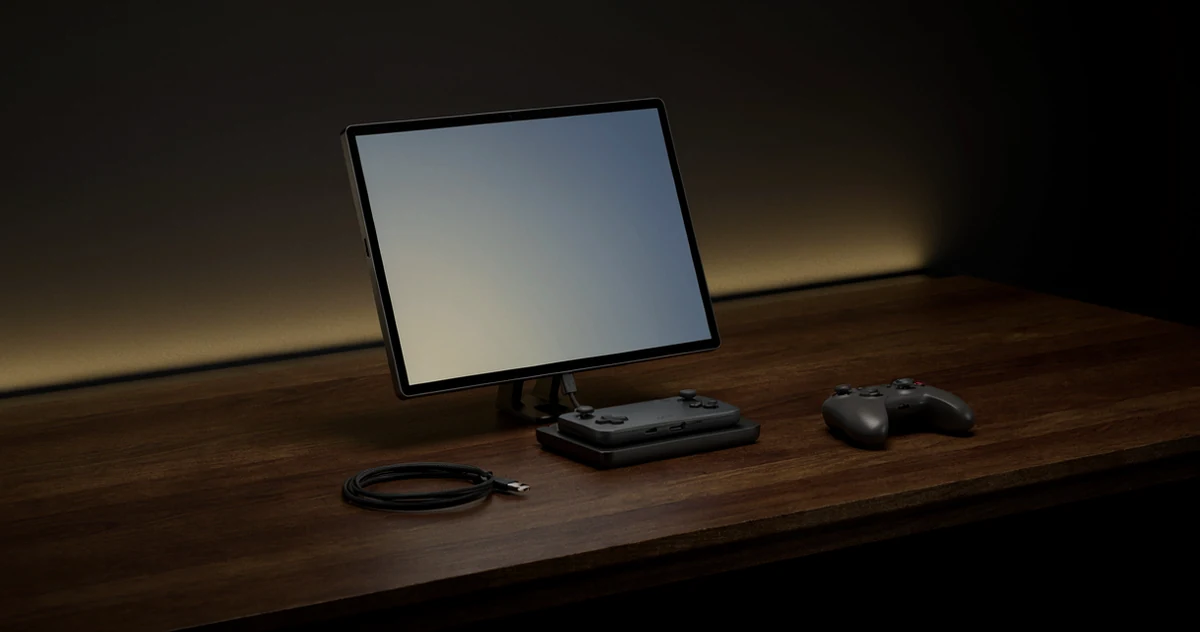
If you’ve been itching to take your Steam Deck, ROG Ally, or the new Xbox handheld setup beyond the couch, a good portable monitor can completely change how you play. Docking your handheld and plugging into a crisp, compact screen gives you a bigger display, better immersion, and a lot more flexibility, whether you’re gaming at a desk, traveling, or setting up a temporary battle station in another room. The problem is, not every portable monitor plays nicely with handheld gaming consoles, so picking the right one actually matters. In this guide, we’re walking through some of the most practical, impressive, and genuinely fun portable monitors available right now. You’ll find options that cover a range of budgets, screen sizes, and feature sets, from ultra-slim panels with USB-C passthrough to displays with built-in speakers and HDR support. Whether you want plug-and-play simplicity or a feature-packed screen that keeps up with your games, there’s something here worth knowing about. Let’s get into it.
Disclosure: As an Amazon Associate we earn from qualifying purchases. Prices and availability shown are accurate as of the date of publication and may change.
Quick comparison
How to choose
Resolution and Refresh Rate
For handheld console docked play, the combination of resolution and refresh rate directly shapes how sharp and fluid your games feel on a larger screen. A 2.5K or 2K panel gives noticeably crisper visuals compared to 1080p FHD, while a 120Hz or 144Hz refresh rate reduces motion blur in fast games. Weigh whether your console or handheld can actually output at higher resolutions before prioritising resolution over refresh rate.
Connection Port Compatibility
Portable monitors in this category typically offer some mix of USB-C and Mini HDMI inputs, but the specific ports matter because the Steam Deck, ROG Ally, and Xbox accessories each favour different connection types. A full-featured USB-C port that carries both video and power over a single cable simplifies your setup considerably. If your device only outputs over HDMI, confirm the monitor includes a Mini HDMI port and that you have or can source the right cable.
Screen Size and Portability Balance
Panels here range from roughly 16 inches to 18.5 inches, and that difference affects both the viewing experience and how easily the monitor fits in a bag alongside your handheld setup. Larger screens give a more immersive docked feel but add bulk and sometimes weight, while 16-inch options tend to stay under 1.65 lbs and slip into a laptop sleeve. Think about whether you plan to keep the monitor at a fixed spot or carry it to different locations regularly.
Brightness and Color Gamut
Brightness ratings across these monitors span roughly 350 to 500 nits, which matters if you game in well-lit rooms or near windows. Color gamut coverage, often listed as a percentage of sRGB, affects how vivid and accurate game visuals look, with wider gamuts producing richer saturation. Note that some monitors reach peak brightness only when connected to external power rather than through a single USB-C cable, so check how yours will typically be powered.
Stand Stability and Mounting Options
A built-in kickstand is essential for docked handheld play since you will likely be placing the monitor on a desk or table rather than propping it against something. Look at whether the stand supports multiple tilt angles and feels stable at the angle you prefer, since a wobbly stand is a persistent frustration during longer sessions. VESA mounting compatibility is a bonus if you want to attach the monitor to an arm or wall bracket for a more permanent setup.
The picks
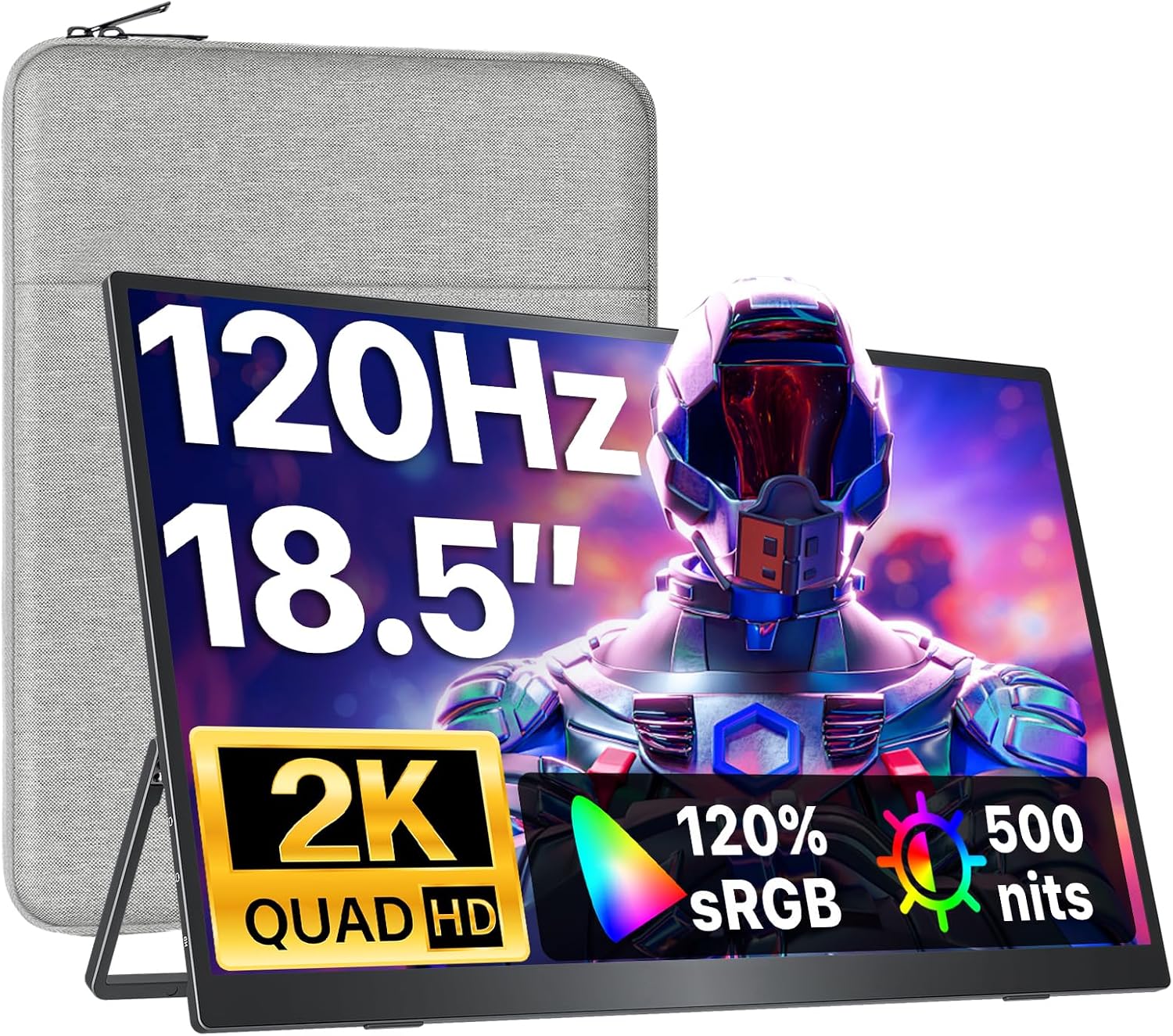
VisionOwl Portable Monitor 18.5 Inch 2K QHD 120Hz Second Screen, USB-C HDMI HDR Travel Monitor for Laptop PC MacBook PS5 Xbox, VESA Mountable, with Speakers, Built-in Kickstand
Users who want a premium, durable build with a large 18.5-inch screen for extended Xbox or PC docked sessions in bright rooms.
A metal backplate with superior heat dissipation and a 500-nit peak brightness make it the most robustly built and brightest panel available in this set.
This is the most expensive product on this list, placing it well above every other option here.
Premium
- Metal backplate for durability and heat control
- 500-nit peak brightness
- Anti-glare matte screen reduces eye strain
- Most expensive on this list
- 120% sRGB color gamut trails the 2.5K EVICIV
The priciest pick, justified by its metal build quality and high peak brightness for well-lit environments.
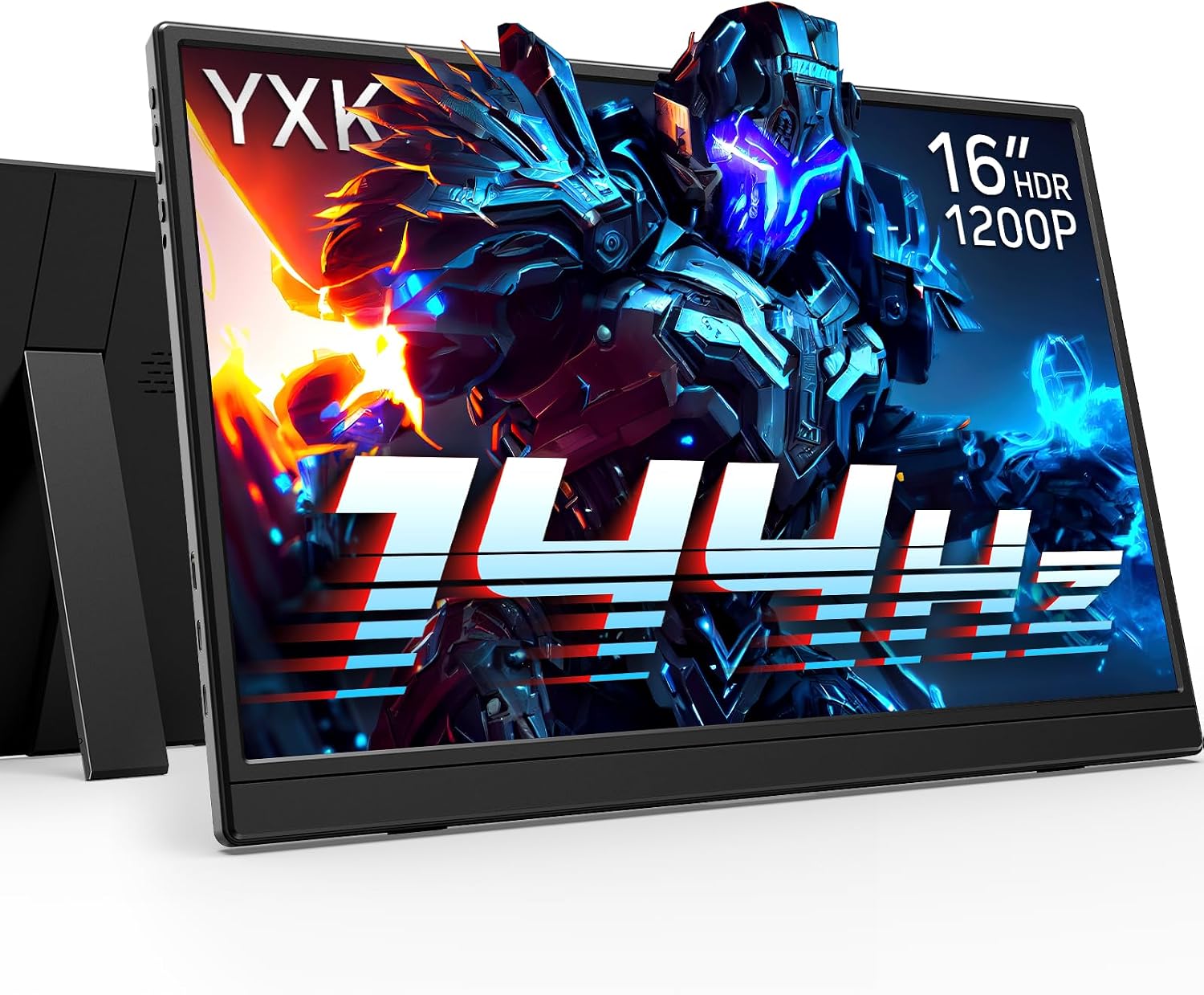
Buy on AmazonYxk Portable Gaming Monitor 16" 1200P USB-C 144Hz HDMI Only 120Hz IPS HDR
Entry-level buyers who want to dock a Steam Deck or ROG Ally on the tightest possible budget.
A 16:10 aspect ratio IPS panel with 144Hz via USB-C and HDR support at the lowest price on this list offers strong fundamentals for the money.
This is the least expensive product on this list, and the listing omits sRGB coverage figures and peak brightness, leaving color and visibility performance unconfirmed.
Budget
- 144Hz USB-C with 16:10 aspect ratio
- HDR support at an entry-level price
- Compact built-in adjustable kickstand
- sRGB and brightness specs not disclosed
- HDMI limited to 120Hz
The most affordable entry point here with solid gaming specs, though key display quality figures are absent from the listing.
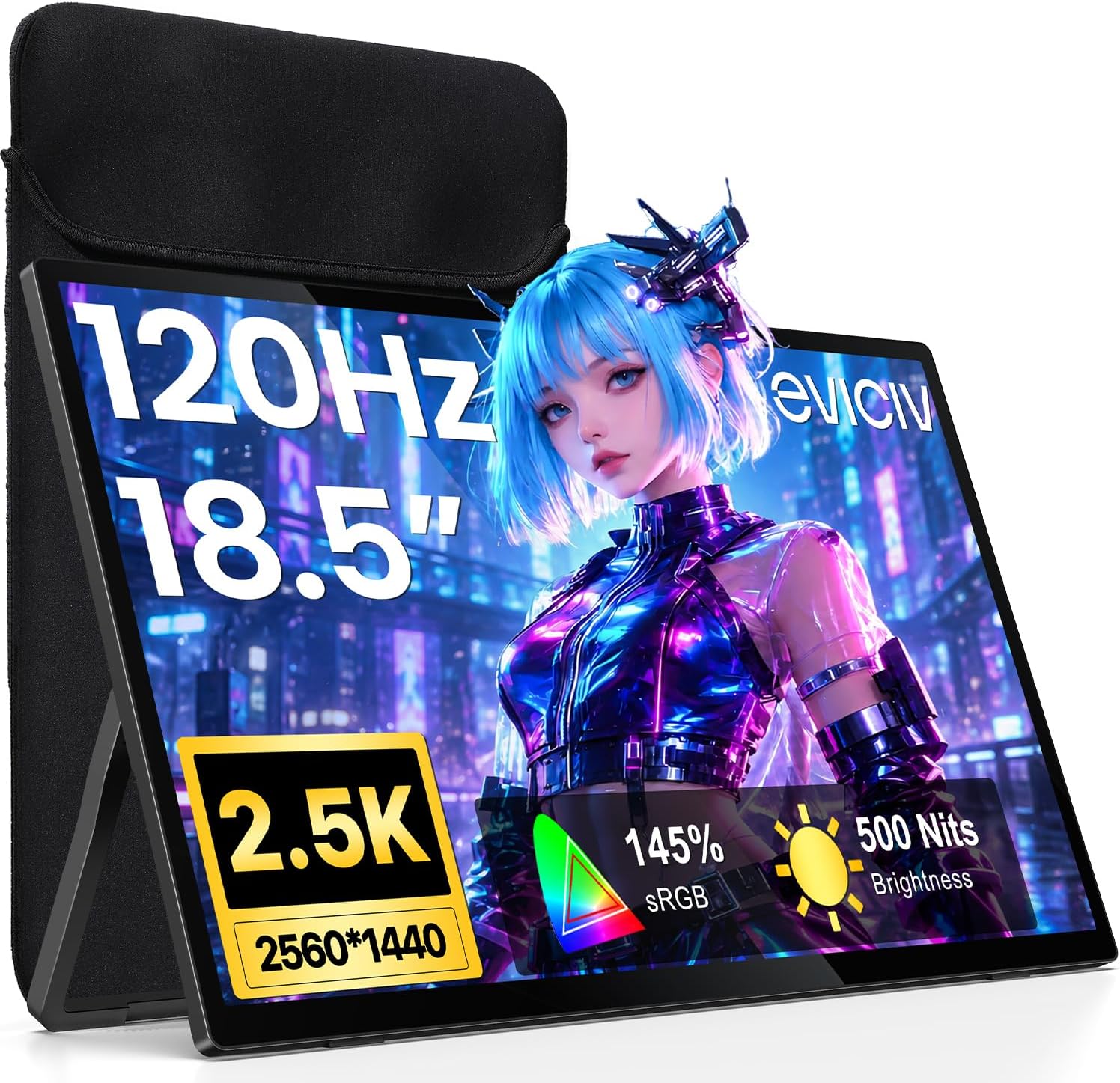
Buy on AmazonEVICIV Portable Monitor 18.5" 2.5K 120Hz, 145% sRGB Gaming Monitor
Gamers who want a large, color-accurate screen for RPGs and visually rich titles on Steam Deck or ROG Ally docked.
2.5K resolution at 1440p combined with 145% sRGB and a 2000:1 contrast ratio delivers noticeably richer, more vivid colors than most panels in this set.
At 18.5 inches it is on the larger and heavier end, reducing portability compared to the 16-inch options here.
Mid-range
- 145% sRGB wide color gamut
- 2.5K 1440p resolution
- 0.1ms response time with FreeSync
- Larger size reduces portability
- No speaker mentioned in listing
A color-first pick for gamers who prize vivid, sharp visuals on a big screen without paying the top price.
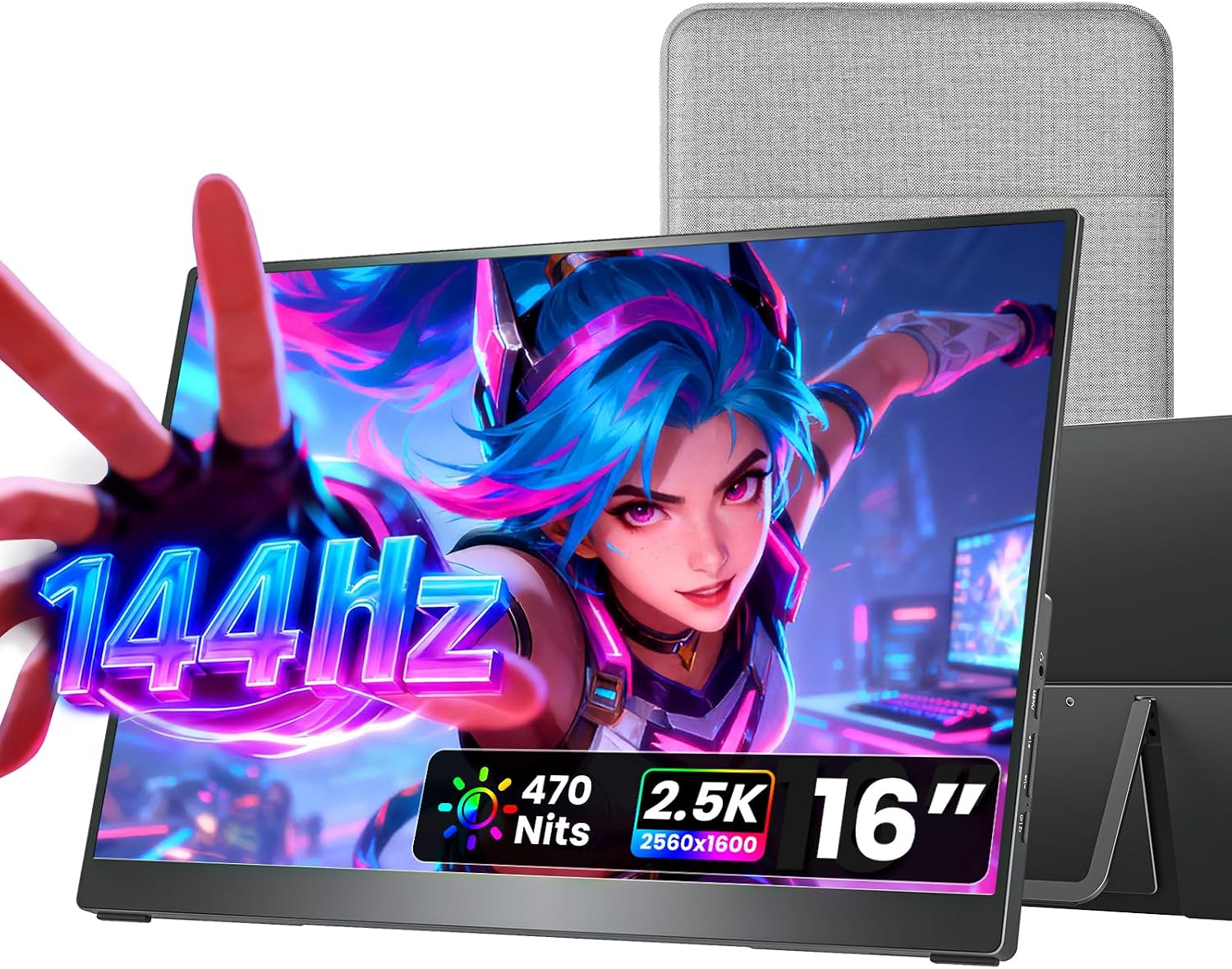
Buy on Amazoncocopar Portable Monitor 16 Inch 2.5K QHD 110% sRGB 144Hz USB-C, 120Hz HDMI, Travel Monitor with Speaker Second Screen for Laptop MacBook Surface PC Xbox PS4/5, VESA Mountable, with Kickstand
Travelers and digital nomads who also game on Xbox or Steam Deck and need a genuinely slim, light second screen.
At just 1.5 lb and 0.2 inches at its slimmest, it is the lightest and thinnest option in this set, making it the most travel-friendly choice.
The 110% sRGB color gamut is the lowest among the higher-resolution panels here, so color output is less vivid than competing 2.5K picks.
Mid-range
- Ultra-lightweight at 1.5 lb
- 144Hz refresh with 2.5K resolution
- Includes protective fabric sleeve
- 110% sRGB is lower than rival 2.5K panels here
The best balance of portability and performance for gamers who are constantly on the move.
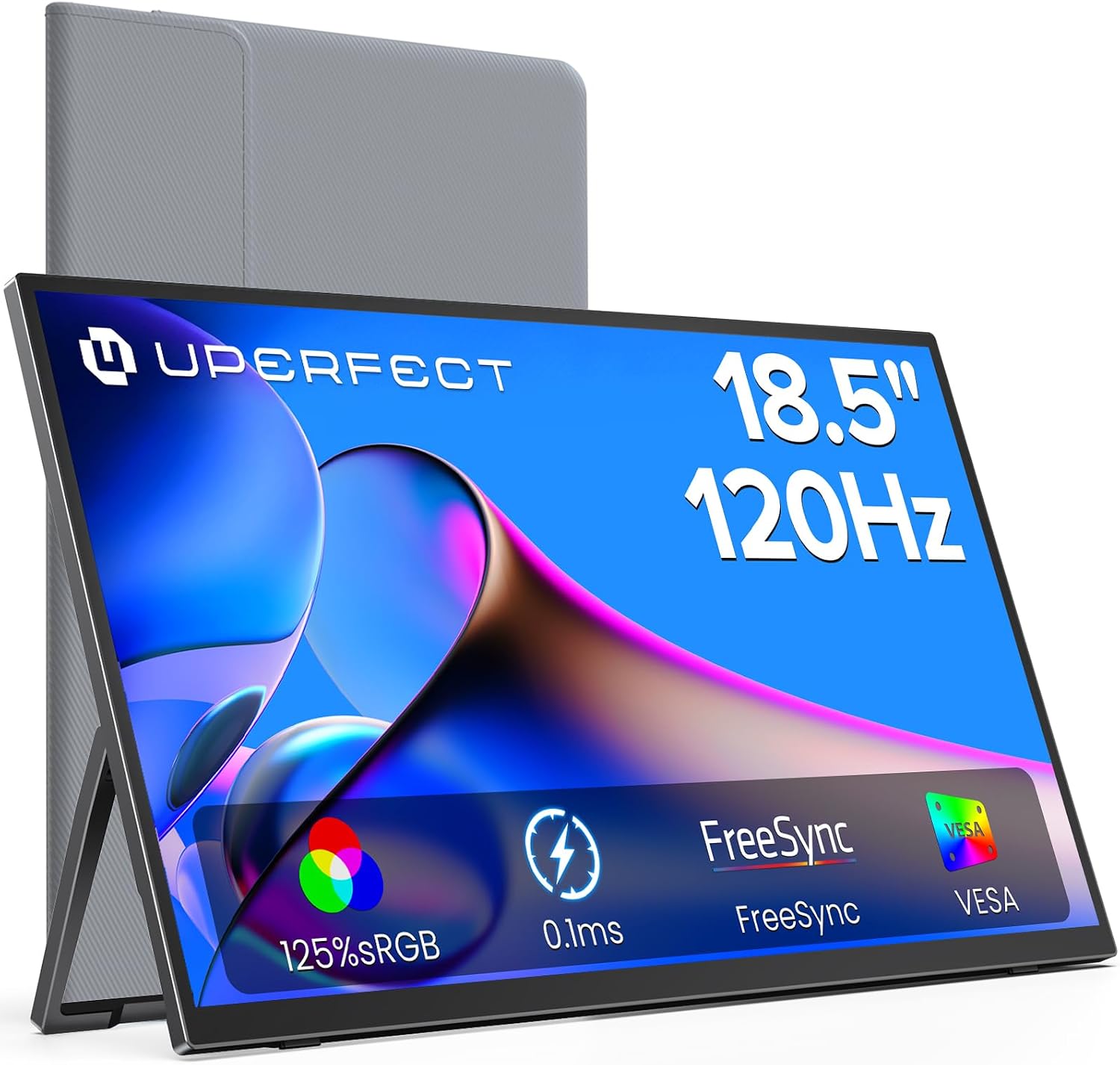
Buy on AmazonUPERFECT 18.5" 120Hz Portable Monitor, 125% sRGB Large Gaming Monitor
Budget-conscious gamers who still want a large 18.5-inch screen with 120Hz for console docked play.
Delivers an 18.5-inch screen with 120Hz FreeSync and dual USB-C 3.1 ports at a price well below the other large-screen options in this set.
350-nit brightness is the lowest among all panels listed here, making it less usable in brightly lit rooms.
Mid-range
- 18.5-inch display with 120Hz FreeSync
- Dual USB-C 3.1 ports
- 180-degree adjustable stand with VESA support
- 350-nit brightness is lowest in this set
- 72% NTSC color gamut limits color vibrancy
A solid large-screen value pick for indoor gaming but limited by its lower brightness ceiling.
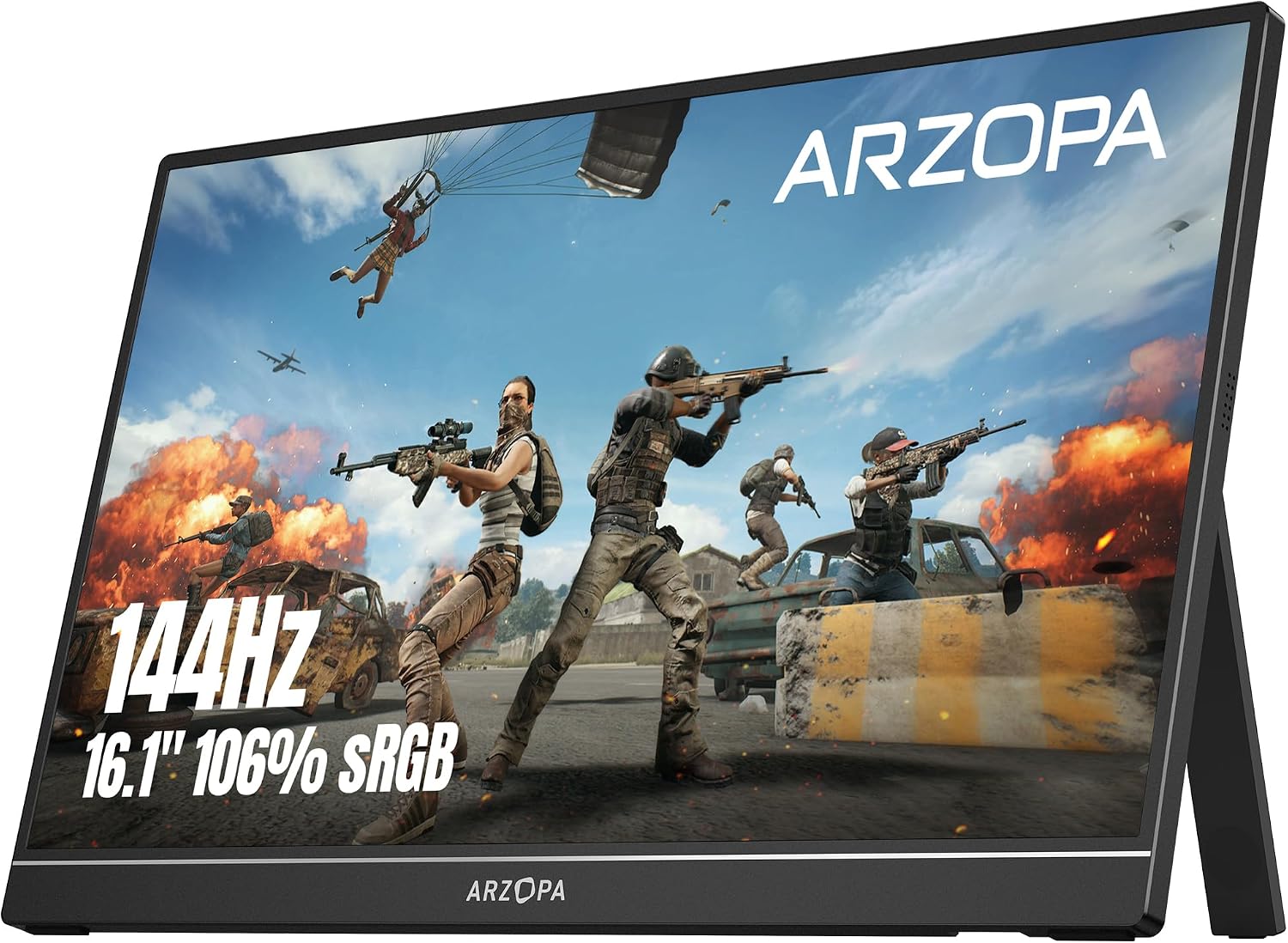
Buy on AmazonARZOPA 16.1'' 144Hz Portable Gaming Monitor 106% sRGB - Z1FC
Casual and competitive gamers who want a no-fuss plug-and-play monitor for Xbox, PS5, or Steam Deck at a low price.
Plug-and-play setup via dual USB-C and Mini HDMI with portrait mode support gives it flexible connectivity and orientation options for both gaming and productivity.
The listing explicitly notes no adaptive sync or FreeSync, which can result in screen tearing during fast-paced gameplay compared to FreeSync-equipped rivals here.
Budget
- Dual USB-C plus Mini HDMI connectivity
- Portrait and landscape mode support
- 106% sRGB IPS panel
- No FreeSync or adaptive sync support
- 1080p FHD resolution lower than 2.5K alternatives
An affordable, versatile option for mixed work and gaming use, let down by the absence of adaptive sync.
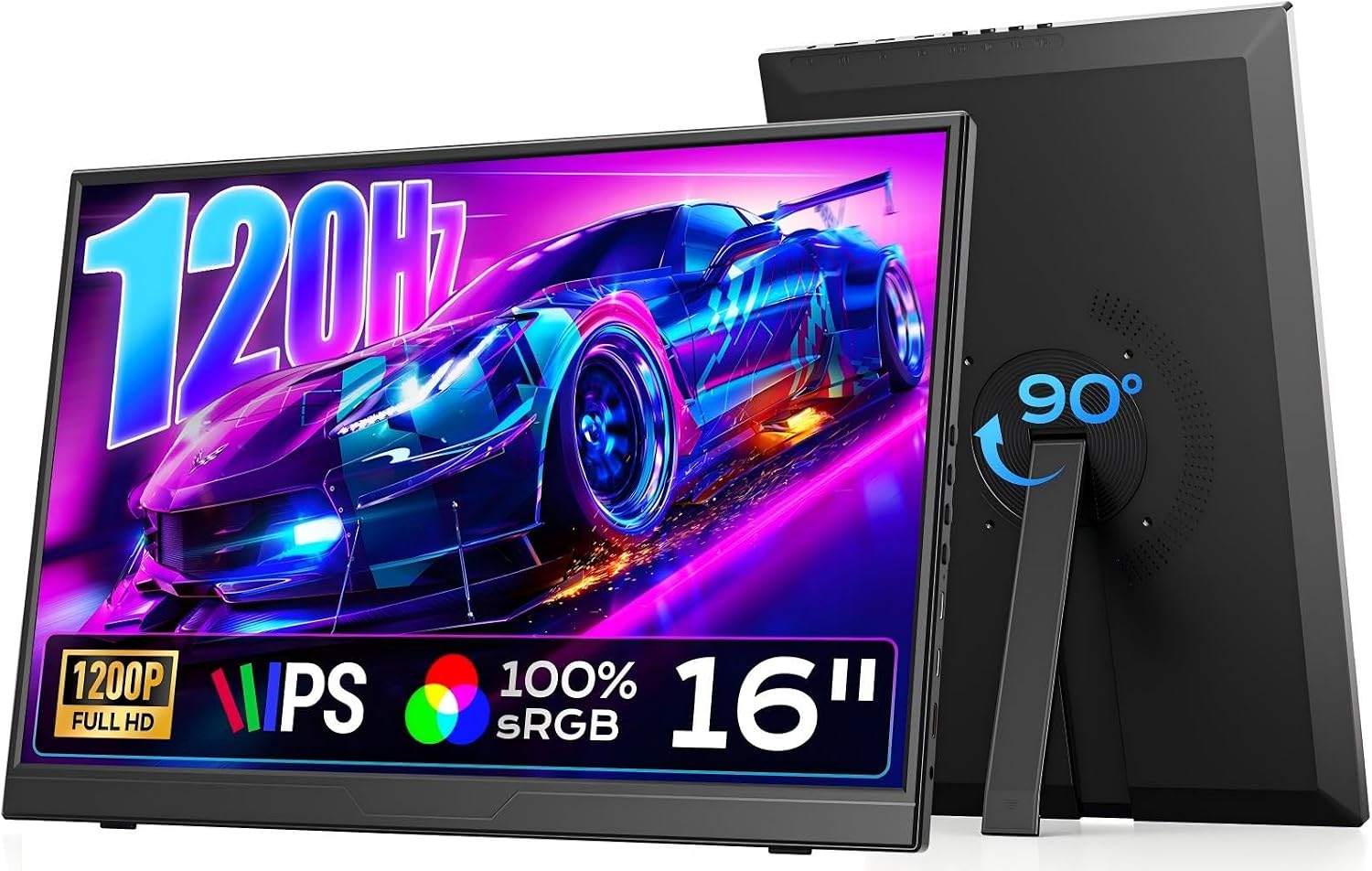
Buy on AmazonDopesplay 16" 120Hz Portable Gaming Monitor with Adjustable Stand, 1200P
Gamers who frequently switch between landscape and portrait orientations for both gaming and productivity tasks.
A built-in rotatable stand supporting both landscape and portrait modes in a lightweight 1.65-lb body makes it the most orientation-flexible pick for mixed use.
At 120Hz it is capped below the 144Hz ceiling offered by several other monitors at similar or lower price points in this set.
Budget
- Rotatable stand for landscape and portrait modes
- 1200P IPS display with HDR
- Lightweight at 1.65 lb
- 120Hz cap while rivals at similar prices reach 144Hz
- sRGB coverage not specified in listing
A compact, rotation-friendly pick for users who blend gaming with document or productivity work on the go.
Buy on AmazonFinding the right portable monitor can genuinely change how you enjoy docked handheld gaming, whether you’re playing at a friend’s place, traveling, or just setting up a cozy second screen at home. Each option on this list brings something a little different to the table, so it really comes down to your priorities, like screen size, resolution, or how slim you need it to be. Take a look at the links above and see which one feels like the right fit for your setup. Happy gaming, and thanks for reading!
Frequently asked questions
Which of these portable monitors will actually work with a Steam Deck or ROG Ally without needing extra adapters?
Most of the monitors listed here connect via USB-C or Mini HDMI, and both the Steam Deck and ROG Ally support standard USB-C display output, so a single cable setup is realistic in most cases. The EVICIV, UPERFECT, ARZOPA Z1FC, and VisionOwl units all list USB-C ports, while the cocopar and Yxk models also include USB-C alongside HDMI. That said, the seller listings note that USB-C compatibility depends on whether the connected device supports video output over USB-C, so you should confirm that your specific handheld firmware version and dock (if used) pass a full-featured signal before buying. If you plan to use a dock with a standard HDMI output, any monitor with a Mini HDMI port paired with the right cable will work regardless of USB-C support.
What refresh rate do I actually need for handheld console docked gaming, and do these monitors keep up?
For most docked handheld gaming the sweet spot is 120Hz, since the ROG Ally, Steam Deck OLED, and Xbox handhelds typically target 60 to 120 fps depending on the game and settings. Every monitor in this lineup hits at least 120Hz, with the cocopar reaching 144Hz over USB-C and the ARZOPA Z1FC and Yxk also listing 144Hz. One important caveat from the listings: the ARZOPA explicitly states it has no adaptive sync or FreeSync, while the EVICIV and UPERFECT both list FreeSync support, which can smooth out frame rate variability and reduce tearing when your game runs below the panel’s maximum refresh rate. If frame pacing consistency matters to you, checking whether the monitor supports adaptive sync is worth prioritizing over raw refresh rate alone.
How do resolution differences between these monitors affect the docked gaming experience?
The monitors here split into two resolution tiers: 1080P or 1200P (the ARZOPA, Dopesplay, and Yxk) versus 2.5K or 2K QHD (the EVICIV, cocopar, and VisionOwl). On a 16 to 18.5 inch screen, 2.5K visibly sharpens fine details like UI text and distant scenery compared with 1080P, but it also means your console needs to output a higher resolution signal to take full advantage. The ROG Ally and Steam Deck can upscale or output higher resolutions when docked, though actual output caps depend on the game and driver settings. If your handheld is configured to output at 1080P, a 2.5K panel will still display the image correctly through scaling, so the difference becomes a question of how much sharpness improvement you will actually see at your viewing distance.
Are these monitors durable enough for regular travel between gaming setups?
Build quality varies across the lineup in ways the listings make clear. The VisionOwl specifically highlights a metal backplate for heat dissipation and describes factory quality inspections, while the cocopar weighs 1.5 lb and measures 0.2 inches at its slimmest and includes a protective fabric sleeve in the box. The UPERFECT also lists a 0.2-inch bezel thickness and an integrated stand, and the Dopesplay comes in at 1.65 lb with a foldable stand. Most of these units are designed with portability in mind, but the listings do not specify drop resistance or hinge cycle ratings, so treating them as precision electronics rather than rugged gear is the safer assumption. If your use case involves frequent packing and unpacking, a monitor that ships with a protective sleeve or case offers a practical advantage that a bare unit does not.
How hard is it to set up one of these monitors for a first-time user connecting a docked handheld?
Several listings explicitly describe a plug-and-play experience, meaning no driver installation or software download is required once the cable is connected. The ARZOPA Z1FC and EVICIV both use this language, and USB-C and HDMI connections are generally recognized automatically by Windows-based handhelds like the ROG Ally. Portrait or landscape orientation changes may require a manual setting adjustment in the device’s display settings, as the Dopesplay listing specifically notes that auto-rotation is not supported and you need to change orientation in software. For Steam Deck users running SteamOS, display detection through USB-C or HDMI typically works without additional steps, but confirming the dock or cable you plan to use is fully compatible with your specific setup before purchasing avoids the most common connection surprises.