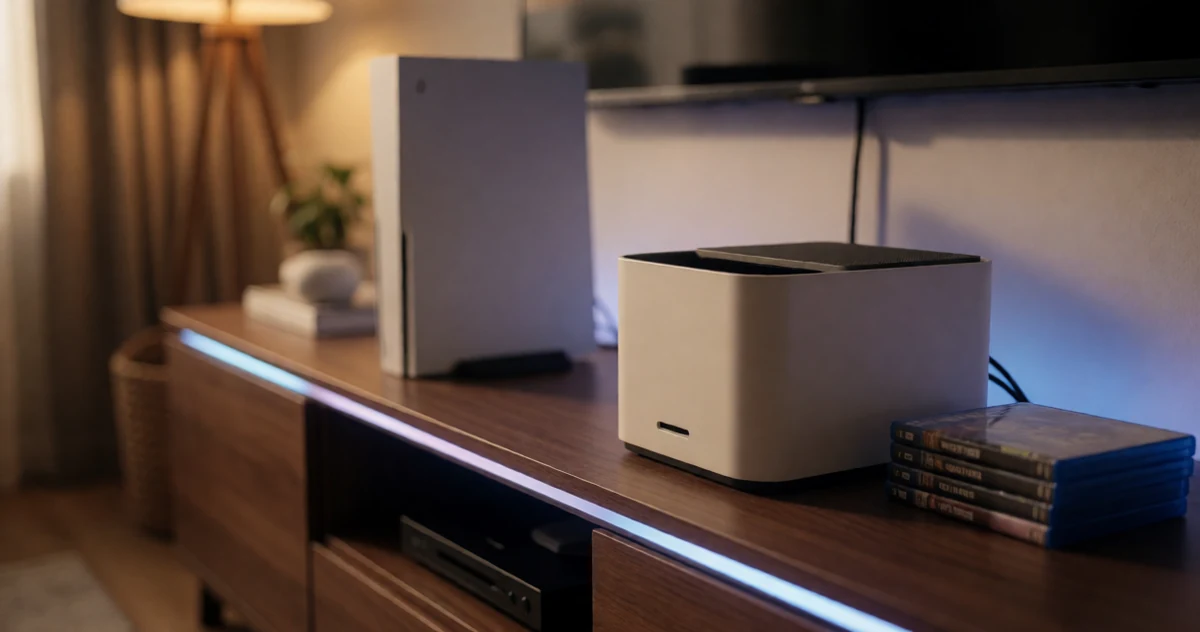
If your PS5 game library keeps growing but your storage situation has not kept up, you are definitely not alone. The PS5 is a fantastic console, but its built-in storage fills up faster than you might expect, especially once you start downloading larger open-world titles and next-gen exclusives. The good news is that there are some genuinely great options out there to help you expand your capacity, stay organized, and keep your setup looking clean. In this guide, we are covering a range of PS5 storage solutions, from internal SSD upgrades that slot right into the console to external drives and handy accessories that make managing a big library a whole lot easier. Whether you are a casual player with a growing collection or a dedicated gamer who needs serious space, you will find something here that fits your setup. Some of these picks are practical, some are surprisingly affordable, and a few might even change the way you think about managing your games entirely.
Disclosure: As an Amazon Associate we earn from qualifying purchases. Prices and availability shown are accurate as of the date of publication and may change.
Quick comparison
How to choose
PS5 Compatibility Assurance
The PS5 M.2 slot requires a PCIe Gen 4 NVMe drive in a supported form factor, most commonly M.2 2280. Some drives carry official PlayStation licensing or publish verified firmware requirements, which can simplify the installation process and remove guesswork about whether the drive will be recognized by the console.
Sequential Read Speed
Sony recommends a minimum sequential read speed of 5,500 MB/s for PS5 storage expansion, and the drives here range from roughly 5,000 MB/s up to about 7,400 MB/s. Higher read speeds can translate to shorter load times and smoother asset streaming, though gains above a certain threshold may be less perceptible in everyday play.
Heatsink Inclusion and Fit
The PS5 M.2 bay has a tight clearance, so the heatsink profile matters as much as whether one is included. Some drives ship with a pre-installed low-profile spreader designed to fit the bay directly, while others require you to source a compatible heatsink separately or rely on the console’s own thermal solution.
Capacity Versus Library Size
Game file sizes vary widely, but modern titles often run 50 GB or more, so a 1 TB drive fills faster than it might seem. If your library is large or growing, weigh whether a 2 TB or higher capacity option justifies its cost against how often you would otherwise need to delete and reinstall titles.
Warranty and Brand Support
Several drives in this category carry a five-year limited warranty, which is worth confirming before purchase since SSD longevity under console workloads can vary by NAND type and cache design. A responsive manufacturer support channel matters if you encounter a drive that is not recognized or underperforms after installation.
The picks
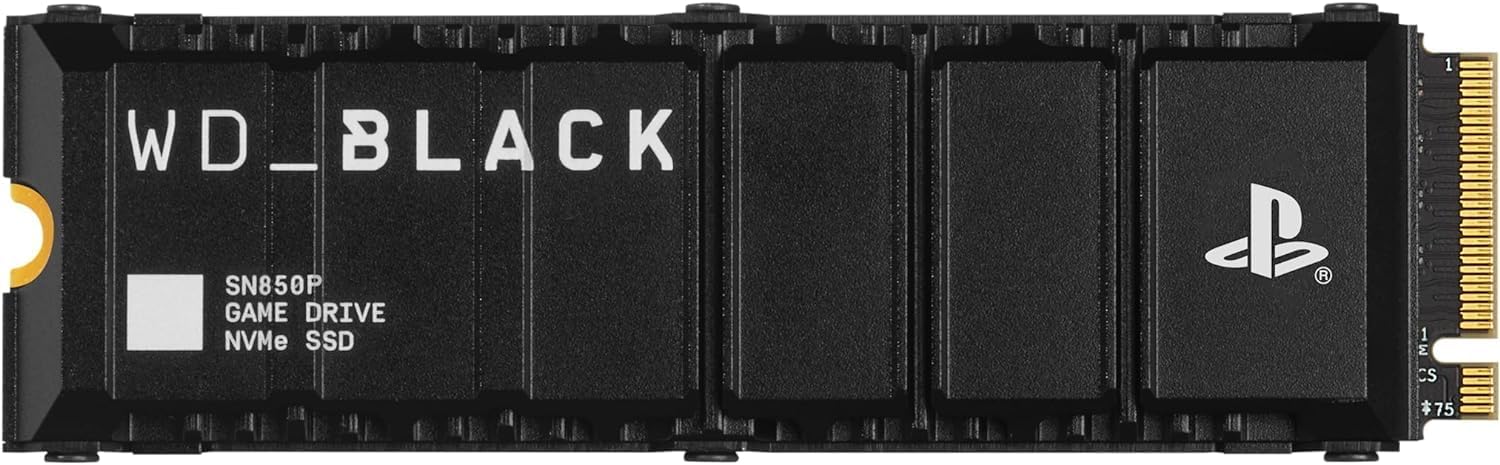
WD_BLACK 2TB SN850P NVMe M.2 SSD Officially Licensed Storage Expansion for PS5 Consoles, up to 7,300MB/s, with heatsink - WDBBYV0020BNC-WRSN
PS5 gamers with large or growing game libraries who want officially licensed storage at a double-capacity advantage over most rivals at the same price.
Delivers 2TB of officially licensed PS5 storage with a purpose-built heatsink and 7,300MB/s reads, all at the same price as competing 1TB drives in this set.
No major drawback stands out in the specs, so weigh it on how well the features fit your own setup.
Mid-range
- 2TB capacity for big libraries
- Officially PS5 licensed with included heatsink
- Up to 7,300MB/s read speed
- No standout drawback in this set
The best value for big libraries, doubling storage over similarly priced 1TB options while keeping official PS5 certification and a heatsink.
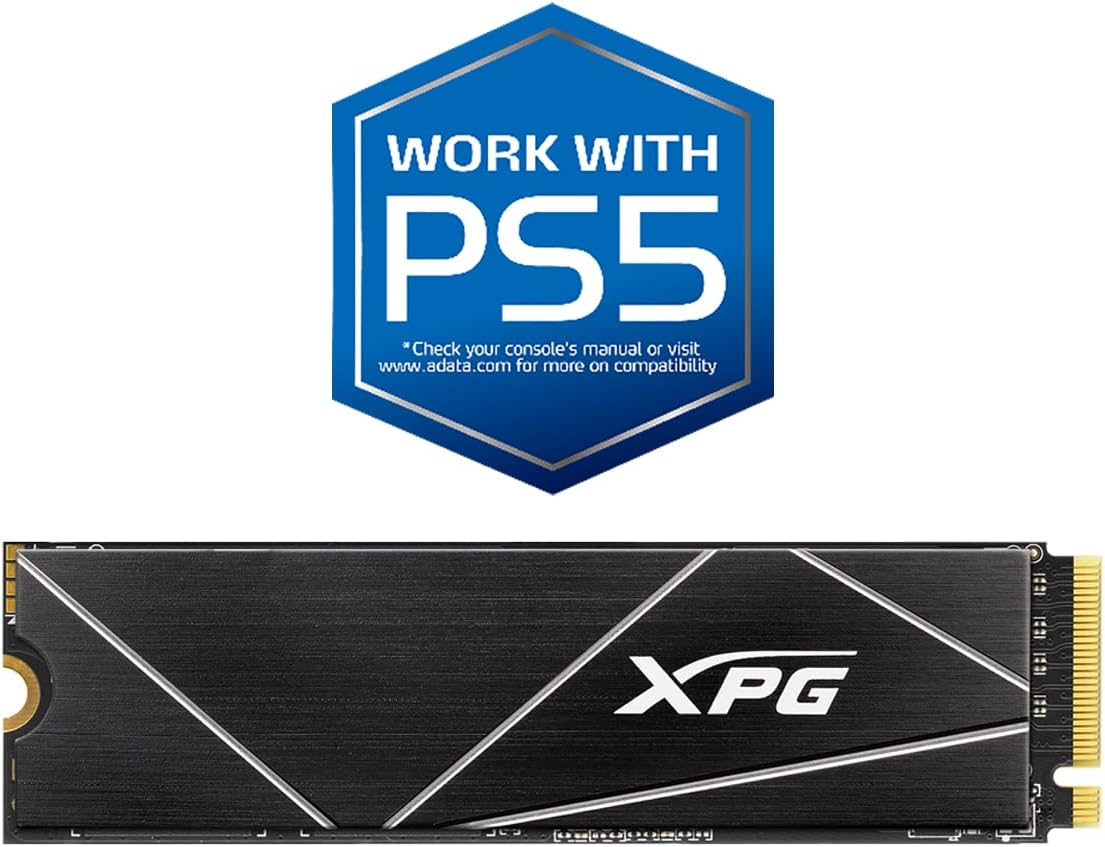
Buy on AmazonXPG 512GB GAMMIX S70 Blade - Works with PlayStation 5, PCIe Gen4 M.2 2280 Internal Gaming SSD Up to 7,400 MB/s (AGAMMIXS70B-512G-CS)
Budget-conscious PS5 owners who want a Gen4 speed boost without spending much, and who can live with 512GB of capacity.
PCIe Gen4 NVMe with sequential reads measured at 6,100MB/s inside the PS5 and up to 7,400MB/s on PC, delivering genuine Gen4 throughput at the lowest price in this set.
512GB is the smallest capacity on this list, which will fill up quickly for gamers with large libraries.
Budget
- Gen4 speeds up to 7,400MB/s on PC
- Confirmed PS5 compatibility
- Five-year warranty
- Smallest capacity in this set
- No included heatsink noted
The most affordable entry point for PS5 Gen4 storage, but the tight capacity limits how far it stretches.
Buy on AmazonWD_BLACK 1TB SN850P NVMe M.2 SSD Officially Licensed Storage Expansion for PS5 Consoles, up to 7,300MB/s, with heatsink - WDBBYV0010BNC-WRSN
PS5 owners who want a plug-and-play 1TB upgrade with zero compatibility guesswork and a ready-to-go heatsink.
Officially licensed for PS5 with an included heatsink optimized for the PS5 M.2 slot, removing any installation or thermal uncertainty.
Priced the same as several competitors that offer 2TB of capacity for the same spend.
Mid-range
- Officially PS5 licensed
- Included PS5-optimized heatsink
- Reads up to 7,300MB/s
- Only 1TB at the same price as 2TB rivals
The safest 1TB pick for PS5 thanks to official licensing and an included PS5-specific heatsink.
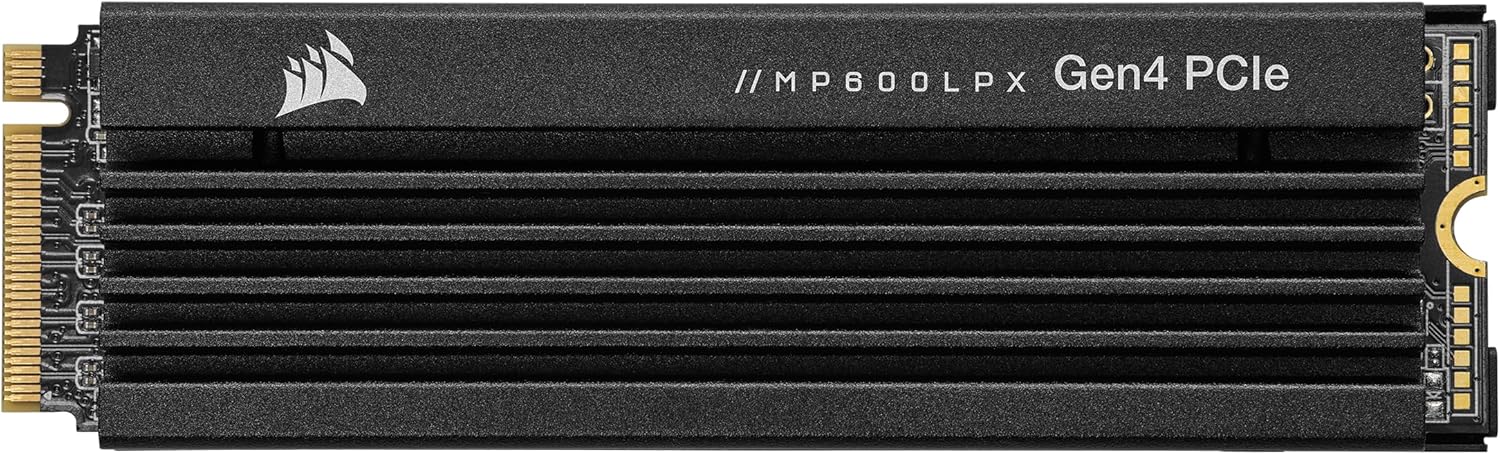
Buy on AmazonCorsair MP600 PRO LPX 1TB M.2 NVMe PCIe x4 Gen4 SSD - Optimized for PS5 (Up to 7,100MB/sec Sequential Read & 5,800MB/sec Sequential Write Speeds, High-Speed Interface, Compact Form Factor) Black
PS5 enthusiasts who prioritize a premium brand name, a pre-installed low-profile aluminum heat spreader, and proven PCIe Gen4 performance in a single out-of-box package.
Pre-installed low-profile aluminum heat spreader is specifically sized to meet all PS5 M.2 slot clearance requirements, meaning no separate heatsink sourcing or fitment concerns.
The most expensive product on this list while offering only 1TB of capacity and slightly lower peak reads than some cheaper competitors.
Premium
- Pre-installed PS5-compliant low-profile heatsink
- Up to 7,100MB/s sequential reads
- Five-year warranty
- Priciest pick in this set
- Only 1TB at that premium
A polished, premium-brand 1TB option, but the high price is hard to justify when 2TB licensed alternatives cost significantly less.
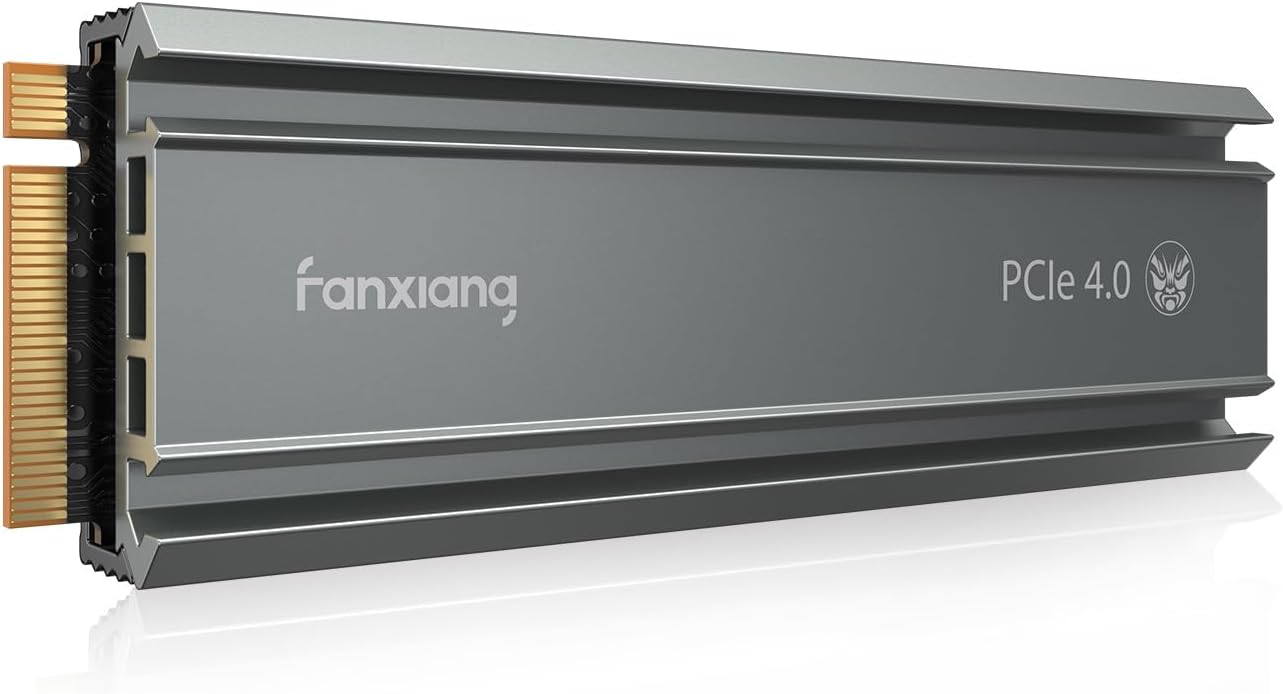
Buy on Amazonfanxiang S660 PCIe 4.0 1TB NVMe M.2 SSD for PS5 with Heatsink, Up to 5000MB/s, Internal Gaming SSD NAND SLC Cache Suitable for PS5 Enthusiasts, Technology Enthusiasts, IT Professionals
PS5 gamers on a moderate budget who want an included heatsink and solid compatibility but are comfortable accepting lower peak throughput.
Includes a purpose-built heatsink designed for PS5 thermal management, and offers a broad capacity range from 500GB to 4TB to suit different needs.
Peak sequential read speed of 5,000MB/s is the slowest in this set, noticeably behind Gen4 rivals that reach 7,000MB/s or more.
Mid-range
- Included heatsink for PS5 thermal safety
- Available in capacities up to 4TB
- Five-year quality assurance
- Lowest peak read speed in this set
- Not officially PS5 licensed
A compatible, heatsink-included option, but the slower top speed makes it hard to recommend over faster rivals at the same price.
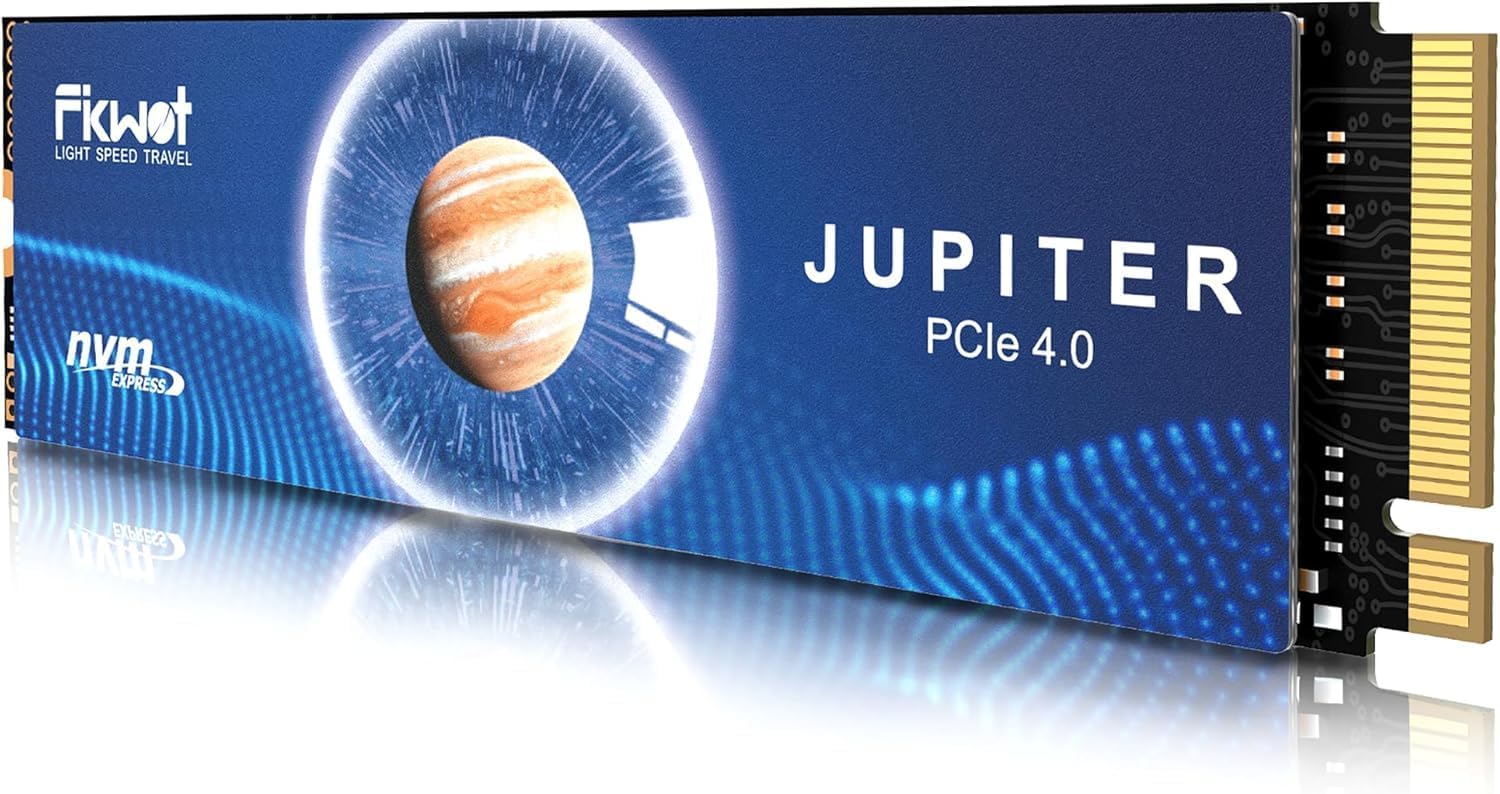
Buy on AmazonFikwot FX991 M.2 SSD 1TB NVMe SSD M2 2280 PCIe Gen 4x4, Read Up to 7000MB/s, Internal Solid State Drive for PS5 Laptop Desktop 3D QLC NAND
PC and PS5 dual-platform users who want a technically capable Gen4 drive with intelligent thermal and caching technology at a mid-range price.
HMB technology combined with SLC cache allows the drive to use host system DRAM for buffering, improving multitasking and game resource loading beyond raw sequential speed alone.
Write speed tops out at 3,000MB/s, which is significantly lower than the read speed and lags behind other Gen4 drives in this set for write-heavy workloads.
Mid-range
- HMB and SLC cache for responsive performance
- Up to 7,000MB/s reads
- Graphite heatsink included
- Write speed only 3,000MB/s
- Not officially PS5 licensed
A smart-caching Gen4 SSD that shines on mixed PC and PS5 use, held back by a lower write speed ceiling.
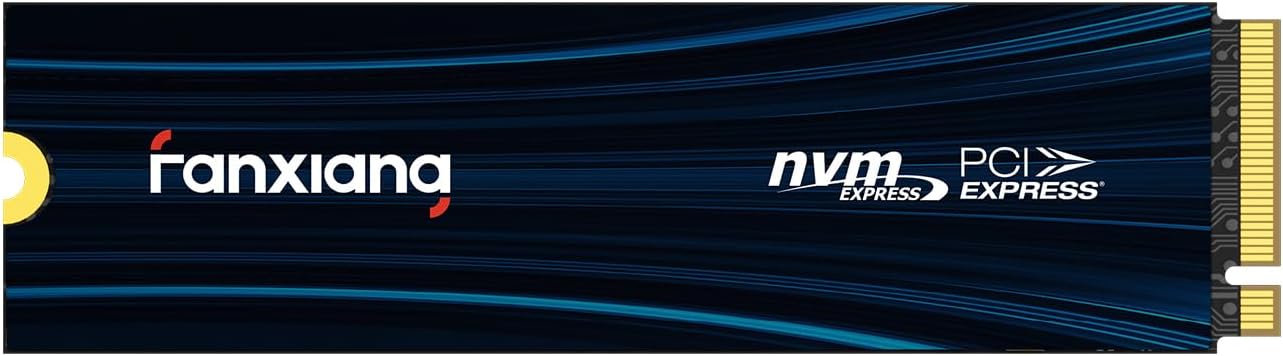
Buy on Amazonfanxiang 1TB NVMe SSD PCIe Gen 4 Gaming SSD for PS5, Up to 7000MB/s M.2 2280 SSD Compatible with PS5 Storage Expansion, Internal Solid State Drive for Gamers, Professionals, Creators S880E
Gamers and creators who want a fast, versatile 1TB PCIe Gen4 drive that works across PS5 and multiple PC form factors without paying a brand premium.
NVMe 2.0 protocol support paired with a graphite and copper foil thermal layer delivers modern interface compatibility and active heat dissipation in one package.
Write speed is rated at only 3,000MB/s, placing it below the write performance of several alternatives in this set for sustained transfer tasks.
Mid-range
- NVMe 2.0 protocol for modern compatibility
- Up to 7,000MB/s reads
- Graphite copper foil thermal layer
- 3,000MB/s write speed is below set leaders
- Not officially PS5 licensed
A versatile Gen4 SSD covering PS5 and PC with NVMe 2.0 support, though the write speed lags for heavy workloads.
Buy on AmazonFinding the right storage setup for your PS5 can make a real difference, especially if your game library keeps growing. Whether you go with an internal SSD expansion, an external drive for older titles, or a media console that keeps everything tidy and within reach, there is genuinely something on this list for every type of player. Take a look at the options that caught your eye and think about what fits your space and budget best. A little organization now can save a lot of frustration later. Thanks for reading, and happy gaming!
Frequently asked questions
Do these M.2 SSDs need a heatsink to work in a PS5, or can I install them without one?
The PS5 requires that any M.2 SSD you install fits within the physical clearance of the expansion bay, and Sony recommends using a heatsink to manage heat during sustained play. Some drives in this roundup, including the WD_BLACK SN850P and the Corsair MP600 PRO LPX, come with a heatsink already attached, so you can drop them straight in. The fanxiang S660 and Fikwot FX991 also include heatsinks according to their listings. If you buy a drive that ships without one, you will need to source a compatible low-profile heatsink separately before installing, since the bay has strict height limits.
What read speed does a PS5 expansion SSD actually need, and how do these drives compare?
Sony specifies a minimum sequential read speed of 5,500 MB/s for M.2 SSDs used in the PS5 expansion slot. Every drive listed here meets or exceeds that threshold: the WD_BLACK SN850P is rated up to 7,300 MB/s, the XPG GAMMIX S70 Blade is rated up to 7,400 MB/s on PC (and lists 6,100 MB/s in PS5 operating conditions per the seller), the Corsair MP600 PRO LPX reaches 7,100 MB/s, and the fanxiang S660 lists 5,000 MB/s, which is the closest to the minimum. Drives at the higher end of the range may offer shorter load times in the most data-heavy open-world titles, though real-world differences between the faster options are often modest.
Which of these drives is officially licensed for PS5, and does that matter for installation?
The WD_BLACK SN850P (available in 1TB and 2TB in this roundup) is described in its listing as officially licensed PlayStation 5 storage. According to the listing, that means it has been tested and approved for use in the PS5 M.2 slot with no compatibility concerns. The other drives, including options from XPG, Corsair, Fanxiang, and Fikwot, are listed as compatible with PS5 but do not carry an official license. In practice, Sony’s firmware compatibility requirement matters more than licensing for basic function, so confirm any unlicensed drive meets Sony’s current firmware requirements before purchasing.
How much storage capacity can I actually add to my PS5 with these drives?
The PS5 has a single M.2 expansion slot, so you are limited to one drive at a time. The drives in this roundup start at 512GB (the XPG GAMMIX S70 Blade entry point) and go up from there, with 1TB and 2TB options appearing across multiple brands. WD_BLACK notes that its line extends up to 8TB, which the listing estimates could hold roughly 200 games based on a 36GB average per title. For most buyers a 1TB or 2TB drive strikes a practical balance between cost and space, since actual game file sizes vary widely and some modern titles exceed 100GB.
How difficult is it to install one of these M.2 SSDs in a PS5, and what tools are needed?
PS5 M.2 installation requires removing the console’s side panel, unscrewing the expansion bay cover, and securing the drive with a small screw. Sony provides a step-by-step guide on its support site, and the process typically takes under 15 minutes for someone comfortable with basic hardware tasks. Drives that ship with a pre-attached heatsink, such as the WD_BLACK SN850P and Corsair MP600 PRO LPX, simplify the process because you skip the heatsink mounting step. You will need a small Phillips head screwdriver; no other specialized tools are required, and the PS5 formats the drive automatically on first boot after installation.