
If you’ve ever sat down to play a brand new game only to watch a massive day one patch slowly crawl through your PS5’s limited storage, you already know the frustration. Modern releases are getting bigger by the month, and the PS5’s built-in 825GB drive fills up faster than you might expect, especially when patches can easily add 10, 20, or even 50 gigabytes to a single title. The good news is that expanding your storage is one of the smartest and most straightforward upgrades you can make to your console setup. Whether you’re a casual player who just wants more room for the latest releases or a dedicated gamer juggling a full library, the right SSD can make a real difference in how smoothly your system runs. In this guide, we’re breaking down some of the best PS5 storage upgrades available right now, covering practical options, some surprisingly fast performers, and a few picks that offer great value for everyday players who just want more space without the headache.
Disclosure: As an Amazon Associate we earn from qualifying purchases. Prices and availability shown are accurate as of the date of publication and may change.
Quick comparison
How to choose
Sequential Read Speed
The PS5 requires an NVMe SSD with a minimum read speed of 5,500 MB/s, and faster drives can reduce load times on titles with large day one patches. Most drives in this group sit between 7,000 and 7,450 MB/s read speeds, so check whether the extra headroom justifies the cost difference for your library. Drives closer to the minimum spec may still satisfy everyday play but could show more noticeable pauses on the most demanding open world titles.
Heatsink Inclusion
The PS5 expansion slot sits in a confined space with limited airflow, so sustained writes during a large patch download can raise drive temperatures. Some drives in this group include an integrated heatsink, while others require you to buy one separately or rely on the console cover for passive cooling. Confirm whether a heatsink is bundled before purchasing, since buying one separately adds cost and installation steps.
NAND Type and Cache
The type of flash memory and whether a drive includes dedicated DRAM cache affects how consistently it maintains peak speeds during long, sequential writes like patch installations. TLC NAND with a DRAM cache generally sustains performance better than QLC NAND under heavy workloads. If your gaming habits involve frequent large downloads and installs, prioritize TLC with DRAM over QLC options to avoid speed slowdowns mid-transfer.
PS5 Compatibility Confirmation
Not every M.2 Gen 4 SSD is validated against PS5 firmware, and some manufacturers explicitly list PS5 compatibility or carry an official license while others leave it implied. Look for drives that state PS5 compatibility in their specs or carry Sony licensing language, especially if you want confidence that the drive will be recognized without extra steps. An officially licensed drive can also simplify support if you encounter issues after installation.
Capacity Relative to Value
Modern titles with day one patches regularly consume 80 to 150 GB each, so a 2TB drive will roughly hold between 12 and 20 large games depending on title size. All the drives here land at 2TB, so the decision shifts to whether you get the best feature set, such as heatsink and DRAM cache, for the price tier you are comfortable with. Weigh what you actually use against premium specs rather than paying for the fastest possible drive if your library leans toward smaller indie titles.
The picks
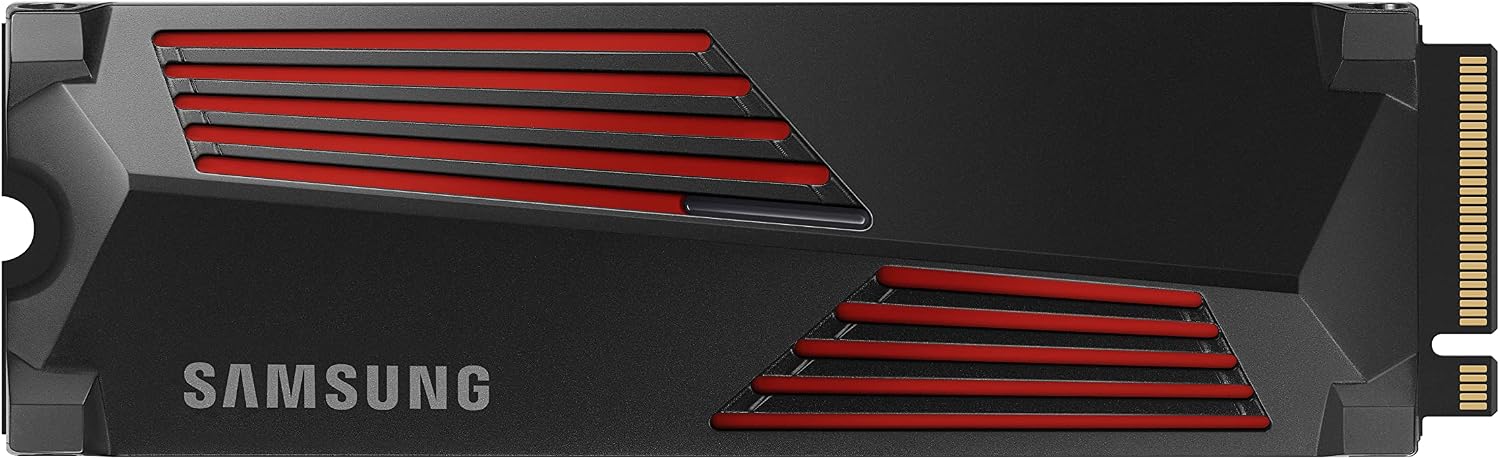
SAMSUNG 990 PRO w/ Heatsink SSD 2TB, PCIe Gen4 M.2 2280 Internal Solid State Hard Drive, Seq. Read Speeds Up To 7,450MB/s for High End Computing, Workstations, Compatible w/ PlayStation 5, MZ-V9P2T0CW | 7450 MB/s read speed with integrated heatsink and 2TB capacity for gaming, video editing and data analysis
Enthusiasts who want the absolute fastest sequential reads available in this set and do not mind paying a premium.
Leads the set with up to 7,450 MB/s sequential read speed, paired with an integrated heatsink for sustained thermal control on PS5 and PC.
This is the most expensive product in this set.
Premium
- Highest sequential read speed in this set
- Integrated heatsink included
- Compatible with PS5
- Most expensive option in this set
The peak-performance pick for speed-obsessed buyers who want the fastest reads here, at a matching price.
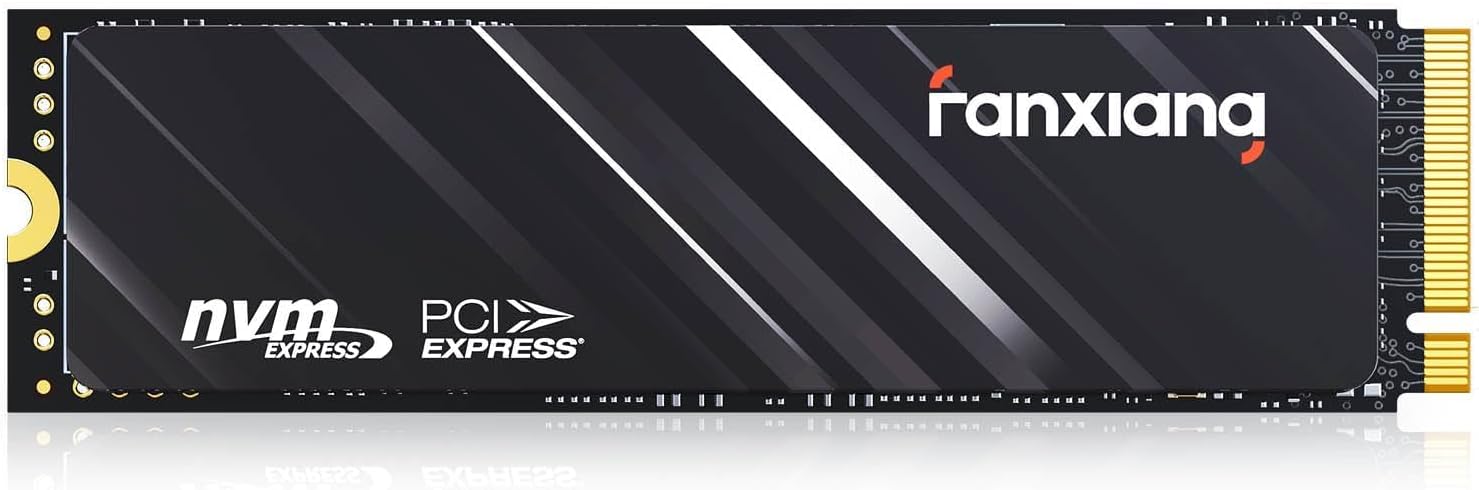
Buy on Amazonfanxiang 2TB NVMe SSD PCIe Gen4 M.2 SSD for PS5, Up to 5000 MB/s, Internal Gaming 3D NAND SLC Cache Solid State Drive Upgrade Storage for PC/Laptops S690Q
Cost-conscious PS5 owners who need basic storage expansion and are comfortable with moderate speeds.
Includes a graphite heat dissipation sticker for passive cooling and explicitly confirms PS5 compatibility, covering the essentials at the lowest price in this set.
Sequential read speed tops out at 5,000 MB/s, which is significantly slower than every other drive in this set and will result in longer day-one patch install times.
Budget
- Lowest price in this set
- PS5 compatible confirmed
- Graphite heat dissipation sticker included
- 5,000 MB/s read speed is the slowest in this set
- Lower throughput means longer patch install times
The most affordable entry here, but the speed gap is substantial and will be noticeable when downloading or installing large day-one patches.
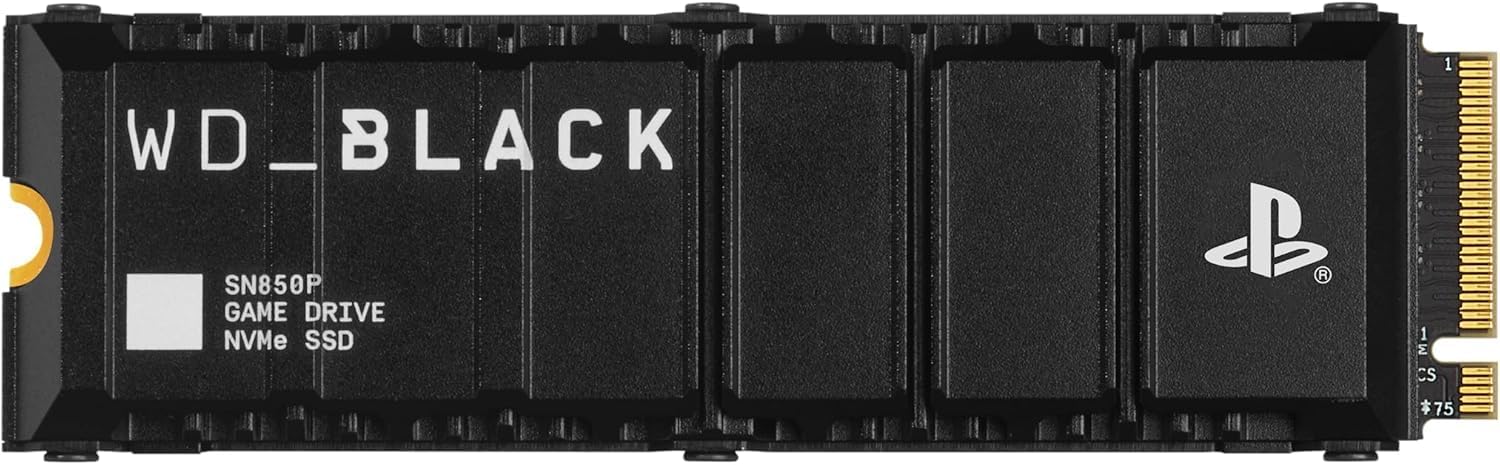
Buy on AmazonWD_BLACK 2TB SN850P NVMe M.2 SSD Officially Licensed Storage Expansion for PS5 Consoles, up to 7,300MB/s, with heatsink - WDBBYV0020BNC-WRSN
PS5 owners who want a plug-and-play upgrade with zero compatibility guesswork.
Officially licensed for PS5 with a heatsink engineered specifically for the PS5 M.2 slot, removing any thermal or compatibility uncertainty.
One of the pricier options in this set despite similar raw speeds to competitors that cost less.
Premium
- Officially PS5 licensed
- PS5-specific heatsink included
- Up to 7,300 MB/s read speed
- Costs more than non-licensed alternatives with similar speeds
The safest, most PS5-native choice for anyone who values official certification over saving money.
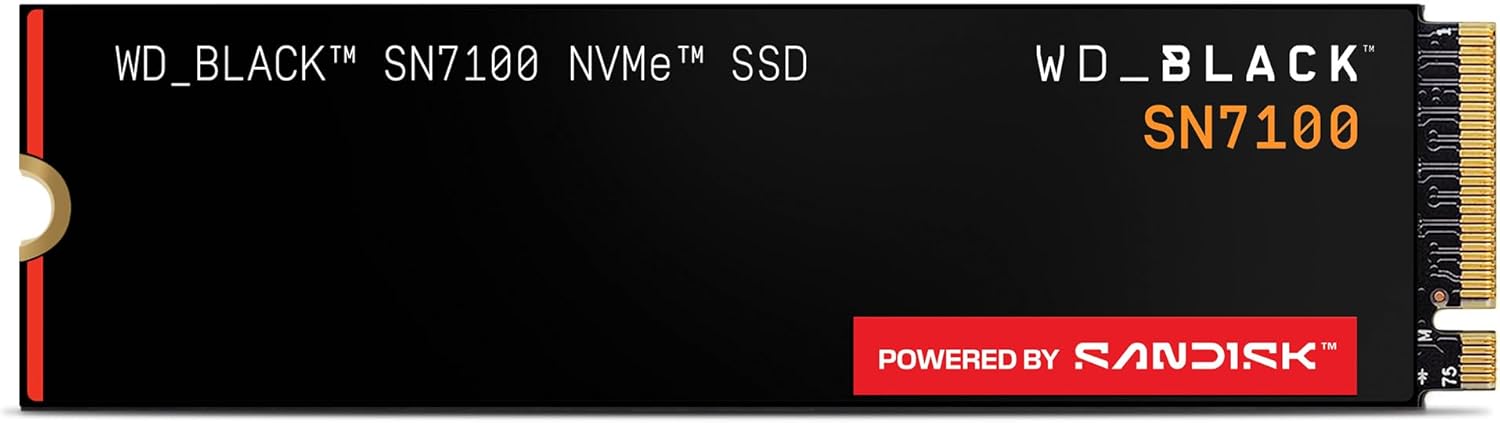
Buy on AmazonWD_Black SN7100 2TB NVMe SSD - Gen4 PCIe, M.2 2280, Up to 7,250 MB/s Read Speed, Up to 6,900 MB/s Write Speed, Next Gen TLC 3D NAND, for Laptops, Handheld Gaming Devices - WDS200T4X0E
Gamers who also use a laptop or handheld device and want one SSD that covers multiple platforms efficiently.
Delivers up to 7,250 MB/s read and 6,900 MB/s write with improved power efficiency, making it well suited to battery-powered devices as well as PS5.
Does not include a heatsink, so PS5 users will need to add one separately or rely on the console's own cover.
Mid-range
- Up to 7,250 MB/s read speed
- Improved power efficiency
- Available up to 4TB capacity
- No heatsink included
A versatile multi-platform performer, though the lack of a bundled heatsink is a consideration for PS5 use.
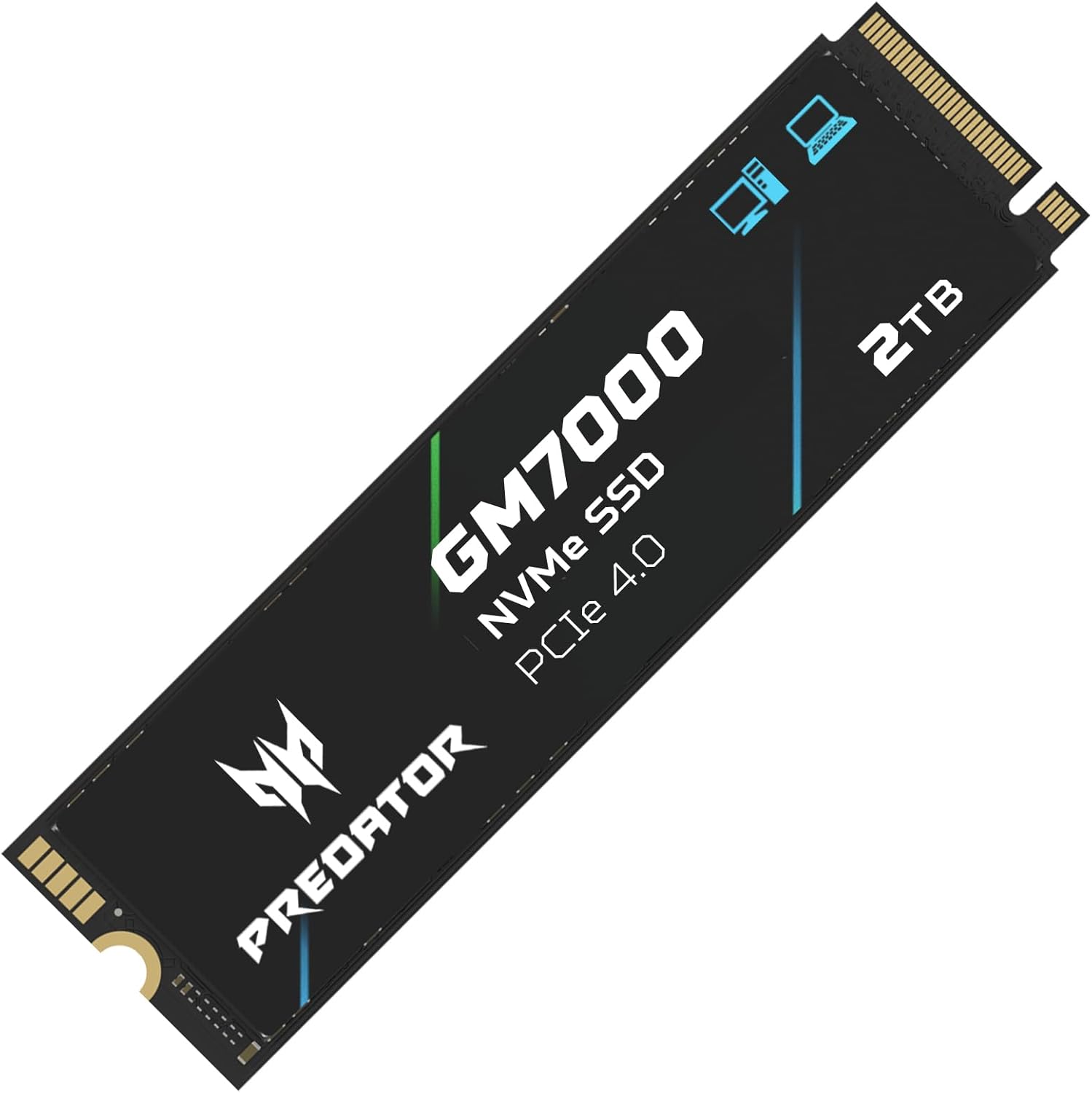
Buy on AmazonPredator M.2 SSD 2TB GM7000 with DRAM cache NVMe 1.4 2280 PCIe Gen4×4 Ultra high speed (maximum read: 7400MB/s, max write: 6700MB/s) 3D NAND TLC Internal SSD Compatible with PS5 Pro - BL.9BWWR.106
PS5 gamers who want near-top-tier speed plus a dedicated heat spreader without paying for a Samsung or WD premium.
Features a DRAM cache alongside a customized heat spreader, supporting sustained 7,400 MB/s reads and reliable thermal performance under heavy use.
Write speed tops out at 6,700 MB/s, which is slightly lower than some competitors at a similar price point.
Mid-range
- DRAM cache for consistent speeds
- Custom heat spreader included
- Up to 7,400 MB/s read speed
- Write speed slightly trails some rivals
A well-rounded drive with DRAM cache and thermal hardware that punches close to the top tier for less.
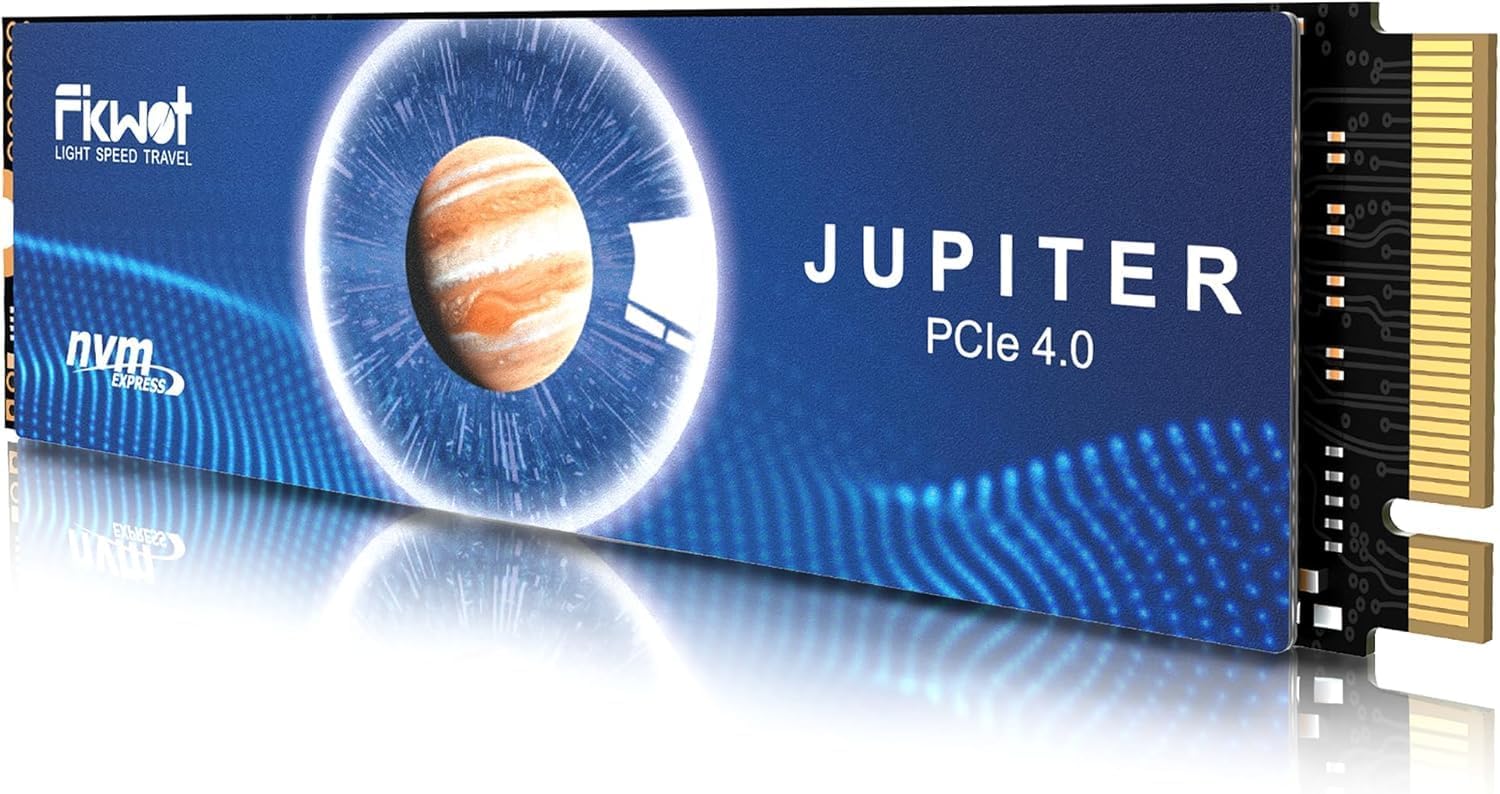
Buy on AmazonFikwot FX991 M.2 SSD 2TB NVMe SSD M2 2280 PCIe Gen 4x4, Read Up to 7100MB/s, Internal Solid State Drive for PS5 Laptop Desktop 3D QLC NAND
Budget-aware PS5 owners who still want PCIe Gen 4 speeds and intelligent thermal management without extras.
Auto-adaptive temperature adjustment and power efficiency management help maintain stable operation without a dedicated heatsink accessory.
Write speed of 5,300 MB/s is notably lower than most competitors in this set, which can affect large patch and game installation times.
Mid-range
- Auto-adaptive thermal management
- PCIe Gen 4x4 interface
- Broad device compatibility
- 5,300 MB/s write speed lags behind most rivals here
Competitively priced PCIe Gen 4 storage with smart thermals, but the lower write speed is a real consideration for big day-one downloads.
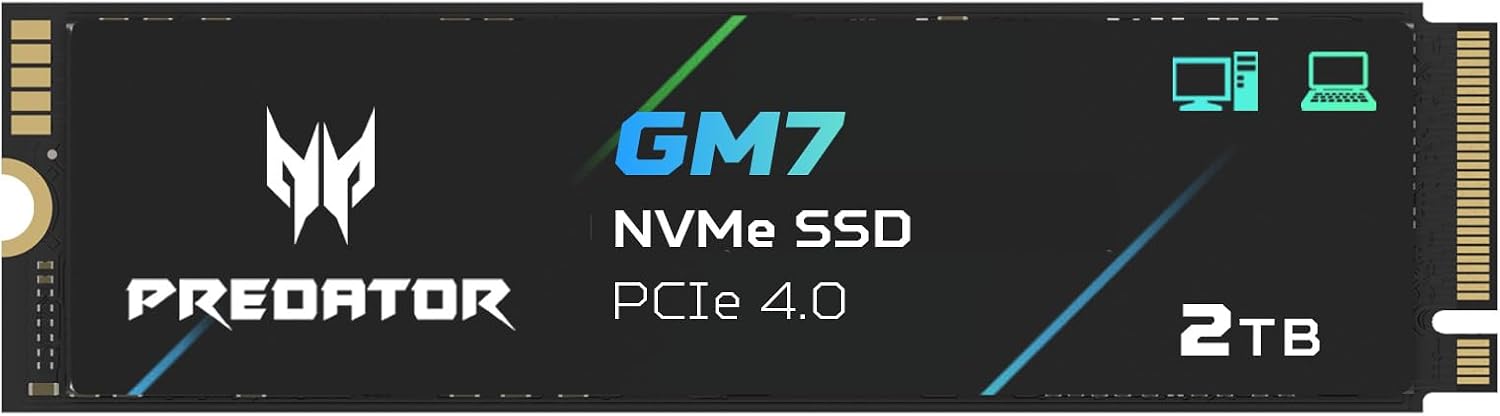
Buy on AmazonAcer Predator GM7 2TB SSD: M.2 2280 PCIe Gen 4 x4 NVMe 2.0, Read Speed Up to 7400 MB/s, Internal PC Solid State Drive for Laptop, Desktop and PS5 - BL.9BWWR.119
Performance-focused PS5 players who want NVMe 2.0, HMB support, and fast speeds at a competitive price.
Supports NVMe 2.0 and HMB plus SLC cache, delivering up to 7,400 MB/s read speeds with efficient cache management for rapid game loading.
No heatsink is included, so PS5 users will need a separate thermal solution to stay within Sony's thermal guidelines.
Mid-range
- NVMe 2.0 protocol support
- HMB plus SLC cache combo
- Up to 7,400 MB/s read speed
- No heatsink bundled
Strong specs including NVMe 2.0 and HMB make this a smart pick, though the missing heatsink adds a small extra step for PS5 installation.
Buy on AmazonRunning out of storage mid-download is one of those frustrations that’s easy to fix with the right upgrade. Whether you go with a speedy NVMe SSD or a roomy external drive, any of the options featured here should help you keep up with those hefty day one patches without the usual scramble to delete old games. Take a look at the links above and see which one feels like the best fit for your setup and budget. A little extra space goes a long way on PS5. Thanks for reading, and happy gaming!
Frequently asked questions
Which PS5 storage upgrades actually meet Sony’s minimum speed requirement for the expansion slot?
Sony recommends an NVMe SSD with sequential read speeds of at least 5,500MB/s for the PS5 expansion slot. Most drives in this lineup clear that bar comfortably, with the WD_BLACK SN850P, Samsung 990 Pro, and both Predator models all hitting 7,300MB/s or above. The fanxiang S690Q tops out around 5,000MB/s, which falls just below Sony’s guideline and may affect load times on games with large day-one patches. For the smoothest experience with patch installs and fast asset streaming, a Gen4 drive rated at 7,000MB/s or higher is the practical choice.
Do any of these drives come with a heatsink already attached, or do you need to buy one separately?
The WD_BLACK SN850P and the Samsung 990 Pro both ship with integrated heatsinks included in the box, so you can install them without sourcing a separate cooler. The PS5 expansion bay sits in an enclosed space with limited airflow, and sustained reads during large patch downloads can push drive temperatures up, so having a heatsink is genuinely useful rather than just a nice extra. The Predator GM7000, Acer Predator GM7, Fikwot FX991, and fanxiang S690Q do not include heatsinks, which means you should budget for a low-profile third-party cooler that fits within Sony’s clearance limits. Sony lists a maximum heatsink height of 8mm for the slot, so check that spec before purchasing a separate cooler.
How difficult is the physical installation process for a PS5 M.2 SSD?
The process is straightforward for anyone comfortable with basic hardware, typically taking around 15 to 20 minutes. You remove the PS5 side panel, lift the expansion bay cover, seat the M.2 drive at an angle into the slot, then secure it with the small standoff screw that Sony includes in the console. All seven drives here use the standard M.2 2280 form factor, which fits the PS5 slot natively with no adapter needed. Sony also walks you through a brief on-screen formatting process the first time you boot after installation, so the software side requires no technical knowledge at all.
Is a 2TB capacity worth it specifically for games that ship with large day-one patches?
For this use case, 2TB is the most practical capacity to buy right now. Modern AAA titles frequently ship at 70GB to 150GB on disc or as a base download, and day-one patches regularly add another 10GB to 50GB on top, meaning a single game plus its update can consume well over 100GB. A 2TB drive gives you enough room for 10 to 15 large patched titles before you need to think about managing space, compared to a 1TB option that fills up after just five or six. All the drives listed here are available in 2TB, and the per-gigabyte cost difference between 1TB and 2TB at this tier is usually small enough that stepping up is easy to justify.
What is the practical difference between TLC and QLC NAND for downloading and installing big game patches?
TLC (triple-level cell) NAND stores three bits per cell and generally sustains faster write speeds over longer operations, which matters when you are writing dozens of gigabytes during a patch install. QLC (quad-level cell) NAND stores four bits per cell, offering higher density at a lower cost, but write speeds can drop noticeably once the drive’s SLC cache fills during a large sustained write. The Fikwot FX991 uses QLC NAND, while the WD_BLACK SN850P, Samsung 990 Pro, and Predator GM7000 use TLC. For routine gaming and occasional patch installs the difference may not be dramatic, but if you frequently download multi-gigabyte updates in a single session, a TLC drive can offer more consistent write performance throughout the entire operation.