The ROG Ally is one of the most capable handheld gaming PCs you can get right now, but the right accessories can take your experience from good to genuinely great. Whether you’re setting up a proper gaming station at home, keeping your device charged and ready to go, or packing it up for trips and commutes, there are some surprisingly useful tools out there that make a real difference. In this guide, we’re covering a solid range of accessories built specifically for ROG Ally owners, plus some versatile picks that pair perfectly with the handheld. You’ll find practical everyday essentials like docks and chargers, protective carry gear for life on the move, and a few fun additions that might not be obvious but are absolutely worth knowing about. No matter how you like to play, this list has something for you. Let’s get into the best ROG Ally accessories available right now, covering setup, charging, and travel from every angle.
Disclosure: As an Amazon Associate we earn from qualifying purchases. Prices and availability shown are accurate as of the date of publication and may change.
Quick comparison
How to choose
Storage and Organization
Consider how many accessories you carry regularly, since some cases include dedicated slots for MicroSD cards, charger docks, and thumb grips while others offer a single open compartment. A case with labeled or segmented pockets keeps small items from shifting and makes airport security or quick handheld sessions far less frustrating.
Shell Protection Level
Hard EVA or polycarbonate shells resist crushing and impact far better than soft fabric pouches, which matters if the device rides in a backpack alongside heavier gear. Look at interior lining material as well, since a microfiber or foam interior prevents screen scratches even when items shift during transit.
Carry Style and Form Factor
A compact hard-shell pouch fits neatly in a larger bag but offers no shoulder strap, while a sling or crossbody bag lets you carry the Ally as a standalone travel kit. Think about whether you want the case to double as a desktop stand or dock organizer at your destination, since some designs fold out or prop the device upright for play.
Dock and Charger Compatibility
Not all cases accommodate a full docking station alongside the handheld, so check interior dimensions against the specific dock you own or plan to buy. If you intend to connect the Ally to a 4K display on the road, a case that fits both a multi-port USB-C hub and its cables saves you from packing a separate bag.
Bundled Accessories Value
Some cases ship as a bundle with screen protectors, thumb grip caps, and SD card cartridges, which can be more cost-effective than sourcing each piece separately. Weigh whether you will actually use the included extras before paying for a bundle, since a plain case may suit you better if you already own those accessories.
The picks
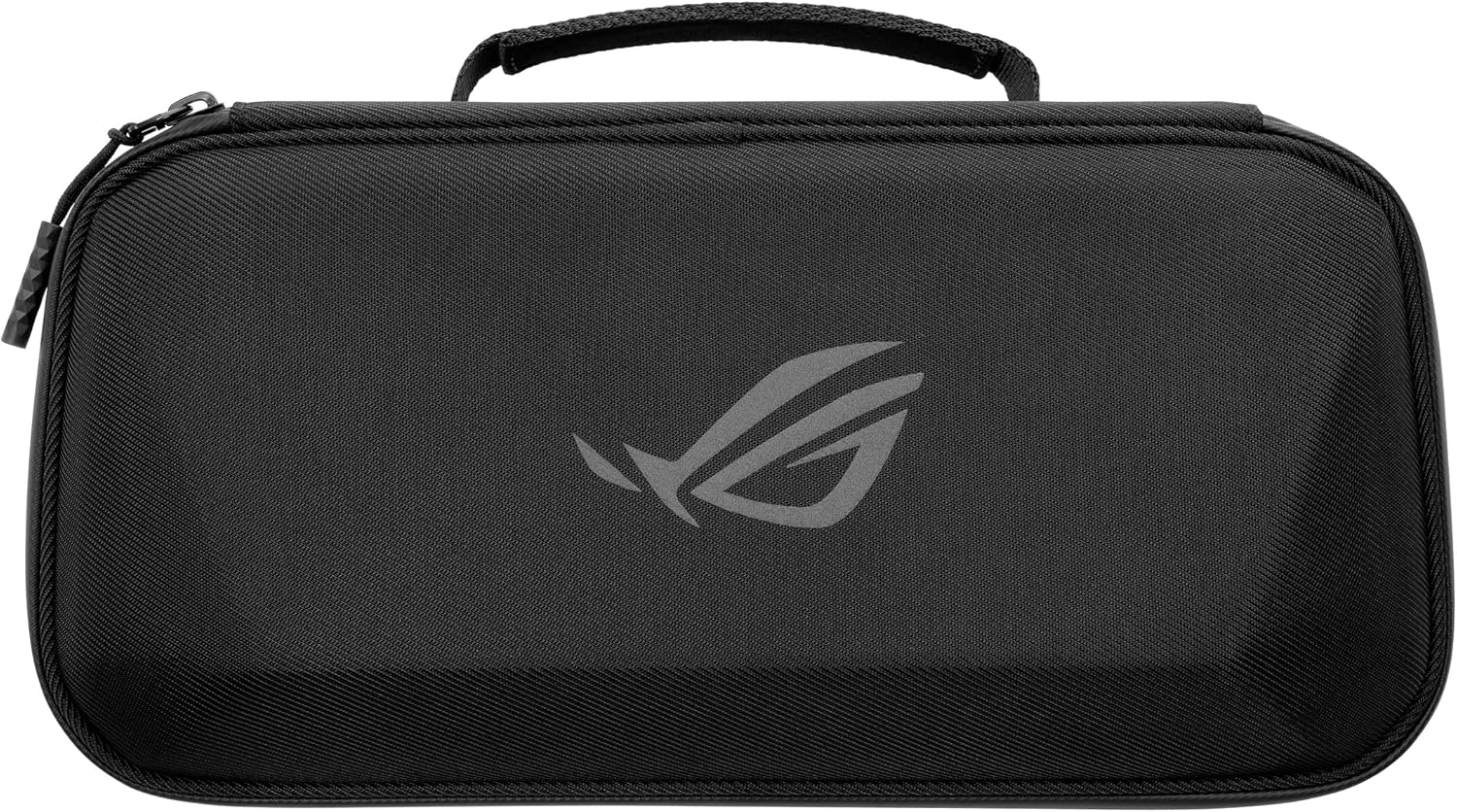
ROG Xbox Ally (2-in-1) Premium Case
ROG Xbox Ally owners who want an official, premium carry solution with brand co-design and durable hardware.
Water-repellent hard shell paired with premium YKK zippers and a soft fleece inner liner provides a polished protection setup, and the detachable 65W adapter pouch lets you travel light when needed.
The most expensive product on this list by a significant margin, which may be hard to justify over third-party options with comparable storage.
Premium
- Water-repellent hard shell exterior
- Premium YKK zippers for lasting durability
- Detachable 65W adapter pouch for flexible packing
- Most expensive option on this list
The premium official pick for ROG Xbox Ally owners who prioritize build quality, brand co-design, and a detachable charger pouch.
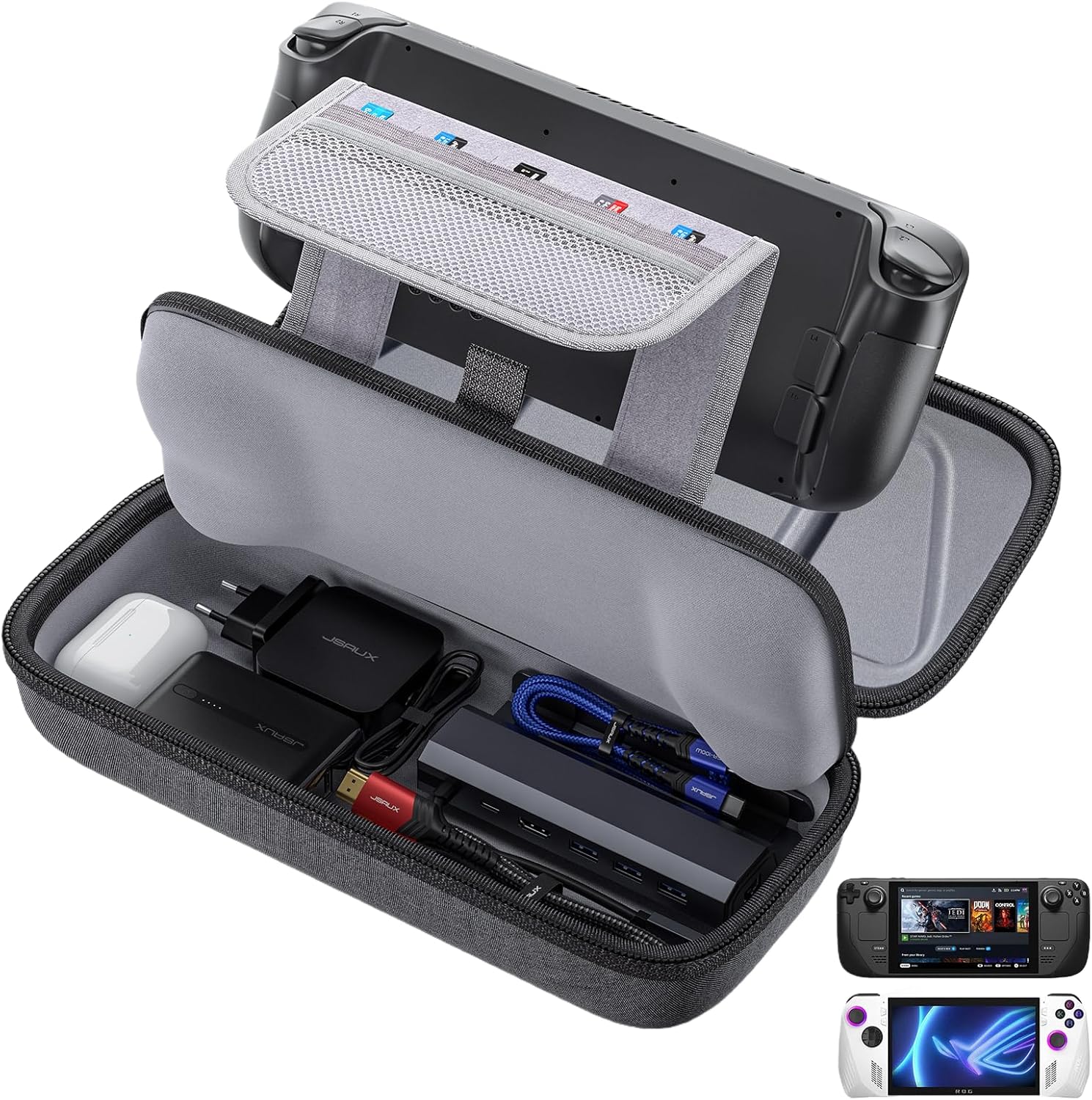
Buy on AmazonJSAUX Carrying Case Compatible with Steam Deck/ROG Ally, Protective Hard Shell Travel Case Fits Charger & Dock, Portable Bag for Steam Deck OLED/ROG Ally X
Gamers who own multiple handhelds and want one protective bag that works across Steam Deck, ROG Ally, and ROG Ally X.
Upgraded large-capacity interior fits the original AC charger, docking station, small power bank, and headphones simultaneously, and the console slots in without removing a protective case.
The most affordable pick on this list, which may reflect simpler materials or finishing compared to pricier options.
Budget
- Fits console with case still attached
- Holds charger, dock, and power bank together
- Compatible with Steam Deck OLED and ROG Ally X
- No dedicated card or MicroSD slots mentioned
The most affordable option here and genuinely versatile across multiple handheld platforms.
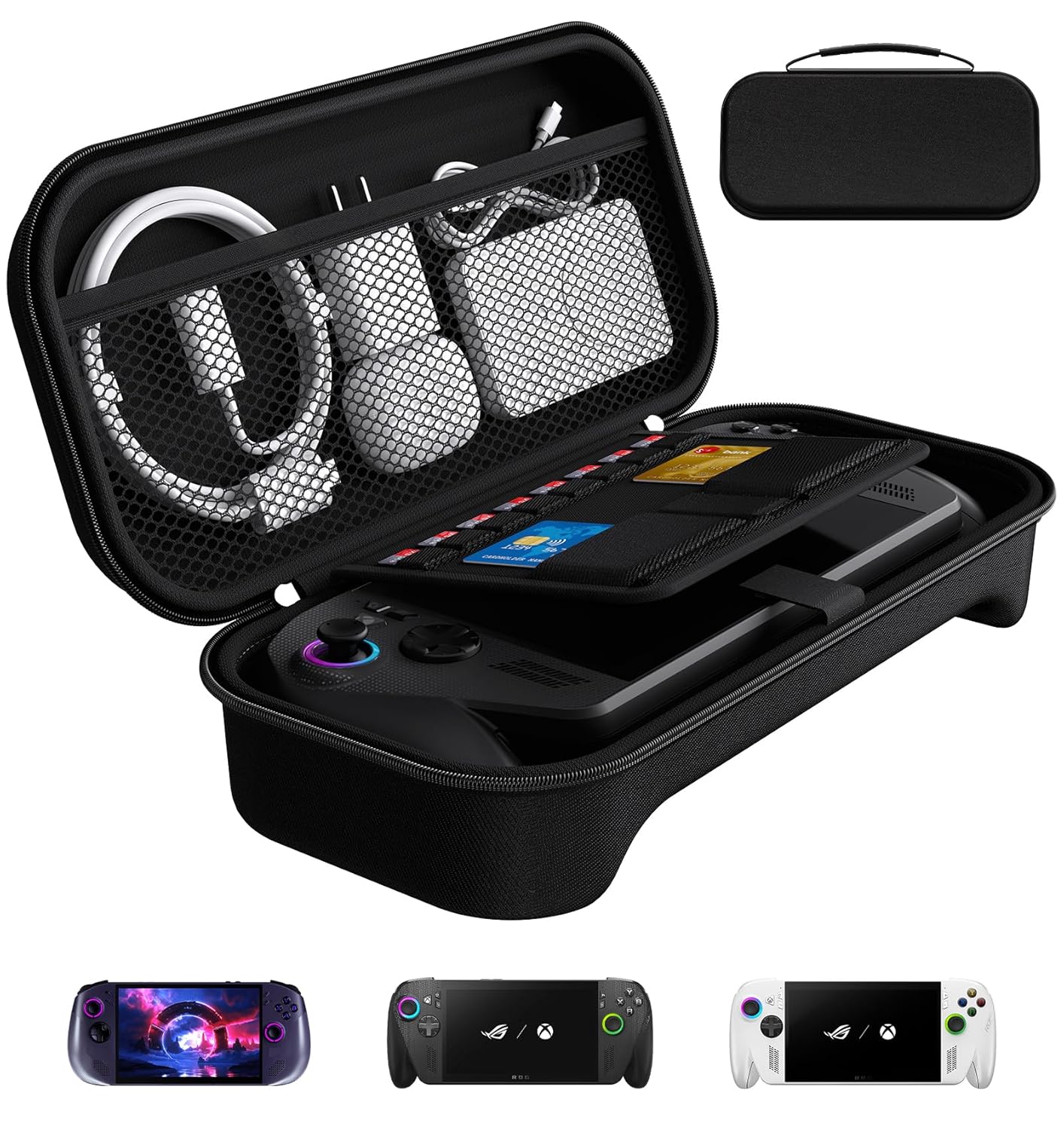
Buy on Amazonivoler Carrying Case for Lenovo Legion Go S/ASUS ROG Xbox Ally/Xbox Ally X , Portable Hard Shell Pouch Travel Bag Built-in Gaming Charger Dock Storage, 8 MicroSD and 2 Credit Sized Cards Slots -Black
ROG Xbox Ally owners who want a single bag to hold the console, charger dock, and MicroSD cards on trips.
Built-in dedicated grooves hold the handheld securely plus a detachable interior pocket with 8 MicroSD and 2 credit-card-sized card slots for excellent card organization.
Hard shell construction with a fixed interior layout limits flexibility if your accessory loadout changes.
Budget
- 8 MicroSD plus 2 card slots built in
- Accommodates charger dock and earphones
- Comfortable handle strap for portability
- Fixed interior layout limits flexibility
A tidy all-in-one travel pouch with standout card storage for ROG Xbox Ally owners on a budget.
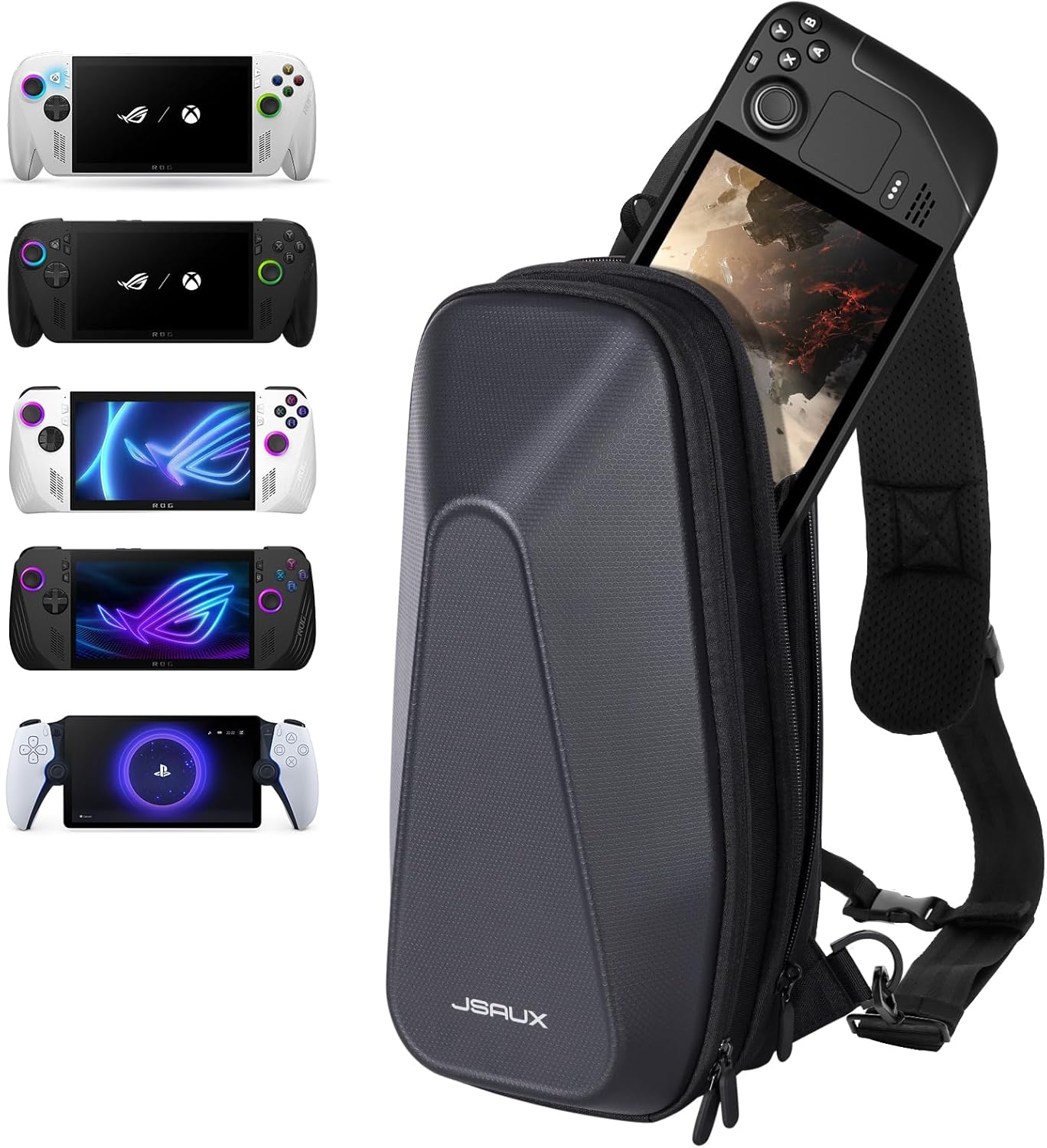
Buy on AmazonJSAUX Sling Bag for Steam Deck (OLED)/ROG Xbox Ally X (2025)/Xbox Ally/ROG Ally (X), Carrying Case with EVA Hard Shell, Double-layer Case for Docking Station & Accessories, Crossbody Bag for Travel
Commuters and travelers who prefer a crossbody carry style and need separate compartments for multiple devices and accessories.
Individually separated cabins for the handheld and accessories prevent screen scratches from sharp objects like keys, while the crossbody sling format frees up your hands during travel.
Priced noticeably above the flat carrying cases in this set without adding charging or docking functionality.
Mid-range
- Crossbody sling design frees your hands
- Independent cabin protects screen from sharp items
- Multi-layer rooms for different accessory sizes
- Higher price than flat case options
- No integrated card slots described
The best hands-free travel companion for gamers juggling a handheld plus multiple accessories on the go.
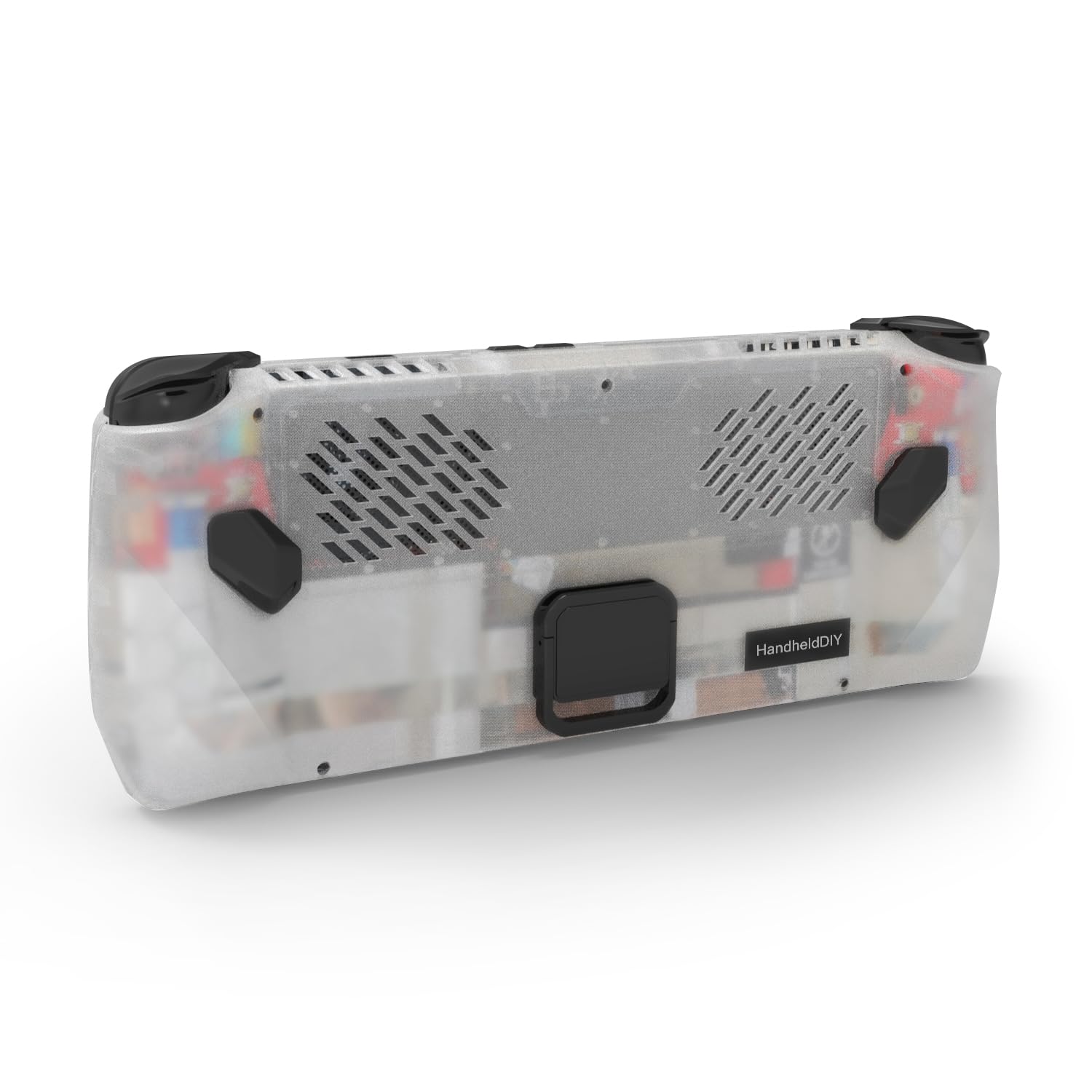
Buy on AmazonCooling Modcase for ROG Ally, Back Plate Accessories, Heat Management Shell Case Compatible with ROG Ally, Easy Installation Cover with Foldable Kickstand, and Custom Nameplate (Translucent)
ROG Ally (original model) owners who want to improve thermal performance and add a kickstand for desktop-style play.
Heat spreader combined with high-performance silicone pads actively reduces CPU temperatures by up to 10 percent, and widened intake and exhaust vents maximize airflow beyond the stock design.
Explicitly not compatible with ROG Ally X, limiting its audience, and the 12-screw installation process may be off-putting to less technical users.
Mid-range
- Reduces CPU temperature by up to 10 percent
- Widened intake and exhaust vents for airflow
- Includes foldable kickstand for desktop mode
- Not compatible with ROG Ally X
- 12-screw installation required
A smart thermal upgrade for original ROG Ally owners who want cooler performance and a built-in kickstand.
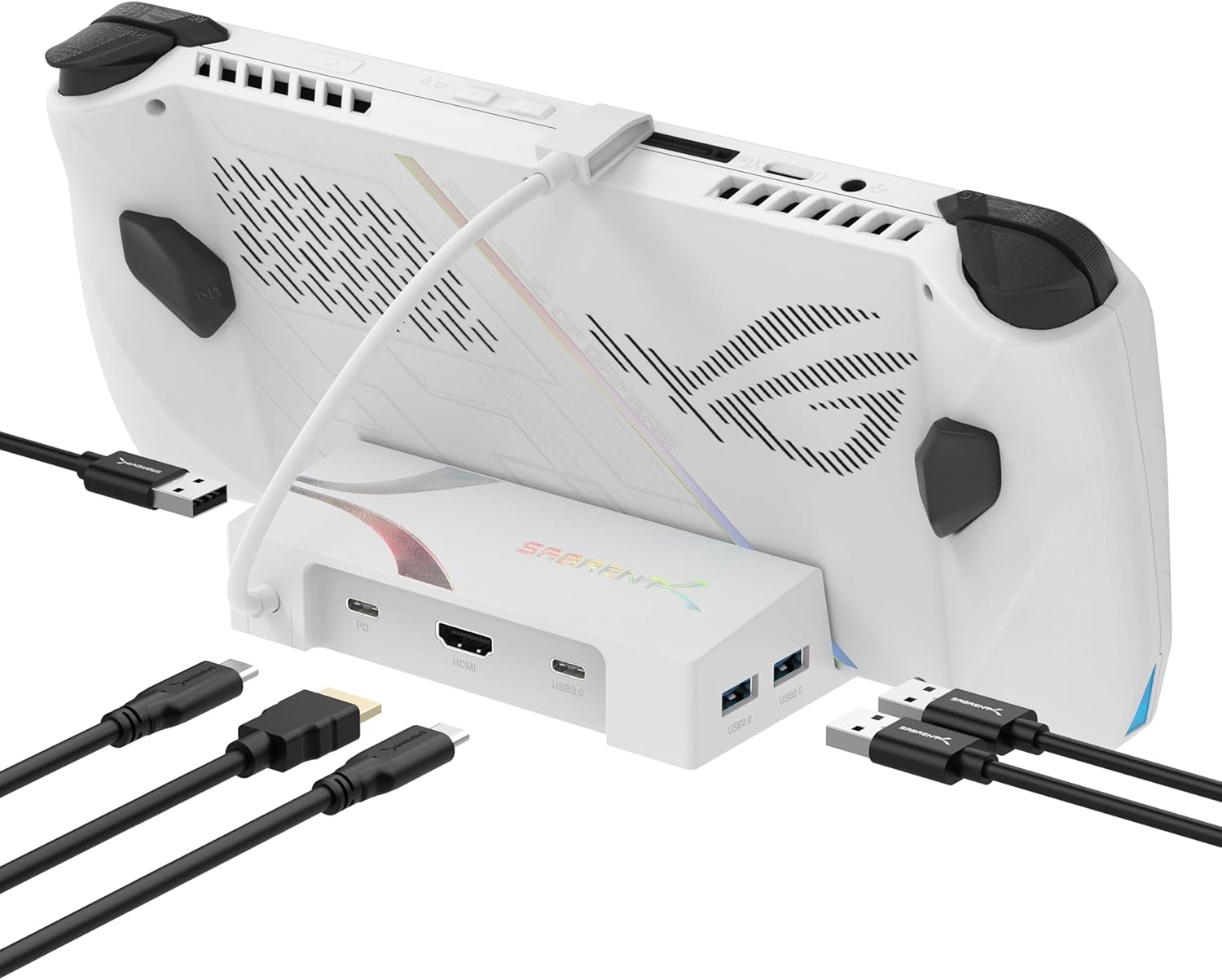
Buy on AmazonSABRENT Docking Station for Asus ROG Ally, 6-Port USB Type-C, 4K@60Hz HDMI, 5Gbps USB Ports, Power Delivery, Compact Design for Gaming (DS-RA6P)
ROG Ally users who want to connect to a 4K display and expand USB connectivity for a full desktop-style gaming setup.
Delivers 4K at 60Hz via HDMI 2.0 and adds three 5Gbps USB Type-A ports plus one Type-C downstream port with PD 3.0 power delivery through a compact six-port hub.
Provides no physical protection or carrying solution for the console, so it needs to be paired with a separate case for travel.
Budget
- 4K at 60Hz HDMI output
- Three 5Gbps USB A ports plus one Type-C
- PD 3.0 power delivery for charging while docked
- No carrying or protection function
- Requires separate travel case
The go-to dock for turning the ROG Ally into a capable desktop gaming station with 4K output and full USB expansion.
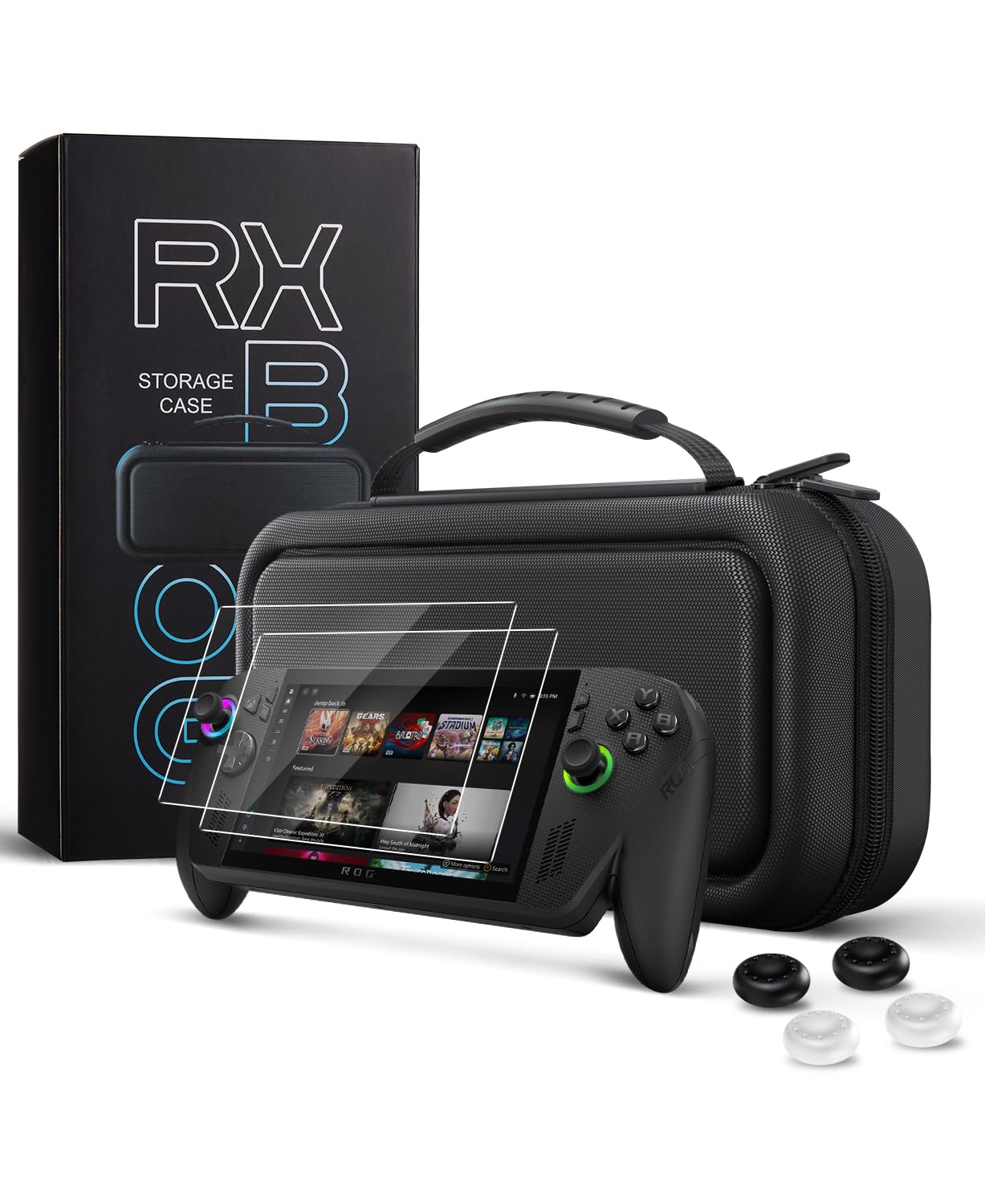
Buy on AmazonCoBak Hard Carrying Case for ASUS ROG Xbox Ally & ROG Xbox Ally X 7" 2025 - 3 in 1 Accessories Bundle with 2 Screen Protectors, 4 Thumb Grip Caps, 22 SD Card Cartridges, Portable Travel Bag, Black
ROG Xbox Ally and Ally X owners who want a case that also bundles screen protection and analog stick accessories in one purchase.
Molded EVA interior is custom-shaped for the 2025 ROG Xbox Ally X for a rattle-free fit, and the bundle includes 9H tempered glass screen protectors, four thumb grip caps, and 22 SD card cartridges.
The accessory bundle adds value but increases bulk compared to a slim case, and no sling or crossbody carry option is included.
Mid-range
- Custom-molded EVA interior prevents rattling
- Includes 9H tempered glass screen protectors
- 22 SD card cartridges and four thumb grip caps included
- Bulkier than slim single-purpose cases
- No crossbody or sling carry option
The best all-in-one accessories bundle for new ROG Xbox Ally owners who want case, screen, and grip protection sorted in one box.
Buy on AmazonWhether you’re setting up a home gaming station or packing for a trip, the right accessories can genuinely make your ROG Ally experience more enjoyable and stress-free. From reliable charging solutions to travel-friendly cases, there’s something on this list for every type of player. Take a look at the links above and see if anything catches your eye. You don’t need everything at once, just start with whatever fits your current setup or lifestyle best. We hope this guide helped point you in the right direction. Thanks for reading, and happy gaming!
Frequently asked questions
Which carrying case works best for ROG Ally owners who also bring a dock or charger on trips?
The ivoler hard shell case and the JSAUX hard shell case both include dedicated compartments sized to hold a charger and docking station alongside the Ally itself, making them the practical picks for travel with a full setup. The ivoler case also adds slots for up to 8 microSD cards and 2 credit card sized cards, which is useful if you swap game libraries on the go. The JSAUX sling bag goes a step further by offering a crossbody carry style and a double layer interior that separates the dock from the handheld. Choose based on whether you prefer a compact clamshell pouch or a bag you can wear over your shoulder for longer travel days.
How does the Cooling Modcase actually manage heat on the ROG Ally compared to a standard case?
The Cooling Modcase is a back plate shell rather than a sealed pouch, so it stays on the device during play and is designed to allow airflow rather than trap it. The translucent shell also includes a foldable kickstand, which can prop the Ally at an angle that may improve passive cooling compared to laying it flat on a surface. It is worth noting that thermal performance claims from third party accessories can vary depending on play conditions and game load, so treat the heat management benefit as supplemental rather than a replacement for proper ventilation habits. Installation is described as easy and tool free, which makes it a low commitment upgrade if you want a protective back plate with built in stand functionality.
What should I look for in a docking station to use the ROG Ally on a TV or monitor?
The SABRENT DS-RA6P is built specifically for the ROG Ally and supports 4K at 60Hz output over HDMI, which covers most modern displays without needing an adapter. It also includes Power Delivery so the Ally charges while connected, and the USB ports run at 5Gbps for fast peripheral data transfer. A compact form factor matters here because the Ally is a travel device, and the SABRENT dock is sized to pack alongside the handheld without taking up much bag space. Confirm your TV or monitor supports the resolution and refresh rate you want before buying any dock, since 4K 60Hz is the ceiling this unit provides.
Is the CoBak carrying case a good value if I am just starting out with the ROG Ally and need accessories right away?
The CoBak case stands out for new owners because it bundles the hard shell travel bag with 2 screen protectors, 4 thumb grip caps, and 22 SD card cartridges in one purchase, covering several common first day needs at once. Buying those items individually from separate listings typically costs more and takes more time to assemble. The case itself is sized for both the standard ROG Ally and the Ally X, so it stays relevant if you upgrade later. If you already own screen protectors and grips, a standalone case from JSAUX or ivoler may be a better fit since you would not be paying for redundant items.
How difficult is it to set up the ROG Ally for a desktop style gaming session using these accessories?
Setup is straightforward with the right combination of products. The SABRENT docking station connects via a single USB Type-C cable, and Windows on the ROG Ally detects the HDMI output and USB peripherals automatically in most cases. Pairing the dock with the ivoler or JSAUX carrying case means everything travels together and unpacks onto a desk in a few minutes. The Cooling Modcase with its kickstand can prop the Ally while you use it as a secondary screen or controller, adding a bit of flexibility to how you arrange your play space without requiring any tools or configuration.