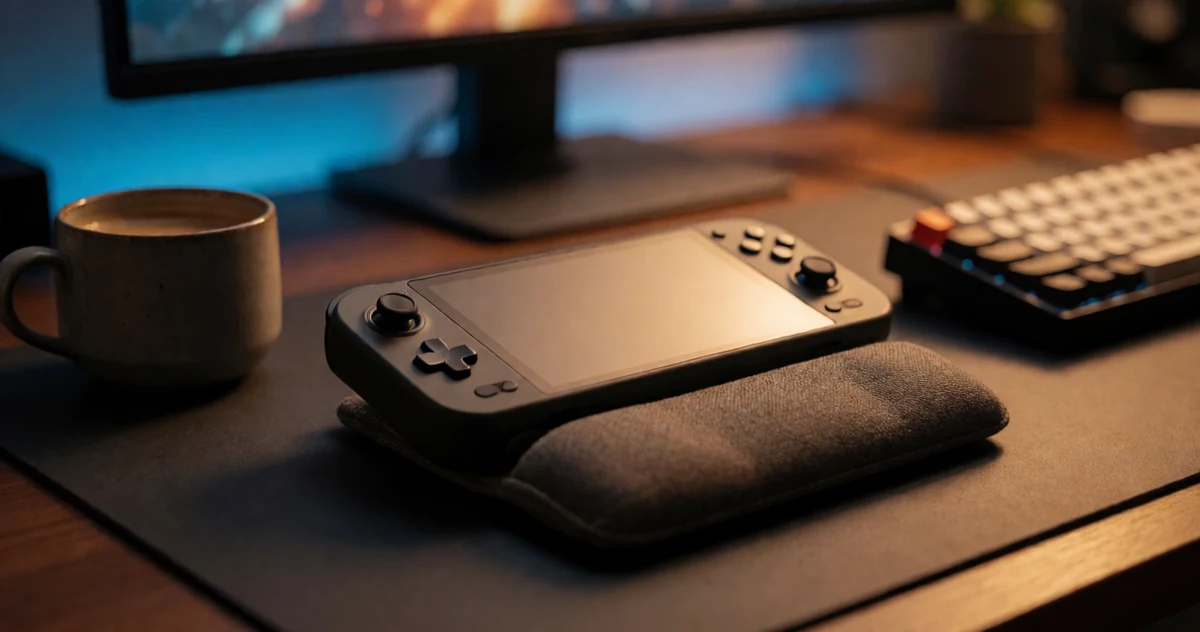
If you’ve been eyeing the ROG Ally X, you’re not alone. This handheld gaming console has quickly become one of the most talked-about devices for PC gamers who want serious performance in a compact, portable package. Whether you’re gaming on the couch, during a commute, or at a friend’s place, the ROG Ally X delivers a full Windows gaming experience that fits right in your hands. But with different bundles, accessories, and configurations available, figuring out the best deal can feel a little overwhelming. That’s exactly why we put this guide together. Inside, you’ll find a breakdown of the most practical buying options, some surprisingly useful accessories to pair with your console, and tips to help you get the most out of your purchase. From storage upgrades to carrying cases and docking solutions, there’s more to explore here than just the device itself. Let’s dig into everything you need to know before you buy.
Disclosure: As an Amazon Associate we earn from qualifying purchases. Prices and availability shown are accurate as of the date of publication and may change.
Quick comparison
How to choose
Processor and RAM
The ROG Ally X line spans multiple processor generations, from the Ryzen Z1 Extreme to the newer Ryzen Z2 A, and RAM configurations from 16 GB up to 24 GB LPDDR5. Higher RAM helps with demanding PC titles and multitasking, so weigh whether you plan to run the latest AAA games or mostly older and indie titles before deciding how much headroom you need.
Storage Capacity
Available configurations range from 512 GB up to 4 TB of PCIe SSD storage, and handheld gaming libraries can fill up quickly when modern games often exceed 50 GB each. If you prefer keeping a large library installed locally rather than swapping games in and out, prioritize a higher base storage configuration rather than relying on external drives.
Screen Protection Compatibility
Not all screen protectors are cross-compatible between the original ROG Ally, the Ally X, and the newer ROG Xbox Ally models, so confirm the exact device name on the protector listing before purchasing. Some protectors are explicitly noted as incompatible with certain models, and a matte anti-glare finish versus a clear tempered glass finish will also affect how the display looks and feels during outdoor or bright-room play.
Accessories and Bundle Value
Some listings include extras such as a docking hub, which adds USB ports and display output options that the handheld alone may lack. Weigh the bundled accessories against standalone pricing to judge whether the bundle genuinely adds value for your setup or whether you already own compatible docks and hubs.
Windows Handheld Usability
All configurations in this lineup run Windows 11 Home, which gives full PC game library access but requires occasional driver updates and desktop navigation on a 7-inch screen. Consider whether you are comfortable managing a Windows environment on a handheld or plan to use ROG Armoury Crate as the primary game launcher to simplify the experience.
The picks
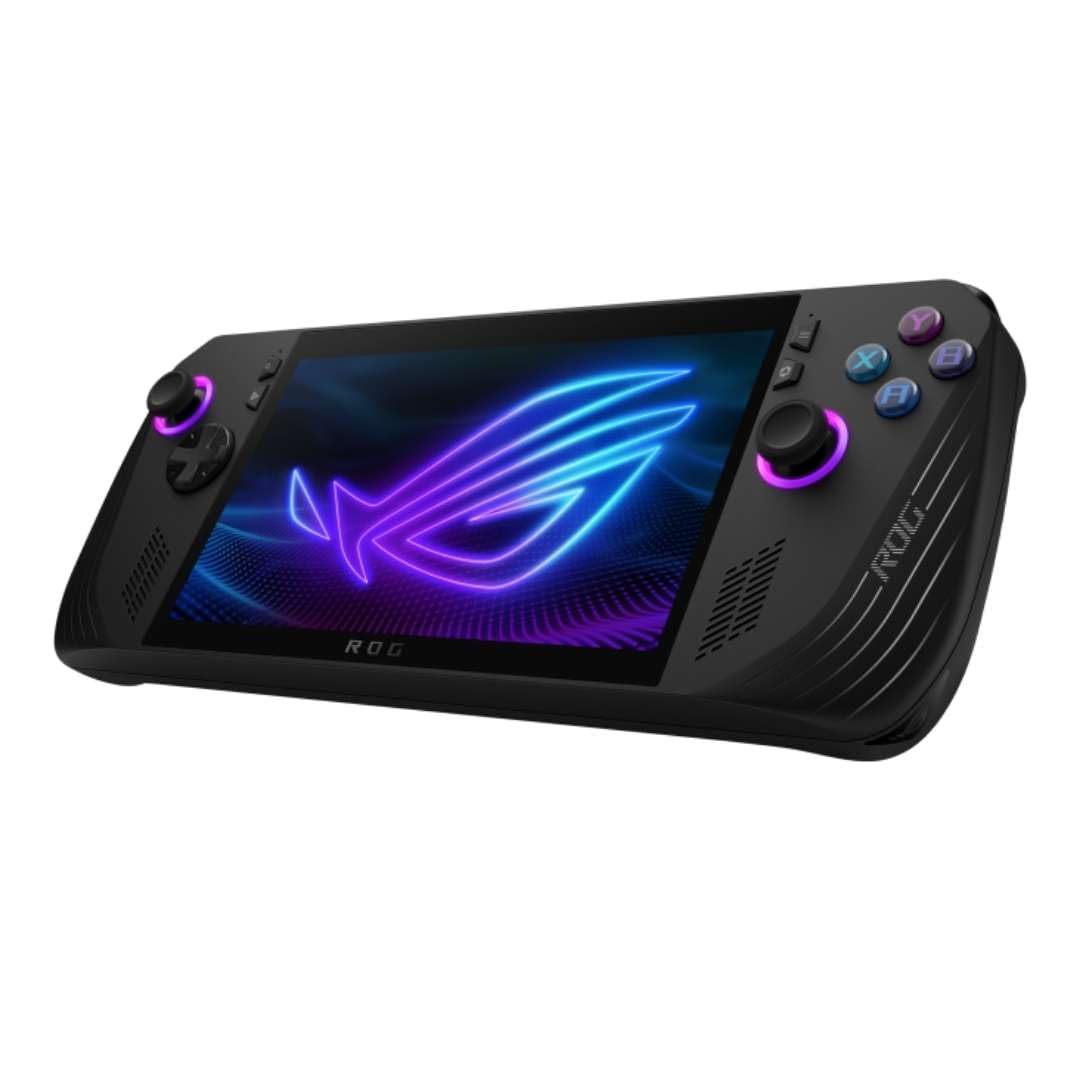
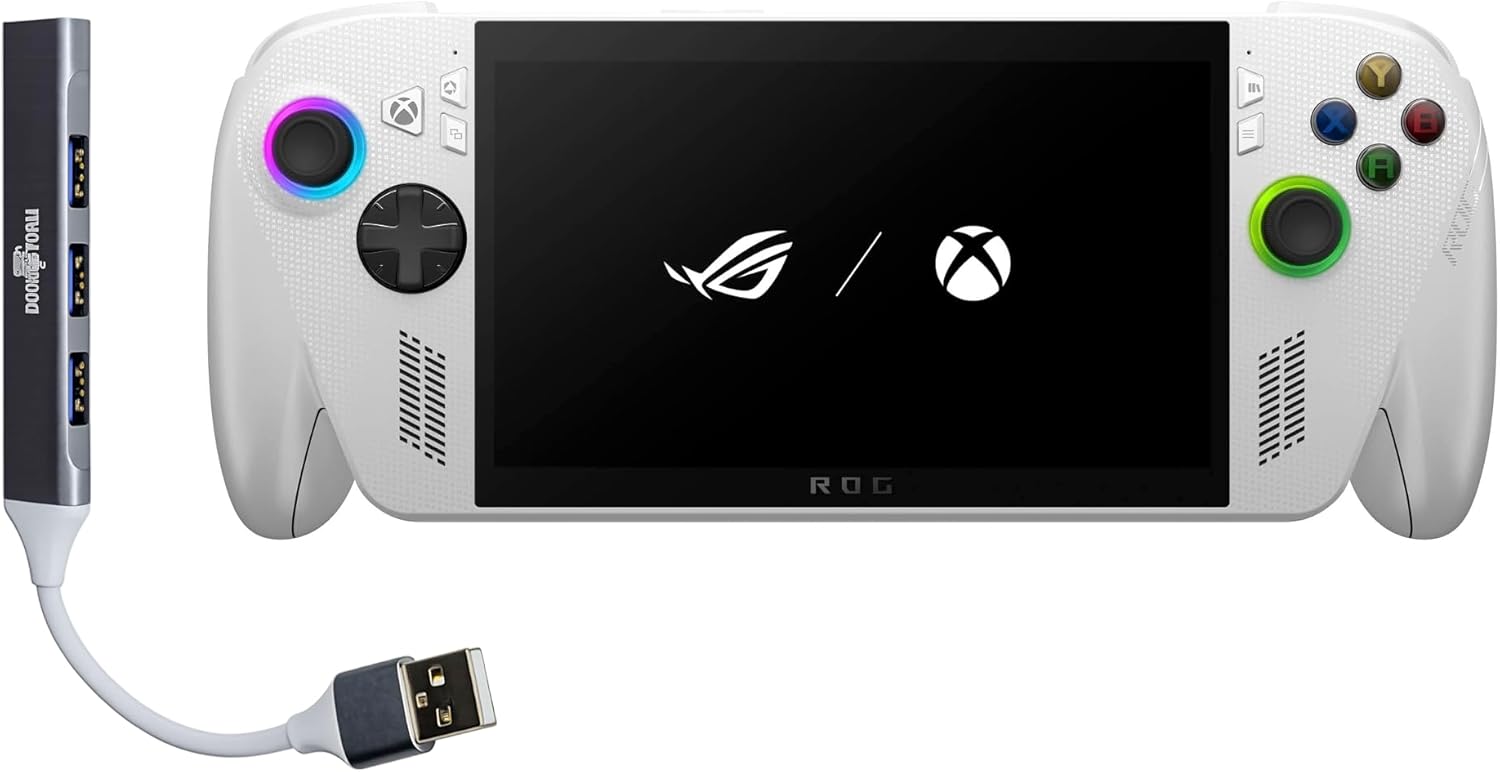
ASUS ROG Xbox Ally Gaming Handheld 7" 120Hz Touchscreen IPS Display (AMD Ryzen Z2 A, 16GB LPDDR5X, 4TB PCIe SSD, AMD RDNA 2 Graphics, Fingerprint, WiFi 6E, BT 5.4, Win 11 Home) w/dockztorm Hub
Xbox enthusiasts who want a console-like handheld experience with the largest storage and latest connectivity on offer.
A massive 4 TB PCIe SSD combined with WiFi 6E, Bluetooth 5.4, and a native Xbox boot experience make this the most storage-rich and connectivity-advanced unit in the set.
This is the most expensive product in this set, and it uses AMD RDNA 2 graphics rather than the newer RDNA 3 found in some competing handhelds.
Premium
- 4 TB SSD for an enormous game library
- Native Xbox Game Bar and console-style boot
- WiFi 6E and Bluetooth 5.4 for modern connectivity
- Most expensive product in this set
- RDNA 2 graphics generation lags behind newer architectures
The priciest pick here but delivers unmatched storage capacity and a seamless Xbox-first experience for dedicated Xbox gamers.
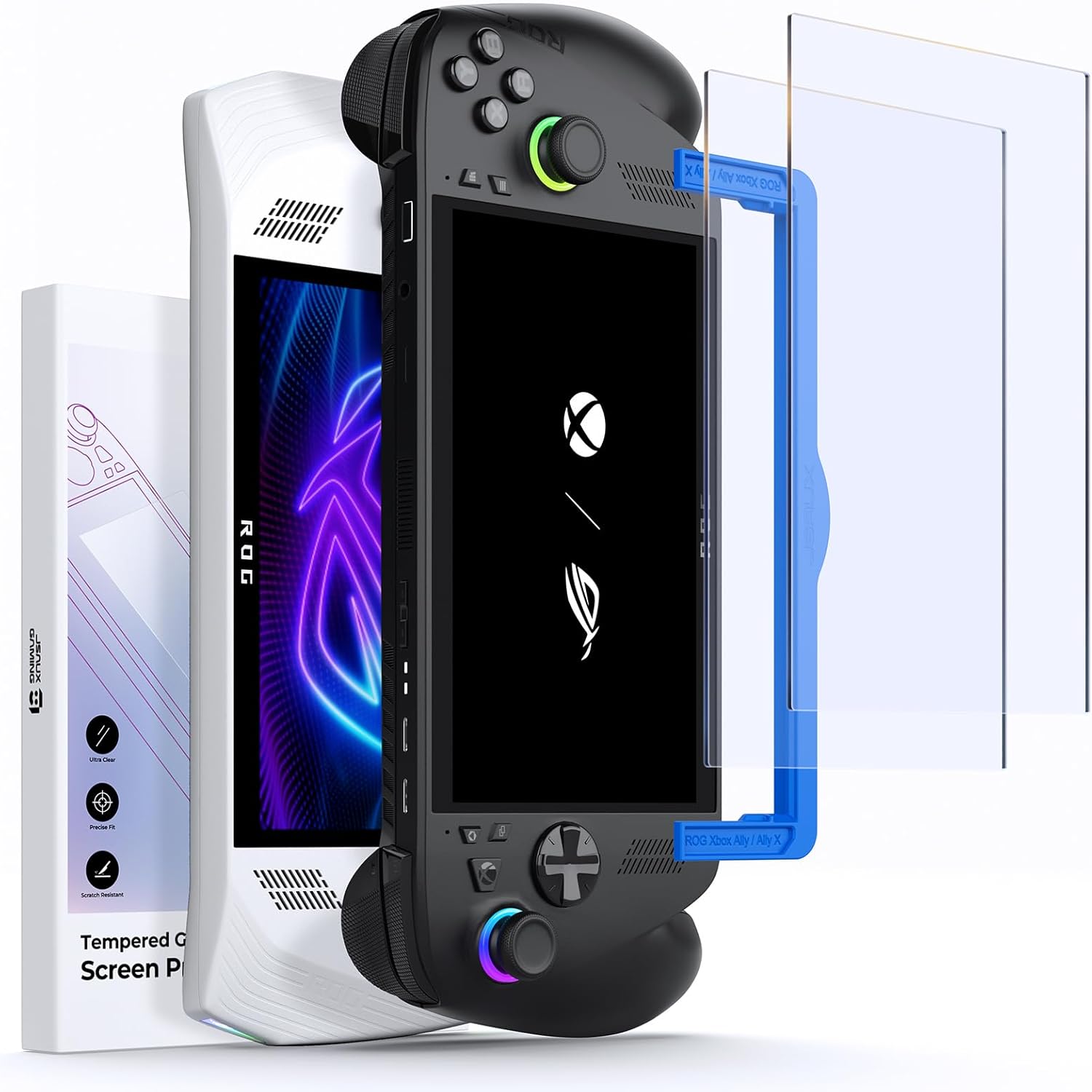
Buy on AmazonJSAUX Anti-Glare Screen Protector for ROG Xbox Ally/ROG Xbox Ally X (2025) / ROG Ally 2-Pack, Matte 9H Hardness Tempered Glass with Guide Frame, 7" Anti-Scratch Screen Protector for ASUS ROG Ally X
Budget-conscious ROG Ally or Ally X owners who frequently play outdoors or in bright environments.
Matte anti-glare tempered glass with 9H hardness and a guide frame for easy, precise installation covers the full 7-inch screen and fits multiple ROG Ally generations including the 2025 Xbox Ally.
The matte surface can reduce screen clarity and color vibrancy compared to a clear protector, as noted in the product description.
Budget
- Anti-glare matte finish reduces outdoor reflections
- Broad compatibility across ROG Ally generations
- Includes guide frame for easy installation
- Matte surface may slightly reduce color vibrancy
The most affordable accessory on this list and a practical pick for glare-free gaming on the go.
Buy on AmazonHIDevolution [2024] ASUS ROG Ally X RC72LA 7" FHD 120Hz, 3.3 GHz Ryzen Z1 Extreme, AMD Radeon, 24 GB LPDDR5 RAM, 1 TB PCIe SSD, Windows 11 Home
Power users who want a pre-configured, quality-checked ROG Ally X with maximum RAM and ready-to-play reliability.
HIDevolution performs burn-in stress testing, BIOS and driver verification, and full QC checks before shipping, reducing the chance of defects on arrival.
Competitively priced for the specs but the HIDevolution build process adds cost over a stock unit, and you are relying on a third-party dealer rather than purchasing direct from ASUS.
Premium
- 24 GB LPDDR5 RAM for demanding workloads
- Burn-in and benchmark QC before shipping
- 1 TB PCIe SSD with latest stable drivers installed
- Third-party dealer adds a layer of complexity vs. buying direct
- Premium cost for the BTO process
The most thoroughly vetted ROG Ally X configuration for buyers who want 24 GB RAM and peace of mind out of the box.
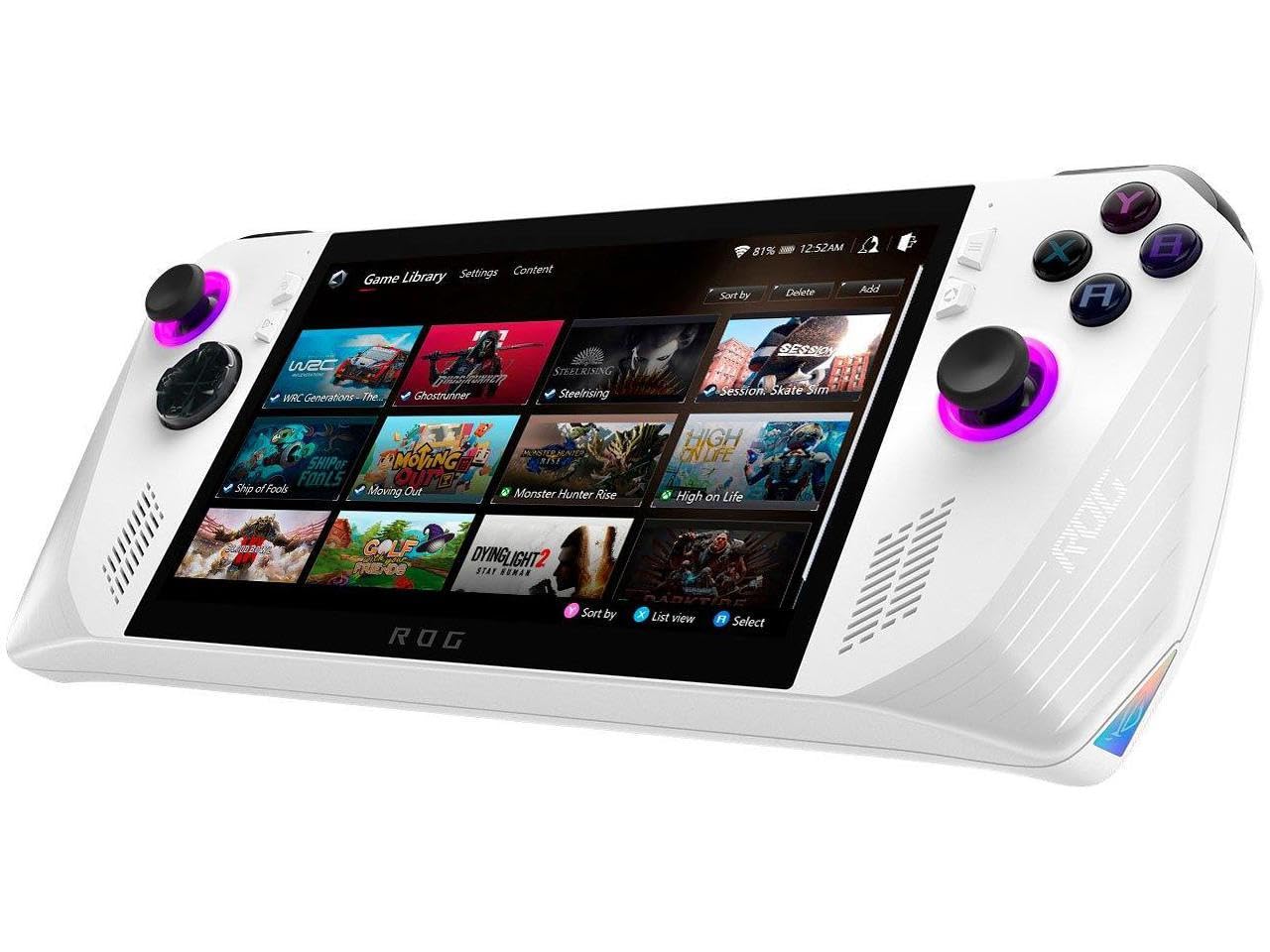
Buy on AmazonASUS - ROG Ally Gaming Handheld Console - Z1 Processor, 512GB, 1080p 120Hz Display,White
First-time handheld PC gamers who want an accessible entry point into the ROG Ally ecosystem without paying for top-tier specs.
Full Windows 11 access means compatibility with Steam, GOG, Xbox Game Pass, cloud gaming, and Android apps, plus the option to connect an XG Mobile eGPU for desktop-class performance later.
Uses the base Ryzen Z1 processor rather than the Z1 Extreme or Z2, which limits sustained gaming performance compared to higher-spec models in this set.
Mid-range
- Access to all major PC game stores
- eGPU expandability via XG Mobile
- 7-inch 1080p 120Hz touchscreen with FreeSync Premium
- Base Z1 chip trails Z1 Extreme and Z2 in gaming performance
A capable entry into handheld PC gaming with strong ecosystem flexibility, best suited for lighter gaming loads.
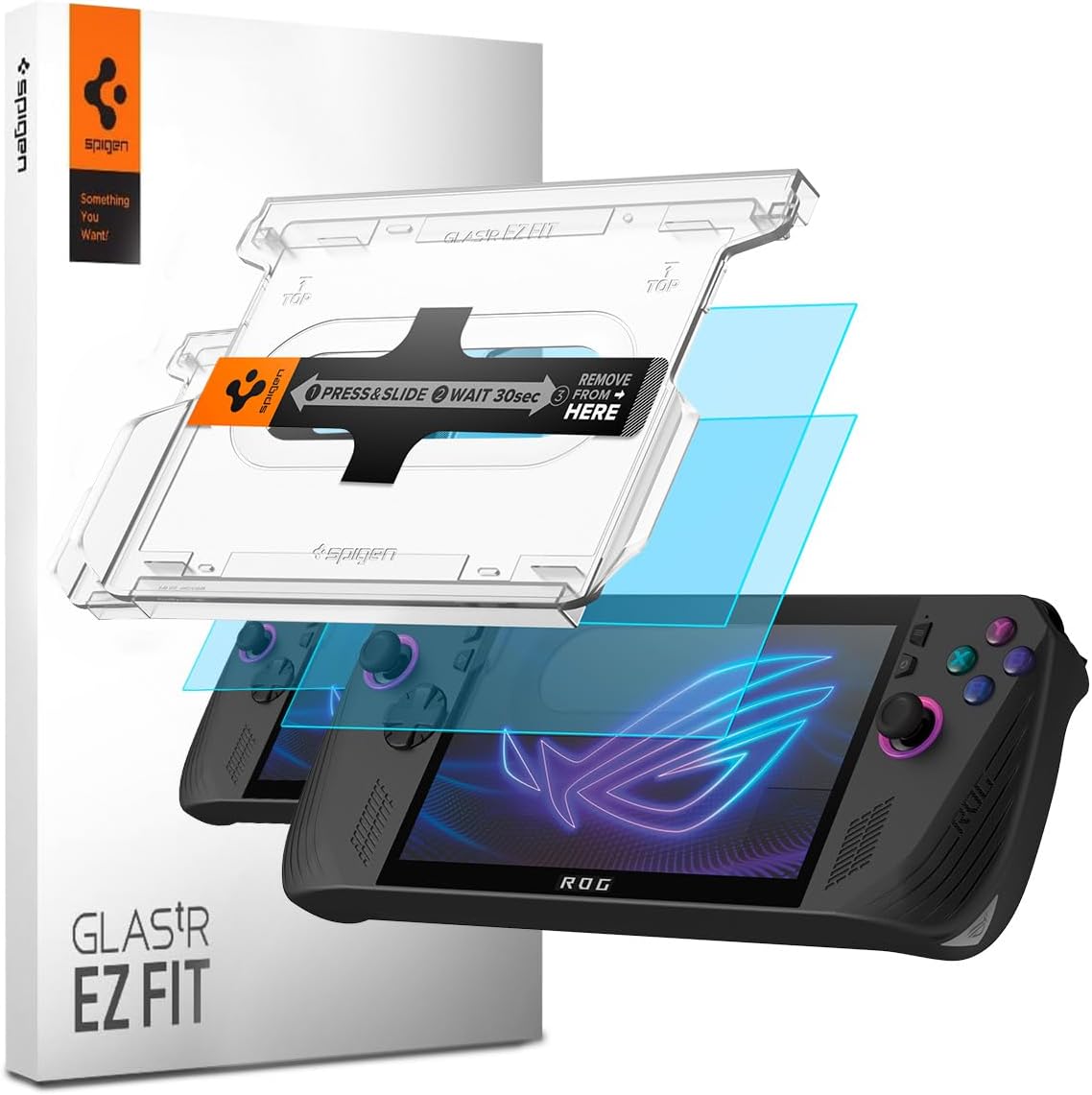
Buy on AmazonSpigen Tempered Glass Screen Protector [GlasTR EZ FIT] designed for ASUS ROG Ally X - 2 Pack [Not compatible with Rog Xbox Ally]
ROG Ally X owners (original 2024 model) who prioritize crystal-clear screen visibility and easy fingerprint-free maintenance.
Lab-tested 100% optical clarity with an oleophobic anti-fingerprint coating and ultra-thin high-sensitivity touch response preserves the full visual quality of the Ally X display.
Explicitly not compatible with the newer ROG Xbox Ally, so buyers of the latest model must look elsewhere.
Budget
- 100% optical clarity independently lab-tested
- Oleophobic coating keeps smudges minimal
- High-sensitivity touch maintained through the glass
- Not compatible with the ROG Xbox Ally (2025 model)
A precision-fit clear glass protector for the original ROG Ally X that keeps color accuracy and touch sensitivity fully intact.
Buy on AmazonFinding the right handheld console deal takes a little patience, but the ROG Ally X is genuinely worth the research. Whether you’re after the best bundle, a solid accessory kit, or simply the lowest price on the base unit, the picks above cover a range of budgets and needs. Take your time browsing the options, and don’t hesitate to revisit this guide as prices shift. A great deal has a way of showing up when you least expect it. We hope this guide made your decision a little easier. Thanks for reading, and happy gaming!
Frequently asked questions
What is the difference between the ROG Ally X and the standard ROG Ally, and is the upgrade worth it?
The ROG Ally X is the higher-spec successor, most notably doubling RAM to 24 GB LPDDR5 compared to the base ROG Ally’s 16 GB, and adding a larger 80Wh battery for longer untethered sessions. The standard ROG Ally with the Z1 Extreme processor is still a capable machine at a lower price point, which makes it a reasonable pick if you primarily play less demanding titles or stay near an outlet. The Ally X also includes a larger 1 TB SSD as standard, which matters because modern PC games can easily consume hundreds of gigabytes. If you play AAA titles on the go frequently, the extra RAM and battery capacity in the Ally X justify the price gap for most buyers.
Does the ROG Ally X work with standard PC accessories like docks, hubs, and external controllers?
Yes, the ROG Ally X runs Windows 11 Home, so it is compatible with the same broad ecosystem of USB peripherals, Bluetooth controllers, and display adapters that any Windows PC supports. The ROG Xbox Ally variant listed here ships with a dockztorm hub, which gives you extra USB ports and video output so you can connect a monitor, keyboard, and mouse for a desktop-style setup. For the best video output experience, look for a dock or hub that supports DisplayPort Alt Mode over USB-C, since that standard delivers the cleanest signal to an external display. Bluetooth 5.4 on the newer ROG Xbox Ally model also means lower latency pairing with wireless controllers and headsets.
Which screen protector fits the ROG Ally X, and does the Spigen EZ Fit also work on the newer ROG Xbox Ally?
This is an important compatibility distinction: the Spigen GlasTR EZ FIT is explicitly designed for the ROG Ally X and is NOT compatible with the newer ROG Xbox Ally (2025) model. The JSAUX matte anti-glare protector, on the other hand, is listed as compatible with both the ROG Xbox Ally (2025) and the ROG Ally X, making it the safer pick if you own the newer variant. Both protectors are rated at 9H hardness tempered glass, which can help resist everyday scratches from surfaces like bags and pockets. Always confirm your specific model number before purchasing, since the physical dimensions and front panel layout can differ between generations.
How hard is the ROG Ally X to set up for someone who does not have PC gaming experience?
The ROG Ally X arrives with Windows 11 Home pre-installed and ASUS’s Armoury Crate software, which serves as a front-end launcher and performance profile manager, so you do not need to configure the operating system from scratch. Most game storefronts like Steam and Xbox Game Pass install just like they would on any Windows PC, and the physical controls are mapped automatically for compatible games. The main learning curve is managing Windows power settings and per-game graphics options to balance performance and battery life, which takes some experimentation. For buyers who want a more plug-and-play handheld experience, the ROG Ally X requires more hands-on setup than a dedicated gaming console, but the payoff is full PC game library access.
How much internal storage do the different ROG Ally models offer, and can storage be expanded later?
Storage varies significantly across the lineup: the base ASUS ROG Ally comes with 512 GB, the HIDevolution ROG Ally X ships with 1 TB, and the ROG Xbox Ally variant listed here comes with a generous 4 TB PCIe SSD. All models use a standard M.2 2230 NVMe SSD slot, which means the internal drive can be swapped for a larger aftermarket drive if you outgrow the included storage. You can also expand storage externally via a microSD card slot or a USB hub for game libraries and media. If you plan to install a large catalog of AAA titles locally, starting with at least 1 TB is advisable to avoid constant file management.