If you love your Xbox Series X but keep running out of space for new games, you are definitely not alone. Modern titles are massive, and that 1TB internal drive fills up faster than you might expect. The good news is that expanding your storage has never been easier, and the options available right now are genuinely impressive. Whether you want a plug-and-play expansion card that works just like internal storage, a speedy external drive for older titles, or something a little more versatile that works across multiple devices, there is a solid solution out there for your setup. In this guide, we are breaking down the best Xbox Series X storage upgrades worth considering in 2026, covering practical picks that can help you build a bigger game library, cut down on install times, and spend less time managing space. Some of these options might even surprise you with how affordable and easy they are to use. Let’s get into it.
Disclosure: As an Amazon Associate we earn from qualifying purchases. Prices and availability shown are accurate as of the date of publication and may change.
Quick comparison
How to choose
Drive Type and Speed
The biggest decision is whether to buy a dedicated expansion card slot SSD or a USB external hard drive. Expansion cards using the NVMe M.2 interface slot directly into the back of the Xbox Series X or S and let you install, launch, and Quick Resume Series X or S optimized titles at full console speed, while USB hard drives are limited to archiving those games or playing original Xbox One titles directly. If fast load times on next-gen titles matter to you, prioritize the expansion card format over a portable HDD.
Official Licensing vs DIY
Officially licensed expansion cards from Seagate or WD plug directly into the proprietary port and are guaranteed compatible out of the box. Third-party enclosures that accept M.2 2230 SSDs can cost less overall, but you must source a compatible SSD separately and verify the enclosure firmware works with your console. If you want a straightforward setup without compatibility research, an officially licensed card is the safer path.
Capacity vs Budget
Xbox Series X or S games often exceed 50 to 100 GB each, so a 512 GB expansion card fills up faster than most buyers expect, especially with an active Xbox Game Pass library. A 1 TB or 2 TB option gives meaningful headroom, though larger capacity raises the price considerably. Weigh how many next-gen titles you keep installed at once against what you are willing to spend, since USB drives offer more gigabytes per dollar for archiving purposes even if they cannot run optimized games natively.
Portability and Use Case
Portable USB hard drives are compact and bus-powered, making them convenient for carrying your Xbox One game library between locations or a friend’s console. Expansion cards and enclosures are designed to stay attached to one console and are not meant for frequent swapping. Think about whether you need a drive you can pocket and carry or one that lives permanently in your setup.
Compatibility Scope
Some drives in this category are Xbox-specific while others work across PC, Mac, PlayStation, and mobile devices. A multi-platform USB drive is useful if you also want to back up files or use it with a laptop, whereas an Xbox-only expansion card has no value outside the console ecosystem. Confirm the format matches your intended use before buying, particularly if you are considering a third-party enclosure that requires a specific SSD model such as the M.2 2230 form factor.
The picks
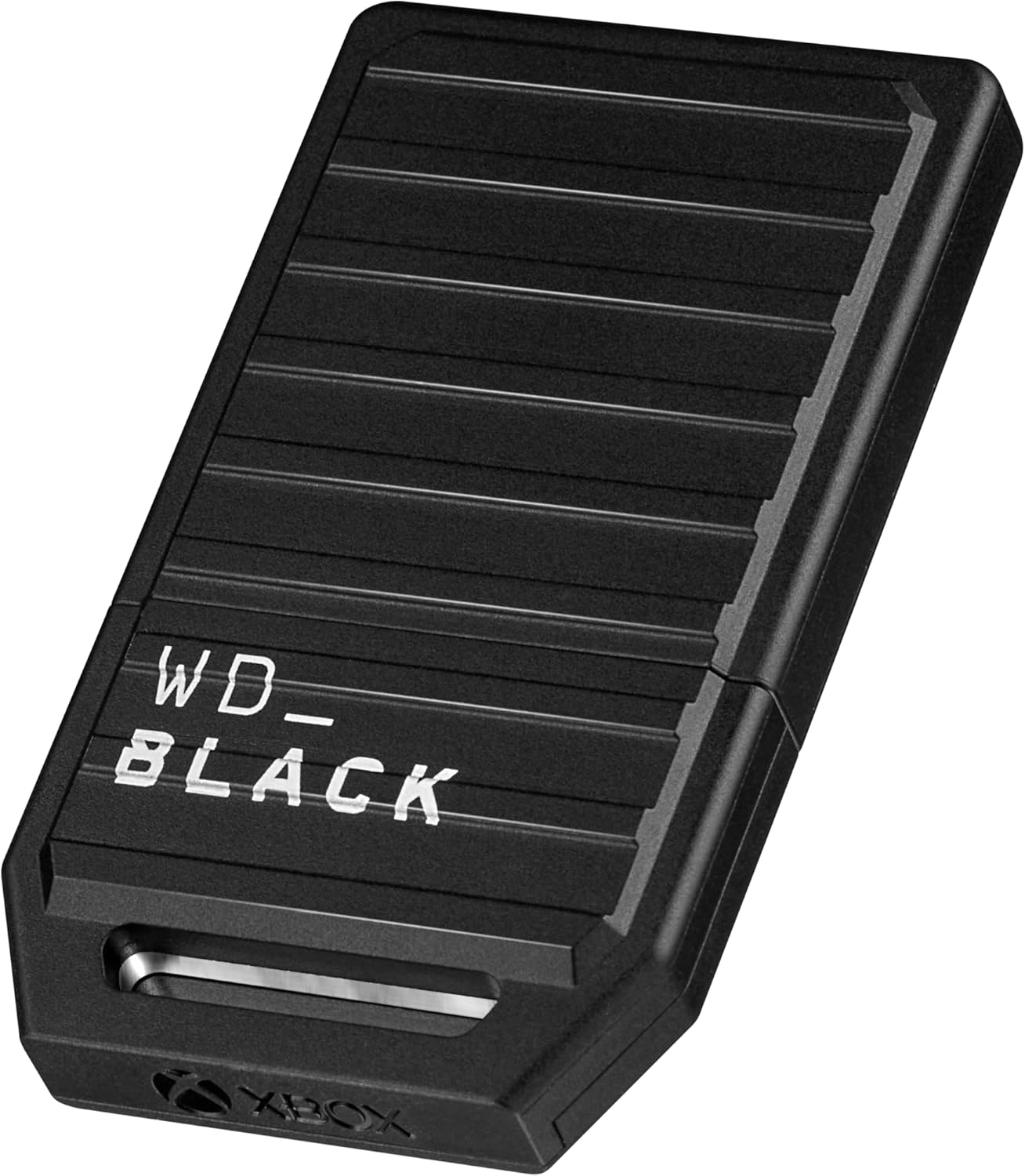
WD_Black 2TB C50 Storage Expansion Card, Officially Licensed for Xbox – Quick Resume, Plug & Play, NVMe SSD Expansion for Xbox Series X|S Gaming Consoles - WDBMPH0020BNC-WCSN
Serious Xbox Series X|S players who want internal-speed storage expansion with Quick Resume and no compromises.
Plugs directly into the Xbox proprietary expansion slot and delivers the same NVMe SSD performance as internal storage, supporting Quick Resume and native game launches without any file transfers.
This is the most expensive product on this list by a wide margin, making it a steep investment for expanded storage.
Premium
- Matches internal Xbox SSD performance
- Full Quick Resume support
- Completely plug-and-play with no software needed
- Most expensive pick on this list
The definitive plug-and-play expansion card for Xbox Series X|S, provided you can absorb the premium price.
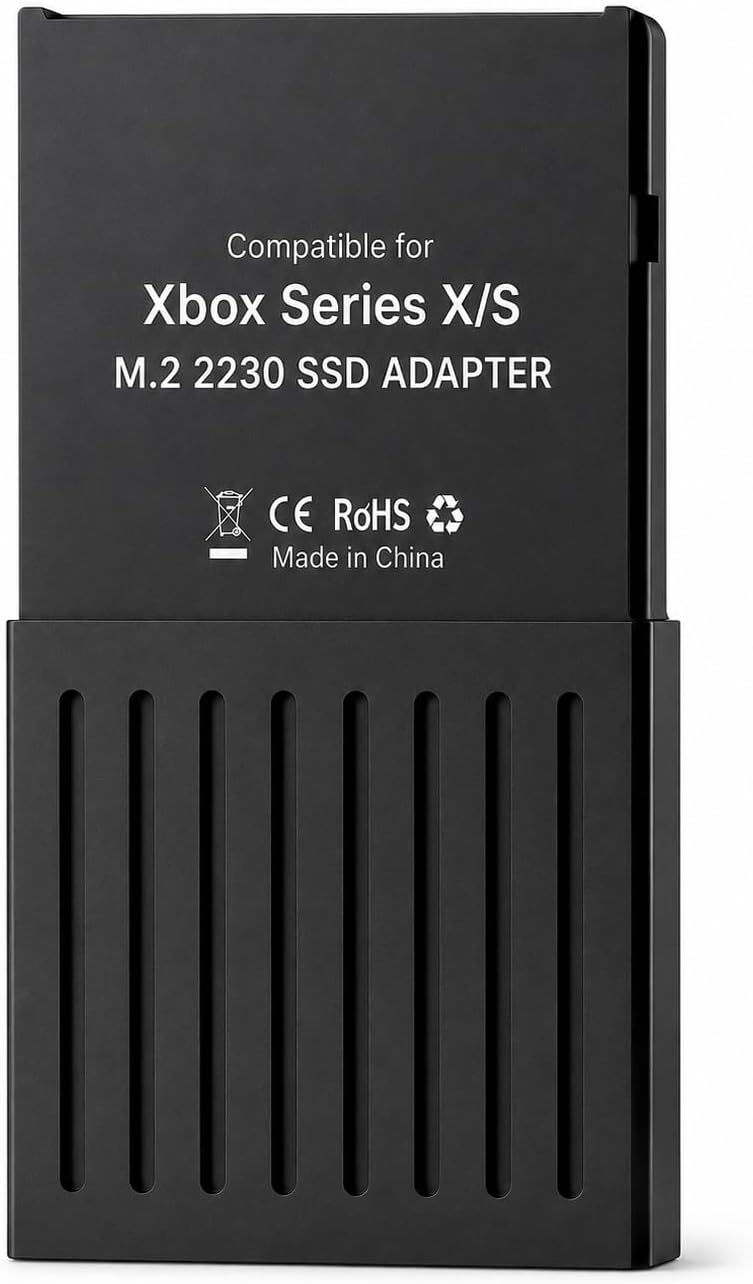
Buy on AmazonExternal Hard Drive Enclosure for Xbox Series X/S, Storage Expansion Card Aluminum Alloy NVMe M.2 2230 SSD Adapter for CH SN530/XA1 512GB/1TB, Improve Game Performance
Cost-conscious Xbox Series X|S owners who want the most affordable enclosure option for a compatible NVMe M.2 2230 SSD they already own.
Premium aluminum alloy construction provides robust physical protection for the installed SSD in a compact 7x6x3 cm form factor, at the lowest price in this entire set.
The description references specific compatible SSDs (CH SN530/XA1) and wording quality suggests limited documentation, which may complicate sourcing and setup for less experienced users.
Budget
- Most affordable enclosure on this list
- Aluminum alloy build for SSD protection
- Compact and lightweight design
- SSD not included
- Compatibility limited to specific SSD models
The least expensive entry point for an Xbox NVMe enclosure, best suited to buyers who already know which SSD to pair with it.
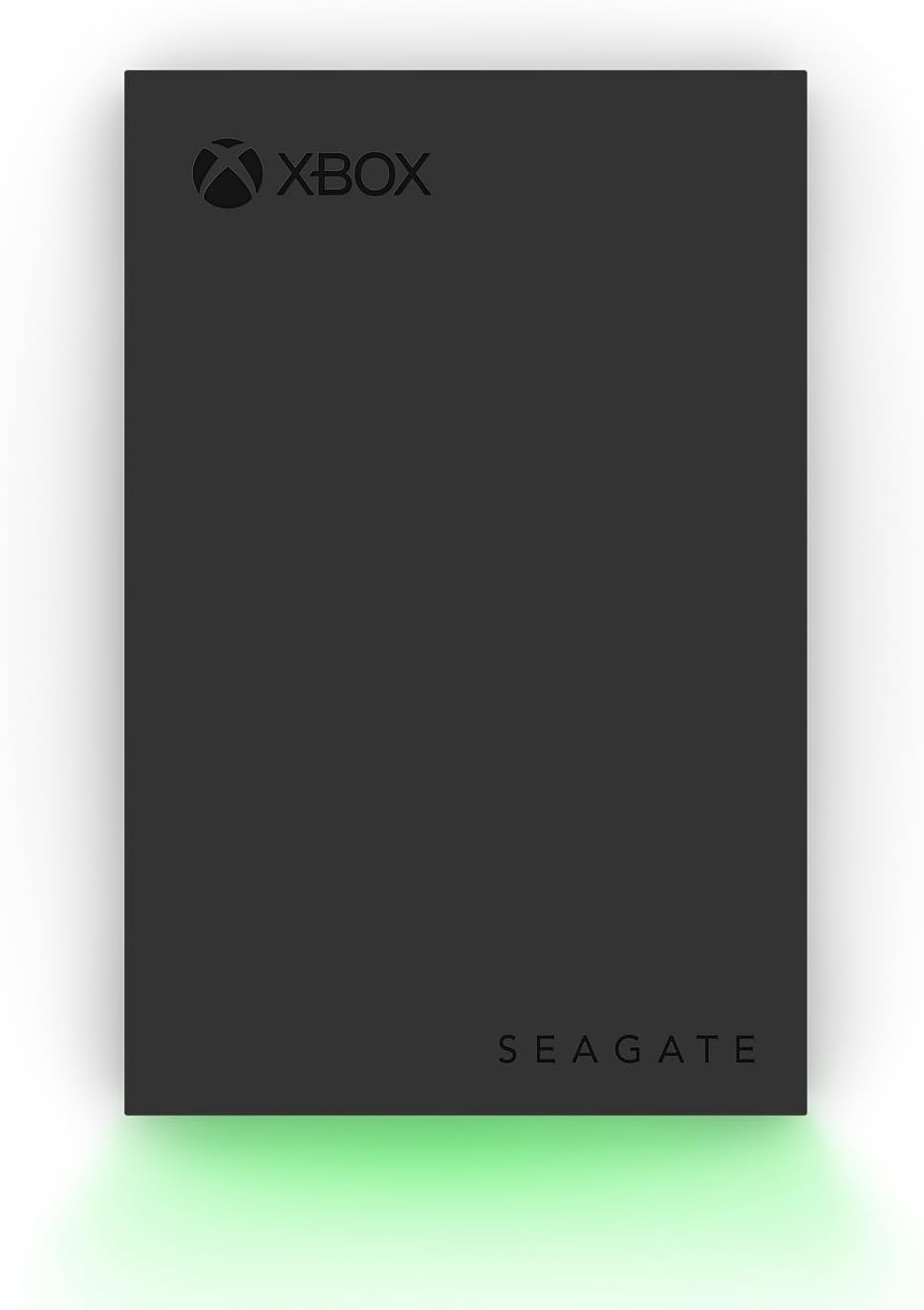
Buy on AmazonSeagate 2TB Game Drive for Xbox | USB 3.0 (STKX2000400) | Officially Licensed HDD for Xbox. Archive Series X|S games. Play Xbox One games directly. Xbox Game Pass. Warranty + Rescue
Xbox owners who want a plug-and-play archive drive for Xbox One titles and an officially licensed design that matches their console.
Officially licensed slim design pairs cleanly with Xbox Series X or S, and USB 3.0 connectivity means zero setup beyond plugging it in.
Can only archive Xbox Series X|S games and directly play Xbox One titles, so next-gen games must still be moved back to internal storage before launching.
Mid-range
- Officially licensed and console-matched design
- Up to 4TB capacity for large game libraries
- Truly plug-and-play via USB 3.0
- Cannot run Xbox Series X|S native games directly
- HDD speeds slower than internal SSD
A tidy, officially licensed HDD for building an Xbox One game vault on the go, but not a full next-gen solution.
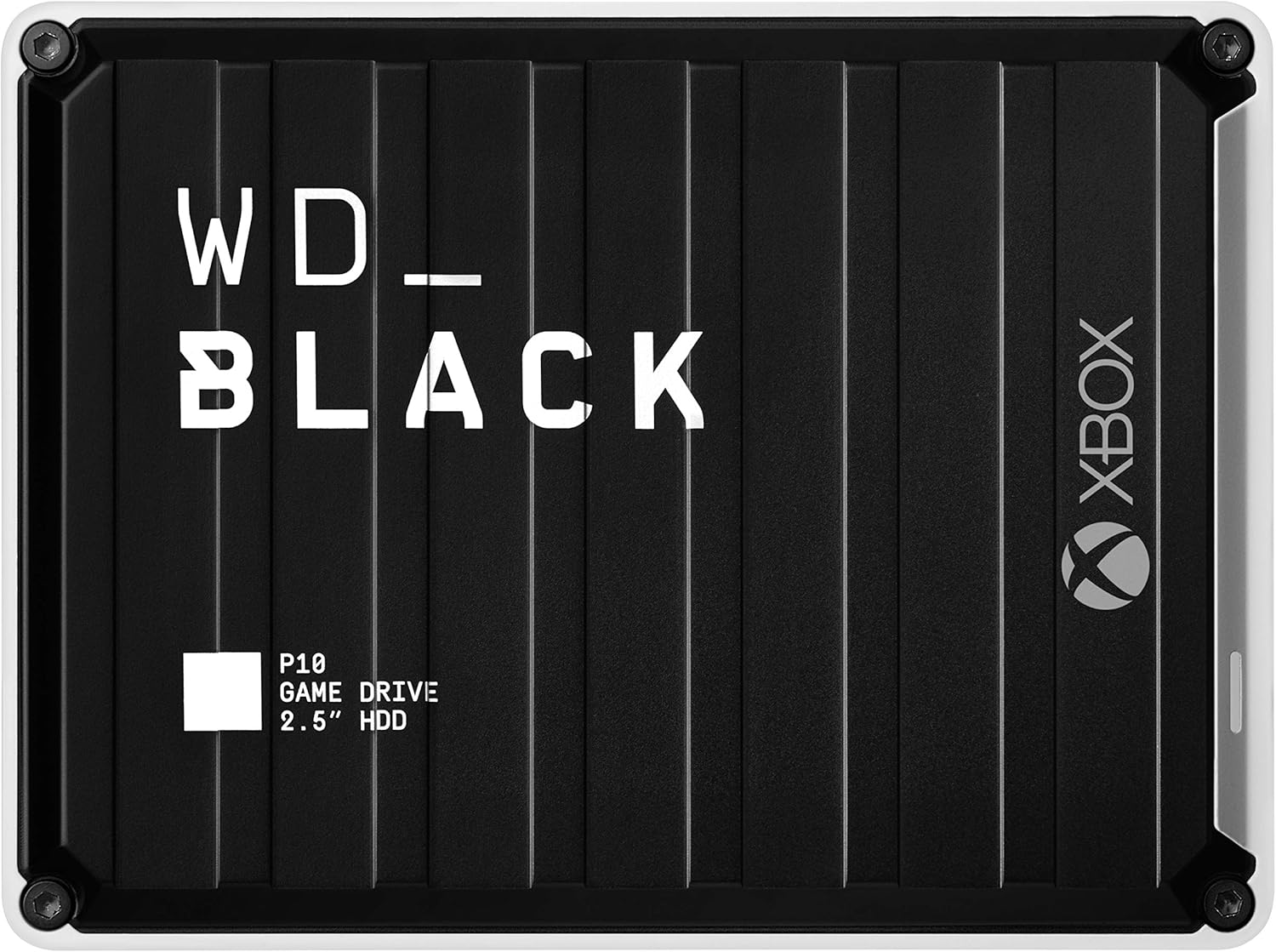
Buy on AmazonWD_BLACK 2TB P10 Game Drive for Xbox - 1-Month Xbox Game Pass, Portable External Hard Drive for On-The-Go Access To Your Xbox Game library - WDBA6U0020BBK-WESN
Xbox players who want the most storage capacity in a portable HDD and appreciate bonus Game Pass value bundled in.
Available in configurations up to 5TB and capable of holding up to 125 games, making it the highest-capacity portable HDD option in this set, and it includes a 1-month Xbox Game Pass Ultimate membership.
Like all external HDDs in this set, it cannot run Xbox Series X|S native games directly and relies on slower spinning-disk speeds compared to SSD options.
Mid-range
- Up to 5TB storage capacity
- Bundled Xbox Game Pass Ultimate month included
- Portable form factor for on-the-go access
- Cannot run Xbox Series X|S native games directly
- HDD performance lags behind SSD-based options
The go-to portable HDD for sheer game library capacity, sweetened by a bundled Game Pass membership.
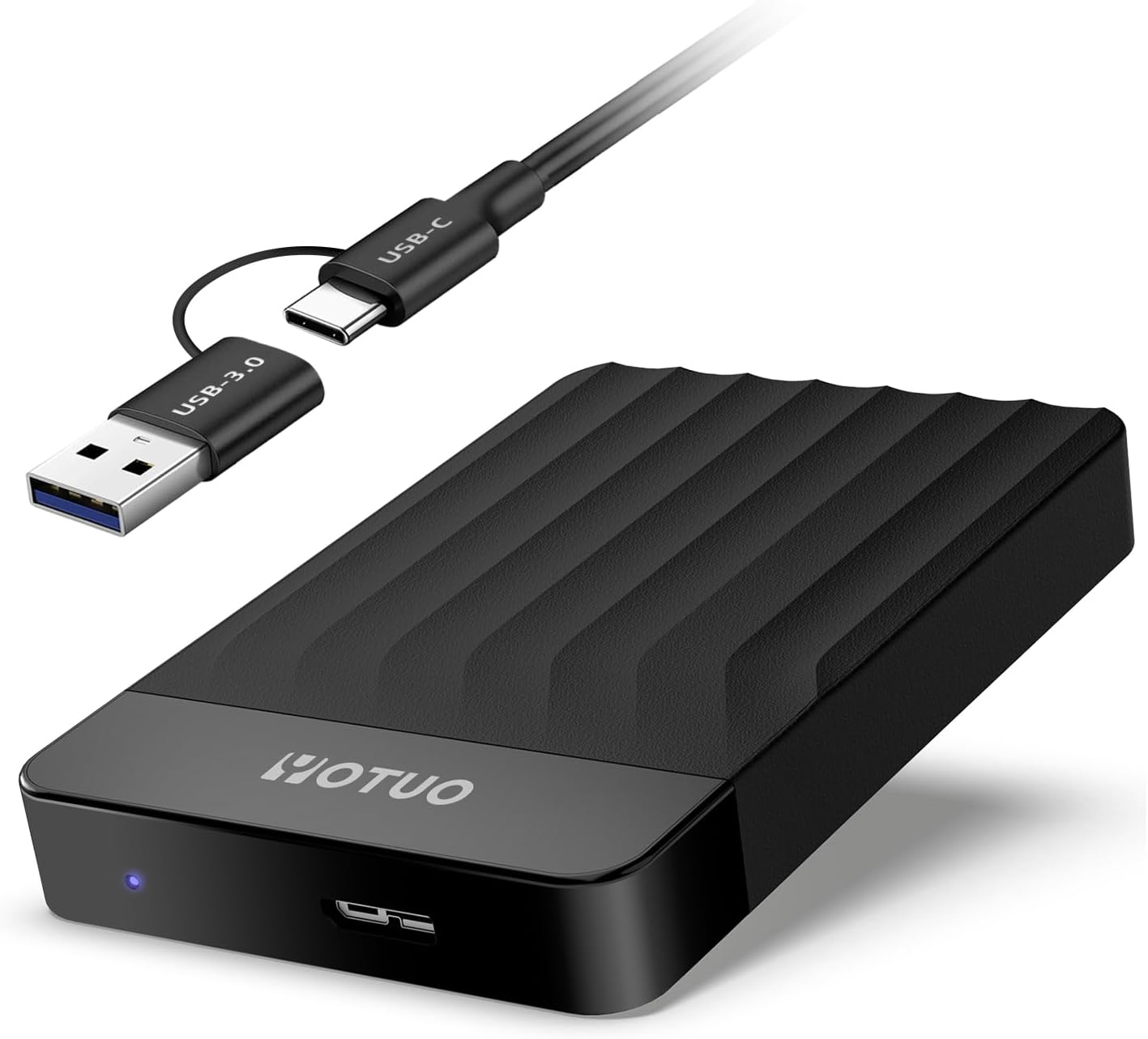
Buy on AmazonYOTUO 1TB External Hard Drive, Portable Storage Expansion HDD, USB 3.0 & USB-C for PC, Mac, Desktop, Laptop, Smartphone, PS4, Xbox One, Xbox 360, Office & Game
Budget-minded multi-platform users who need a cross-device drive for PC, Mac, PS4, and Xbox One game offloading.
Dual USB 3.0 and USB-C connectivity makes it genuinely versatile across consoles, PCs, Macs, and smartphones in a single portable package.
Explicitly cannot store or run PS5 or Xbox Series X|S games, limiting its utility purely to archiving and offloading last-gen titles.
Budget
- USB 3.0 and USB-C dual connectivity
- Works across consoles, PCs, and mobile devices
- Compact portable design
- Cannot store or run Xbox Series X|S native games
- 1TB capacity is the smallest HDD option in this set
A flexible cross-platform archive drive for last-gen games, but not built for next-gen native storage.
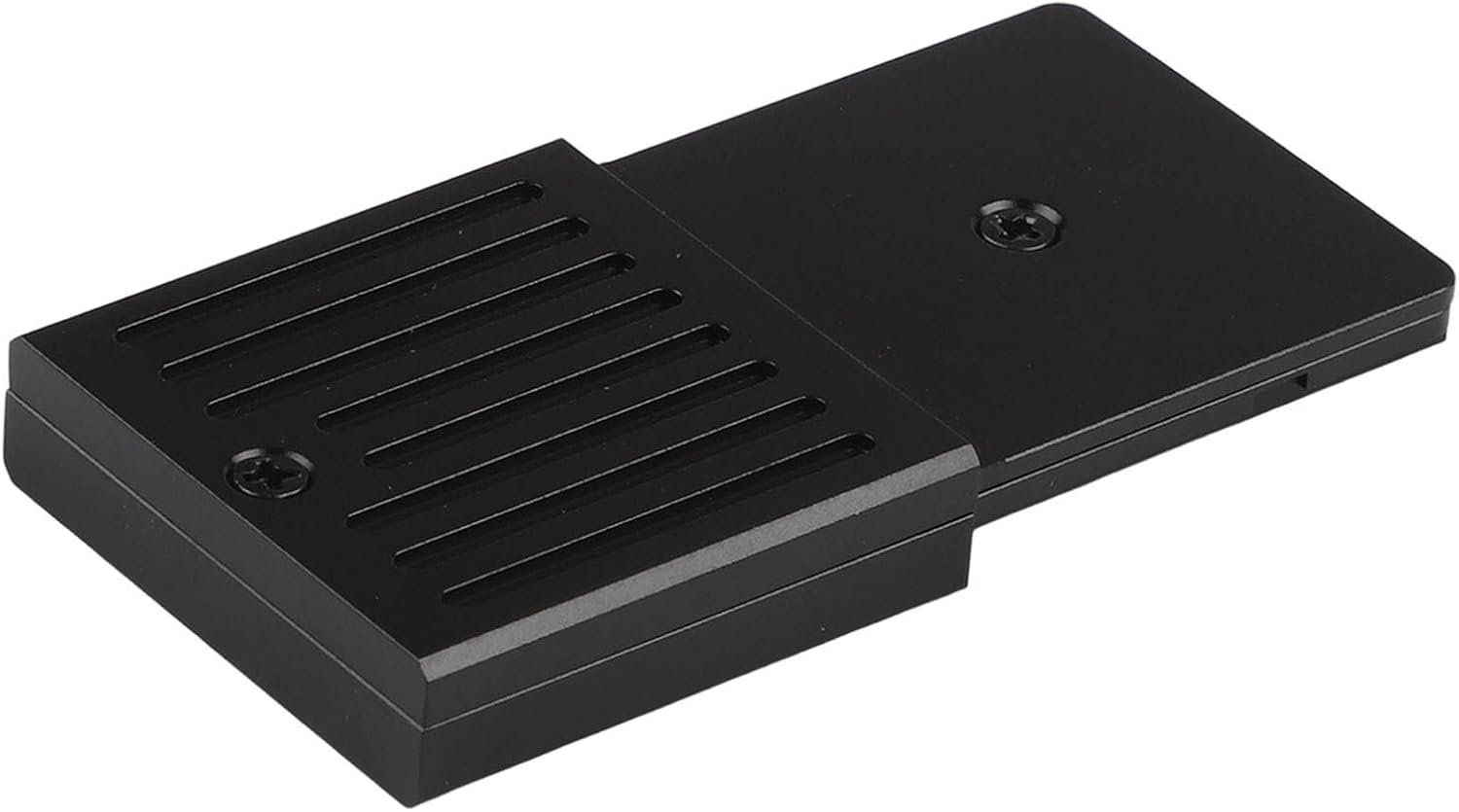
Buy on AmazonM.2 Expansion Card Enclosure Compatible for Xbox Series X/S Support up to 1TB
DIY-inclined Xbox Series X|S owners who already own or plan to source a compatible M.2 NVMe 2230 PCIe 4.0 SSD and want a full-aluminum enclosure.
Full aluminum alloy construction provides solid thermal dissipation and physical protection in an ultra-compact form factor of only 36 grams.
SSD is not included, so buyers must source a compatible M.2 NVMe 2230 PCIe 4.0 drive separately, and maximum supported capacity is capped at 1TB.
Budget
- Full aluminum alloy body for durability and heat dissipation
- Extremely lightweight at 36 grams
- Screwdriver included for easy assembly
- SSD not included, requires separate purchase
- 1TB maximum capacity limit
A well-built enclosure for the hands-on buyer who wants to bring their own SSD, capped at 1TB.
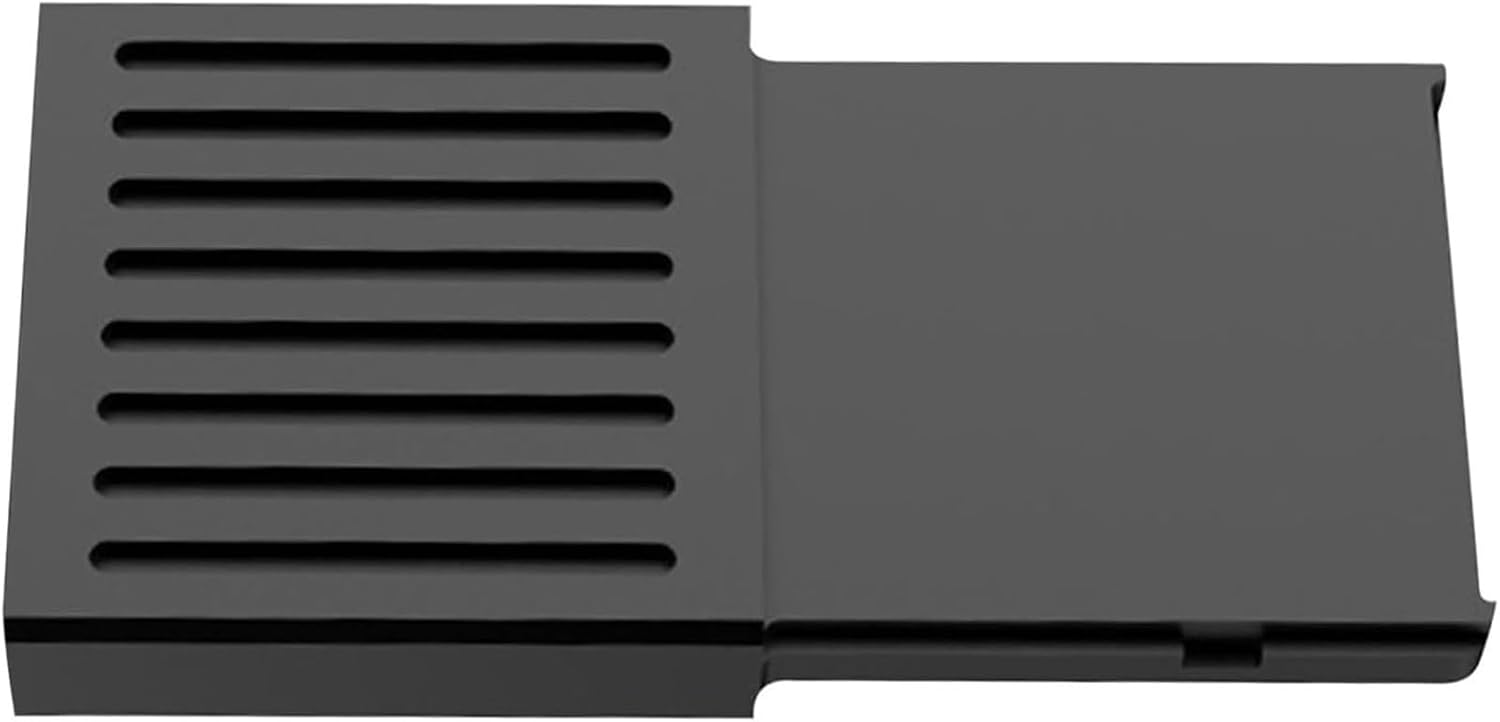
Buy on AmazonCompatible for Xbox Expansion Card SSD for Series X/S 512G 1T | Solid State Drive Storage Expansion Aluminum Alloy External Hard Disk Expansion Card Box(Enclosure Only (No HDD))
Xbox Series X|S owners who want Quick Resume and native game support from a third-party enclosure and are prepared to research SSD compatibility carefully.
Explicitly supports Quick Resume and allows native Xbox Series X|S games to run directly from the expansion card without copying files, functioning identically to internal storage when paired with a compatible SSD.
The description itself warns that generic third-party SSDs may not work, meaning buyers must use original OEM SSDs, adding sourcing complexity and potential extra cost on top of the enclosure price.
Mid-range
- Supports Quick Resume for games
- Runs native Xbox Series X|S games directly
- Aluminum alloy build
- SSD not included and generic SSDs explicitly may not work
- OEM-only SSD requirement raises overall cost
A Quick Resume capable enclosure with internal-storage-level functionality, but SSD compatibility is a genuine hurdle that requires careful research.
Buy on AmazonExpanding your Xbox Series X storage doesn’t have to be complicated or expensive. Whether you go with a quick plug-and-play expansion card or a roomy external drive for your older titles, any of the options featured here can make a real difference in how you manage and enjoy your game library. If something caught your eye, it’s worth clicking through to get a closer look and see which one fits your setup best. A little extra storage can go a long way toward keeping your favorite games ready to play at a moment’s notice. Thanks for reading, and happy gaming!
Frequently asked questions
What is the difference between a storage expansion card and an external hard drive for Xbox Series X and S?
A storage expansion card slots directly into the dedicated port on the back of the Xbox Series X or S and uses NVMe SSD speeds, which means Xbox Series X and S titles can run and load directly from the card just as they do from the internal drive. An external hard drive connects over USB 3.0 and is limited to USB transfer speeds, so Xbox Series X and S optimized games must be moved to internal or expansion card storage before you can play them. External drives are a great and more affordable option for archiving and storing games you are not actively playing, or for running Xbox One titles directly. Products like the Seagate Game Drive and WD Black P10 fall into the USB category, while the WD Black C50 and the third party M.2 enclosures represent the expansion card approach.
Can I use a third party M.2 SSD enclosure as a proper expansion card for Xbox Series X and S, and what drives are compatible?
Third party enclosures designed for Xbox Series X and S, such as the M.2 expansion card enclosures listed here, allow you to install a compatible M.2 2230 NVMe SSD and use it in the console’s expansion slot at full speed. Compatibility is narrow: drives like the WD SN530 and certain Sabrent and Inland 2230 form factor chips are commonly cited as working, but not every M.2 NVMe drive will function correctly, so checking the specific enclosure’s confirmed compatibility list before buying an SSD separately is important. This route can offer meaningful savings compared to officially licensed cards when 1TB or higher capacities are involved. Setup requires installing the SSD into the enclosure yourself, which takes only basic handling care but is not a plug and play experience out of the box.
How durable are portable external hard drives for transporting an Xbox game library between locations?
Portable USB drives like the WD Black P10 and the YOTUO external drive use spinning hard disk platters, which can be more susceptible to damage from drops or sharp impacts compared to solid state options. Most are designed for light portability such as moving between a bedroom and a living room or taking to a friend’s house, not for rough daily commuting in a bag without protection. Using a padded sleeve or carrying case is a practical way to extend the lifespan of any HDD when transporting it regularly. If portability and durability are both priorities, an SSD based solution would offer more resistance to physical shock, though at a higher cost per terabyte.
Is an officially licensed expansion card worth the extra cost over a third party enclosure plus separate SSD?
Officially licensed cards like the WD Black C50 offer a guaranteed compatible, fully plug and play experience with no assembly and no compatibility uncertainty, which is worth real money in saved time and frustration for buyers who are not comfortable sourcing and installing their own M.2 drives. The third party enclosure path can cost less for equivalent capacity, but it requires you to research compatible SSD models, buy the drive separately, and handle the installation yourself. Features like Quick Resume work on both approaches as long as the drive meets the speed requirements of the expansion slot. The right choice depends on how comfortable you are with light DIY hardware work and how much you value the certainty of an officially tested product.
What storage upgrade makes the most sense if I primarily use Xbox Game Pass and cycle through many different titles?
Game Pass subscribers tend to cycle through a large number of titles quickly, so raw capacity is often the most practical priority. A high capacity external HDD such as the Seagate 2TB Game Drive or the WD Black P10 2TB gives you room to keep many games installed at once without constant deletion and redownloading, which saves time even if load speeds are slower than an SSD. For Series X and S optimized Game Pass titles where fast load times and Quick Resume are part of the experience, storing active games on an expansion card and using the external HDD as overflow archive storage gives you the best of both approaches. Many players run both types of storage side by side, moving games to the expansion card when they are actively playing them and archiving completed titles to the USB drive.