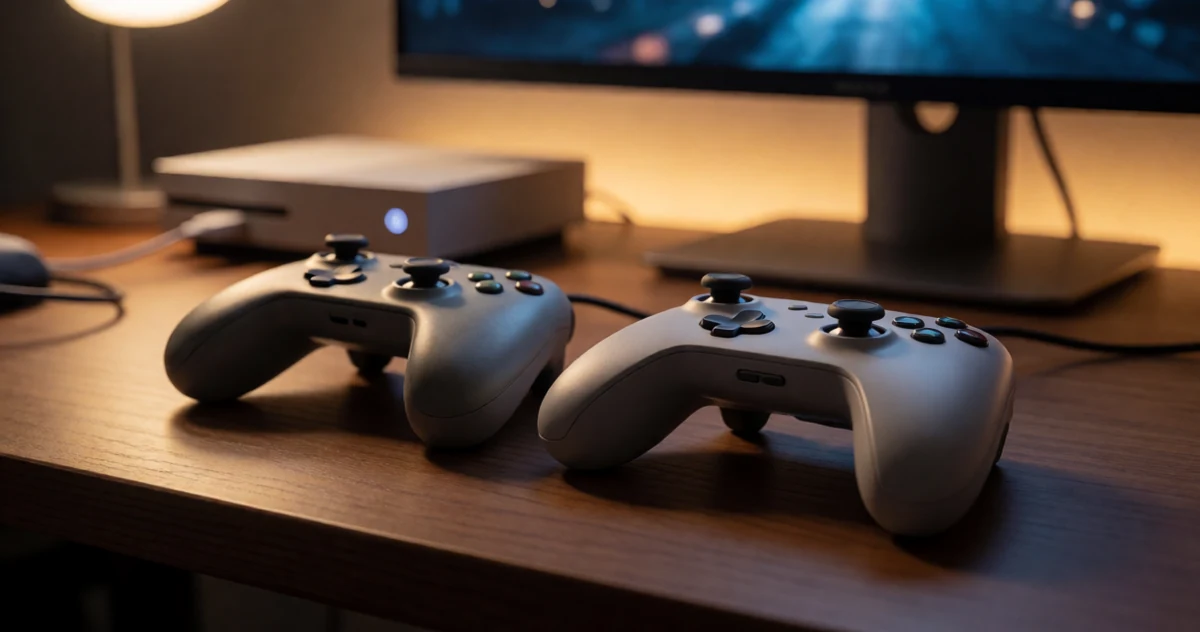
If you just picked up a PS5 and are wondering whether your trusty PS4 controller can make the jump with you, you are definitely not alone. It is one of the most common questions new PS5 owners have, and the answer is a little more complicated than a simple yes or no. Sony did build in some compatibility between the two generations, but there are real limitations that can catch you off guard if you are not prepared. The good news is that there are some practical and surprisingly clever workarounds that can help you get the most out of your existing gear. In this article, we are breaking down exactly how PS4 controllers work (and do not work) on PS5, what you can and cannot do with them, and some useful tools and accessories that can expand your options. Whether you are trying to save money, game with a friend who only has a DualShock 4, or just curious about your setup, this guide has you covered.
Disclosure: As an Amazon Associate we earn from qualifying purchases. Prices and availability shown are accurate as of the date of publication and may change.
Quick comparison
How to choose
PS5 Game Compatibility
PS4 controllers work on PS5 only for PS4 games running through backward compatibility, not for native PS5 titles. Before buying any PS4 controller for PS5 use, confirm which games in your library are PS4 versions versus PS5 upgrades, since that distinction determines whether the controller will function at all.
Wired vs Wireless Use
Wired controllers remove battery concerns and can offer a more stable connection, which matters if you plan long sessions or competitive play. Wireless controllers give you freedom of movement but require regular charging, so check whether the cable type is USB-C or micro-USB to match what you already have at hand.
Third Party vs Official Build
Officially licensed or first-party controllers follow Sony’s button layout and rumble specs closely, while unlicensed third-party options vary in motor strength, joystick tension, and trigger feel. If precision and consistency matter to your play style, weigh whether the feature set of a budget option actually matches what you need for your specific game genres.
Grip and Ergonomics
Non-slip texturing on the handles can reduce fatigue during longer sessions, and the shape of the grip affects how naturally the controller sits in different hand sizes. Thumbstick height and tension also play into comfort, so if you are adding aftermarket thumbstick toppers, confirm they are compatible with the controller’s existing stick caps.
Audio and Extra Features
A 3.5mm audio jack lets you plug headphones directly into the controller, which is useful if your setup does not route audio through a separate headset adapter or TV. Check whether the controller also includes features like a touchpad and share button, since some budget options omit or alter these inputs in ways that affect certain PS4 game mechanics.
The picks
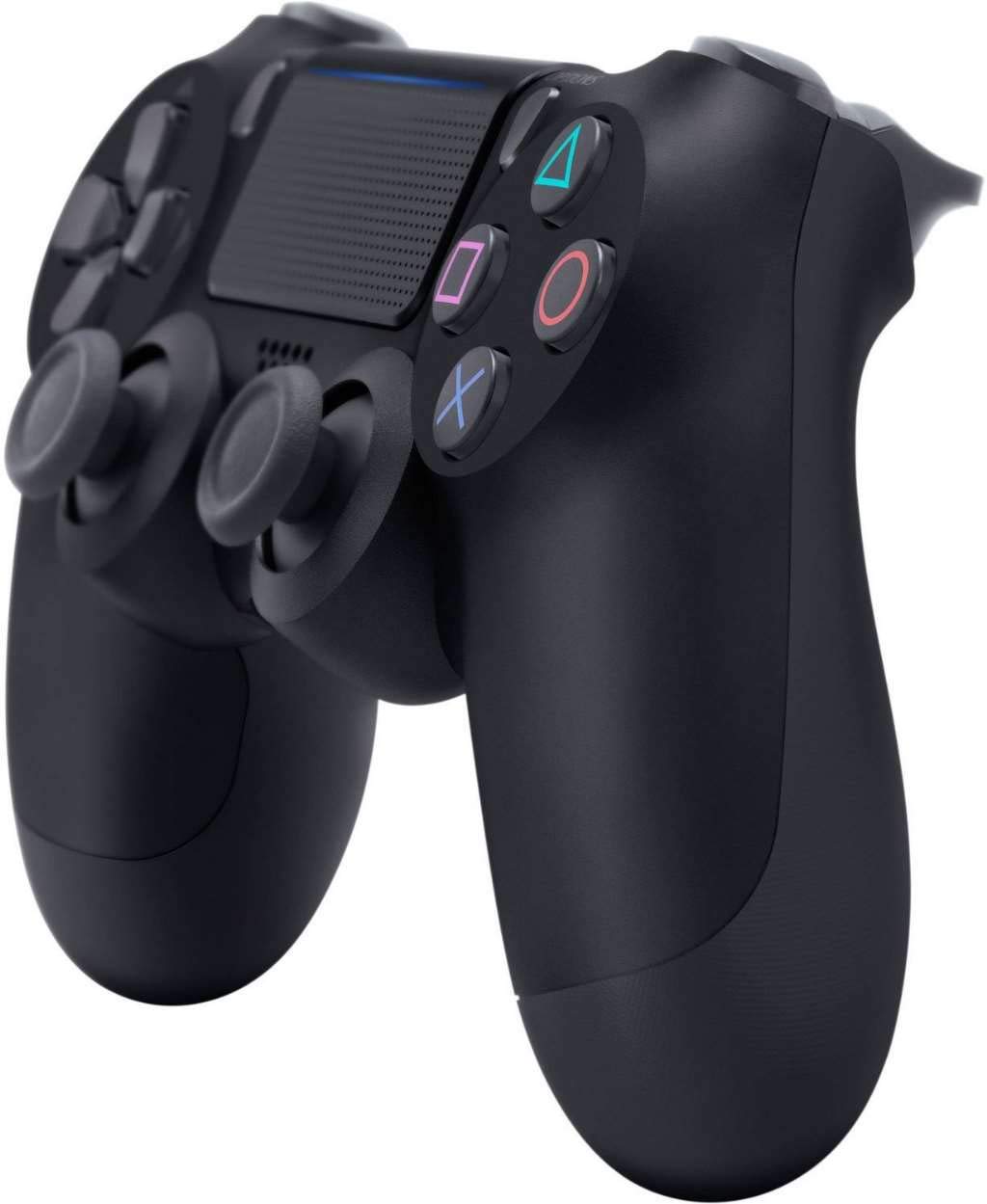
DualShock 4 Wireless Controller for PlayStation 4 - Jet Black
PS4 or PS5 owners who want the authentic Sony experience and full feature compatibility across both consoles.
Official Sony hardware with a clickable multi-touch touchpad, refined analog sticks and triggers, a Share button, and integrated light bar for camera-based player identification.
The priciest pick on this list, and on PS5 it only works with PS4 games, not native PS5 titles.
Premium
- Official Sony build quality
- Multi-touch clickable touchpad
- Refined analog sticks and triggers
- Most expensive option here
- Limited to PS4 games when used on PS5
The genuine article with full Sony polish, but the high price is hard to justify given its PS5 limitations.
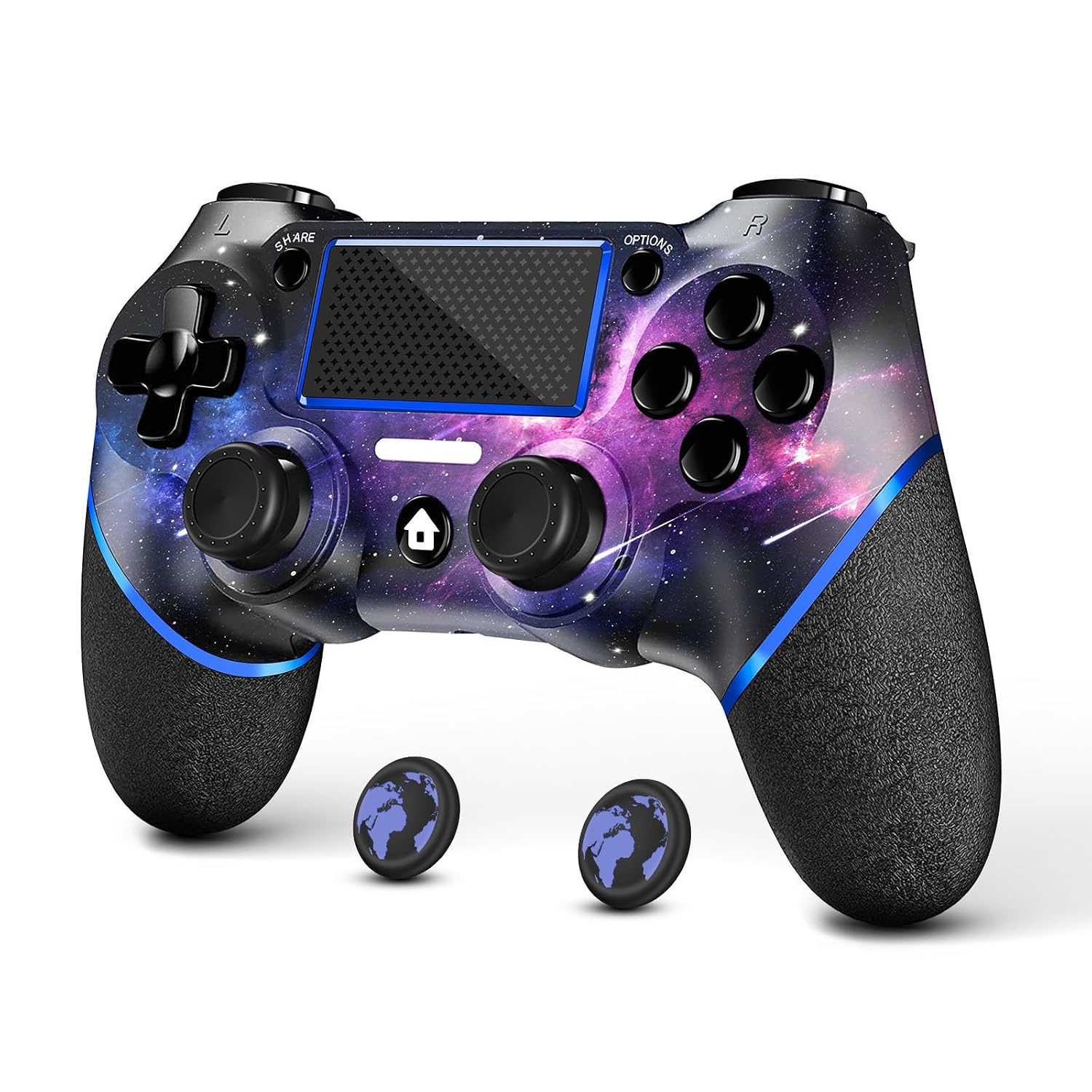
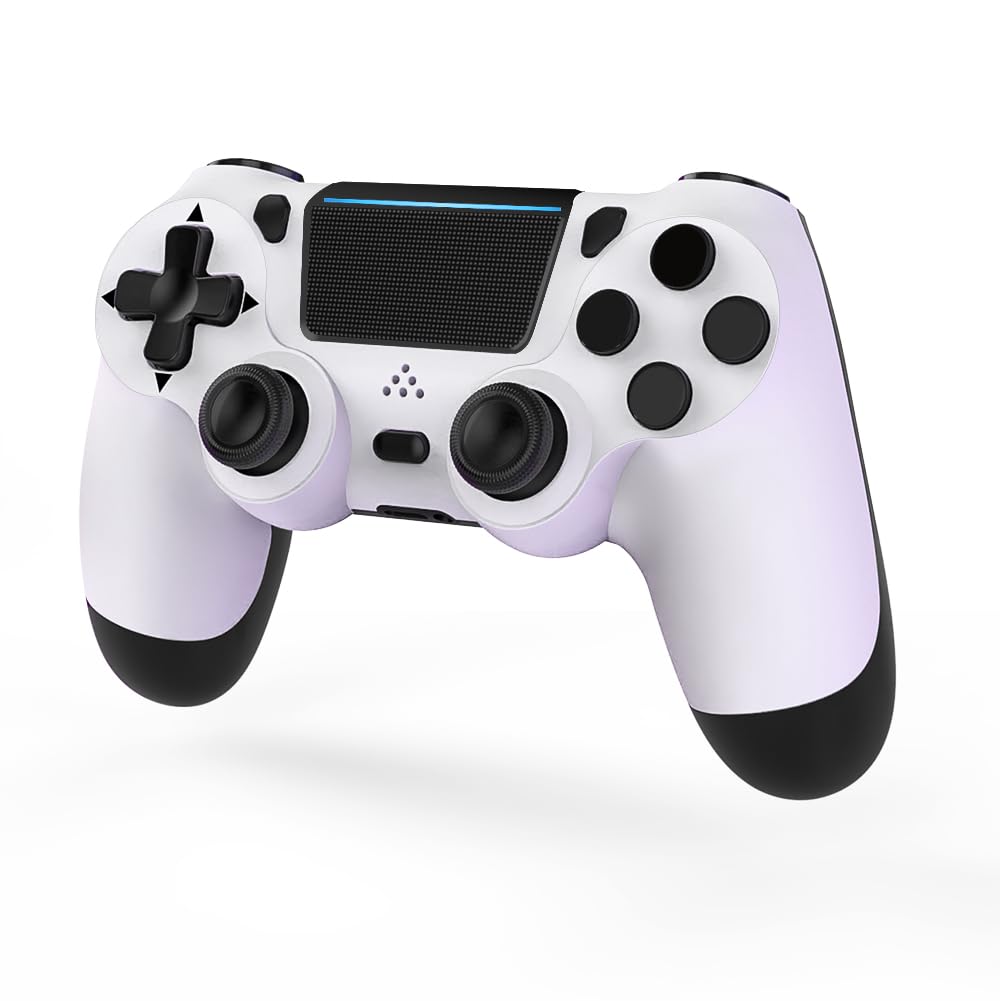
Buy on AmazonAceGamer Wireless Controller for PS4, Custom Design V2 Gamepad Joystick for PS4 with Non-Slip Grip of Both Sides and 3.5mm Audio Jack! Thumb Caps Included! (Galaxy)
Budget-minded players who want a stylish single controller for casual PS4 or PC gaming.
Galaxy nebula aesthetic sets it apart visually, and the non-slip grip on both sides plus included thumb caps add comfort without extra cost.
Compatible only with PS4 and Windows PC, so PS5 native game support is off the table.
Budget
- Eye-catching Galaxy design
- Non-slip grip on both sides
- 3.5mm audio jack included
- No PS5 native game support
- Single controller only
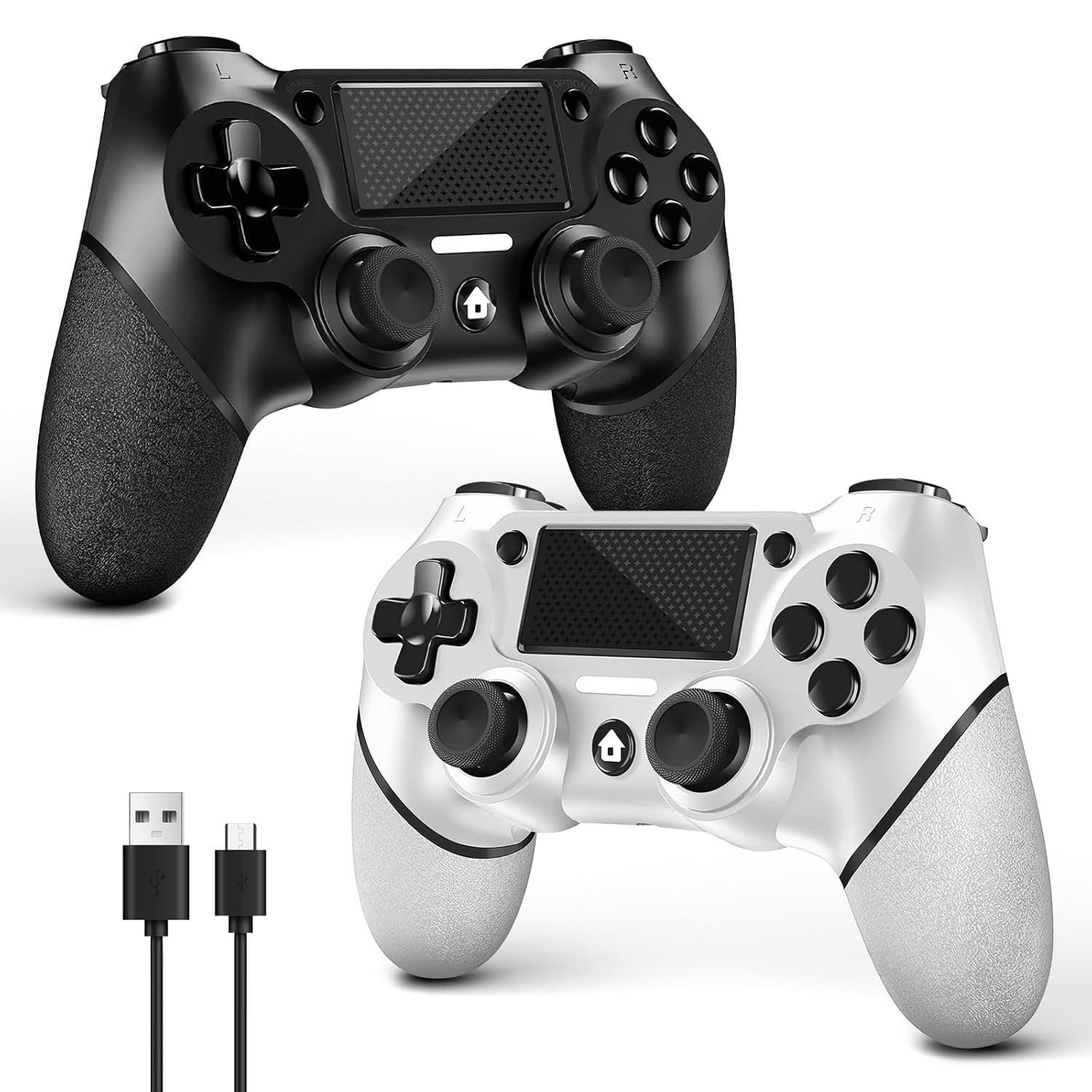
AceGamer 2 Pack for PS4 Controller, Wireless Controller for PS4/Pro/Slim/PC, with Non-Slip Grip of Both Sides and USB-C Cable! (Black and White)
Households or couch co-op players who need two PS4 controllers without spending a lot.
Two controllers with different custom designs ship in one box, and the USB-C cable inclusion modernizes the charging setup compared to older micro-USB controllers.
Requires a wired USB connection for first-time pairing, which can be an inconvenience right out of the box.
Budget
- Two controllers in one package
- USB-C charging cable included
- Distinct black and white designs
- Wired activation required on first use
- No PS5 native game support
The smartest value for multiplayer households needing two PS4-compatible pads at once.
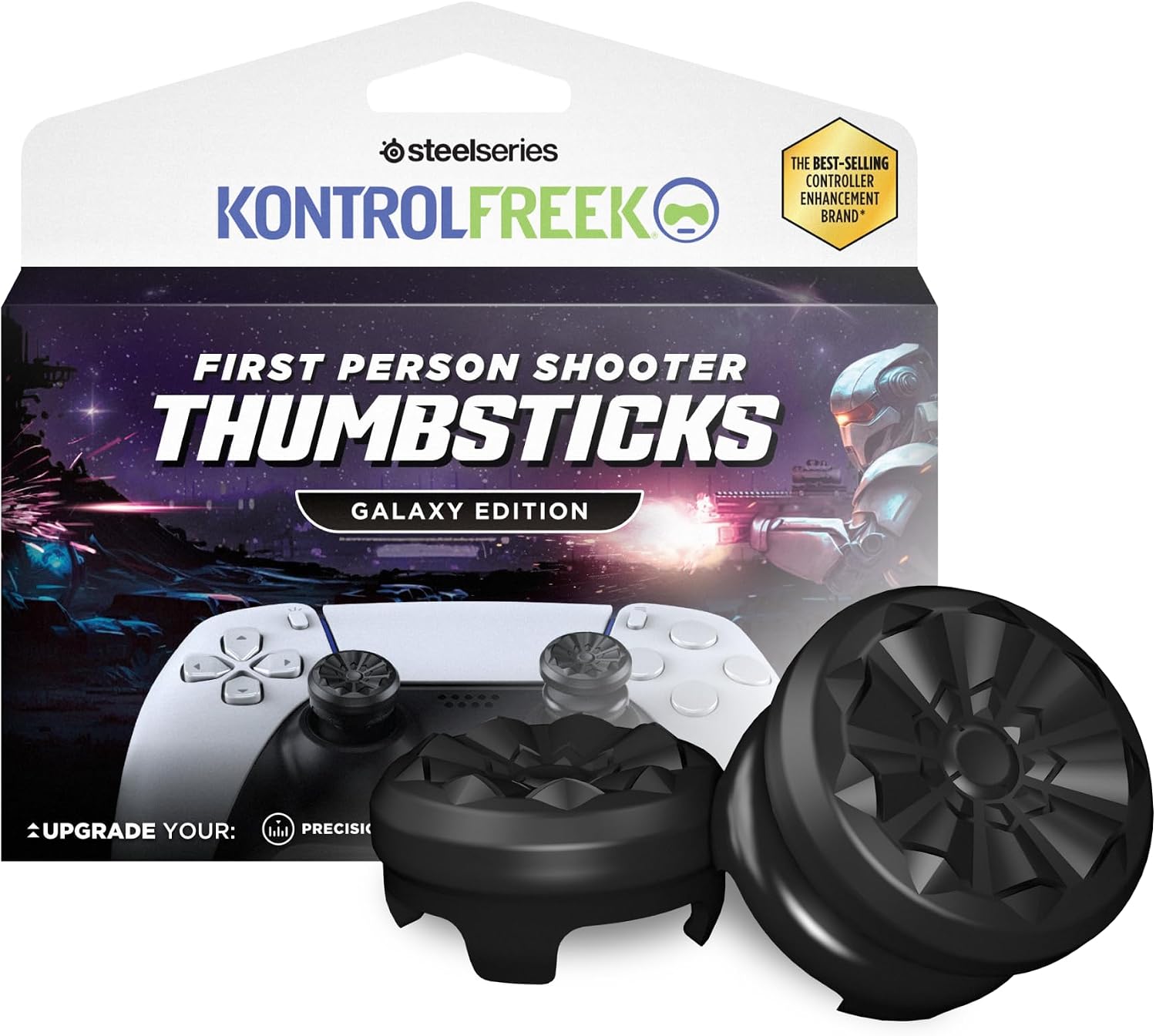
Buy on AmazonKontrolFreek FPS Freek Galaxy Black for PlayStation 4 (PS4) and PlayStation 5 (PS5) | Performance Thumbsticks | 1 High-Rise, 1 Mid-Rise | Black (Limited Edition)
FPS players who already own a PS4 or PS5 controller and want better aim and reduced thumb fatigue without buying a new gamepad.
Mixed-height thumbstick combo adds 10 mm on the right analog and 6.5 mm on the left, using a non-slip proprietary rubber compound that reduces wrist and thumb fatigue specifically for shooting game precision.
This is an accessory that attaches to an existing controller, so it solves no compatibility issues on its own and requires a separate controller purchase.
Budget
- Works with both PS4 and PS5 controllers
- Mixed-height design targets FPS precision
- Non-slip rubber reduces fatigue
- Accessory only, not a standalone controller
The most affordable pick here and the smartest upgrade for FPS fans who already have a compatible controller.
Buy on AmazonMOVONE Wireless Controller Dual Vibration Game Joystick Controller for Ps4 Controller/Slim/Pro,Compatible with PS4 Console (black)
Players who want dual vibration feedback and a touchpad on a budget PS4 controller for use across PS4 and Windows PC.
Two built-in vibration motors deliver varying intensity feedback for a more immersive feel, matching a feature often missing on cheaper third-party pads.
PC support is limited to wired USB connection only, restricting wireless freedom on that platform.
Budget
- Dual vibration motors built in
- Clickable touchpad included
- 3.5mm audio jack support
- PC use requires wired connection only
- No PS5 native game support
A solid low-cost pick when dual vibration and a touchpad matter more than brand prestige.
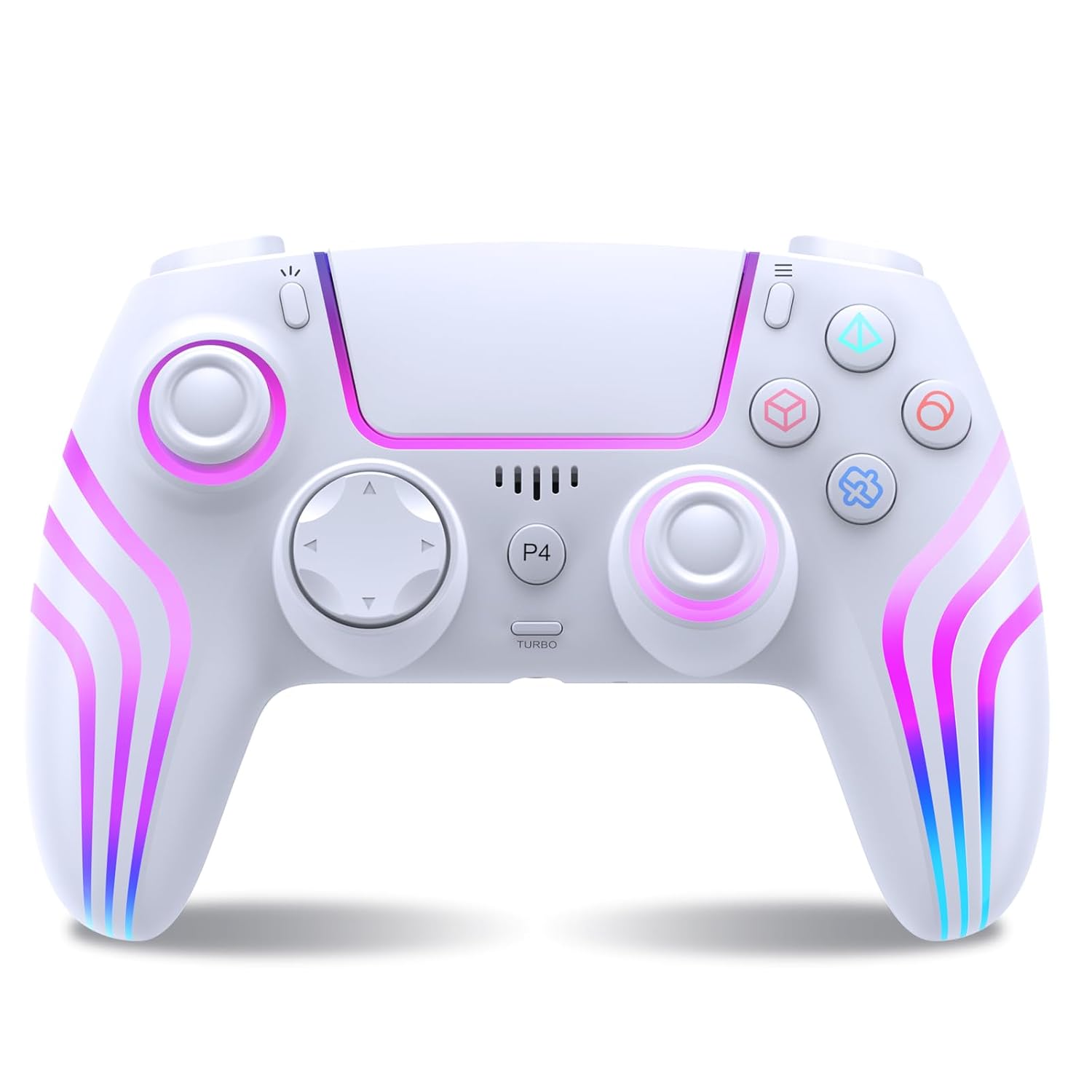
Buy on AmazonWireless Controller for P4 with LED Lighting,Remote Control for P4,White
Players who want macro programming and turbo functionality for action or competitive games on PS4 or PC.
Built-in macro programming lets players pre-program sequences of inputs, giving a tactical edge in action games, a feature absent from most other options in this set.
The product listing omits details on vibration motors and touchpad quality, leaving key comfort specs unclear.
Mid-range
- Macro programming functionality
- Turbo button included
- LED lighting with wireless signal up to 10 meters
- Vibration and touchpad specs not fully disclosed
- No PS5 native game support
A niche pick for players who want programmable macros and turbo features without paying premium prices.
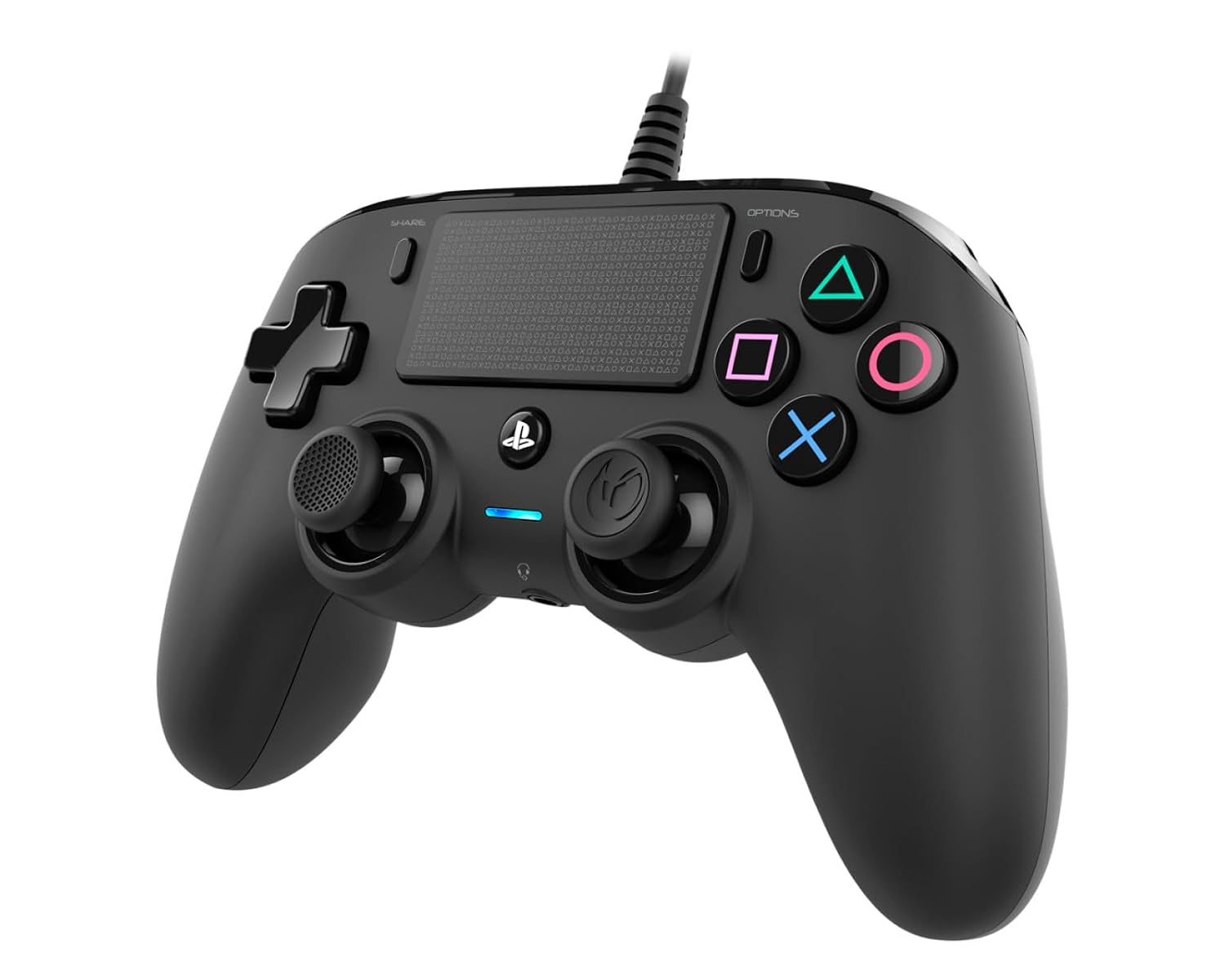
Buy on AmazonNacon Wired Controller Officially Licensed by PlayStation for PS4
PS4 gamers who want an officially licensed controller with a generous cable length for living room play without worrying about battery life.
Officially licensed by PlayStation and ships with a built-in 3-meter cable, the longest wired reach in this set, making it ideal for large-room setups without any wireless pairing hassle.
The wired-only design means no wireless play, which is a meaningful limitation compared to most other options in this set.
Mid-range
- Officially licensed by PlayStation
- 3-meter built-in cable for big room play
- Larger face buttons with smooth rubber coating
- Wired only, no wireless option
- Heavier cable management for portable use
The best officially licensed wired option for PS4 and PC gaming, especially in larger rooms.
Buy on AmazonWhether you stick with your trusty PS4 controller for compatible games or decide it’s time to upgrade to a PS5 DualSense, there are solid options to fit every setup and budget. The workarounds covered here can genuinely extend the life of your existing gear, so don’t feel pressured to replace everything at once. Take a look at the links featured throughout this post and see what makes sense for your situation. A little flexibility goes a long way when it comes to getting the most out of your PlayStation experience. Thanks for reading, and happy gaming!
Frequently asked questions
Which PS4 games can you actually play on PS5 using a PS4 controller?
A PS4 controller works on PS5 only when playing PS4 games through backward compatibility, not PS5 native titles. Sony built this limitation into the PS5 intentionally, meaning if you load a PS4 disc or a PS4 digital title on your PS5, a DualShock 4 or a compatible third-party PS4 pad will function normally. The moment you launch a game built specifically for PS5, the console will prompt you to switch to a DualSense. This makes a good PS4 controller worth keeping around specifically for your backward-compatible library.
How hard is it to connect a PS4 controller to a PS5 console?
Pairing is straightforward and takes under a minute. You can connect via the USB cable that came with your controller, and the PS5 will recognize it immediately for PS4 game sessions. Wireless pairing works by holding the PlayStation and Share buttons together until the light bar flashes, then selecting the controller in the PS5 Bluetooth settings. Third-party controllers like the AceGamer and MOVONE options follow the same pairing process, though it is worth confirming in the product listing that Bluetooth connectivity is included since a small number of budget pads are wired only.
Are third-party PS4 controllers a worthwhile alternative to the official DualShock 4 for use on PS5?
Third-party PS4 controllers can be a practical lower-cost option if your primary use case is playing PS4 backward-compatible titles on PS5. Controllers like the AceGamer and MOVONE pads include features such as non-slip grips, USB-C cables, and dual vibration that make everyday play comfortable. The trade-off is that officially licensed pads, such as the Nacon wired controller, go through Sony’s certification process which can mean tighter button-mapping consistency and fewer compatibility surprises. For PS5 native games you will still need a DualSense regardless of which PS4 controller you choose, so factor that into your decision before spending.
How do thumbstick accessories like KontrolFreek caps fit into a PS4 to PS5 setup?
Thumbstick accessories such as the KontrolFreek FPS Freek Galaxy Black are designed to fit over existing analog sticks rather than replace a whole controller, and this particular set is explicitly compatible with both PS4 and PS5 controllers. That means you can add them to a DualShock 4 for PS4 backward-compatible sessions and then move the same caps onto a DualSense when you play PS5 titles. The high-rise and mid-rise combination is aimed at improving precision in first-person shooters by extending the stick height and increasing the range of motion. Because the caps transfer between controller generations, they offer longer useful life than most PS4-only accessories.
Does a wired PS4 controller hold up better over time than a wireless one for regular use on PS5?
Wired controllers generally sidestep battery degradation because there is no rechargeable cell inside that loses capacity after many charge cycles. The Nacon wired controller is officially licensed by PlayStation and connects via a fixed cable, which also means zero pairing steps and no concern about Bluetooth dropout during play. The downside is that you are tethered to the console, which can be limiting if your PS5 is across the room. For desk setups or situations where the console sits close to your seat, a wired option can feel more reliable day to day, while wireless controllers suit living-room distances better despite needing periodic charging.