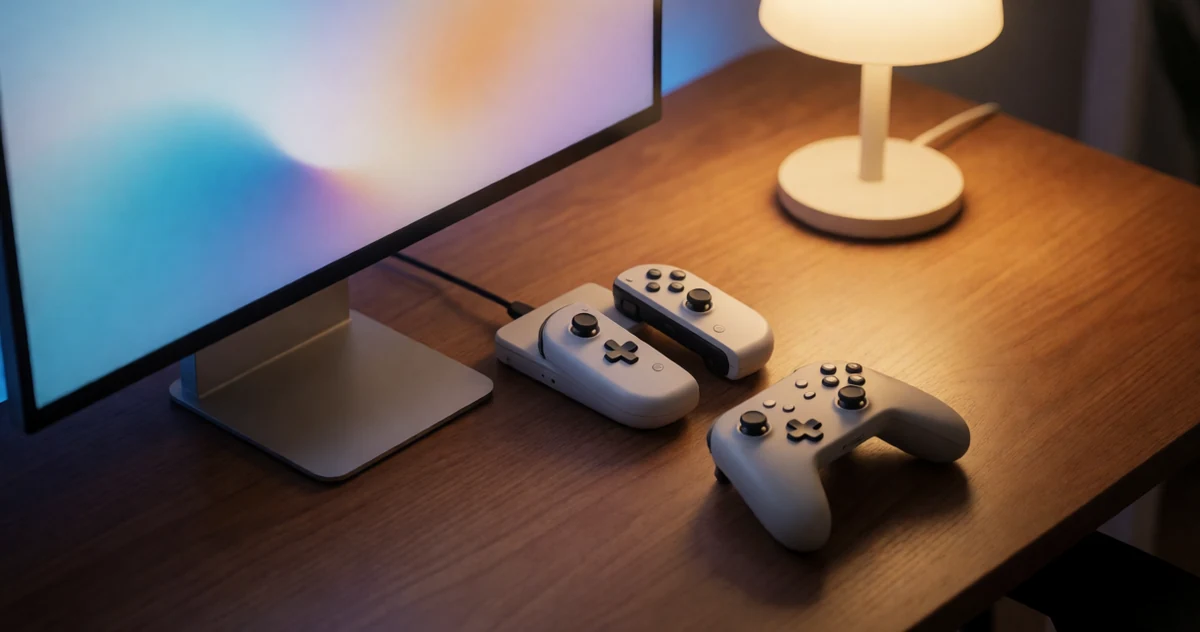
If you just upgraded to the Nintendo Switch 2 and you’re staring at a pile of Joy-Cons, Pro Controllers, and other accessories from your original Switch, you’re probably wondering one thing: do any of these still work? Good news, a lot of them do, and figuring out how to connect your Nintendo Switch 1 controllers to the Nintendo Switch 2 is a lot simpler than you might expect. Whether you want to save money by reusing what you already own, get extra controllers for multiplayer sessions, or just avoid buying new gear right away, this guide has you covered. We’ll walk you through which controllers are compatible, how to pair them step by step, and a few practical tips to make the whole process smooth and frustration-free. You might even be surprised by some of the options that work seamlessly across both systems. Let’s get into it so you can spend less time troubleshooting and more time actually playing.
Disclosure: As an Amazon Associate we earn from qualifying purchases. Prices and availability shown are accurate as of the date of publication and may change.
Quick comparison
How to choose
Controller Compatibility
Each adapter is built around a specific controller family, so confirm your exact controller type is supported before buying. A GameCube adapter will not help you if you want to use an N64 or SNES controller, and a universal wireless dongle may only support certain Bluetooth controller models from Sony or Microsoft.
Connection Method
Some adapters plug directly into the Switch dock via USB, while others use a wireless dongle that sits between the controller and the console. Wired adapters tend to have lower input latency, which matters in fast-paced games like Super Smash Bros, whereas wireless adapters give you more flexibility if you already own Bluetooth controllers from other platforms.
Number of Ports
If you play local multiplayer, check how many controllers a single adapter supports at once. GameCube adapters in this group support either two or four ports, so buying a two-port unit when you need four means purchasing a second adapter or leaving players out.
Feature Support
Look at whether the adapter passes through rumble and turbo functionality, since some budget options strip those features out entirely. If vibration feedback matters to your gameplay experience, confirm the product listing explicitly states those features are active and not just physically present on the hardware.
Platform Flexibility
Several adapters here also work with PC, Mac, or Steam Deck, which adds long-term value if you game across multiple platforms. If Switch 2 is your only target, a narrower adapter is fine, but buyers who switch between systems frequently should weigh multi-platform support as a meaningful part of the overall value.
The picks
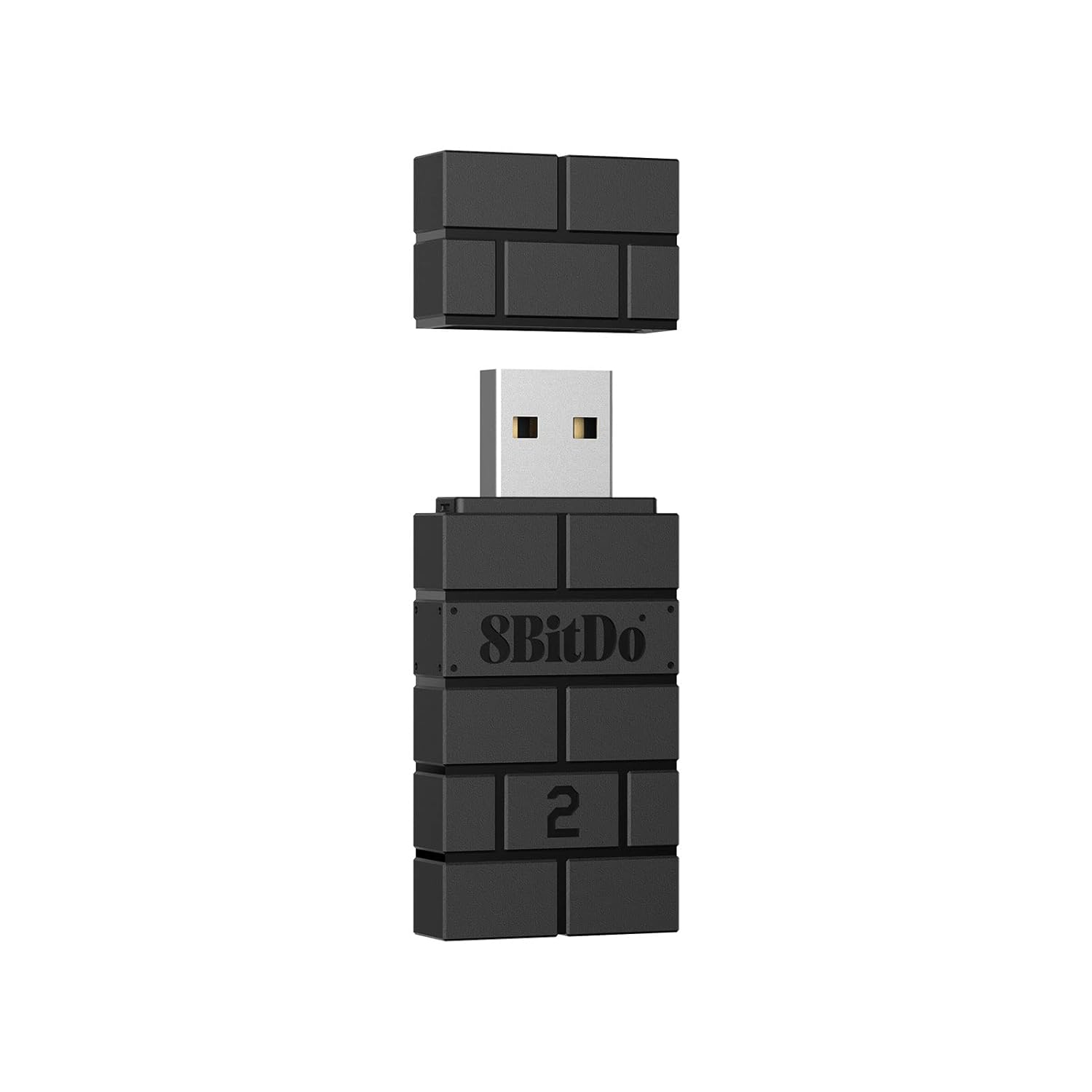
8BitDo Wireless USB Adapter 2 for Switch/Switch 2, Windows PC, Mac & Raspberry Pi, Compatible with Xbox Series X & S Controller, Xbox One Bluetooth Controller, Switch Pro and PS5 Controller (Black)
Switch 2 owners who want to use a wide variety of existing Bluetooth controllers wirelessly without buying new hardware.
Supports an exceptionally broad range of Bluetooth controllers including Xbox Series X/S, PS5, PS4, PS3, Switch Pro, Wii Mote, and all 8BitDo controllers in one compact dongle.
Requires a firmware update before Switch 2 compatibility is active, which adds a setup step before first use.
Mid-range
- Broadest Bluetooth controller compatibility
- Supports 6-axis motion on Switch
- Button mapping via Ultimate Software
- Firmware update required for Switch 2
- No wired controller support
The most versatile wireless adapter here, letting you plug in almost any Bluetooth controller you already own.
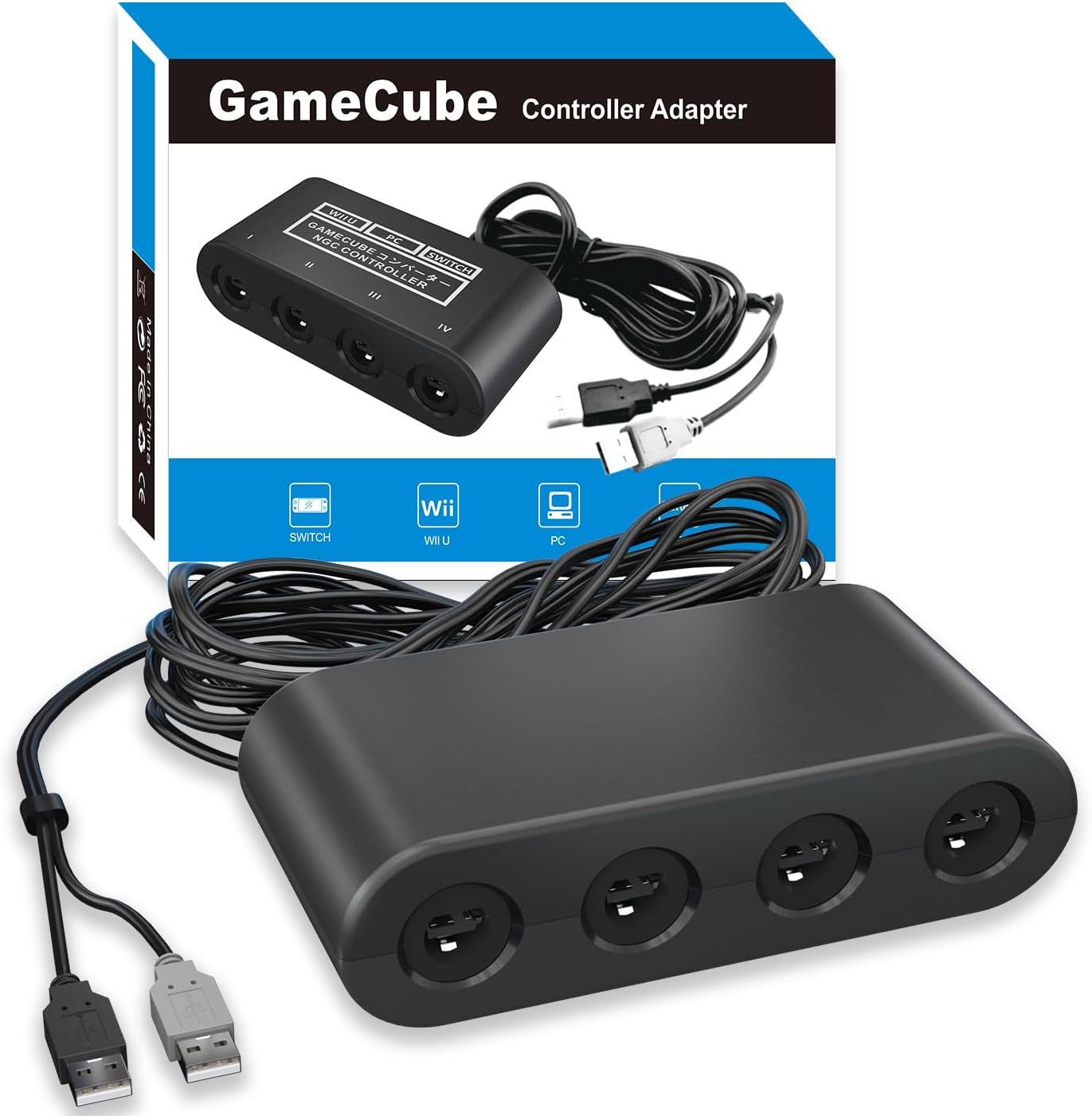
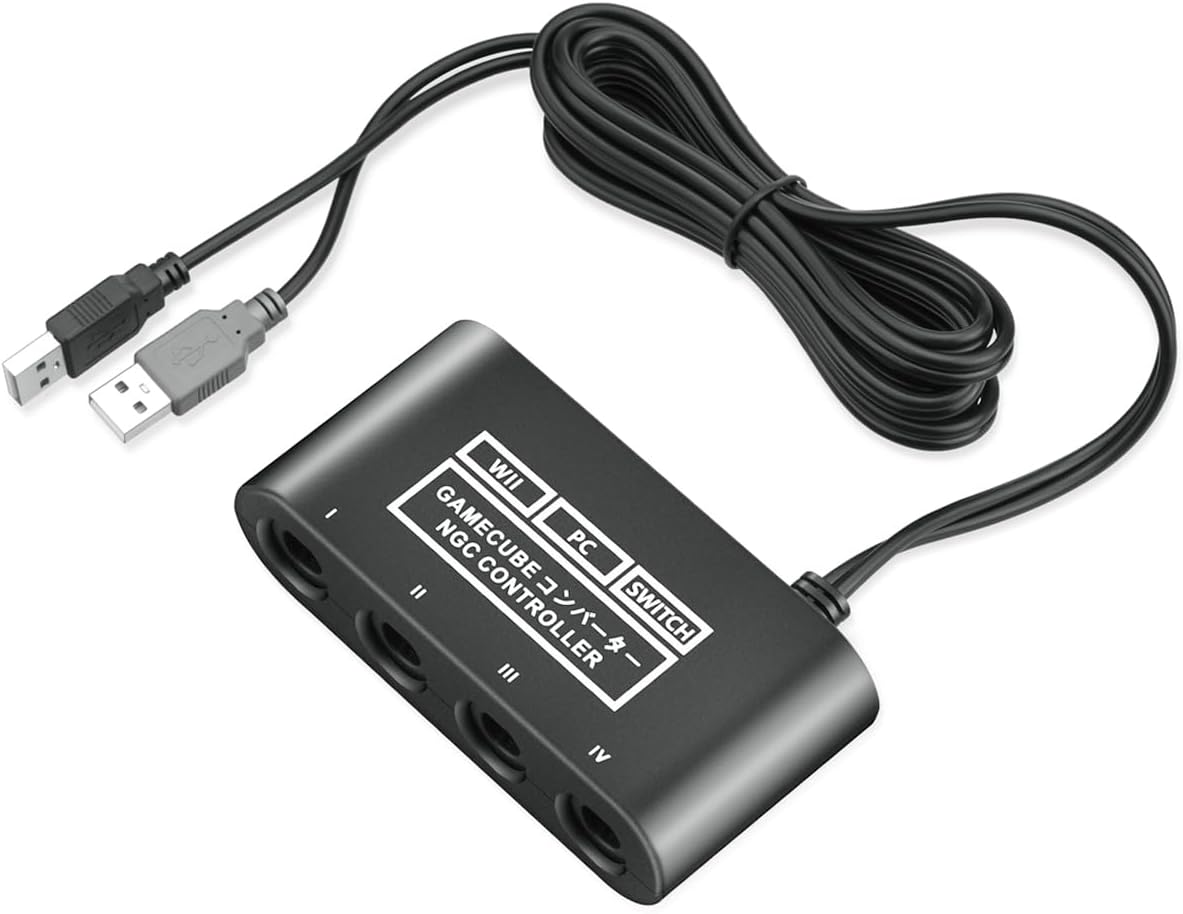
Buy on AmazonGamecube Controller Adapter for Nintendo Switch / OLED / Switch 2 Gamecube Adapter, Compatible with PC WII U Switch2, Support 4 Gamecube Controller to Play Supper Smash Bros with 70IN Long Cable
Budget-conscious Smash Bros players who just need a basic four-port GameCube adapter without extras.
Delivers plug-and-play four-port GameCube controller support with a stable IC chip for no-lag performance at the lowest price in this set.
Does not include turbo or vibration support, which the slightly pricier GameCube adapter in this set does offer.
Budget
- Plug and play setup
- Stable no-lag IC chip
- Long 70-inch cable included
- No turbo or vibration features
- Limited to four controllers maximum
The most affordable GameCube adapter here and a solid no-frills pick for Smash Bros on Switch 2.
Buy on AmazonGamecube Adapter for Nintendo Switch / Wii U / PC and Switch 2 Gamecube Controller Adapter, Super Smash Bros Adapters for NGC Controller, Support Turbo and Vibration Features with 180cm USB Cable
Smash Bros fans who want to connect up to four GameCube controllers to Switch 2 with a long cable.
Supports four GameCube controller ports simultaneously and includes turbo and vibration features that the cheaper competing adapter omits.
Only compatible with wired GameCube controllers and a very narrow game library use case, limiting versatility beyond Smash Bros.
Budget
- Four controller ports
- Turbo and vibration support
- Long 180cm USB cable
- Limited to GameCube wired controllers
- Narrow game compatibility focus
A capable four-port GameCube adapter with bonus turbo and vibration support for Smash Bros sessions.
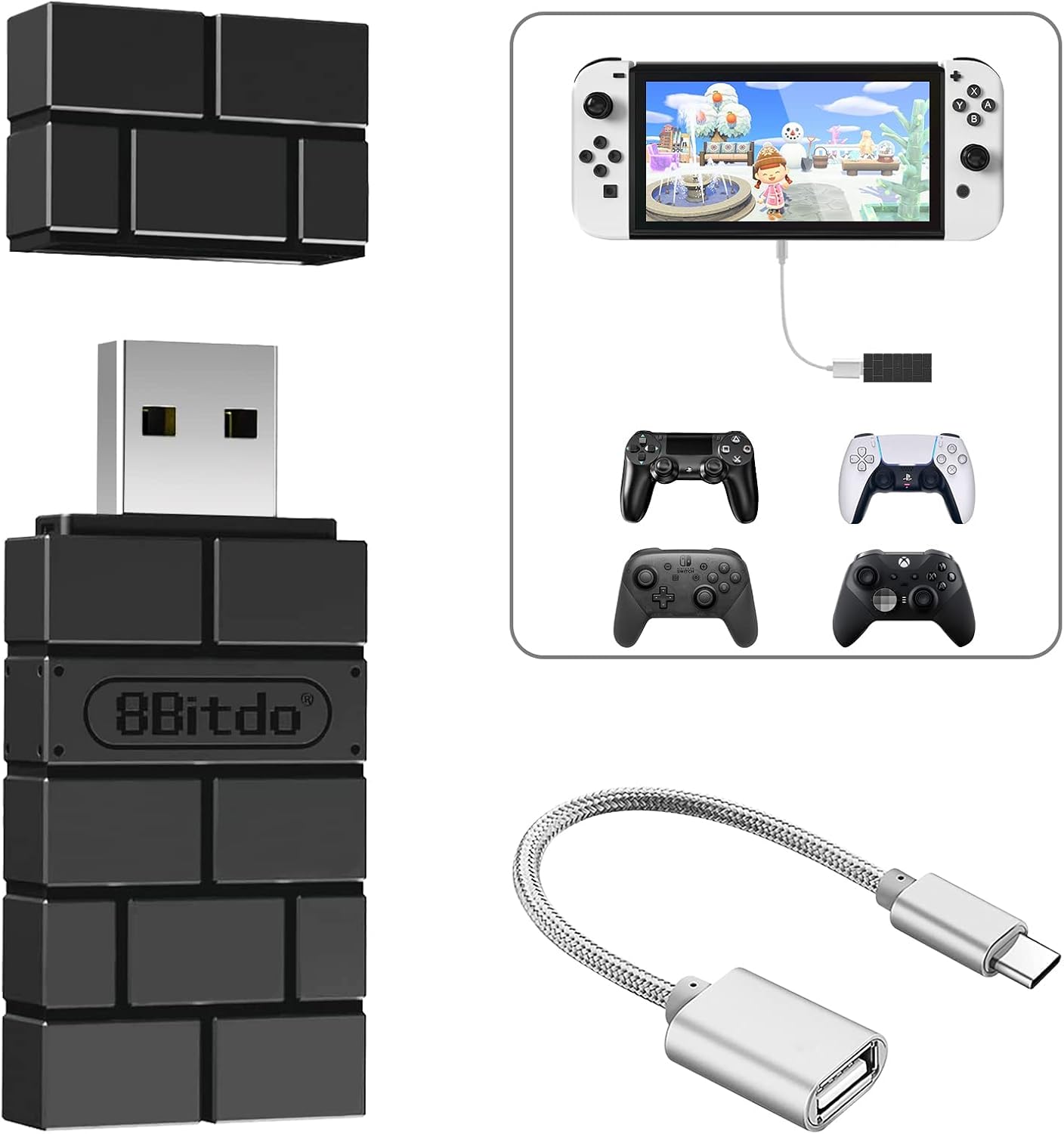
Buy on Amazon8BitDo USB Wireless Adapter 2 Converter Dongle for Switch 2/Switch LCD/OLED | Work with Steam Deck, Windows,macOS,PS5/PS4/PS3 Controller,Xbox Series X/S,Xbox One Bluetooth Controller OTG Cable-Black
Switch 2 users who need wireless Bluetooth controller support and also want an OTG cable for flexible connection options.
Comes bundled with an OTG cable, adding physical connection flexibility for handhelds and devices without a standard USB-A port.
Sits slightly above the near-identical sibling adapter in price without adding meaningfully different core features, making it a harder value call.
Mid-range
- OTG cable included
- Wide Bluetooth controller support
- Multi-platform compatibility including Steam Deck
- Firmware update required for Switch 2
- Marginally pricier than similar option
A well-rounded wireless adapter that adds OTG cable convenience for users who need flexible port options.
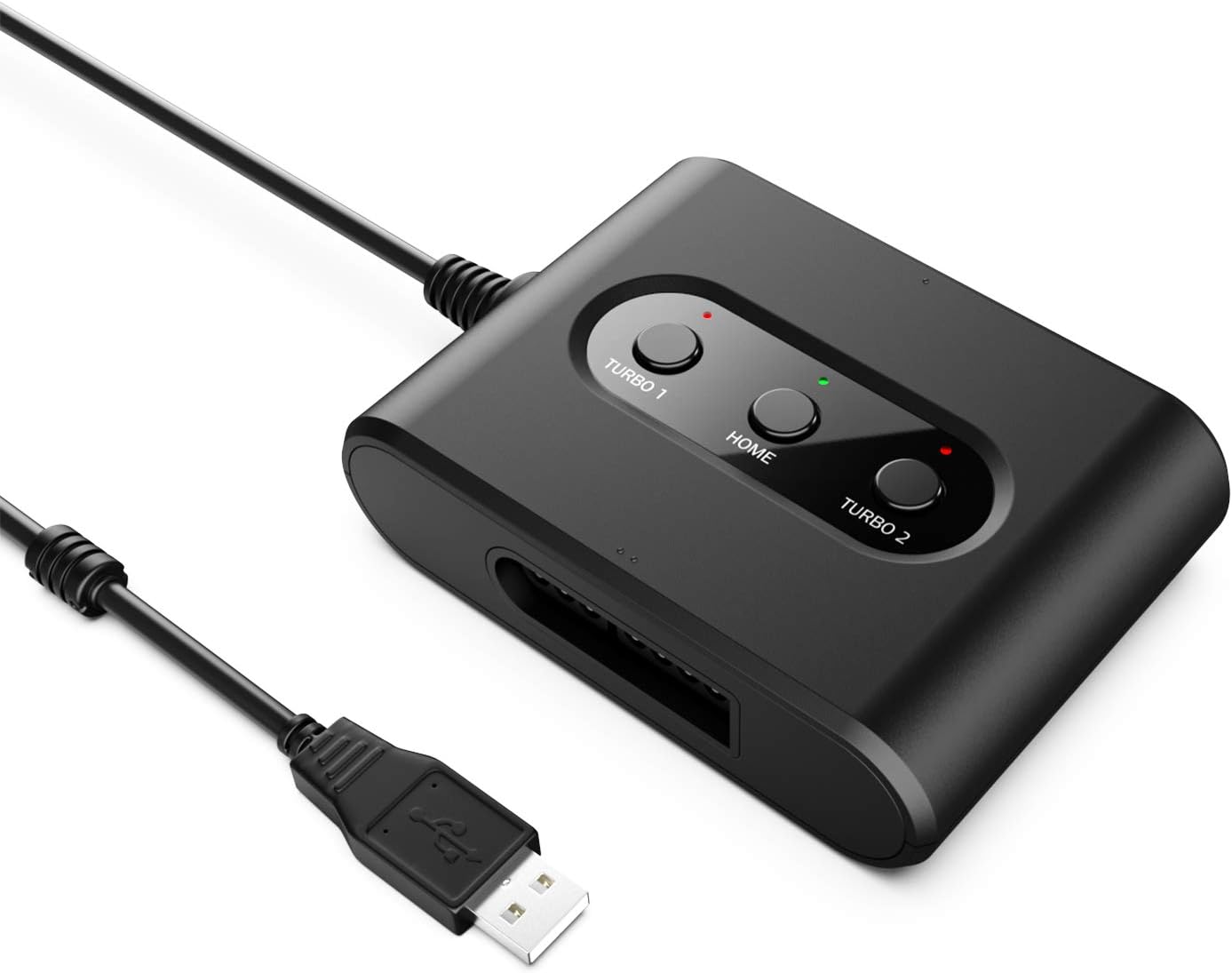
Buy on AmazonMAYFLASH SNES Controller Adapter for Switch/Switch 2 & PC Windows SNES Converter MF105
Retro gaming enthusiasts who want to use original SNES controllers on Switch 2 or PC.
Uniquely supports the ability to swap between Left Stick and D-Pad modes plus Turbo and Auto Fire functions, preserving the feel of classic SNES play with modern convenience.
This is the most expensive product in this set, yet it only supports up to two SNES controllers per adapter and a very narrow range of legacy hardware.
Premium
- Turbo and Auto Fire support
- D-Pad and Left Stick switchable
- PC Xinput and Dinput compatibility
- Most expensive pick in this set
- Only supports up to two controllers per adapter
A niche but well-featured adapter for SNES controller fans willing to pay a premium for authentic retro input.
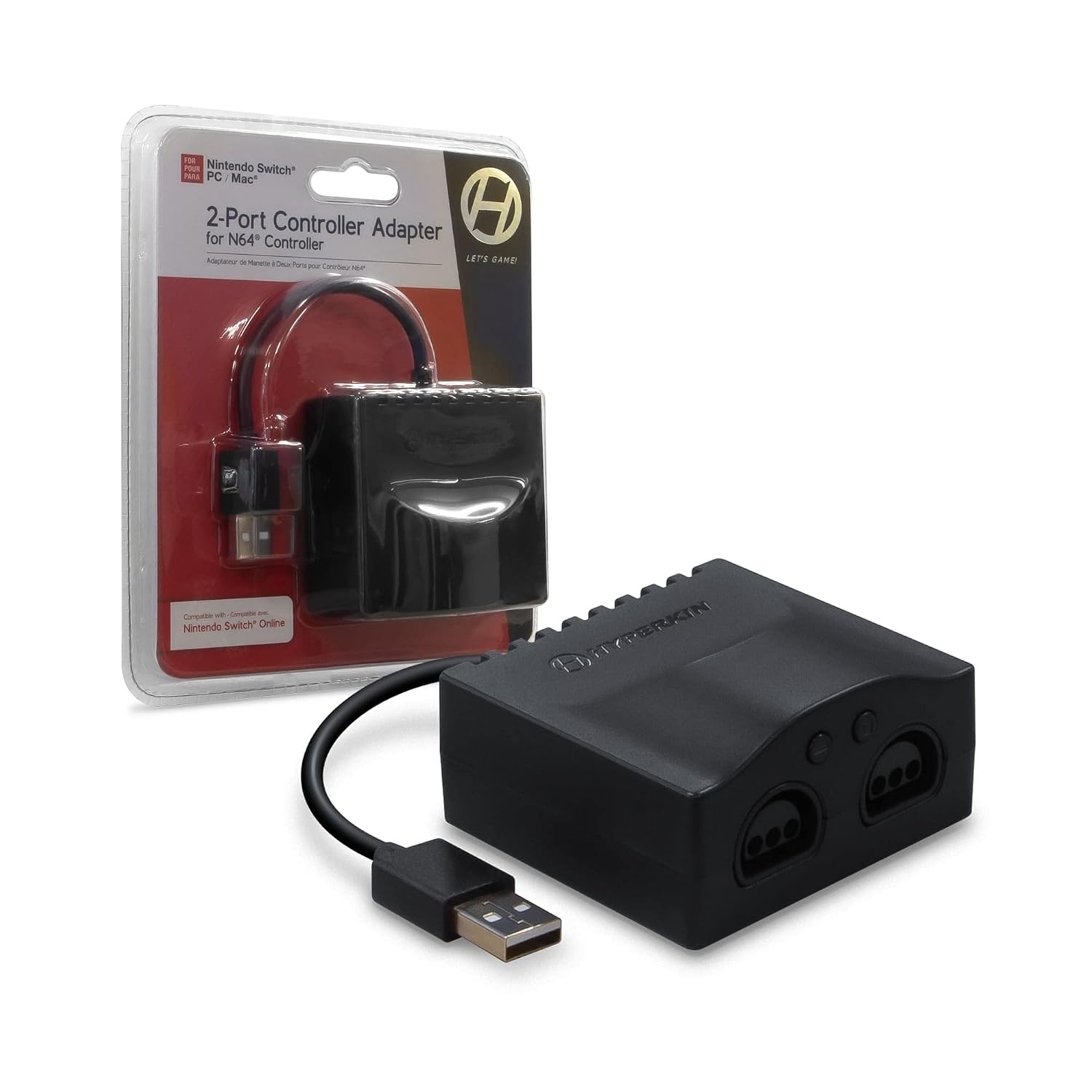
Buy on AmazonHyperkin 2-Port Controller Adapter for N64 / Nintendo Switch/PC | Compatible with Nintendo Switch/PC/Mac via USB
N64 fans who want to use original Nintendo 64 controllers on Switch 2 or PC without sacrificing the classic feel.
Features a dedicated compatibility switch that physically toggles between PC/Mac mode and Nintendo Switch console mode, ensuring correct input mapping on each platform.
Only supports standard N64 controller models, and the listing notes that setup and functionality may vary by device, introducing uncertainty for some configurations.
Mid-range
- Physical PC to Console mode switch
- Two-port design for co-op N64 play
- USB connection for broad device support
- Standard N64 models only
- Functionality may vary by device
A focused two-port N64 adapter with a handy mode toggle switch for clean compatibility across Switch and PC.
Buy on AmazonGetting your Nintendo Switch 1 controllers working with the Nintendo Switch 2 does not have to be complicated, and the right accessories can make the whole process feel seamless. Whether you need a reliable adapter, a charging solution, or just a bit of extra gear to keep things organized, the options featured here are worth a closer look. Take your time browsing through the links and see what fits your setup best. A little preparation goes a long way toward a smoother gaming experience. Thanks for reading, and happy gaming!
Frequently asked questions
Which Switch 1 controllers can you connect to Switch 2 without buying new hardware?
Nintendo confirmed that Switch 2 supports Switch 1 Pro Controllers and Joy-Cons natively over Bluetooth, so those connect without any adapter. Controllers that use a non-standard protocol, such as GameCube, SNES, or N64 pads, require a dedicated adapter because they were never designed for wireless pairing. Third-party wireless controllers that rely on a proprietary USB dongle also need that dongle plugged into the Switch 2 dock or a USB hub. Checking whether your controller uses standard Bluetooth or a custom protocol is the fastest way to know if you need extra hardware.
How hard is it to set up a GameCube adapter on Switch 2?
Setup is straightforward: plug the adapter’s USB cables into the Switch 2 dock (most adapters use two USB connections, one for power and one for data), set the adapter’s mode switch to Wii U or Switch mode, and the console should recognize connected controllers immediately. Adapters like the ones in this article support all four GameCube controller ports at once, which is important for local Smash Bros sessions. No driver installation is needed when using the console in docked mode, though PC use may require a separate driver step. The longest part of the process is typically just locating the correct USB ports on the dock.
Is a wireless adapter like the 8BitDo USB Wireless Adapter 2 worth it if you already own a PS5 or Xbox controller?
If you already own a PS5 DualSense or an Xbox Series X/S controller, the 8BitDo adapter can save you the cost of a dedicated Switch Pro Controller by letting you use hardware you already have. The adapter plugs into a USB port on the Switch 2 dock and pairs to your existing controller over Bluetooth, translating inputs so the console reads it as a compatible gamepad. Turbo and remapping features are often included, which can add functionality beyond what the native controller pairing provides. The tradeoff is a small dongle that must stay plugged in and an extra pairing step compared to a controller designed natively for Switch.
Will older SNES or N64 controllers hold up for regular use, and what does the adapter add?
Original SNES and N64 hardware was built to last and many units still function well decades later, though rubber contacts and joystick components can degrade over time depending on storage conditions. Adapters like the MAYFLASH MF105 for SNES or the Hyperkin 2-port N64 adapter do not modify the controller itself; they convert the original proprietary connector signal into a USB signal the Switch 2 can read. This means the adapter has no impact on controller longevity, but a worn-out controller will still feel worn out through the adapter. If you want the feel of classic hardware without depending on aging originals, reproduction controllers with the same connector type also work through these adapters.
Can these adapters be used on PC as well, or are they Switch 2 specific?
Most of the adapters covered in this article explicitly support PC alongside Switch 2, which makes them a better long-term value if you game on multiple platforms. The GameCube adapters listed here work with Windows via the correct driver (commonly used with emulators), while the 8BitDo wireless adapters support Windows, macOS, and even Raspberry Pi out of the box. The MAYFLASH SNES adapter also lists PC Windows compatibility. The main thing to confirm before buying is whether PC mode requires a driver download or works as a plug-and-play HID device, since that affects how easily you can move it between machines.