If you’ve recently picked up a Nintendo Switch 2 or you’re planning to grab one soon, you’re probably wondering whether your existing Switch 1 controllers will still work. It’s a fair question, and the answer is a little more nuanced than a simple yes or no. Some controllers carry over just fine, others have limitations, and a few won’t work at all without some workarounds. In this guide, we’ll break down exactly which Switch 1 controllers are compatible with Switch 2, what features you might lose when using older hardware, and which alternative pads are worth considering if you want a more seamless experience. Whether you’re a casual player hoping to save some cash by reusing what you already own, or someone looking to upgrade their setup with something new, there’s plenty of useful and sometimes surprising information here. We’ll cover practical compatibility details alongside some solid controller options that make gaming on Switch 2 even better in 2026.
Disclosure: As an Amazon Associate we earn from qualifying purchases. Prices and availability shown are accurate as of the date of publication and may change.
Quick comparison
How to choose
Switch 2 Compatibility
Not every controller that works on Switch 1 is guaranteed to carry full functionality on Switch 2, and some features such as mouse mode or new button inputs may require a native Switch 2 controller. Before buying, confirm whether the pad is officially licensed for Switch 2 or explicitly listed as compatible, especially if you plan to play Switch 2 exclusive titles that use new control schemes.
Wired vs Wireless
Wired controllers require no charging and have virtually no input lag, which suits competitive or long play sessions at a fixed TV setup. Wireless options offer freedom of movement but introduce battery management, so check the rated battery life and whether the controller charges via USB-C, since older micro-USB cables are less convenient to source.
Joystick Technology
Traditional potentiometer joysticks can develop drift over time with regular use, while Hall Effect joysticks use magnets instead of physical contact and are generally considered more durable. If longevity and consistent joystick accuracy matter to you, look for Hall Effect technology called out in the product specifications rather than assuming it is included by default.
Feature Set vs Actual Use
Many third-party controllers pack in turbo firing, programmable back buttons, RGB lighting, and gyroscope support, but these features only add value if you will actually use them. Weigh whether extras like app-based customization or multi-platform support for iOS, Android, and PC justify the cost compared to a simpler pad that focuses on core Switch performance.
Form Factor and Play Style
Joy-Con pairs slot into the console for handheld play and support local multiplayer by splitting into individual controllers, which no Pro-style pad can replicate. If you mainly play docked or in tabletop mode, a full-size wireless or wired controller typically offers a more comfortable grip for longer sessions, so match the form factor to where and how you most often play.
The picks
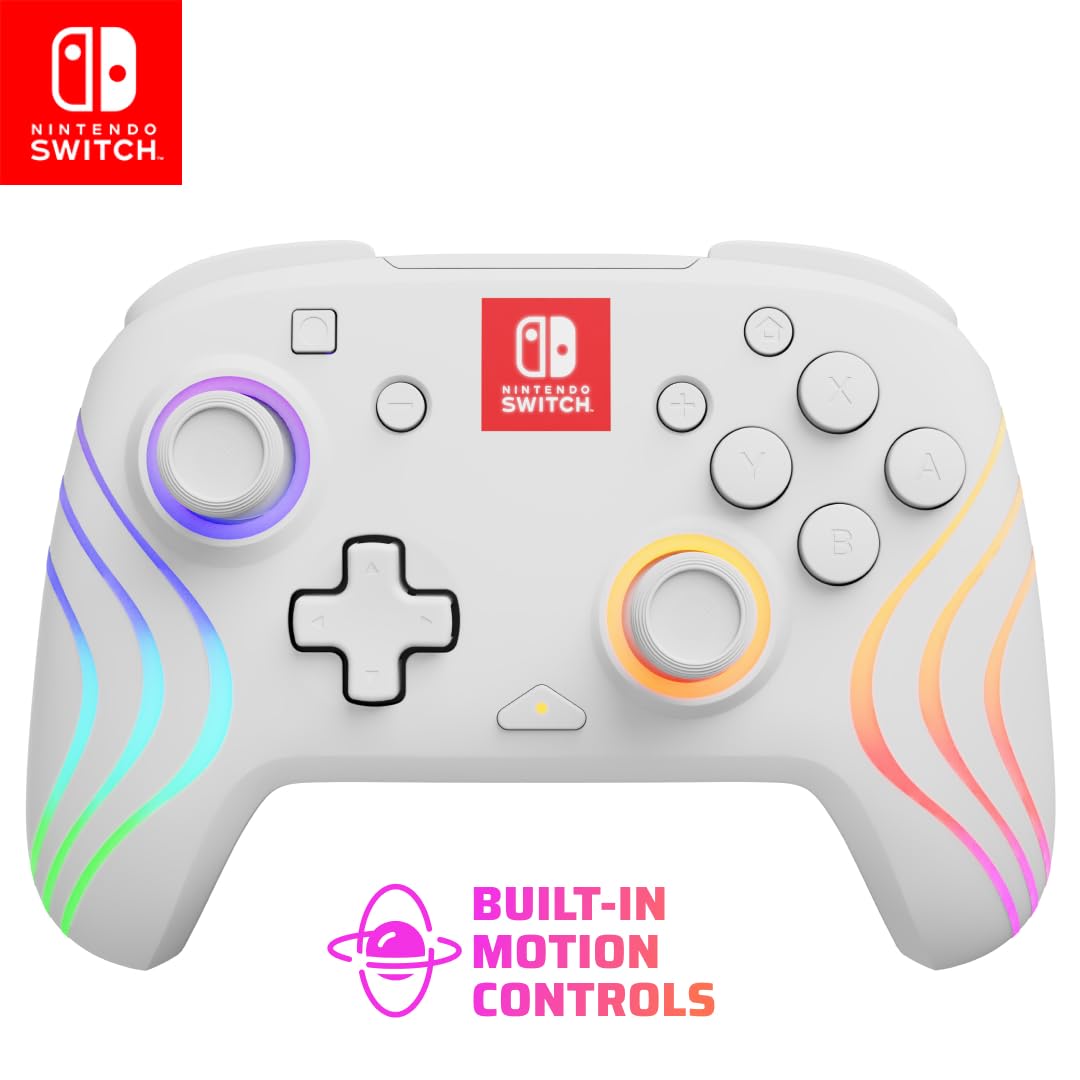
PDP Afterglow Wave Wireless RGB Gaming Controller for Nintendo Switch 2 | Nintendo Switch Lite, OLED, RGB LED Lighting, App Customization, Rechargeable 20-Hr Battery, 2 Mappable Back Buttons, White
Players who want a feature-rich wireless controller officially licensed for Switch 2 with customizable RGB lighting and long battery life.
Up to 20 hours of battery life combined with a 30-foot wireless range and eight customizable RGB LED zones makes it the most feature-packed officially licensed option in this set.
Sits above the mid-range in price without including Hall effect joysticks, which some competing third-party controllers at lower prices do offer.
Mid-range
- 20 hour battery life
- 8 zone RGB customization
- 2 mappable back buttons
- No Hall effect joysticks mentioned
- Higher price than unlicensed alternatives
The best officially licensed third-party option here, with standout battery life and lighting customization built in.
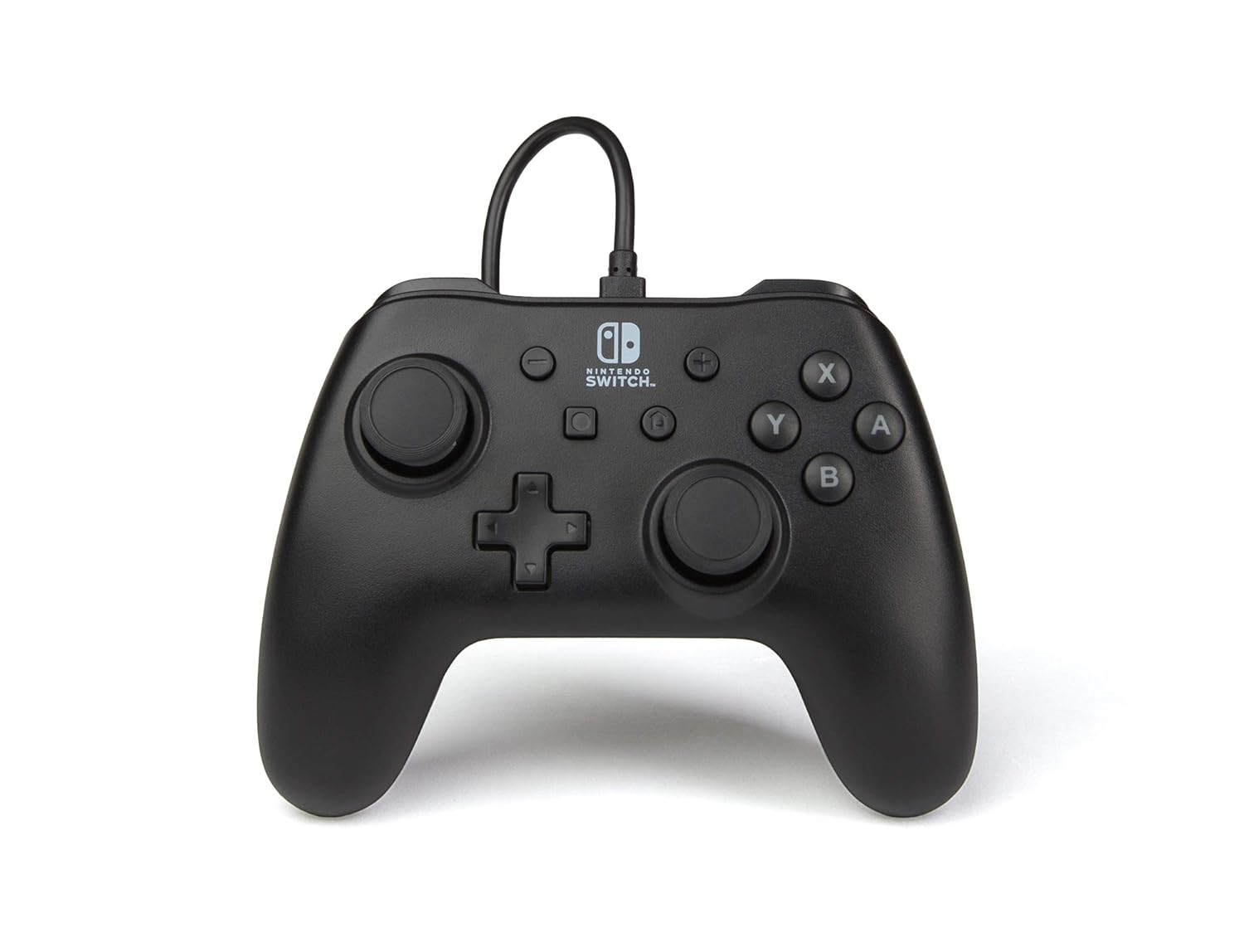
Buy on AmazonPowerA Nintendo Switch Wired Controller - Black, Detachable 10ft USB Cable, No Battery Required, Officially Licensed By Nintendo
Budget-conscious players who primarily use their Switch docked and do not need wireless freedom.
Officially licensed by Nintendo with a detachable 10ft USB cable and no battery required, meaning zero charging downtime.
Wired only, so it cannot be used in handheld mode or away from a USB port, limiting flexibility significantly.
Budget
- Officially licensed by Nintendo
- No battery needed
- Long detachable cable included
- Wired only, no handheld use
- No wireless or motion features
The most affordable option on this list and a practical no-frills pick for docked play.
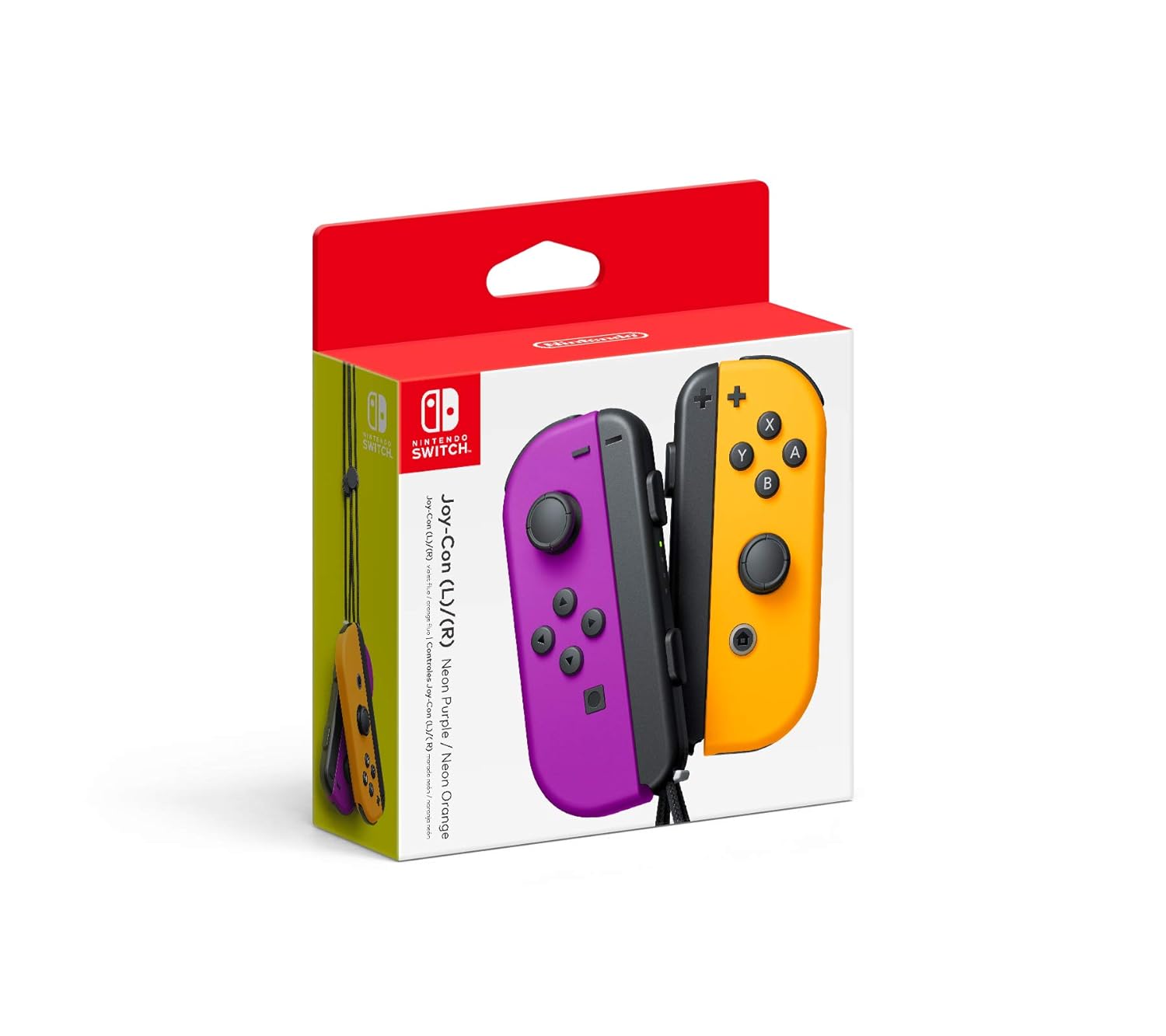
Buy on AmazonNintendo Neon Purple/Neon Orange Joy-Con (L-R) - Switch
Switch owners who want official Nintendo Joy-Con in a bold color combo and full motion control support.
Each Joy-Con includes an accelerometer and gyro-sensor plus a full button set, allowing independent single-hand use or combined grip play and handheld attachment.
Priced near the top of this set without adding any features beyond what the similarly priced Neon Pink/Green pair offers.
Premium
- Official Nintendo hardware
- Gyro and accelerometer built in
- Multiple play styles supported
- Near the top of the price range here
- No extra features over lower priced third party options
Solid official Joy-Con choice in a fun colorway, but you pay a premium for the Nintendo badge.
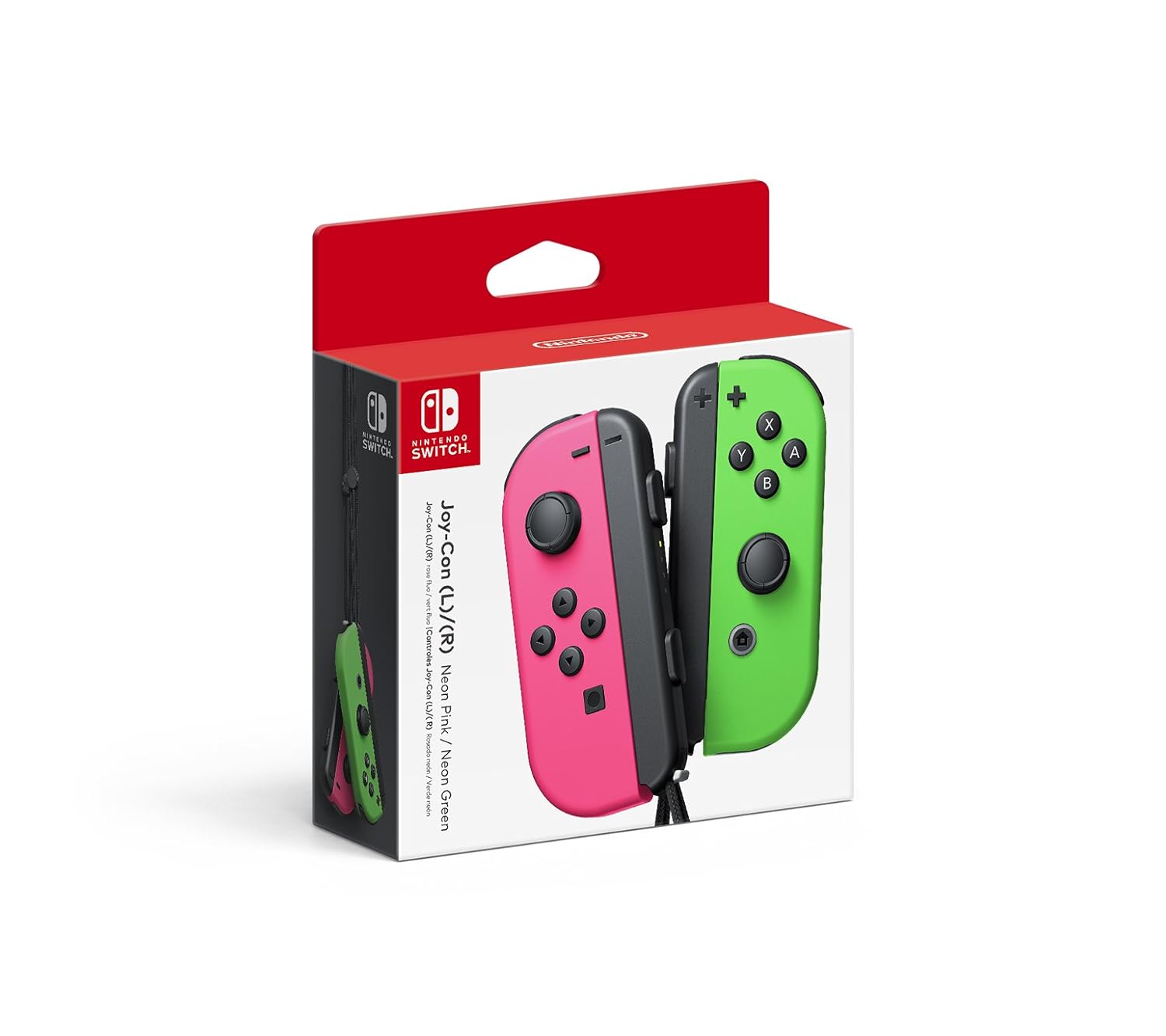
Buy on AmazonNintendo Joy-Con (L/R) - Neon Pink/Neon Green
Switch owners who specifically want the Neon Pink and Neon Green color combination and the assurance of official Joy-Con hardware.
Identical full Joy-Con feature set including gyro, accelerometer, and independent controller use, with official Nintendo build quality.
The most expensive product on this list, with no added functionality over the less costly Joy-Con pair.
Premium
- Official Nintendo build
- Full motion controls included
- Versatile play modes
- Most expensive on this list
- No functional advantage over cheaper alternatives
The priciest pick here and best reserved for those who specifically want this colorway from Nintendo.
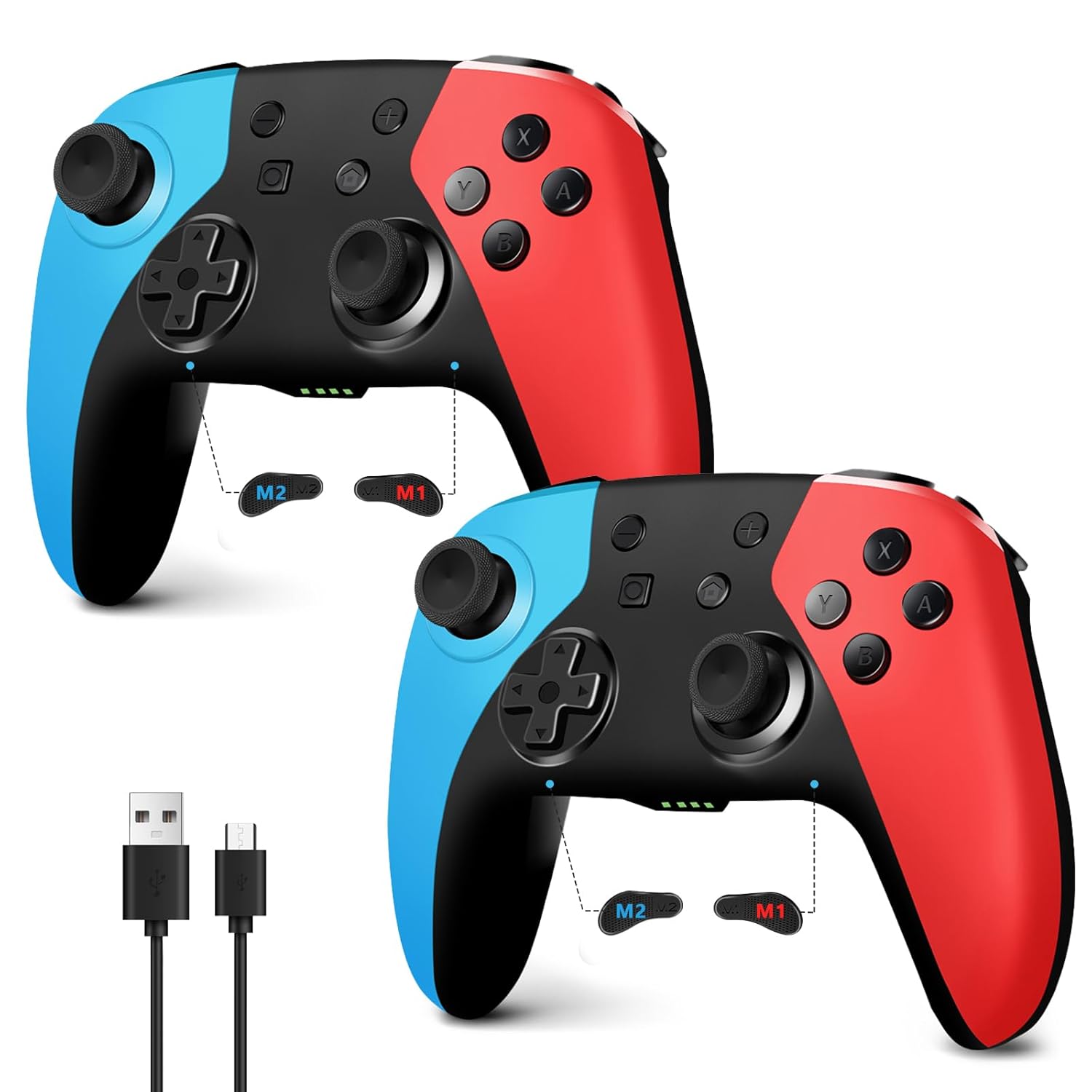
Buy on AmazonAceGamer 2 Pack Wireless Controller for Nintendo Switch/Lite/OLED/Switch 2, Hall Effect Joystick for Switch 2 Pro Controller with Wake-Up/Turbo/Dual Vibration/Programmable (Red+Blue)
Switch 1 and Switch 2 owners who want a two-controller value pack with drift-resistant joysticks.
Hall effect joysticks address joystick drift at the hardware level, a meaningful long-term reliability upgrade over standard potentiometer sticks.
Third-party hardware with no official Nintendo manufacture, and warranty support depends entirely on AceGamer rather than Nintendo.
Mid-range
- Hall effect joysticks resist drift
- Two controllers included
- Compatible with Switch 1 and Switch 2
- Not an official Nintendo product
- Warranty handled by third party only
A strong two-pack value with drift-proof sticks that works across the Switch family including Switch 2.
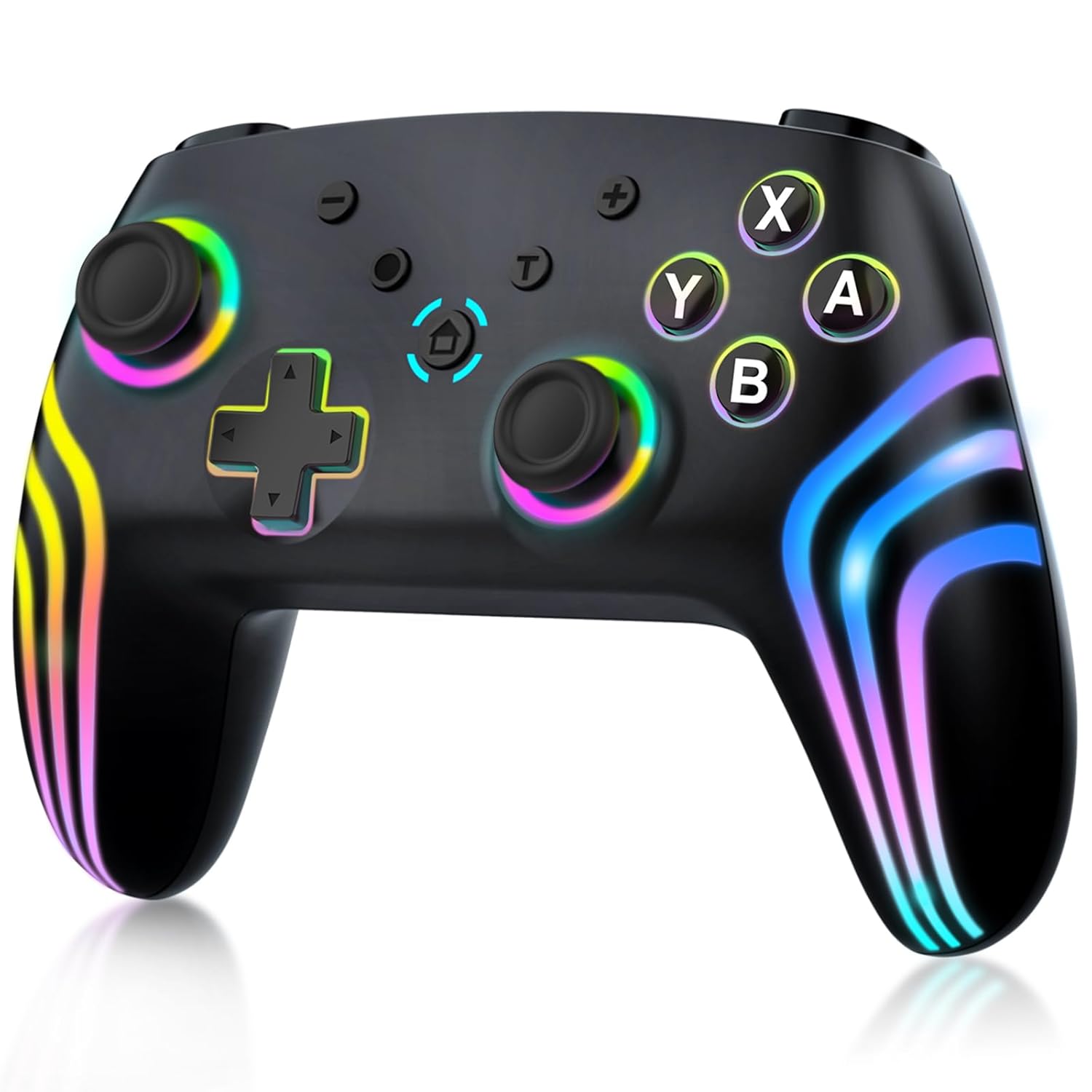
Buy on AmazonMYSTILUCK Wireless Pro Controller for Switch/Switch 2/Lite/OLED/PC, Gamepad with 7 Color-Changing RGB Lighting/Dual Vibration/6-Axis Gyroscope/Turbo, Ergonomically Designed Precise Joystick
Casual players who want a colorful wireless controller for Switch or Switch 2 at the lowest possible cost.
Includes dual vibration, 6-axis gyroscope, Hall effect buttons, and turbo function in a very competitive price package.
The HOME button cannot wake up the Switch 2 console and there is no C button for voice chat, limiting compatibility with Switch 2 specific features.
Budget
- Hall effect inputs included
- 6-axis gyroscope on board
- 7 color RGB lighting modes
- Cannot wake Switch 2 from home button
- No C button for Switch 2 voice chat
A very affordable wireless option with gyro and Hall effect inputs, but missing a couple of Switch 2 specific functions.
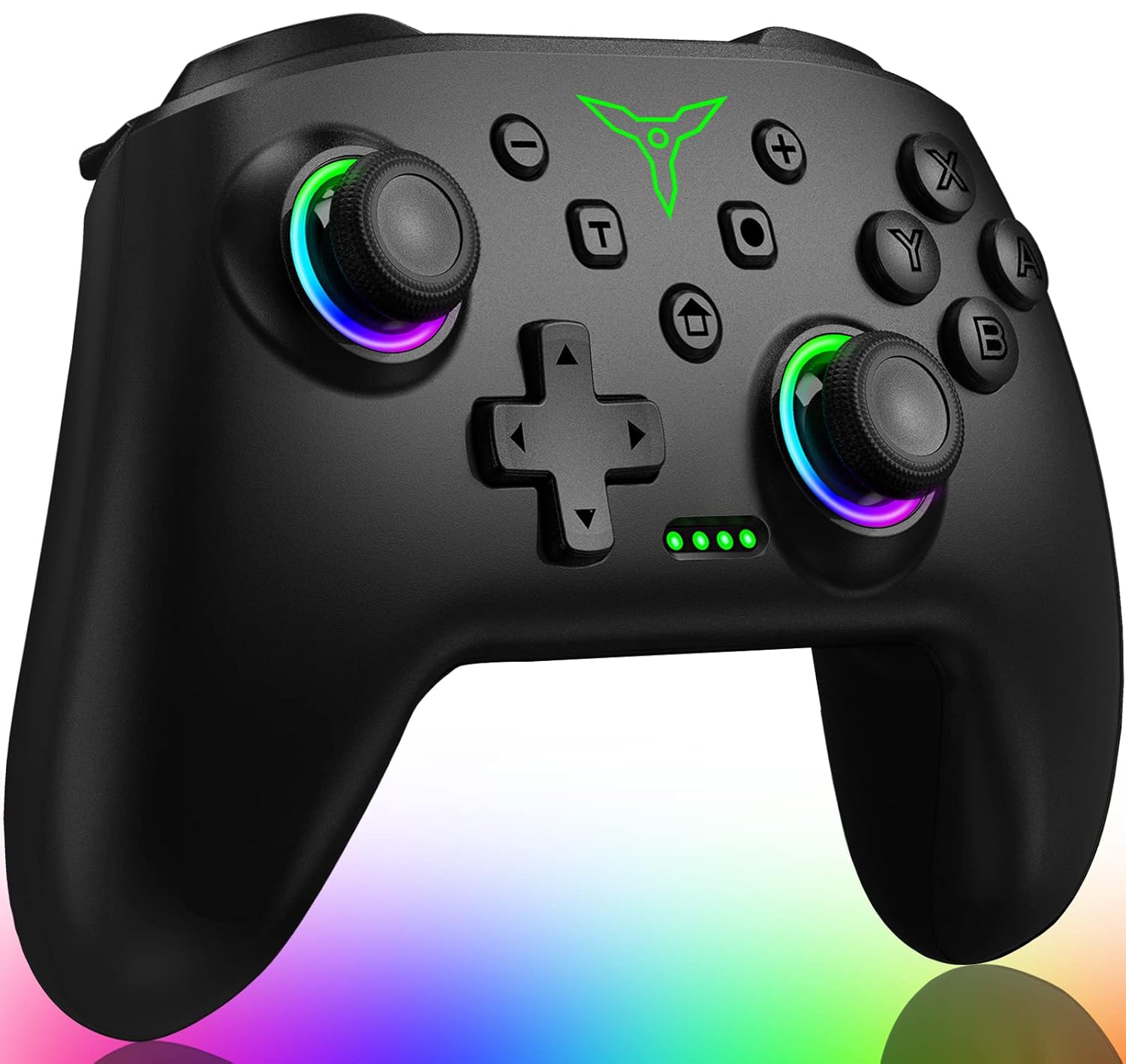
Buy on AmazonSwitch Controller, Wireless Switch Controller Compatible with Switch Controller 1/Switch 2/Switch Lite/OLED, Wireless Switch Controllers Work with iOS/Android/PC with RGB Light, Programmable, TURBO & Wakeup
Versatile gamers who want one controller that works across Switch, iOS, Android, and PC without switching devices.
Cross-platform wireless support covering Switch consoles, iOS MFI games, Android HID games, and PC via USB X-Input makes it the most versatile option in this set.
Compatibility spans many platforms but the description does not confirm Hall effect joysticks, leaving drift resistance unverified compared to some rivals here.
Mid-range
- Works on Switch, iOS, Android, and PC
- 2 programmable back buttons
- Wired and wireless modes available
- Hall effect joysticks not confirmed in specs
- Third-party build with no official license
The go-to pick for players who game across multiple platforms and want a single controller to handle them all.
Buy on AmazonWhether you’re sticking with your existing Joy-Cons, grabbing a Pro Controller, or exploring a third-party alternative, there are plenty of solid options to keep your Switch 2 gaming sessions running smoothly. The good news is that compatibility is broader than many people expected, so you likely won’t need to replace everything at once. Take a look at the links above and see which option fits your setup and budget best. A little research now can save you from buying something that doesn’t quite work the way you hoped. Happy gaming, and thanks for reading!
Frequently asked questions
Which Nintendo Switch 1 controllers actually work on Switch 2?
Original Joy-Cons are confirmed compatible with Switch 2, though they connect via an adapter or the new rail system depending on the configuration. The Nintendo Switch Pro Controller from Switch 1 also carries over. Third-party wired controllers like the PowerA Wired Controller can work through the USB-A or USB-C port on the dock, since they do not rely on wireless pairing protocols that might differ between generations. If you are unsure about a specific third-party pad, checking whether it is officially licensed by Nintendo is a reliable signal that basic compatibility has been validated.
Are third-party wireless controllers for Switch 2 actually worth buying over official Joy-Cons?
Third-party wireless controllers tend to offer a fuller ergonomic grip and extra features at a lower cost than buying a fresh set of official Joy-Cons. Options like the AceGamer and MYSTILUCK pads include Hall Effect joysticks, which use magnets instead of potentiometers and can reduce the stick drift that some players experience with standard controllers over time. The tradeoff is that third-party pads may lack features tied to official firmware, such as HD Rumble precision or NFC amiibo support. For everyday gaming and local multiplayer they can deliver strong value, but competitive or feature-specific play may still favor the official hardware.
How hard is it to set up a third-party Switch 2 controller for the first time?
Most third-party wireless controllers use Bluetooth pairing, which means you hold a sync button until the controller enters pairing mode and then connect it through the Switch console menu. Wired options like the PowerA controller are even simpler because they need no pairing at all, just plug into a USB port and the console recognizes the device. Some multi-platform controllers such as the MYSTILUCK and the unnamed Switch Controller in the lineup include a mode switch button so you select the correct platform (Switch, PC, iOS, Android) before pairing. The whole process generally takes under two minutes regardless of which option you choose.
Will Joy-Cons or pro-style controllers hold up to heavy daily use over time?
Official Joy-Cons are built to Nintendo’s own standards, but their joystick mechanisms have attracted attention for potential drift after extended use. Third-party controllers using Hall Effect joysticks, such as the AceGamer 2 Pack, are designed to address this because the magnetic sensing element does not rely on physical contact that wears down. Wired controllers like the PowerA pad have fewer moving electronic parts to fail since there is no battery or wireless module to degrade. For longevity, look for controllers that advertise Hall Effect sticks or at least carry a manufacturer warranty as a baseline assurance of build confidence.
Can any of these controllers work across multiple devices like PC or mobile, not just Switch?
Several third-party options in this lineup are explicitly designed as multi-platform pads. The MYSTILUCK controller lists Switch, Switch 2, PC, and mobile compatibility, and the unnamed Switch Controller in the lineup adds iOS and Android support. The PDP Afterglow Wave is built with Switch 2 and Switch family devices as its focus and may have limited support elsewhere. Official Nintendo Joy-Cons and the PowerA licensed wired controller are optimized for the Switch ecosystem and are not designed for native PC or mobile use without additional software or adapters. If you want one controller that covers gaming on multiple platforms, a third-party multi-mode option is the practical pick.